

Add Logo to Video. Your badge on every frame.
Your logo in the corner you pick, at the size and opacity you pick.
Put my logo in the top right corner of this video.Open in chatEverything on this page was made on Treza. See pricing
Six spots
Any corner, or centered top or bottom.
Your size
From a small credit badge to co-branding.
Watermark opacity
Solid, or faded into the footage.
Three shapes
Circle, rounded corners, or your file as is.
Transparent logos
A PNG's own transparency is kept.
Sound untouched
Audio copied as it is, same length.
Three videos, three badges
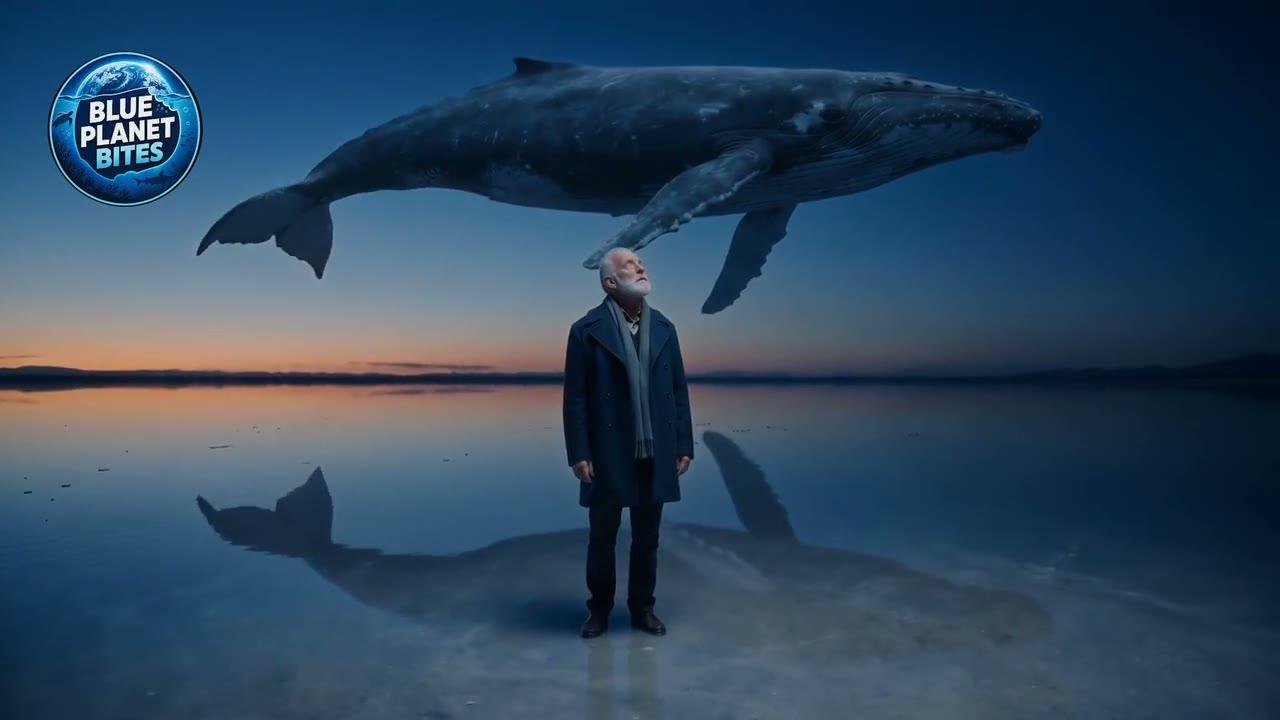
The card shows where the logo sits and how it was set.
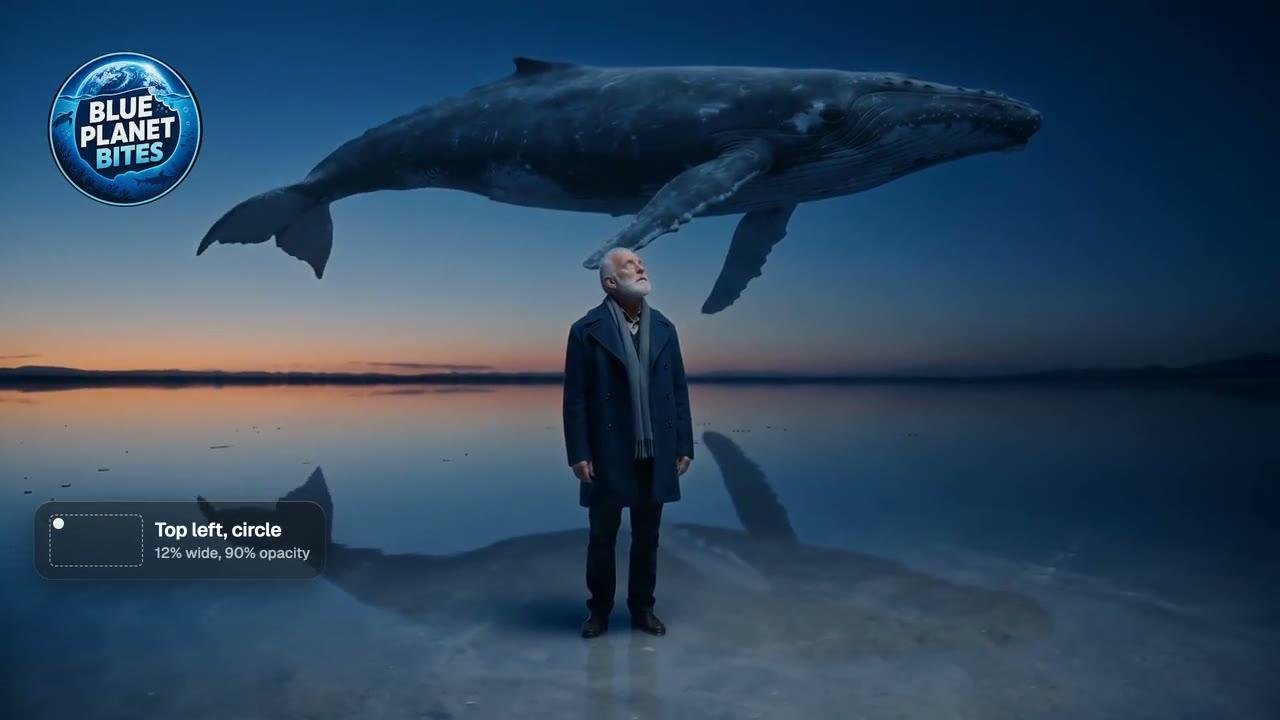
A channel badge
Circle, top left, 12% wide.
Overlay
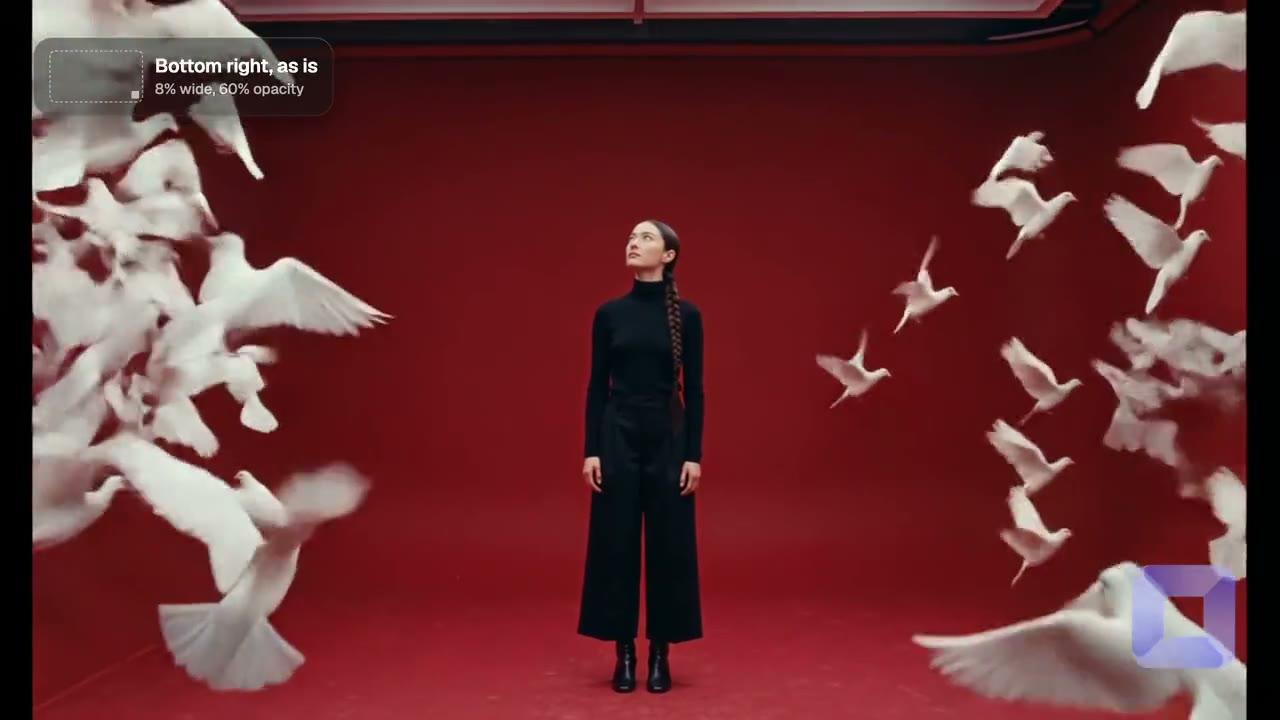
A faded watermark
Bottom right at 60% opacity.
Overlay

A podcast logo
Rounded, top right, 18% wide.
Overlay
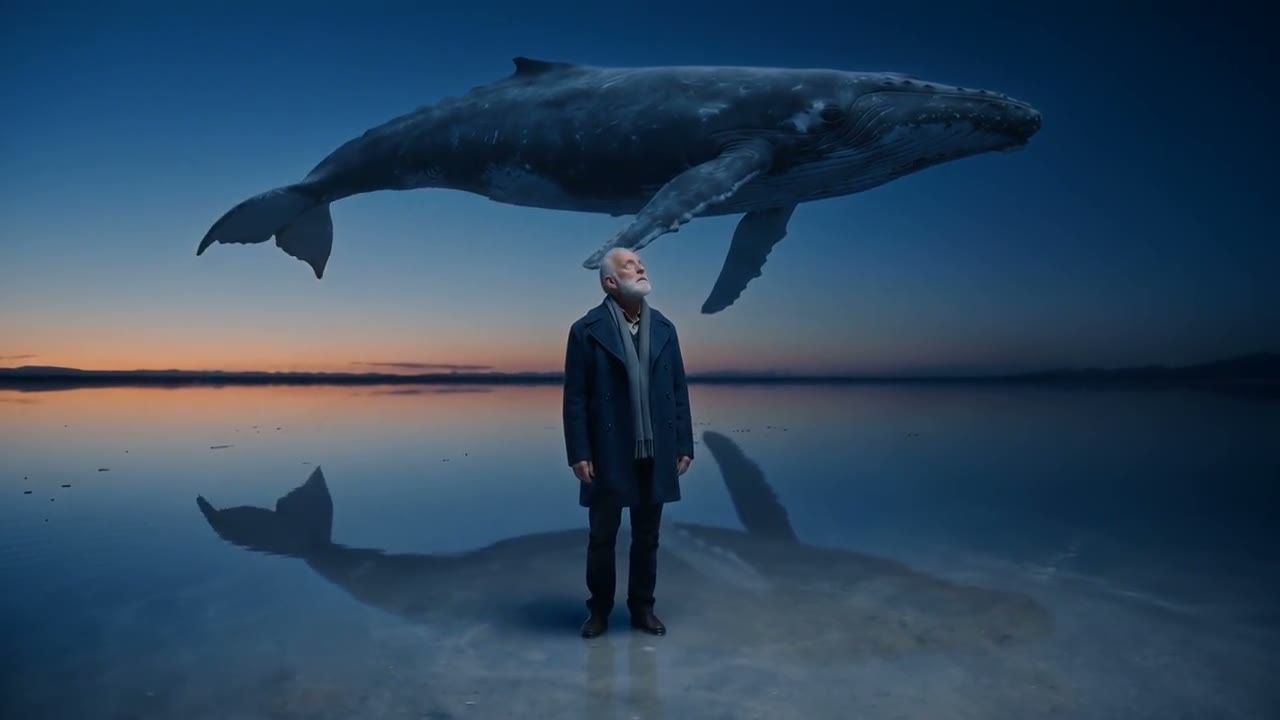
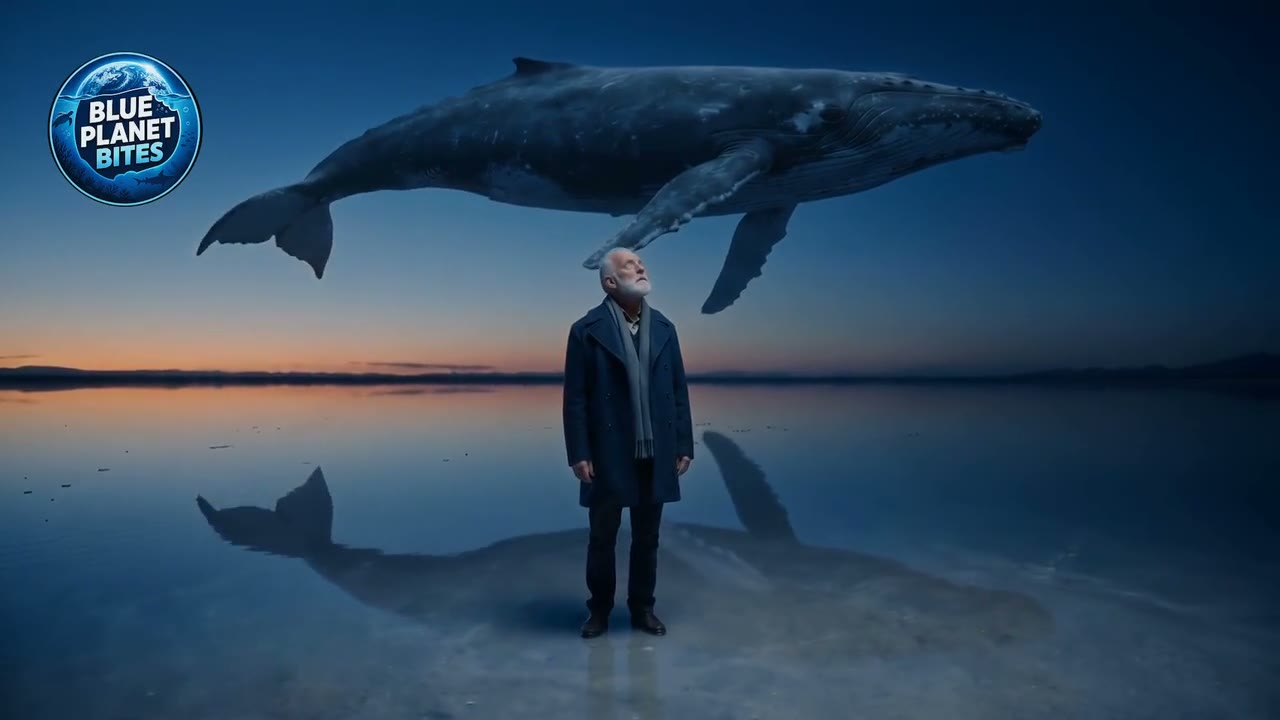
Without and with
Same seconds, one node apart.
From idea to finished video
- Step 01
Attach the video
In chat or on the canvas.
- Step 02
Add your logo
A PNG or JPG of your mark.
- Step 03
Pick the spot
Corner, size, shape and opacity.
- Step 04
Get it back
The same video, badged on every frame.
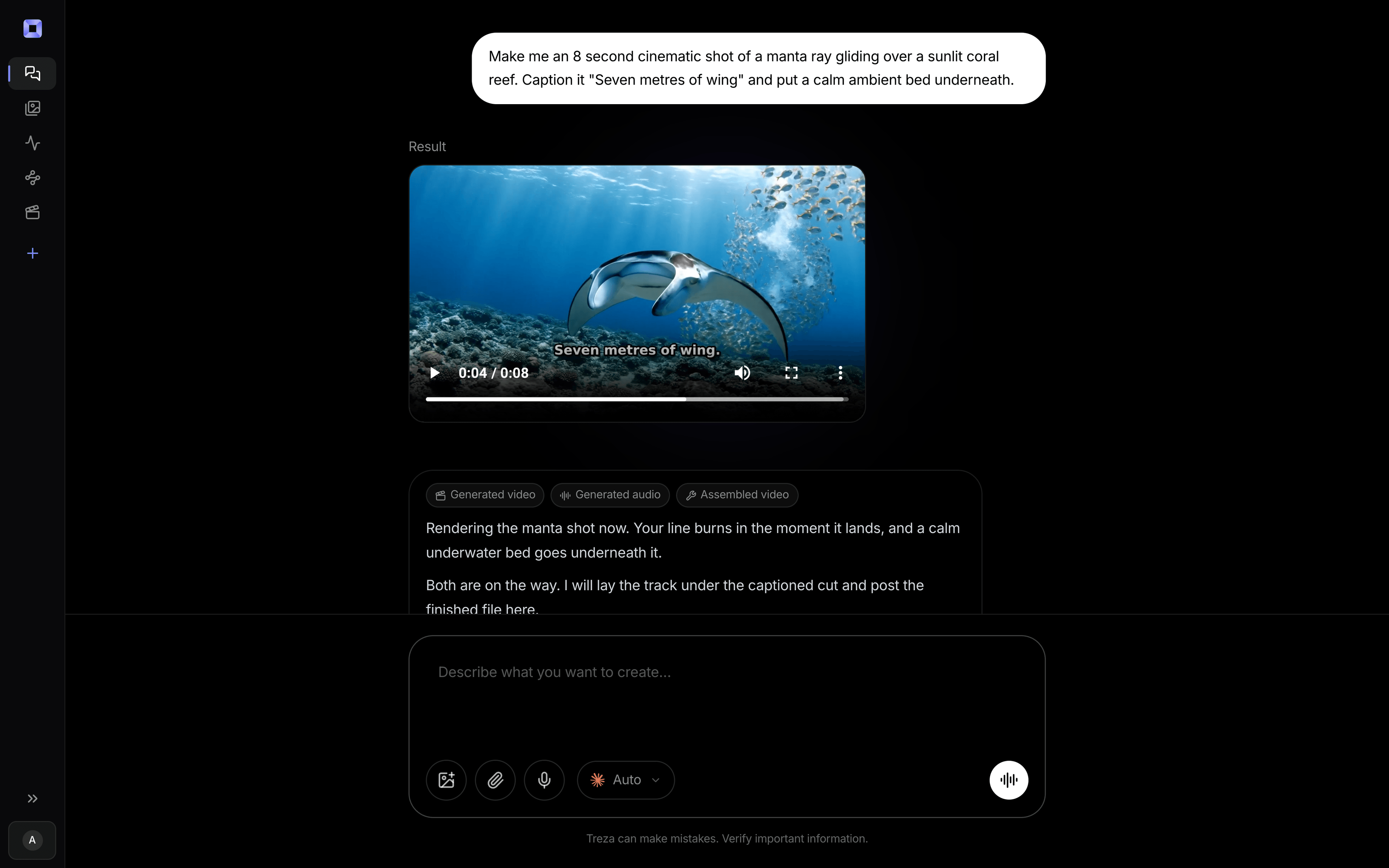
One sentence, in the words you would use out loud.
What people build with it
Channel branding
Your channel art on every Short.
Watermarks
A faded mark on work you share.
Podcast clips
The show's artwork in the corner.
Client videos
Their logo where they want it.
Product ads
Your brand on screen the whole time.
Pictures too
A logo on a still comes back as a PNG.
Add logo to video, answered
How do I add a logo to a video?
Attach the video and your logo, say which corner, and the logo is burned onto every frame.
Can I make it a faded watermark?
Yes. Set the opacity anywhere from 10% to 100%.
Does my logo keep its transparent background?
Yes. A PNG with transparency keeps it, so only your mark shows.
Does it change the sound or the length?
No. The audio is copied as it is and the video keeps its length.
How much does it cost to make a logo overlay with Treza?
Treza runs on prepaid credits with no subscription. Each generation is charged at the model's own rate from your balance, and a failed generation costs nothing. A typical video generation settles around $1.06, and credit packs start at $5 and never expire.
Can I call this as an API instead of using the canvas?
Yes. Every pipeline can be published as a versioned HTTP endpoint. Call the typed /invoke endpoint with JSON in and JSON out, or point any OpenAI SDK at the OpenAI-compatible endpoint. Swap a model on a node later and the API your product calls does not change.
Do I need to know how to edit video?
No. Start from a template, change the topic, and run it. If you do want frame-level control, the timeline editor is there with multi-track video and audio, per-clip trims, fades, and volume, but nothing about the automated path requires opening it.
Related tools
YouTube Shorts thumbnail
Shorts channels that want a designed tile on every video
Auto zoom video
Talking videos that need a beat of emphasis
FFmpeg online
One-off video edits no other tool covers
AI video caption generator
Word-timed captions burned into every video
See every tool, compare the models, read what an AI video pipeline is, or earn 30% sharing these tools.
Your first video is one prompt away.
Generate your first video, image, or draft today. Prepaid credits, no subscription.