
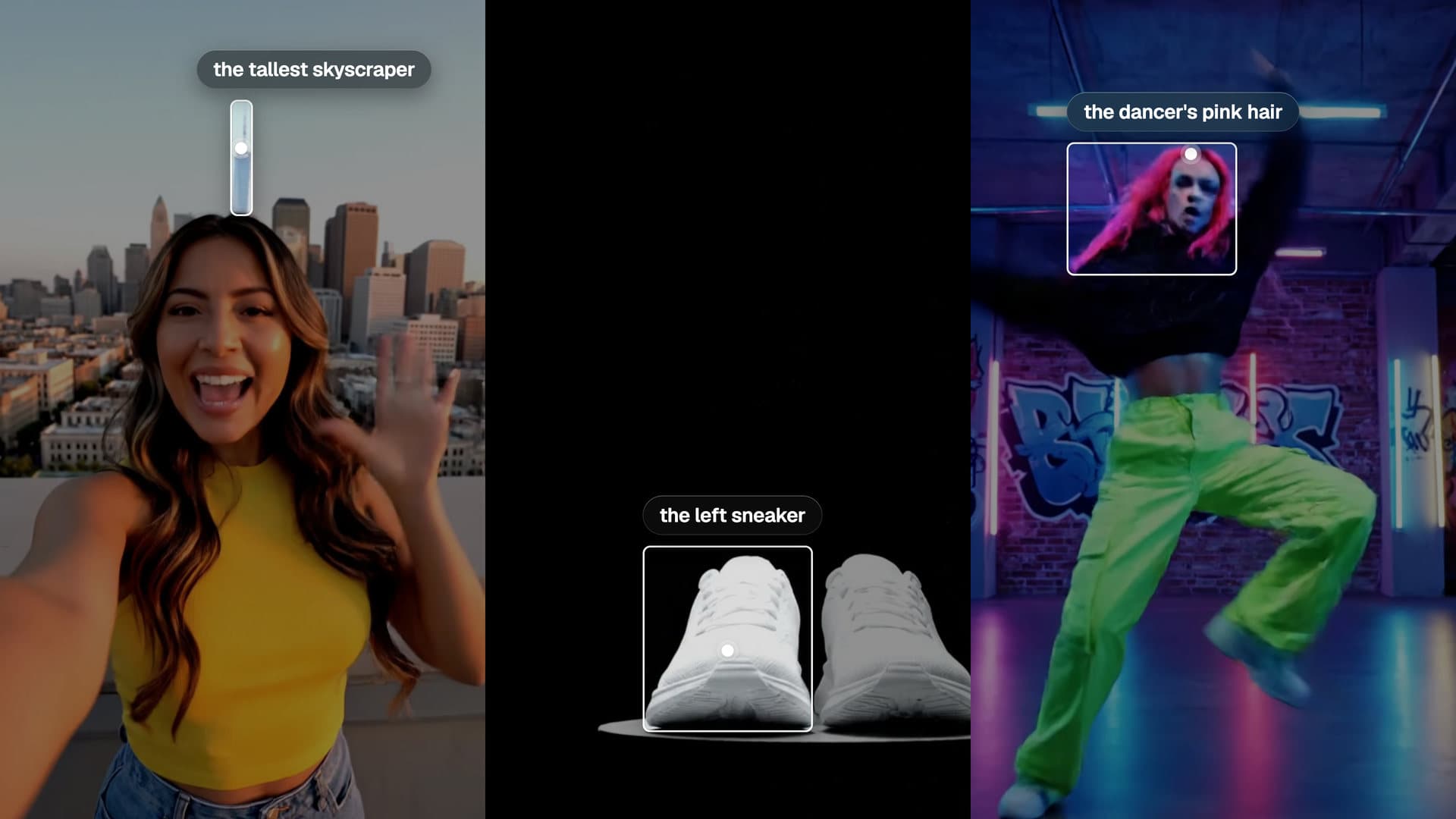
AI Object Detection. Find anything in a frame by name.
Name it in plain words. Get back a box, a point to aim at, and its shape.
Find the logo in this picture and show me where it is.Open in chatEverything on this page was made on Treza. See pricing
Plain words, not classes
The tallest skyscraper. The left sneaker. No fixed list of labels.
A box and a point
Where it is, and the spot a label should touch.
Its shape too
Mask precision traces the outline for cut-outs and crops.
Images or video
Pick which second of a video to read.
A gate if you want one
Stop the run when the subject isn't in the shot.
Looks twice
A miss is asked again before it counts.
Ask for it by name
Each box is what Find in Frame answered, drawn where it said.
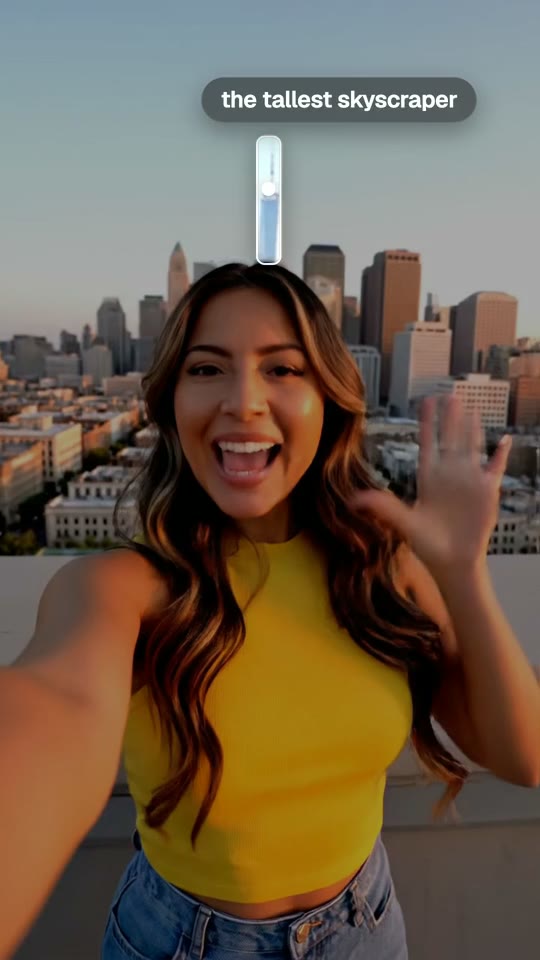
The tallest skyscraper
A detail behind the subject, not the subject.
Find in Frame
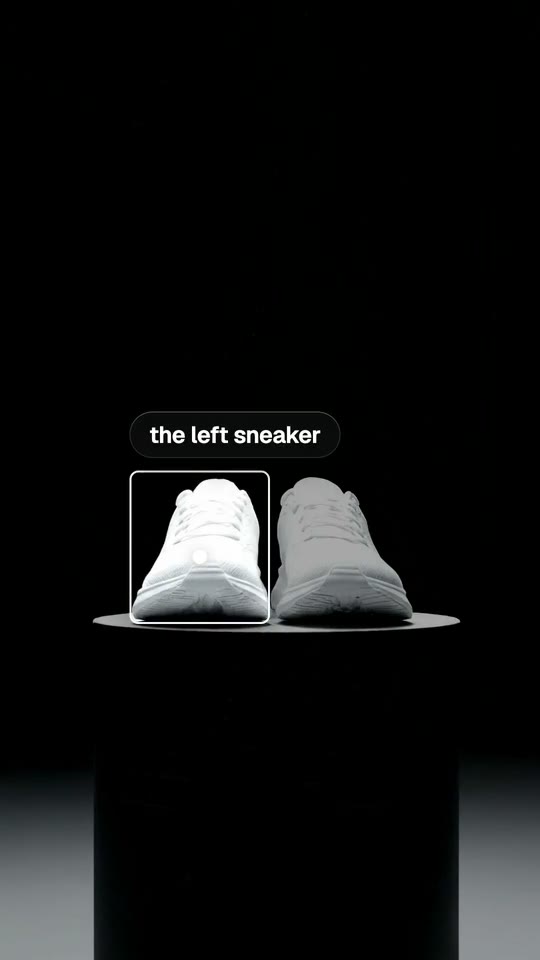
The left sneaker
One of two that look the same.
Find in Frame
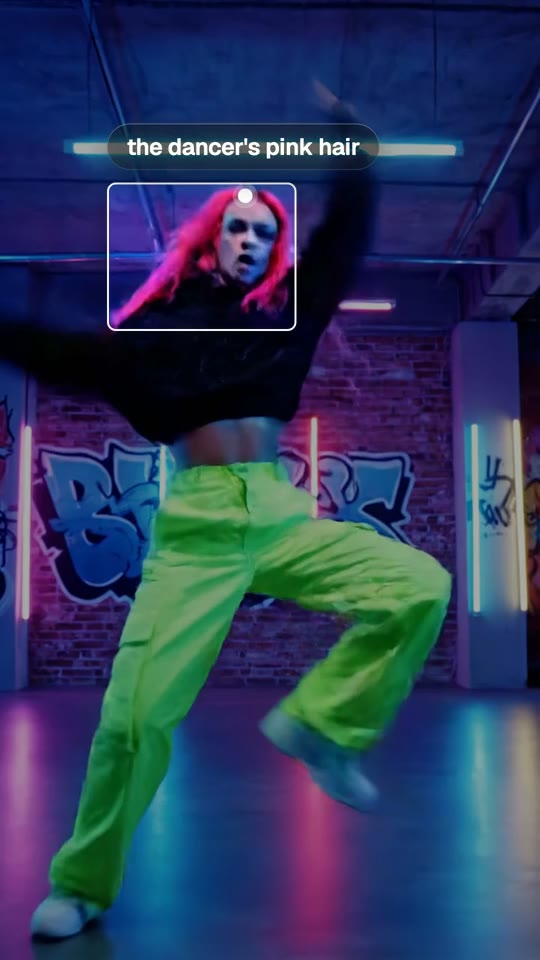
The dancer's pink hair
Part of a person, with a point to aim at.
Find in Frame
From idea to finished video
- Step 01
Attach a picture or a video
In chat, or on the canvas.
- Step 02
Say what to find
The presenter. The logo on the mug.
- Step 03
Get where it is
A box, a point and a mask.
- Step 04
Use it
Aim a callout, crop to it, or branch on it.
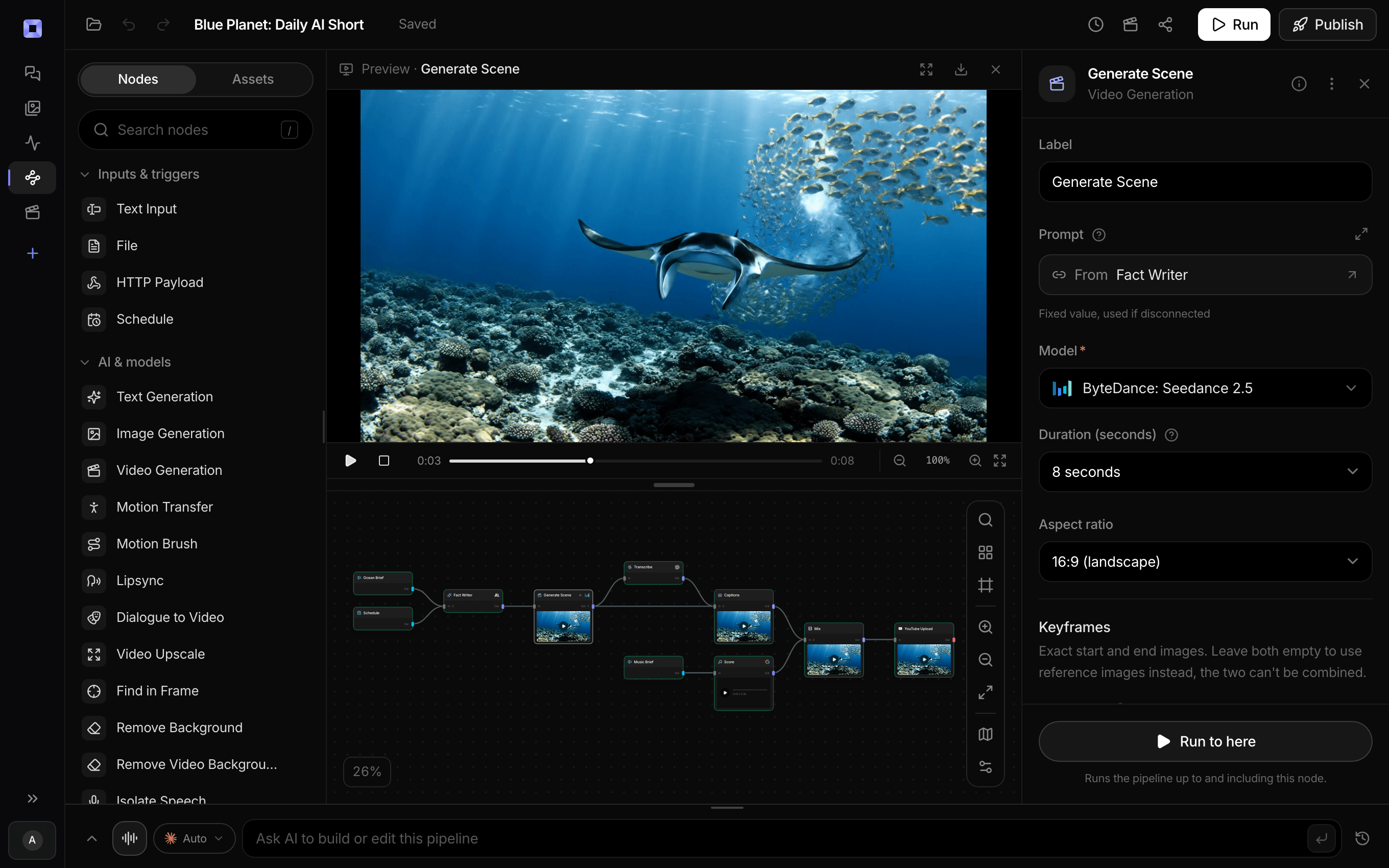
Ask for the pipeline in the composer, or send it from Claude over MCP.
What people build with it
Callouts that land
Labels in our ocean shorts point at the animal this way.
Crop to the subject
Reframe a wide shot around what matters.
Is it in the shot?
Fail a run when the product never shows up.
Find it, then remove it
Remove Object starts by finding what you named.
Logo on screen
Confirm the logo is there at the second that matters.
Thumbnails
Aim the crop at the face, not the middle.

AI object detection, answered
Do I need to train a model?
No. Describe the thing. There are no classes to set up.
What does it return?
A box and a point as fractions of the frame, and a mask image of its shape.
Which model does it use?
Gemini 3.8 Flash by default. Any vision model can be picked instead.
What if it isn't there?
It looks twice, then warns and carries on, or stops the run if you set it to.
How much does it cost to make an object detection with Treza?
Treza runs on prepaid credits with no subscription. Each generation is charged at the model's own rate from your balance, and a failed generation costs nothing. A typical video generation settles around $1.06, and credit packs start at $5 and never expire.
Can I call this as an API instead of using the canvas?
Yes. Every pipeline can be published as a versioned HTTP endpoint. Call the typed /invoke endpoint with JSON in and JSON out, or point any OpenAI SDK at the OpenAI-compatible endpoint. Swap a model on a node later and the API your product calls does not change.
Do I need to know how to edit video?
No. Start from a template, change the topic, and run it. If you do want frame-level control, the timeline editor is there with multi-track video and audio, per-clip trims, fades, and volume, but nothing about the automated path requires opening it.
Related tools
Remove object from video
Erasing logos, signs and people from a clip without a mask
AI video quality check
Stopping a wrong clip before it posts
AI YouTube thumbnail generator
YouTube thumbnails built from the video's own frames
See every tool, compare the models, read what an AI video pipeline is, or earn 30% sharing these tools.
Your first video is one prompt away.
Generate your first video, image, or draft today. Prepaid credits, no subscription.