




AI Thanksgiving video maker
A Thanksgiving video that says what you're thankful for
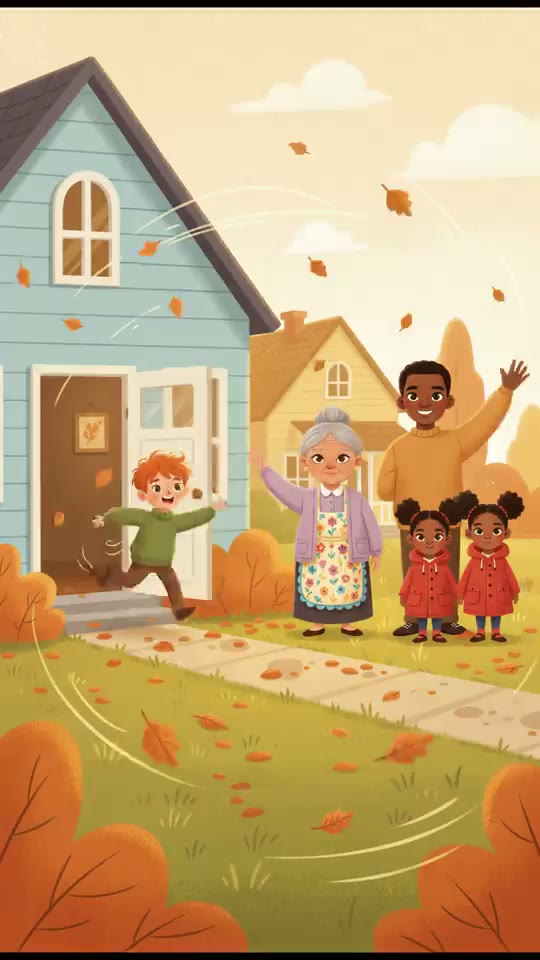
Write who you are thankful for and why, or the story of this year's table. Treza draws it in five scenes, a narrator reads it, and the captions are burned in.
Everything on this page was made on Treza.
Your thanks, in your words
It keeps the names and the moments you wrote, and tells a longer note in about a minute.
Drawn in a warm style
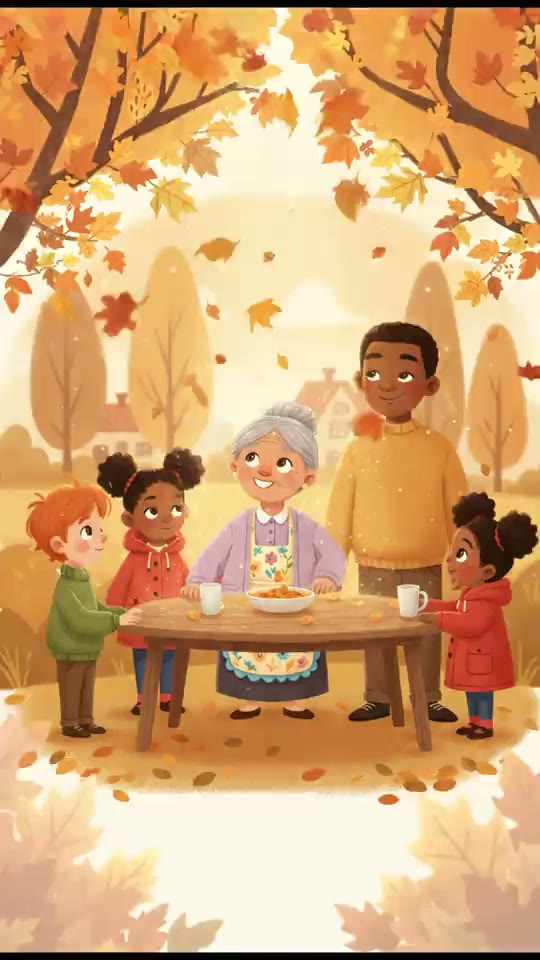
Autumn watercolor, a soft 3D cartoon or a storybook look. The characters stay the same in every scene.
Read aloud, with music
One narrator reads it at a calm pace over a music bed made for the mood.
Captions on every line
The narration is burned in as captions, so it plays with the sound off.
In your family's language
Write it in Spanish, English or the language you speak at home, and it is read in that language.
Ready to share
A vertical video to download and send to the family chat or post as a Story.
A Thanksgiving story made on Treza
One cartoon, written, drawn, animated, narrated and captioned in a single run.

Baking the pie
The characters you describe, drawn the same in each scene.
Animated Cartoon

Too big for two
Captions in the narrator's words, for phones on mute.
Animated Cartoon
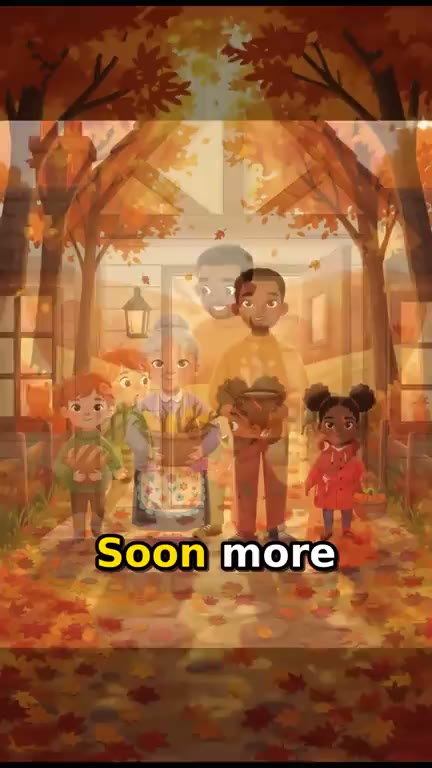
The neighbors arrive
Read aloud over music made for the mood.
Animated Cartoon
From idea to finished video
- Step 01
Write your thanks
Who you are grateful for and why, or what happened this year. A few lines are enough.
- Step 02
Say the look
Add one line about the style, like autumn watercolor or a soft 3D cartoon.
- Step 03
See the price, then make it
The minute-long video is about $0.78 in credits, shown before anything starts.
- Step 04
Play it at the table
Save it, play it before dinner, and send it to everyone who is far away.
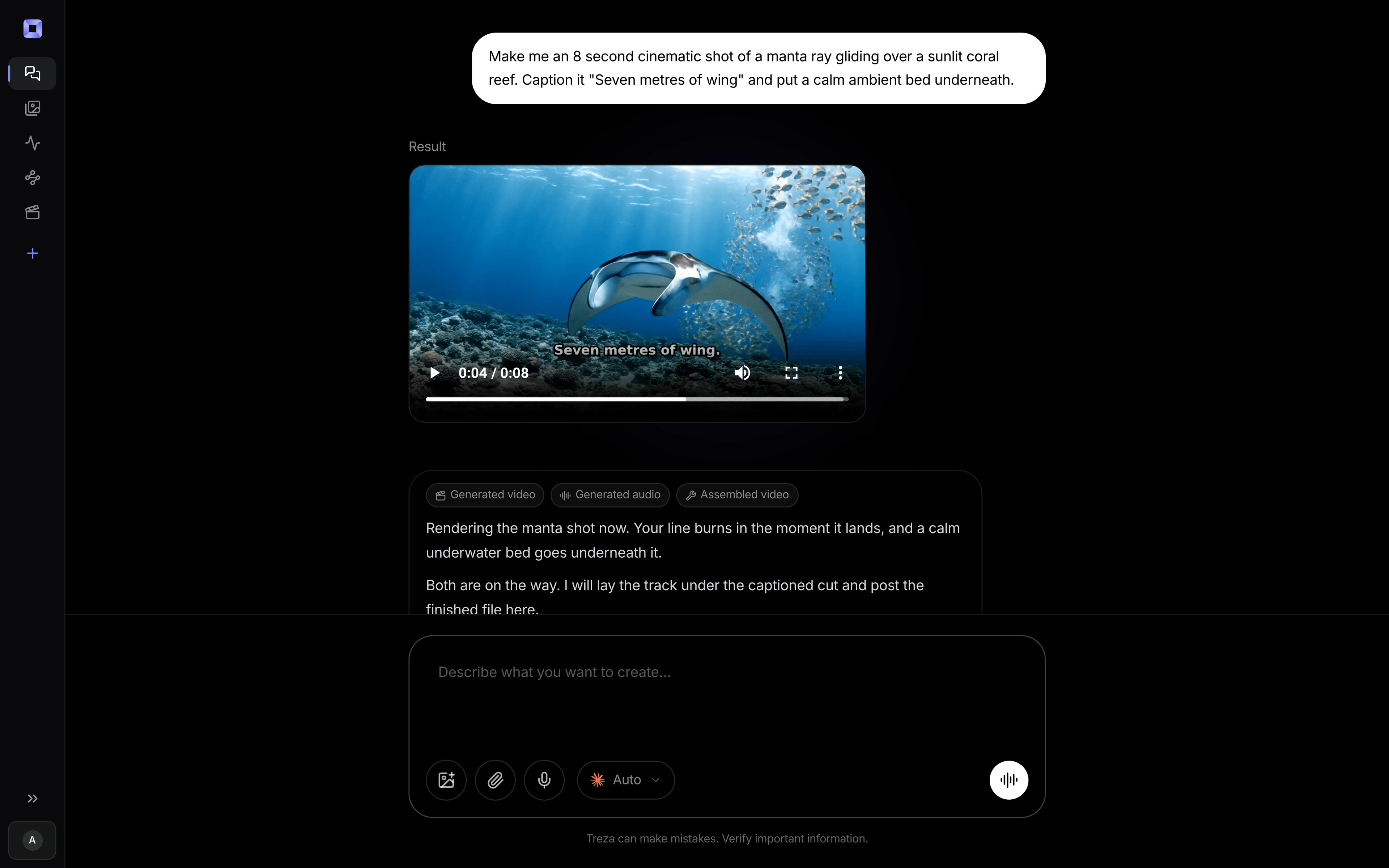
One sentence, in the words you would use out loud.
What people build with it
A thank-you video for the family
The people you are grateful for this year, read aloud before dinner.
A video for grandparents who are far away
A short story from the table, sent to the people who could not come.
A Thanksgiving story for a class
A harvest story or a turkey who escapes the farm, told in five scenes.
A thank-you to your customers
A minute of thanks from a small business, captioned for social.
Thanksgiving Shorts for a channel
A short holiday story for a kids or family channel, captioned for Shorts and Reels.
Say thank you in a minute.
Your words, read aloud over drawn scenes, before the first plate.
AI Thanksgiving video maker, answered
How do I make a Thanksgiving video with AI?
Write a few lines about who you are thankful for, or what happened this year, and add a line about the look. Treza writes the narration, draws five scenes, and adds a narrator, music and captions. The video comes back about a minute long.
Can it name the people at our table?
Yes. The narrator reads the names you write. The scenes draw everyone as cartoon characters, never as real people.
Do I need photos?
No. It is drawn from your words alone, and everyone appears as a cartoon character.
Can the scenes move?
Yes. Ask for the animated version in chat and each scene renders as a moving clip. It costs more, and chat shows the price before anything runs.
How much does it cost to make a Thanksgiving video with Treza?
Treza runs on prepaid credits with no subscription. Each generation is charged at the model's own rate from your balance, and a failed generation costs nothing. A typical video generation settles around $1.06, and credit packs start at $5 and never expire.
Can I call this as an API instead of using the canvas?
Yes. Every pipeline can be published as a versioned HTTP endpoint. Call the typed /invoke endpoint with JSON in and JSON out, or point any OpenAI SDK at the OpenAI-compatible endpoint. Swap a model on a node later and the API your product calls does not change.
Do I need to know how to edit video?
No. Start from a template, change the topic, and run it. If you do want frame-level control, the timeline editor is there with multi-track video and audio, per-clip trims, fades, and volume, but nothing about the automated path requires opening it.
Related tools
AI Christmas video maker
Christmas stories and greetings, narrated and captioned
AI cartoon video generator
Narrated cartoon stories and animated Shorts, in any language
Script to video AI
Scripts, screenplays, and outlines turned into narrated multi-scene video
See every tool, compare the models, read what an AI video pipeline is, or earn 30% sharing these tools.
Your first video is one prompt away.
Generate your first video, image, or draft today. Prepaid credits, no subscription.