
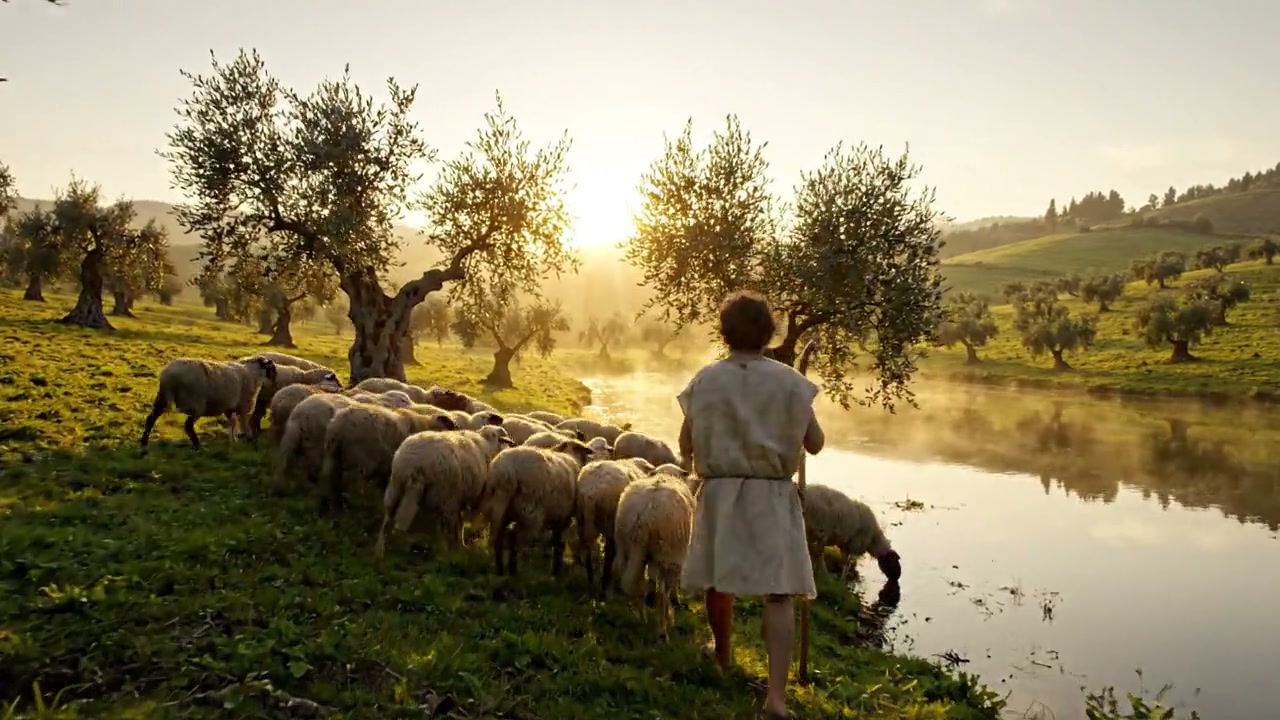
AI Bible video generator
Turn Bible stories into narrated videos
Create Bible story videos, scripture reflections, and devotional Shorts from your own passage or script. Start with a narrated storyboard, or ask for fully animated scenes in chat.
Everything on this page was made on Treza.
Start with a passage or script
Paste your retelling and name the book, chapter, and verses. Give the intended audience and the point you want to explain so the video has a clear focus.
Illustrated or fully animated
The Bible Video starter makes five illustrated scenes with gentle camera movement. For fully animated Bible scenes like the examples below, ask for video generation in chat and review its separate price.
Narration in your language
Write your script in the language you want spoken. Choose a calm devotional voice or a warm storyteller, then listen to the names and pronunciation before sharing.
Captions for every spoken line
Add captions timed to the narration so a Bible story or devotional is easy to follow on a phone, including when the sound is off.
A look for your series
Describe the same visual style and recurring characters in each brief. Use reference images for supported generation models and review every scene for visual consistency.
Review, edit, and download
Check the narration against your source passage, adjust the cut in the timeline editor, and download the finished video. You choose when it is ready to publish.
Three passages, three visual styles
Original scenes made on Treza with Veo 3.1 Lite, with narration and captions added on Treza. These AI-generated interpretations show fully animated video generation; the Bible Video starter uses illustrated stills with camera movement. Review every retelling against your chosen passage.
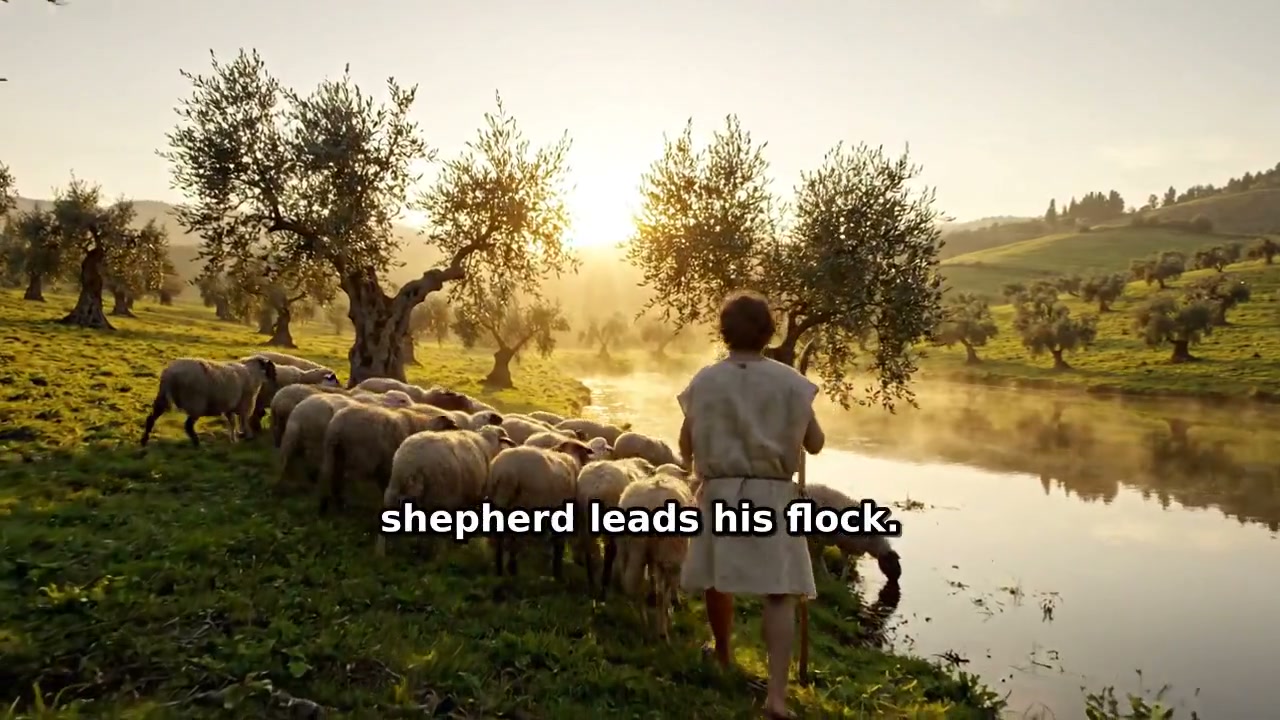
Psalm 23: beside still waters
A quiet cinematic setting for a devotional. Inspired by Psalm 23:1–3.
Watch with narrationVeo 3.1 Lite
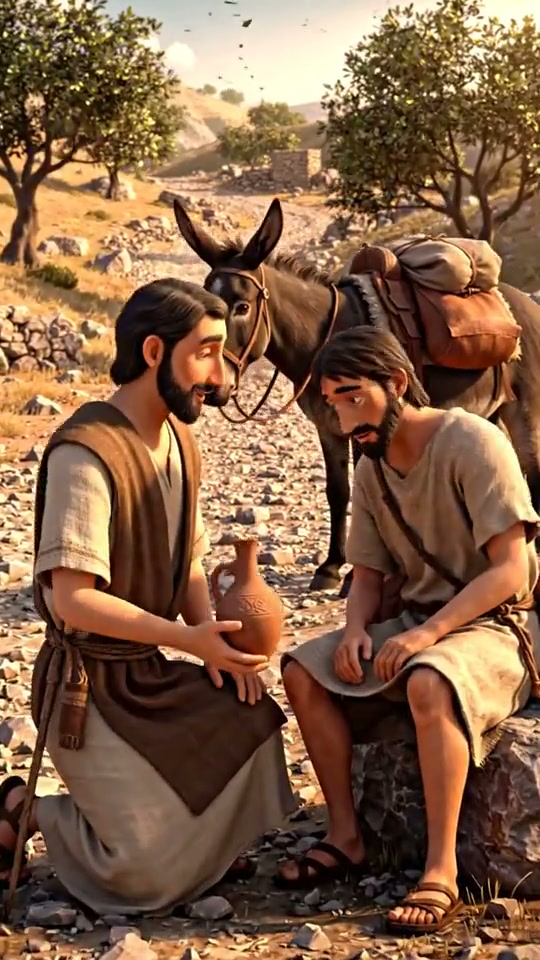
The Good Samaritan
Gentle storybook animation about compassion. Inspired by Luke 10:30–37.
Watch with narrationVeo 3.1 Lite
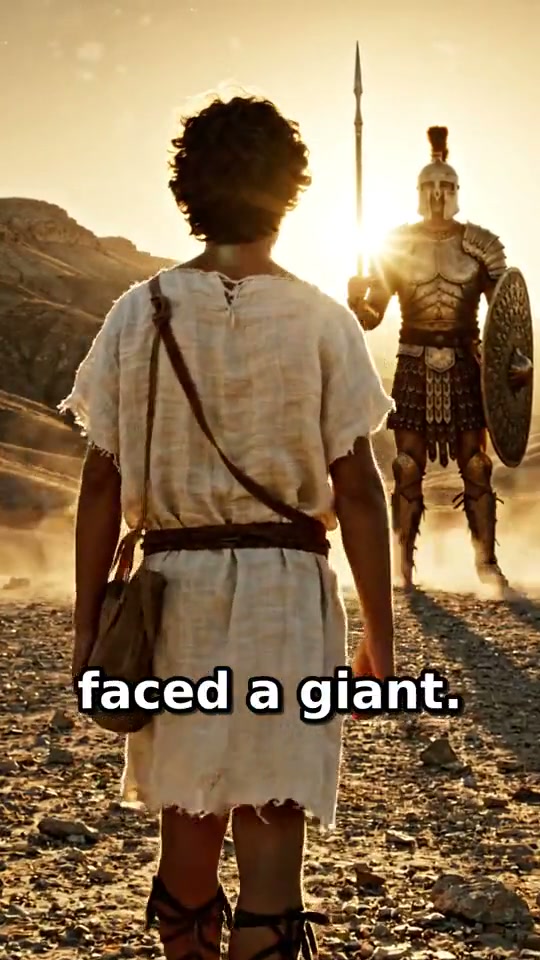
David and Goliath
A cinematic scene about courage before the confrontation. Inspired by 1 Samuel 17.
Watch with narrationVeo 3.1 Lite
From idea to finished video
- Step 01
Choose the passage and audience
Open Bible Video and paste a short retelling, scripture reflection, or script. Include the passage reference, language, and whether it is for children, a study group, or a Shorts audience.
- Step 02
Describe the style
Ask for gentle storybook illustrations or a cinematic biblical setting. The starter uses illustrated stills with camera movement; fully animated clips are a separate option in chat.
- Step 03
Check the price and generate
Review the selected version and price before running. Treza creates the visuals, narration, music, and captions. Start with a short passage and split longer stories into episodes.
- Step 04
Review the passage and publish
Watch the result, verify references and quotations, and check the intended lesson. Edit or regenerate anything that needs correction, then download the video for your channel or lesson.
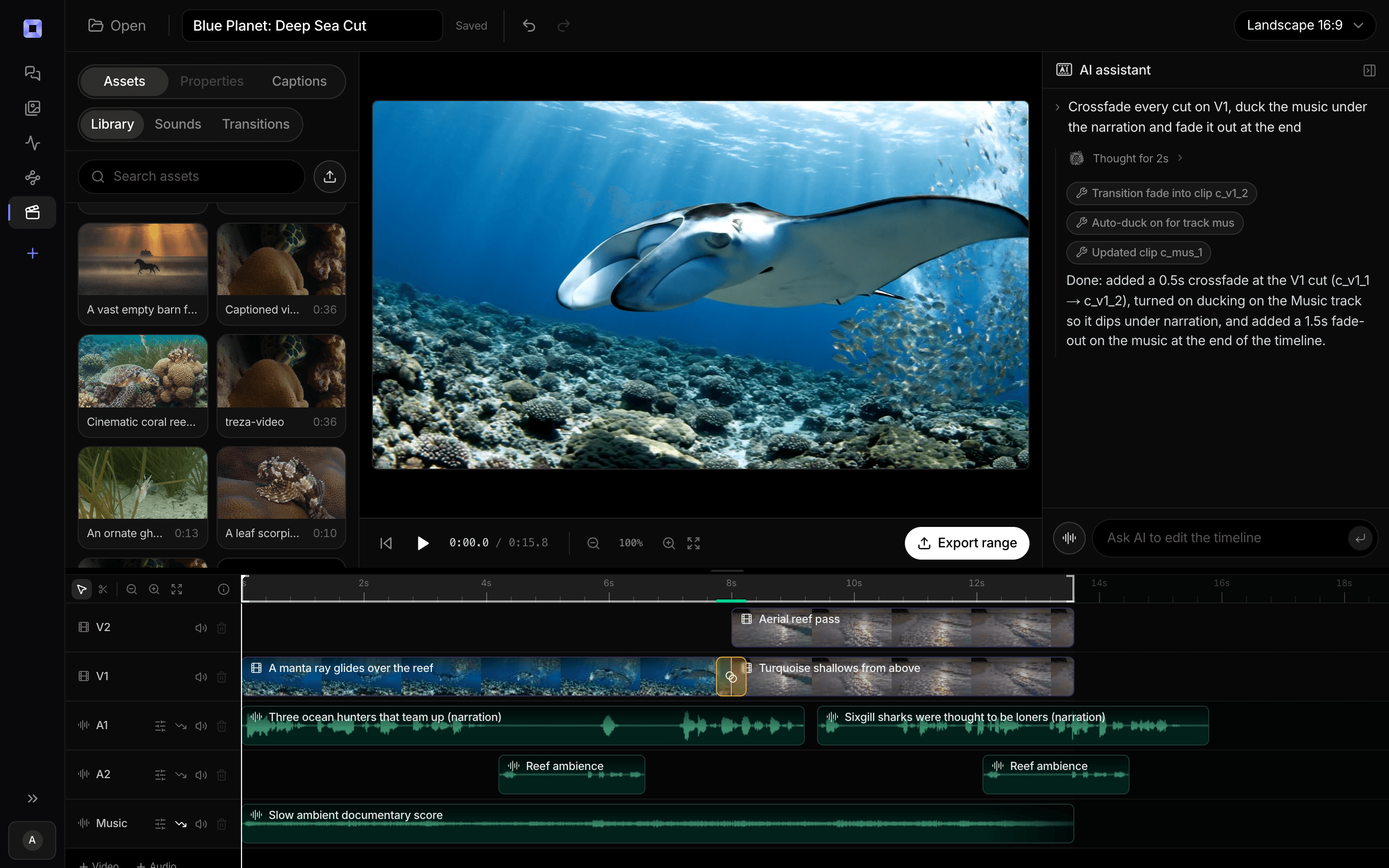
The same video, open in the built-in timeline editor.
What people build with it
Bible story videos
Retell David and Goliath, Ruth and Naomi, or the Good Samaritan with a clear beginning, turning point, and ending. Name the source passage in your brief.
Bible verse videos
Pair a short scripture quotation or your own paraphrase with quiet visuals and narration. Keep the reference and translation clear in your script and published description.
Daily devotional Shorts
Turn one passage and your own reflection into a short vertical video. Reuse the look and narrator for the next episode while changing the passage.
Sunday school stories
Use gentle illustrated scenes, simple narration, and a lesson suitable for your group. A teacher can review the wording and visuals before showing the video.
Christian YouTube videos
Build a series around parables, people, or books of the Bible. Make short episodes first, then arrange the finished clips into a longer video in the editor.
Scripture study introductions
Introduce the setting and themes of a passage, such as Isaiah 30, before a discussion. Use your own study notes to guide the narration and separate explanation from quotation.
One passage. Your next story.
Bring your script, choose a look, and make a narrated Bible video.
AI Bible video generator, answered
What is an AI Bible video generator?
An AI Bible video generator turns a Bible story, passage, or script into visuals and narration. Treza combines image or video generation, voiceover, music, and captions. You provide the passage and interpretation and review the result before publishing.
How do I make a Bible story video with Treza?
Open Bible Video, paste your retelling with its Bible reference, and describe the style and audience. Review the version and price, then generate the narrated video. Check the script and visuals against your passage before downloading or publishing.
Are the Bible videos fully animated?
They can be. The Bible Video starter uses five illustrated stills with gentle camera movement, narration, and captions. For fully animated scenes, ask for video generation in chat. The samples on this page use Veo 3.1 Lite clips with narration and captions made on Treza, rather than outputs of the illustrated starter.
Does AI keep Bible stories and quotations accurate?
Accuracy is not automatic. Supply the source passage and review names, quotations, references, and the lesson yourself. AI visuals are artistic interpretations. Distinguish direct scripture quotations from paraphrase or commentary, and specify any depiction preferences in your brief.
Can I make Bible videos for children?
Yes. Ask for gentle storybook visuals, simple language, and an age-appropriate retelling. Choose which events to depict and have an adult review the finished narration and scenes before sharing them with children.
Can I make devotional videos for YouTube Shorts and Reels?
Yes. The Bible Video starter makes a vertical narrated video suited to short-form viewing. Ask for a concise passage and reflection, review the captions, and download it. A longer passage can become several episodes with the same style.
How much does a Bible story video cost?
The illustrated Bible Video starter is listed at about $0.78 per run, roughly a minute long. Fully animated scenes have separate model-based pricing. Check the version and price before generating; credit packs start at $5, with no subscription. See credit pricing
How much does it cost to make a Bible video with Treza?
Treza runs on prepaid credits with no subscription. Each generation is charged at the model's own rate from your balance, and a failed generation costs nothing. A typical video generation settles around $1.06, and credit packs start at $5 and never expire.
Can I call this as an API instead of using the canvas?
Yes. Every pipeline can be published as a versioned HTTP endpoint. Call the typed /invoke endpoint with JSON in and JSON out, or point any OpenAI SDK at the OpenAI-compatible endpoint. Swap a model on a node later and the API your product calls does not change.
Do I need to know how to edit video?
No. Start from a template, change the topic, and run it. If you do want frame-level control, the timeline editor is there with multi-track video and audio, per-clip trims, fades, and volume, but nothing about the automated path requires opening it.
Related tools
AI cartoon video generator
Narrated cartoon stories and animated Shorts, in any language
Script to video AI
Scripts, screenplays, and outlines turned into narrated multi-scene video
Faceless video generator
Faceless YouTube and TikTok channels that publish on a schedule
See every tool, compare the models, read what an AI video pipeline is, or earn 30% sharing these tools.
Your first video is one prompt away.
Generate your first video, image, or draft today. Prepaid credits, no subscription.