
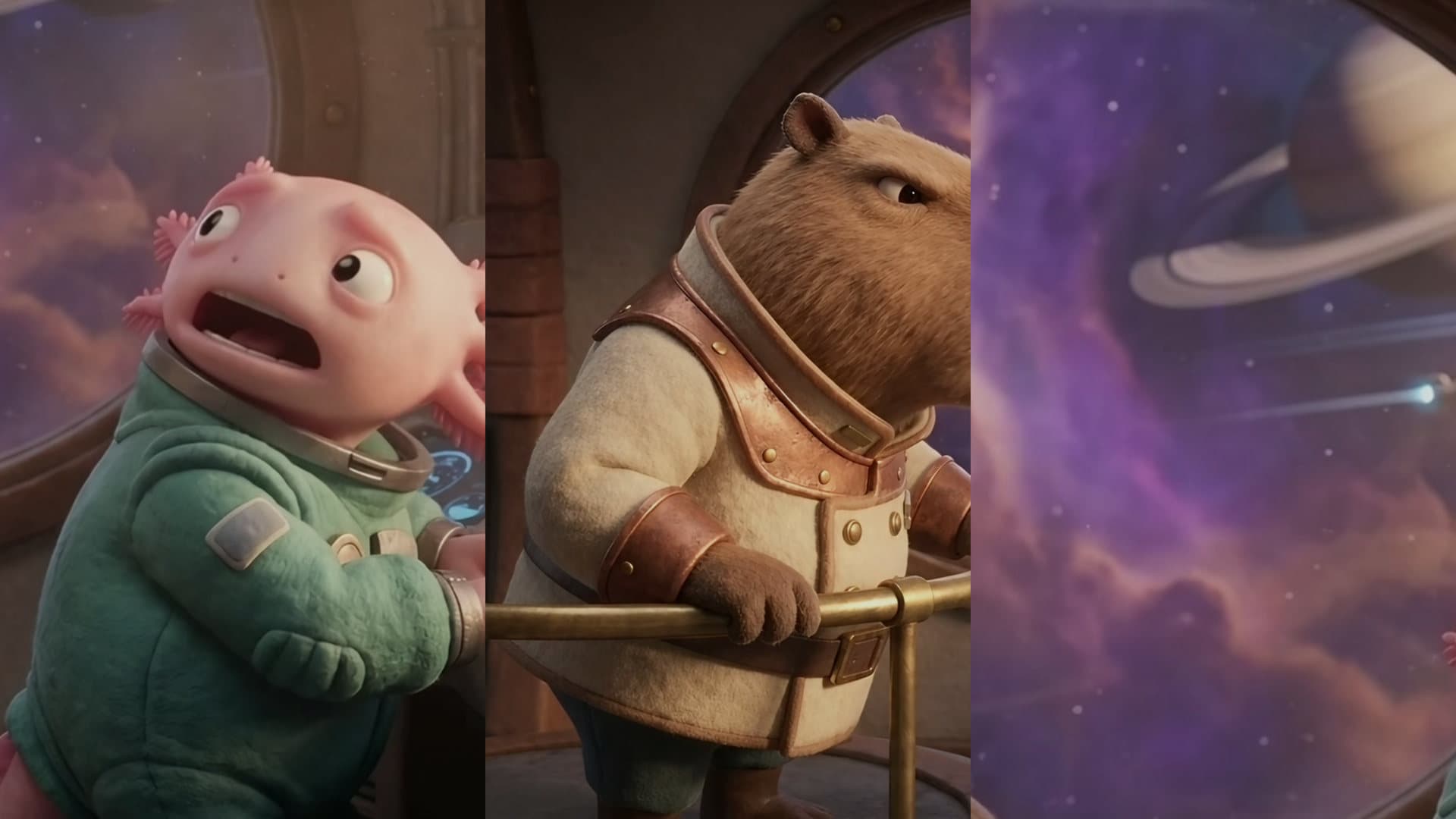
Remove Silence From Video. Cut the dead air out of every take.
Every pause cut down to a breath, the ums gone, in one jump cut.
Cut every pause longer than half a second out of this video, and the ums.Open in chatEverything on this page was made on Treza. See pricing
Finds pauses by ear
It reads the sound, so a quiet room and a street both work.
The ums go too
Um, uh and erm are cut from the transcript's timings.
A breath left in
No word loses its first or last sound.
No clicks, no drift
Every join is faded and the sound stays on the picture.
Your pace
0.4 s for a snappy Short, 0.8 s to keep the rhythm.
Every cut listed
Where each cut was, in the original's seconds.
One scene, before and after
The strip is the sound it read. Dashed spans are what it cut.
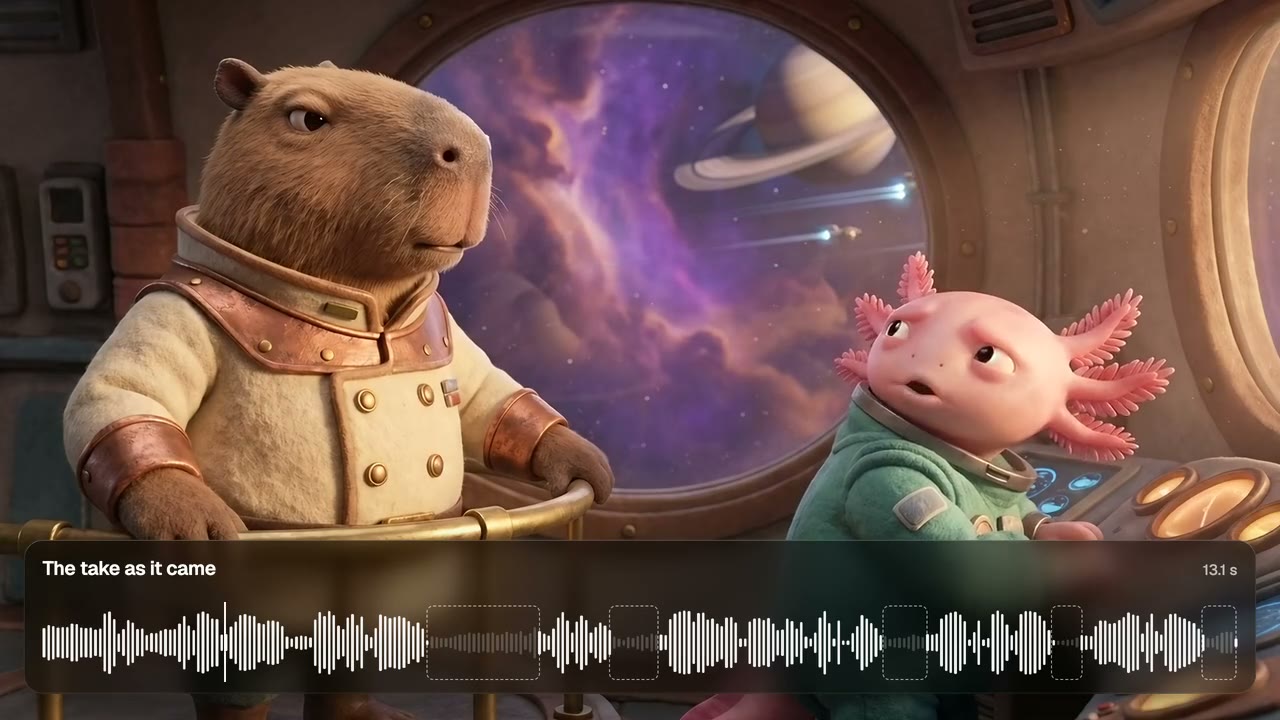
The take as it came
13.1 seconds, five pauses found.
Cut Pauses
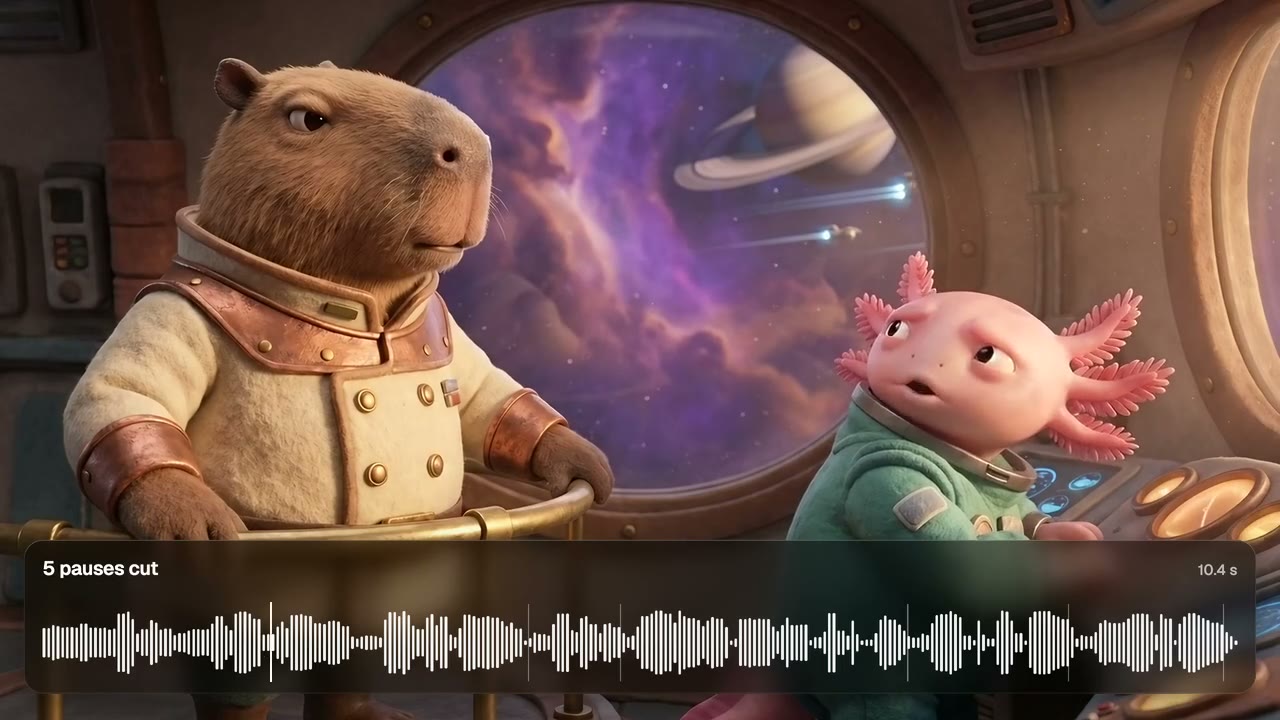
Cut at 0.4 s
Same lines, 2.7 seconds shorter.
Cut Pauses
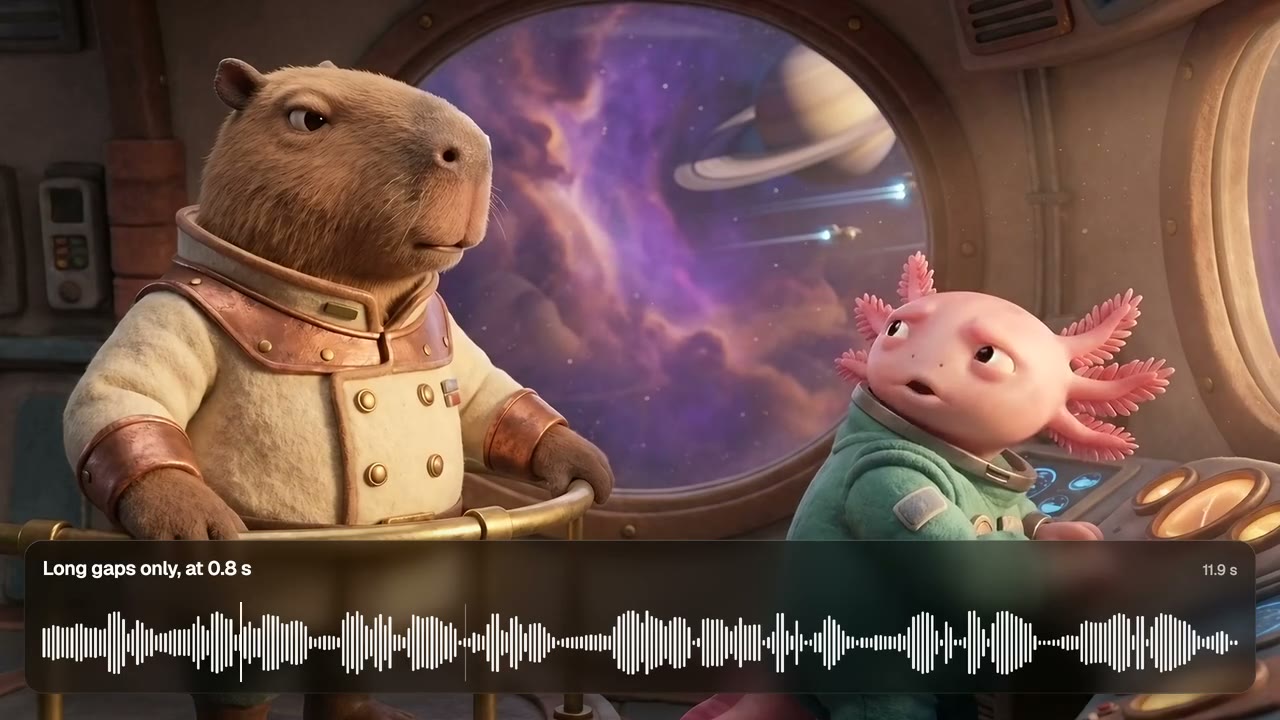
Cut at 0.8 s
Only the long gap goes. The rhythm stays.
Cut Pauses
From idea to finished video
- Step 01
Attach the take
In chat, or on the canvas.
- Step 02
Say how tight
Every pause over half a second, or only the long gaps.
- Step 03
Get the jump cut
A shorter video, and a list of what went.
- Step 04
Then caption it
Captions and punch-ins land on the tightened take.
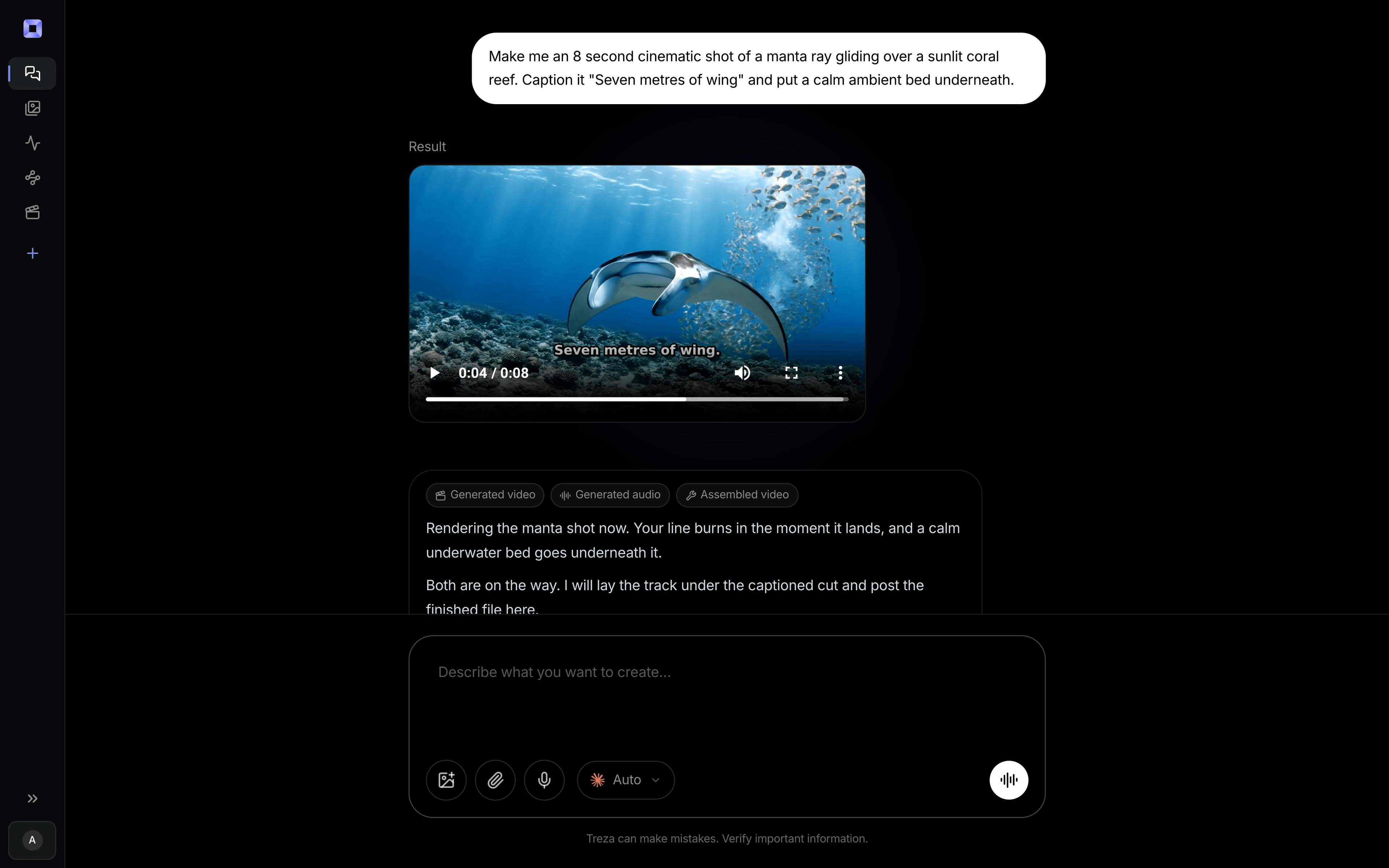
One sentence, in the words you would use out loud.
What people build with it
Talking-head Shorts
A snappy pace without cutting by hand.
Dialogue scenes
Close the gaps between lines.
Video podcasts
Drop the dead air between answers.
Screen recordings
Lose the quiet while you click around.
Course lessons
The same lesson, minus the gaps.
Before captions
Cut first, so every caption is timed to the cut.

Remove silence from video, answered
How does it find the pauses?
From the sound itself: the take's own quiet level against its own speaking level.
Will it clip my words?
No. It leaves a breath on each side of every cut.
What about music under the voice?
Steady music leaves no quiet to find, so the video comes back unchanged with a note.
Does it cut the ums?
Yes, from a transcript of the take. In chat one is made for you.
How much does it cost to make a jump cut with Treza?
Treza runs on prepaid credits with no subscription. Each generation is charged at the model's own rate from your balance, and a failed generation costs nothing. A typical video generation settles around $1.06, and credit packs start at $5 and never expire.
Can I call this as an API instead of using the canvas?
Yes. Every pipeline can be published as a versioned HTTP endpoint. Call the typed /invoke endpoint with JSON in and JSON out, or point any OpenAI SDK at the OpenAI-compatible endpoint. Swap a model on a node later and the API your product calls does not change.
Do I need to know how to edit video?
No. Start from a template, change the topic, and run it. If you do want frame-level control, the timeline editor is there with multi-track video and audio, per-clip trims, fades, and volume, but nothing about the automated path requires opening it.
Related tools
AI video caption generator
Word-timed captions burned into every video
Remove background noise from video
Cleaner dialogue and platform-ready loudness on any recording
AI podcast clip generator
Captioned Shorts cut from your podcast feed
See every tool, compare the models, read what an AI video pipeline is, or earn 30% sharing these tools.
Your first video is one prompt away.
Generate your first video, image, or draft today. Prepaid credits, no subscription.