
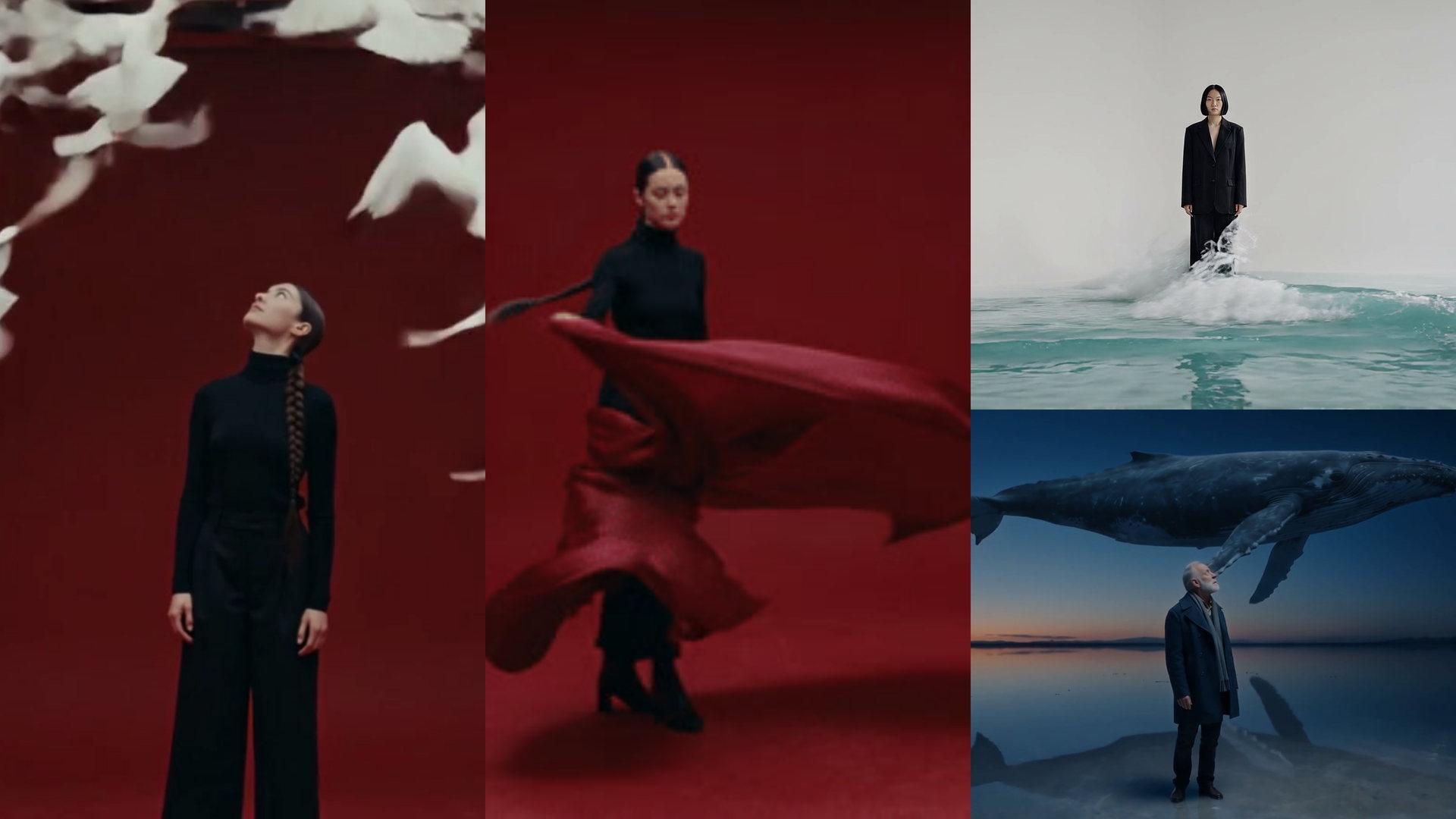
FFmpeg Online. Run any command on your video, no install.
Ask for the edit or paste the command, and get the file back.
Use ffmpeg to turn this video into a GIF.Open in chatEverything on this page was made on Treza. See pricing
Any ffmpeg command
Reverse, speed ramps, LUTs, crops, codec changes.
Up to three files
Stack two clips, lay in a track, apply a LUT file.
Video to GIF
Or WebM, MOV, WebP, PNG, JPEG, MP3, WAV and more.
Text on screen
Timed titles from an ASS script, in bundled fonts.
Plain words work
Describe the edit in chat and the command is written for you.
Nothing to install
It runs on our servers, in its own sandbox.
Three commands, three files
Each card is the command that ran and the file it wrote.
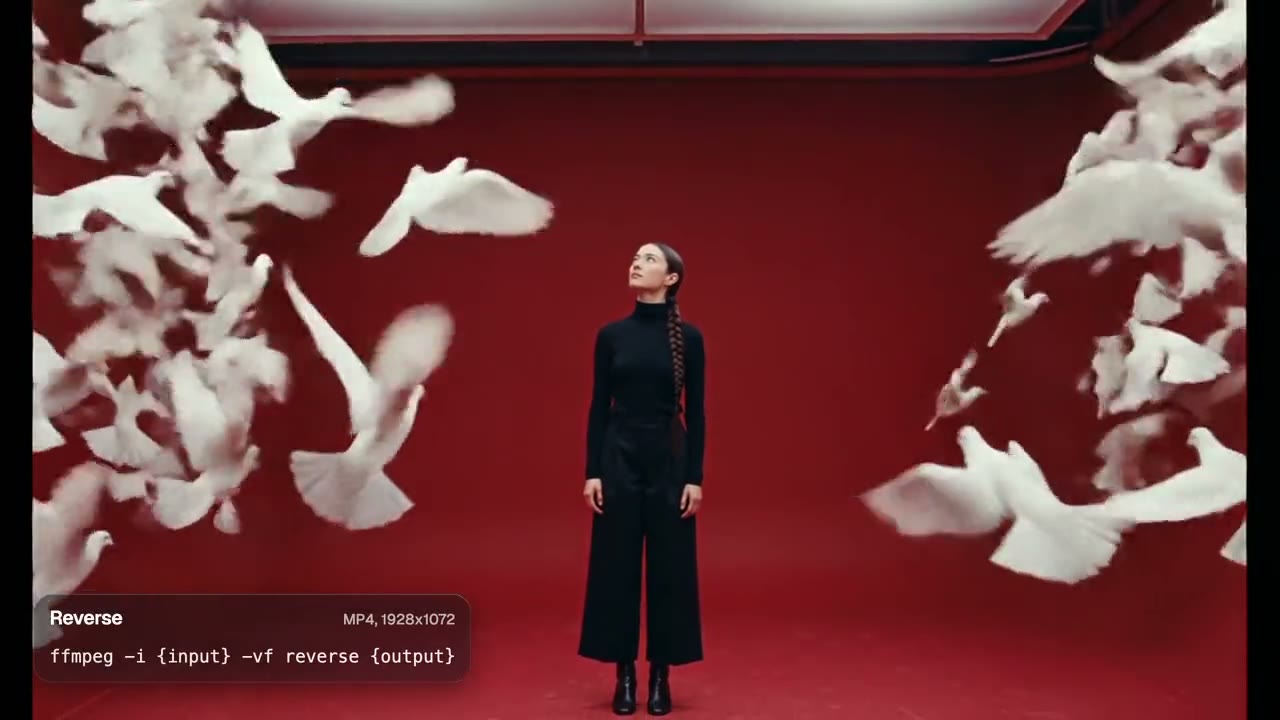
Reverse a video
MP4 back, played backwards.
FFmpeg
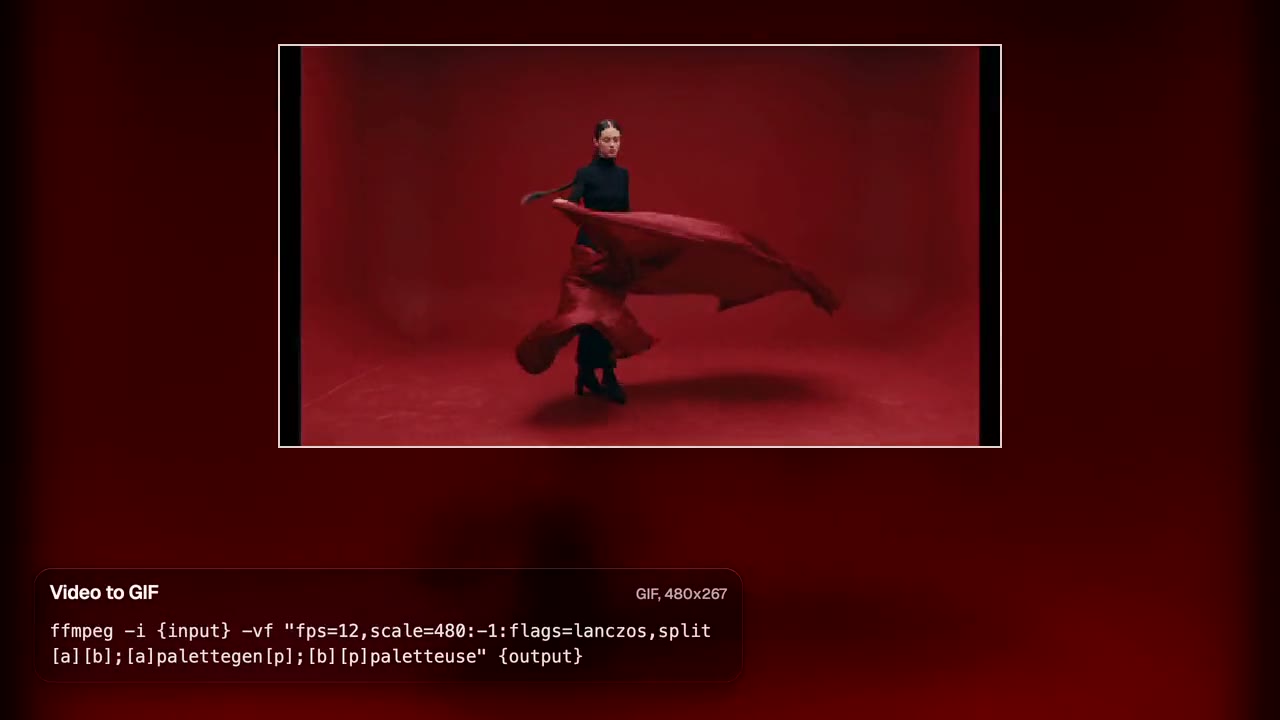
Video to GIF
A 480 px GIF with its own palette.
FFmpeg
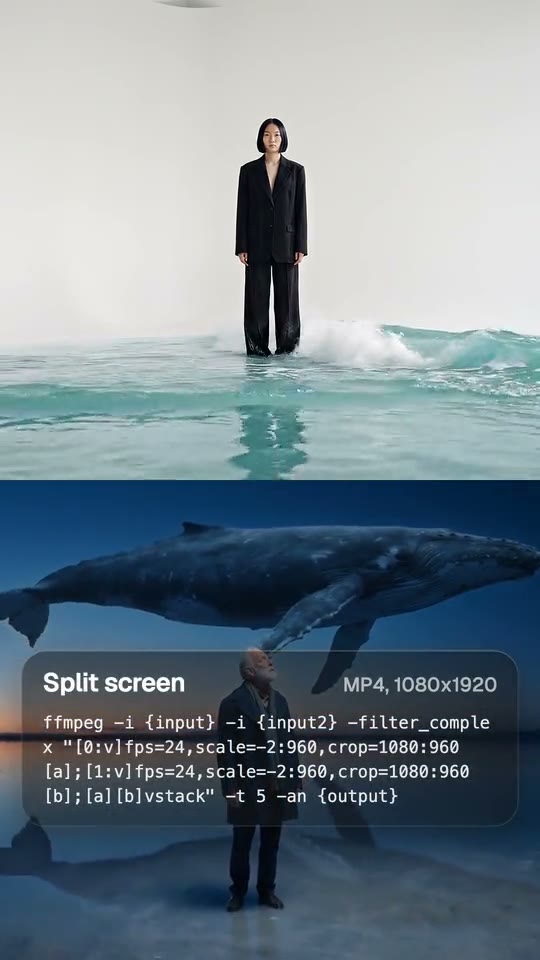
Split screen
Two clips stacked at 1080x1920.
FFmpeg
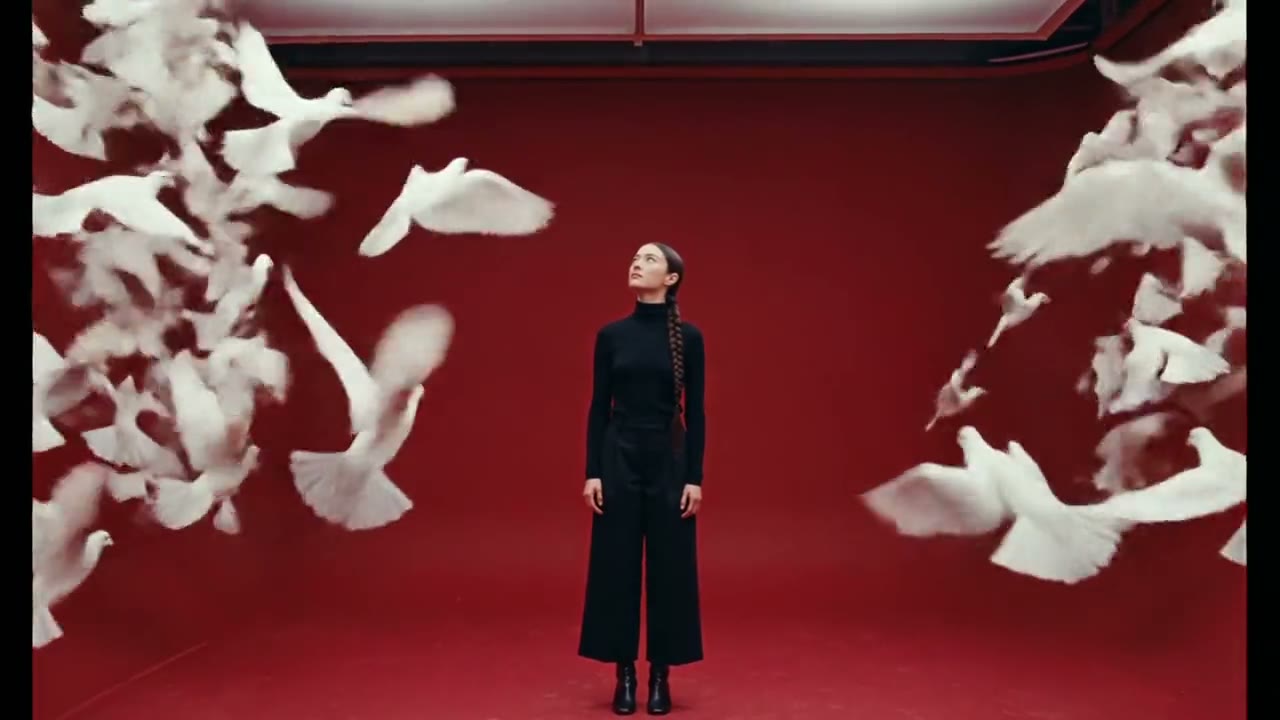
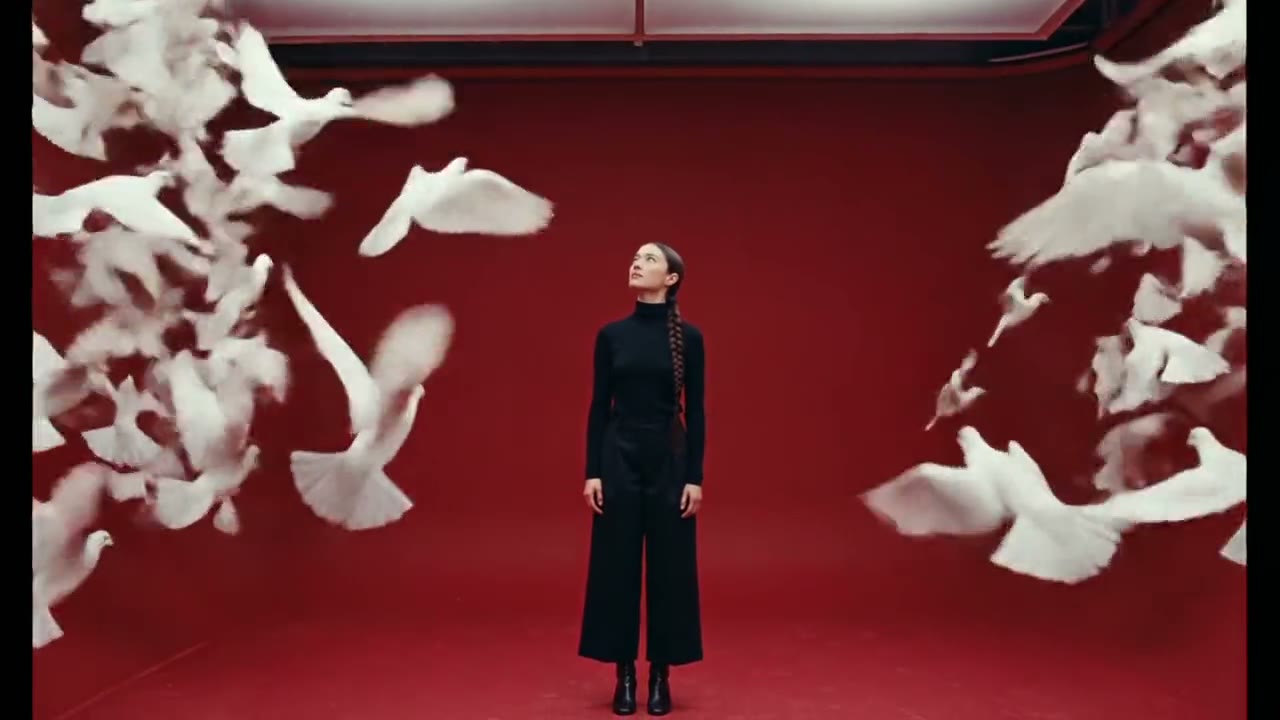
Forwards or backwards
Same shot, one command apart.
From idea to finished video
- Step 01
Attach the file
Up to three, in chat.
- Step 02
Say the edit
In plain words, or as a command.
- Step 03
Get it back
The file the command wrote.
- Step 04
Keep going
Caption it, cut it, or post it.
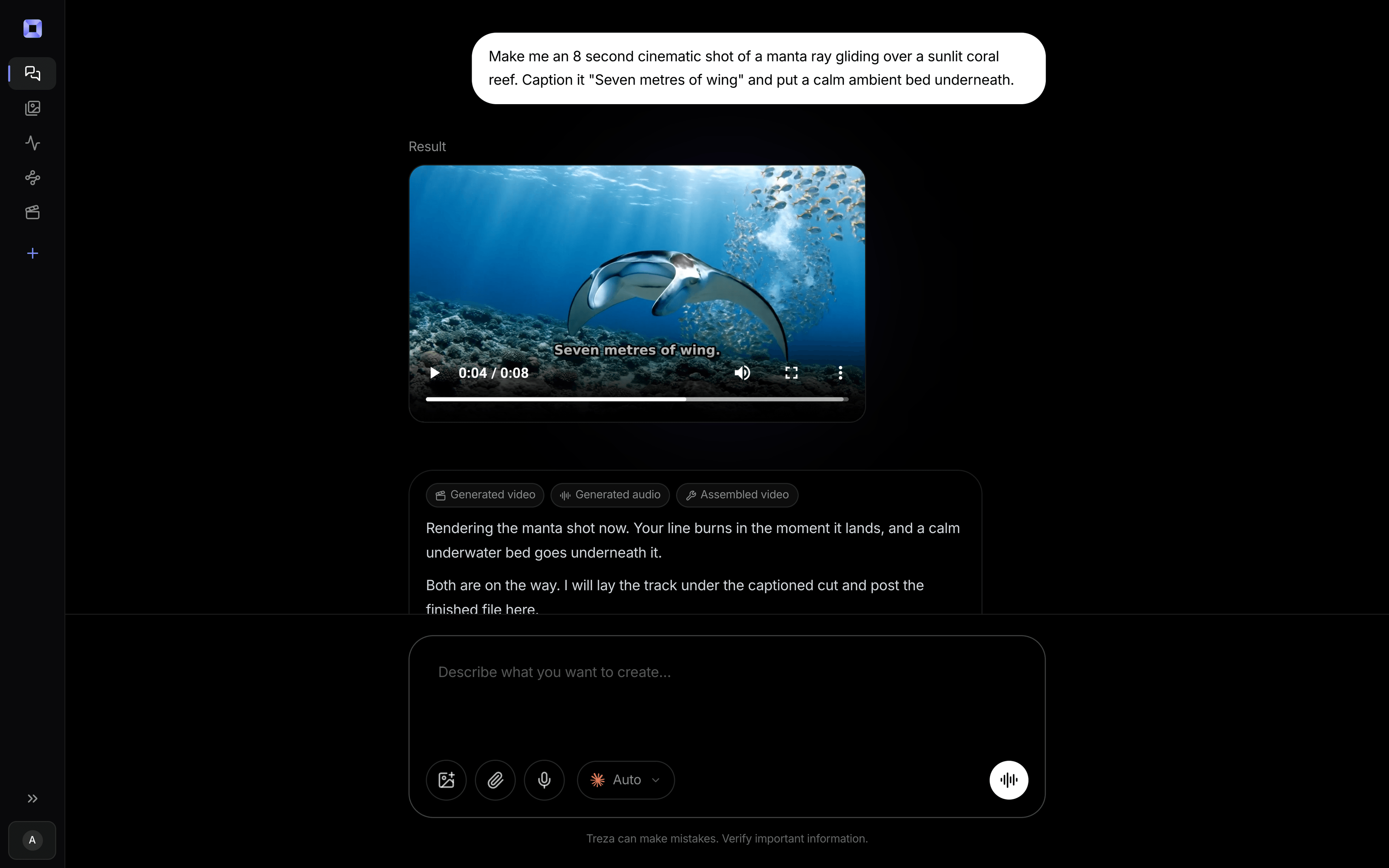
One sentence, in the words you would use out loud.
What people build with it
Reverse a clip
Play any shot backwards.
Video to GIF
A small looping file for a page or a chat.
Split screens
Two clips stacked for a Short.
Format changes
MOV to MP4, video to WebM.
Pull the audio
The soundtrack as MP3 or WAV.
Speed changes
Slow motion or double time.
FFmpeg online, answered
Can I run ffmpeg online without installing it?
Yes. Attach your video in chat and the command runs on our servers, so nothing goes on your computer.
Do I need to write the command myself?
No. Say what you want, like turn this into a GIF, and the command is written for you.
How do I reverse a video?
Attach it and ask to reverse it. The command is ffmpeg -i {input} -vf reverse {output}.
Can it read files outside the ones I attach?
No. It reads only the files you attach and writes one result, with no shell, pipes or network.
How much does it cost to make an ffmpeg edit with Treza?
Treza runs on prepaid credits with no subscription. Each generation is charged at the model's own rate from your balance, and a failed generation costs nothing. A typical video generation settles around $1.06, and credit packs start at $5 and never expire.
Can I call this as an API instead of using the canvas?
Yes. Every pipeline can be published as a versioned HTTP endpoint. Call the typed /invoke endpoint with JSON in and JSON out, or point any OpenAI SDK at the OpenAI-compatible endpoint. Swap a model on a node later and the API your product calls does not change.
Do I need to know how to edit video?
No. Start from a template, change the topic, and run it. If you do want frame-level control, the timeline editor is there with multi-track video and audio, per-clip trims, fades, and volume, but nothing about the automated path requires opening it.
Related tools
Tape stop rewind effect
Cold opens that jump back to the start
Remove silence from video
Tightening a talking take into a jump cut
Video contact sheet
Finding a moment without watching the whole video
See every tool, compare the models, read what an AI video pipeline is, or earn 30% sharing these tools.
Your first video is one prompt away.
Generate your first video, image, or draft today. Prepaid credits, no subscription.