
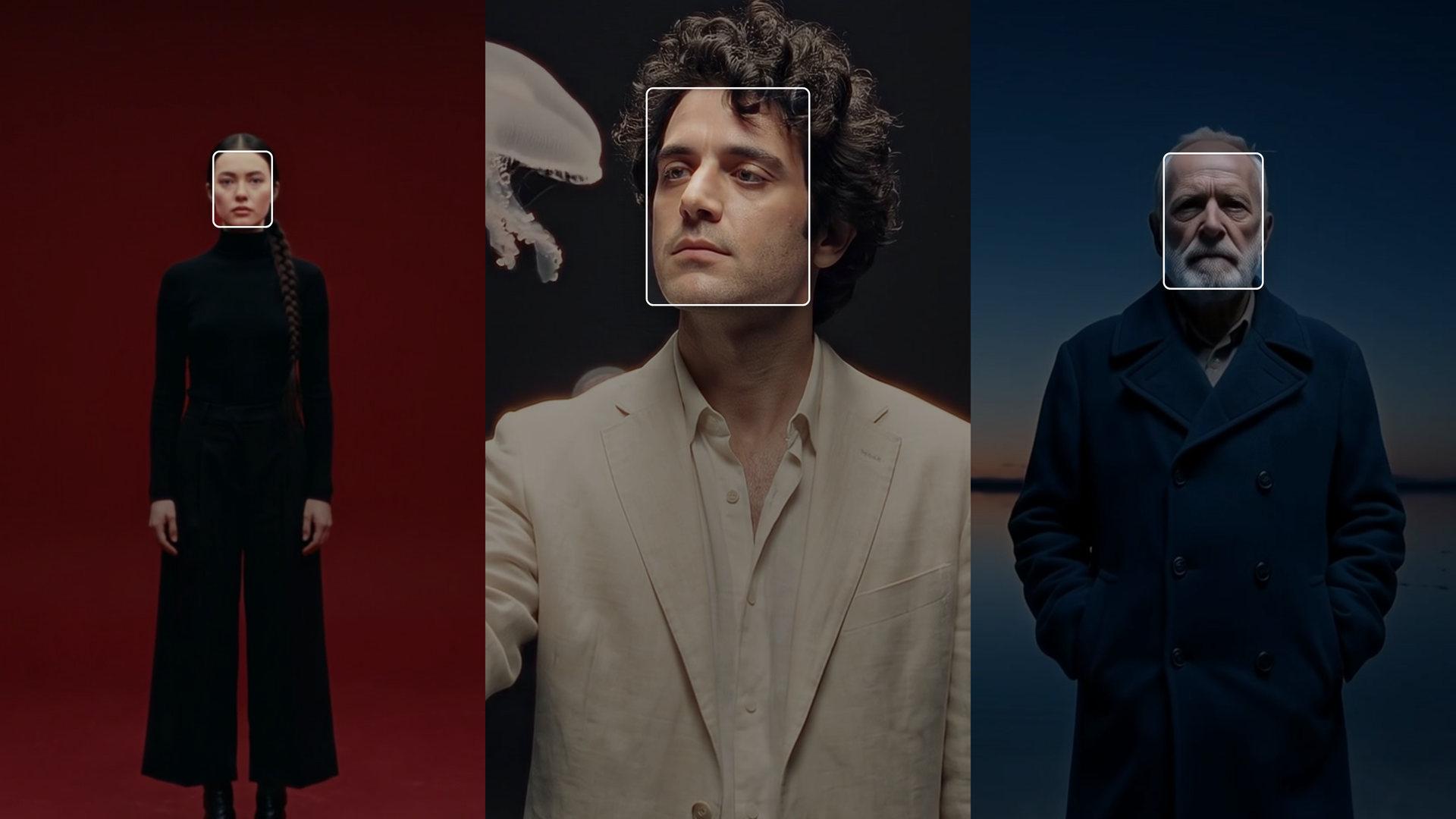
Extract Frame From Video. The best still, picked for you.
Every frame scored, and the strongest one back at full size.
Pull the best still out of this video, cropped to 9:16.Open in chatEverything on this page was made on Treza. See pricing
Every frame scored
Up to 40 frames sampled across the video, each one ranked.
Faces first
With people on screen, it ranks on face size, focus and light.
No faces, still a pick
Scenery and b-roll are ranked on detail, contrast and exposure.
Two different frames
Ask for two and the second shows another person or shot.
Cropped to fit
Whole frame, 9:16, 4:5 or square, framed around the face.
Or an exact second
Name the second and get that frame as a full-size PNG.
Three videos, three picks
The bars are its scores. The lit one is the frame it kept.
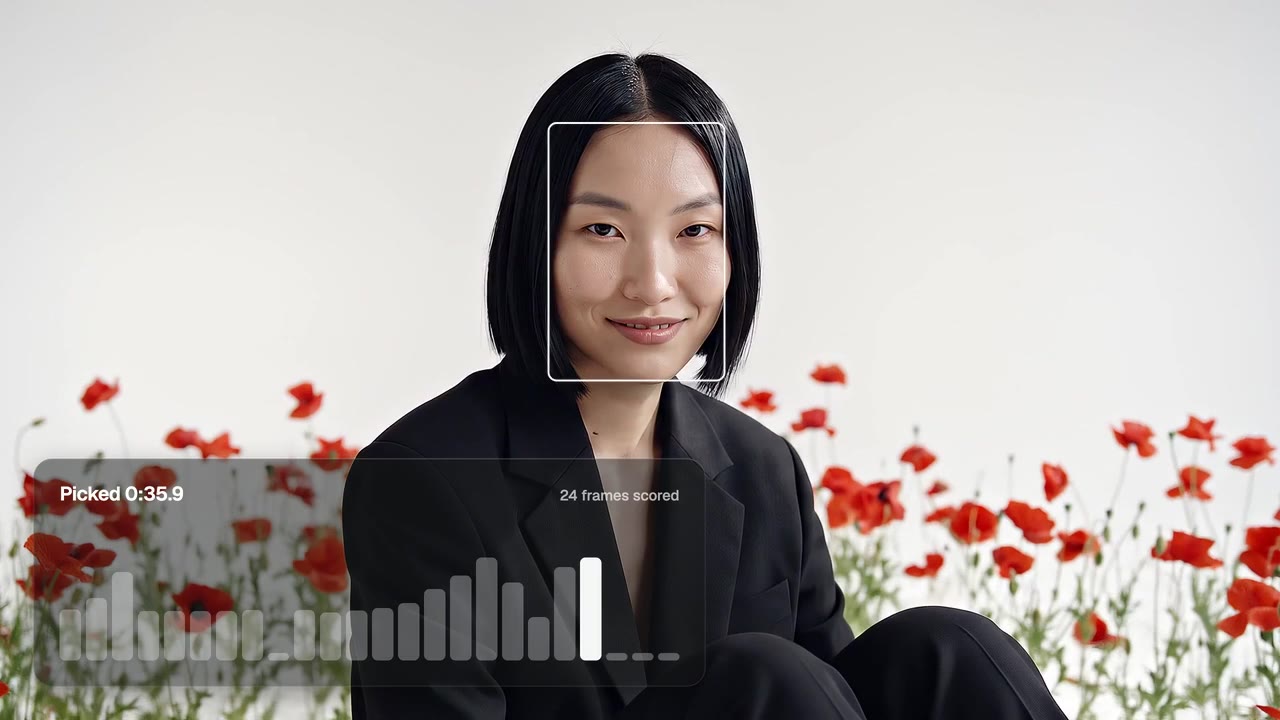
A face, close and lit
Picked at 0:35.9 out of 42 seconds.
Frame Grab
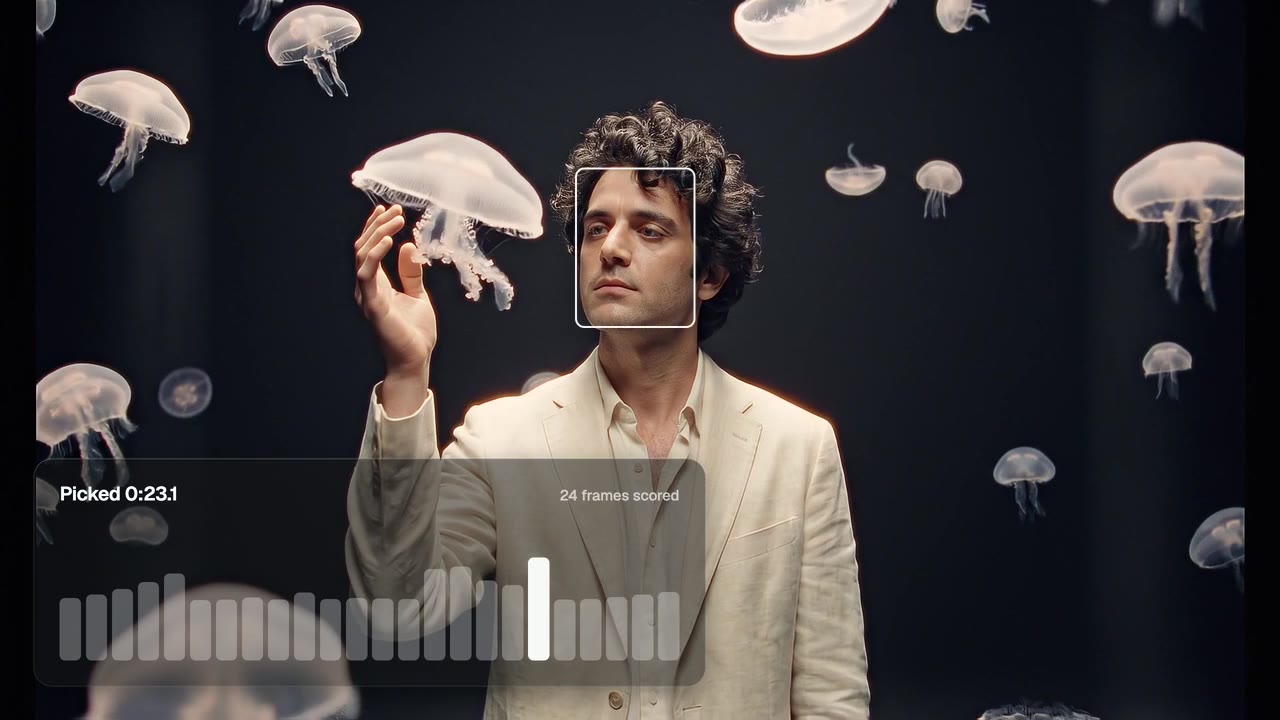
One face in a busy frame
Picked at 0:23.1 out of 30 seconds.
Frame Grab
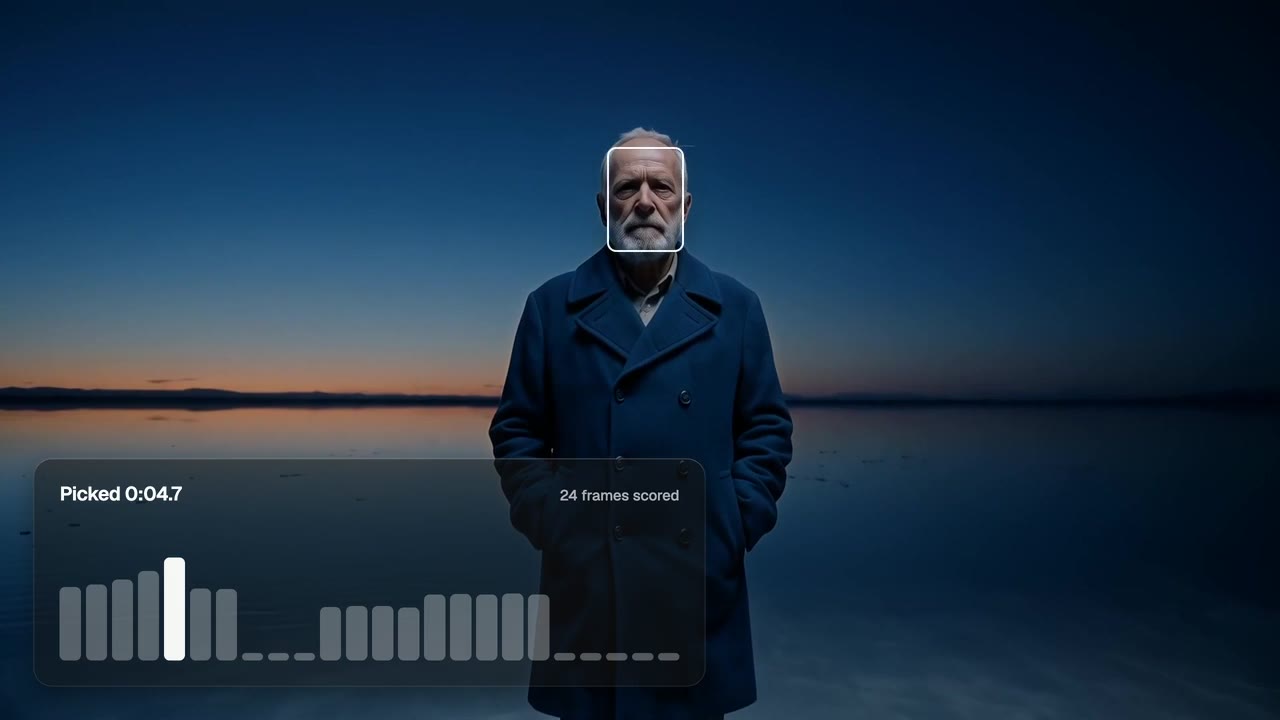
A dark scene too
Picked at 0:04.7 out of 25 seconds.
Frame Grab
From idea to finished video
- Step 01
Attach the video
In chat or on the canvas.
- Step 02
Say what you want
One frame or two, and the crop.
- Step 03
Get the still
Full size, with the second it came from.
- Step 04
Use it
Make it the thumbnail, restyle it, or cut the subject out.
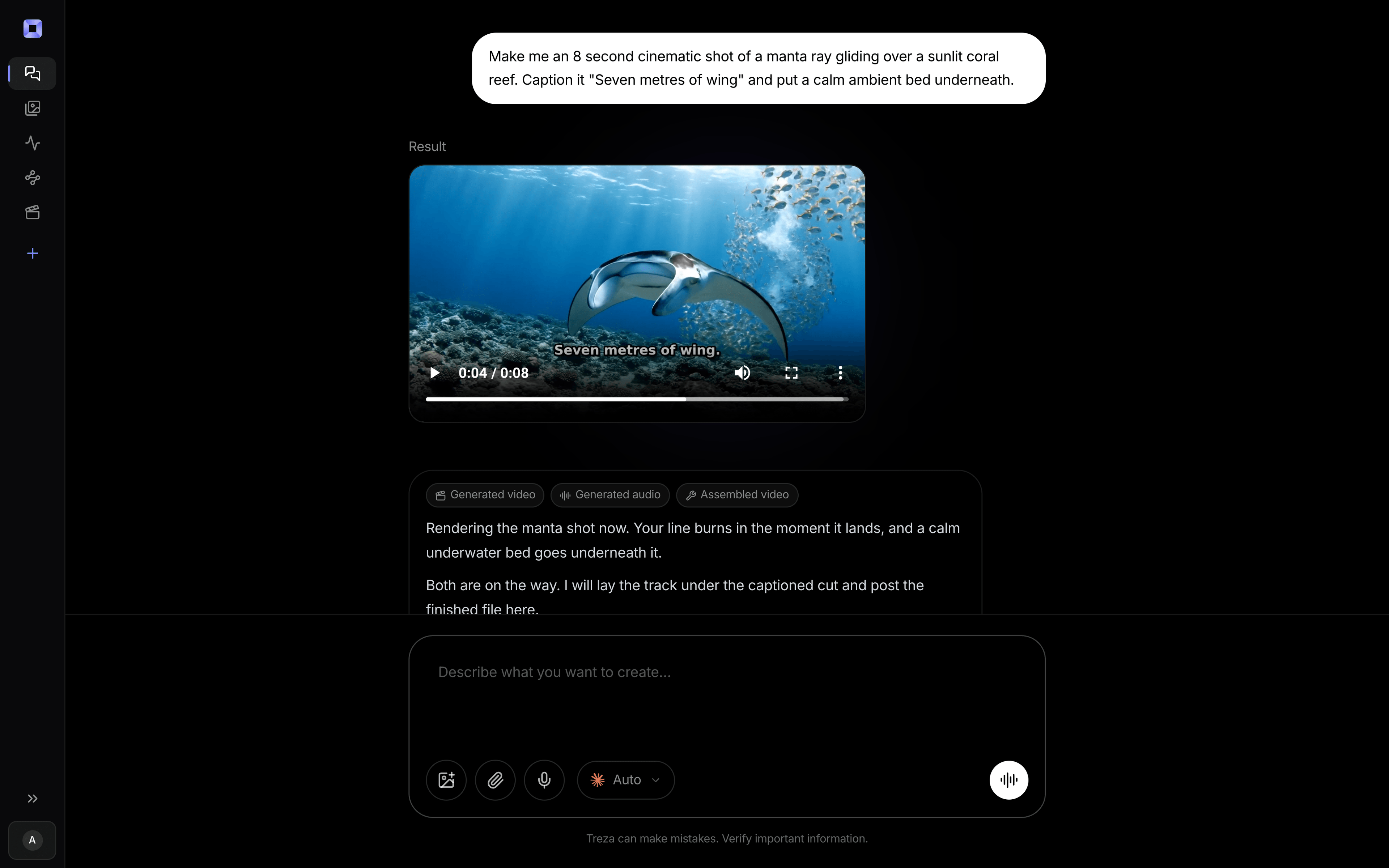
One sentence, in the words you would use out loud.
What people build with it
YouTube thumbnails
Start from the sharpest frame in the video.
Shorts covers
A 9:16 still with the face in it.
Host and guest
Two frames, one of each person.
Posts and pages
A still for the post, the page or the press kit.
A frame to edit
The still to restyle or cut out with AI.
B-roll and scenery
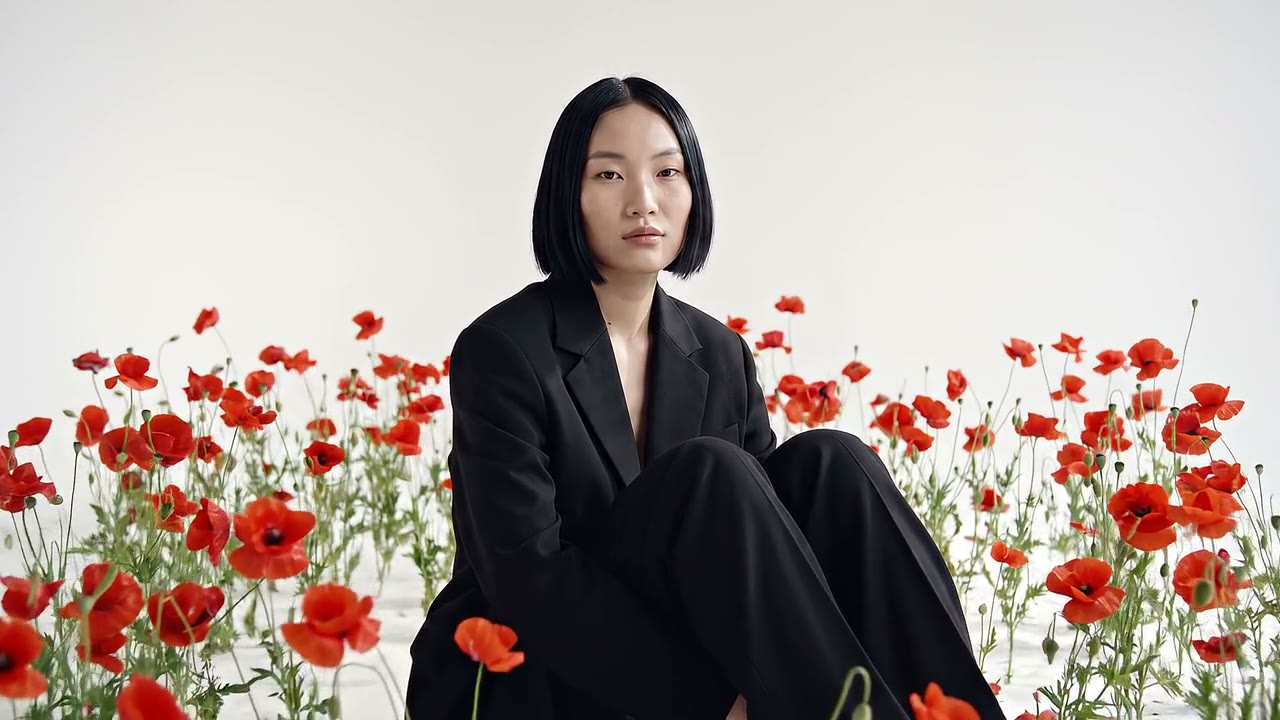
The crispest frame when no one is on screen.
Extract frame from video, answered
How does it pick the best frame?
It samples the video evenly and ranks every frame: faces on size, focus and light, otherwise on detail, contrast and exposure.
Can I get the frame at an exact second?
Yes. Give the second and it returns that frame as a full-size PNG.
Can it give me two different frames?
Yes. Ask for two and the second shows a different person or shot, when the video has one.
Will captions end up in the still?
Only if they are burned in, so grab the frame from the take before captions go on.
How much does it cost to make a frame grab with Treza?
Treza runs on prepaid credits with no subscription. Each generation is charged at the model's own rate from your balance, and a failed generation costs nothing. A typical video generation settles around $1.06, and credit packs start at $5 and never expire.
Can I call this as an API instead of using the canvas?
Yes. Every pipeline can be published as a versioned HTTP endpoint. Call the typed /invoke endpoint with JSON in and JSON out, or point any OpenAI SDK at the OpenAI-compatible endpoint. Swap a model on a node later and the API your product calls does not change.
Do I need to know how to edit video?
No. Start from a template, change the topic, and run it. If you do want frame-level control, the timeline editor is there with multi-track video and audio, per-clip trims, fades, and volume, but nothing about the automated path requires opening it.
Related tools
AI YouTube thumbnail generator
YouTube thumbnails built from the video's own frames
Video contact sheet
Finding a moment without watching the whole video
Video background remover
Cutouts from video and photos, with new backdrops behind them
See every tool, compare the models, read what an AI video pipeline is, or earn 30% sharing these tools.
Your first video is one prompt away.
Generate your first video, image, or draft today. Prepaid credits, no subscription.