
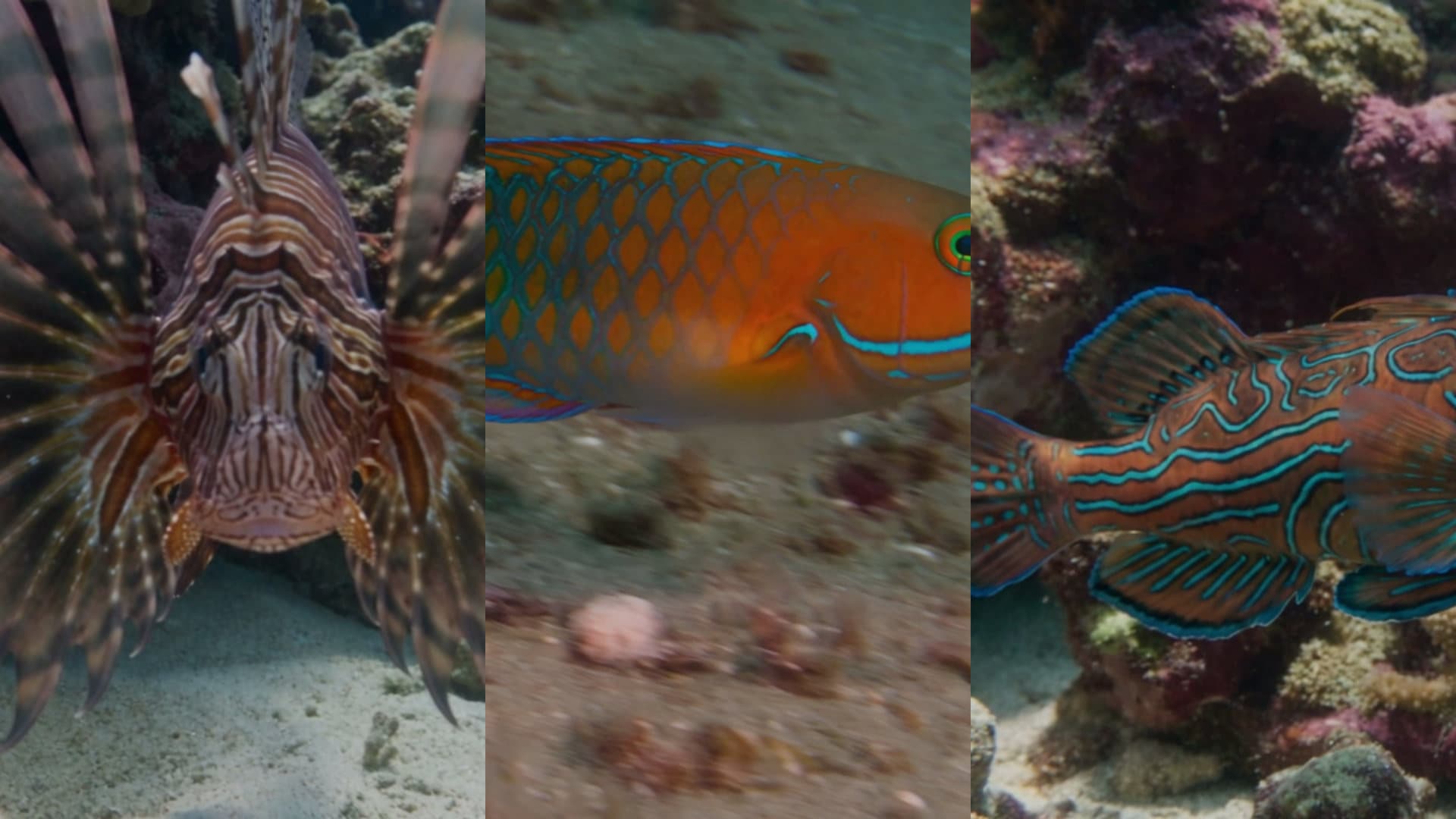
AI Video Quality Check. Stop the wrong clip before it posts.
A vision model watches each clip and asks one question: is this what was asked for? If not, the run stops.
Check that this clip really shows a red fox.Open in chatEverything on this page was made on Treza. See pricing
Right subject
It checks the clip shows what the prompt named.
Right moment
Name an action and that is checked too, on its own.
A photo to compare
Attach a real photo and it checks the anatomy against it.
Stops the run
On a miss nothing after it runs, so nothing posts.
Hedges get flagged
A shaky pass posts with a note, or stops below the floor you set.
Says why
Every verdict records what it saw and why.
Verdicts from a real channel
An ocean channel that posts on its own. Every clip is checked first.
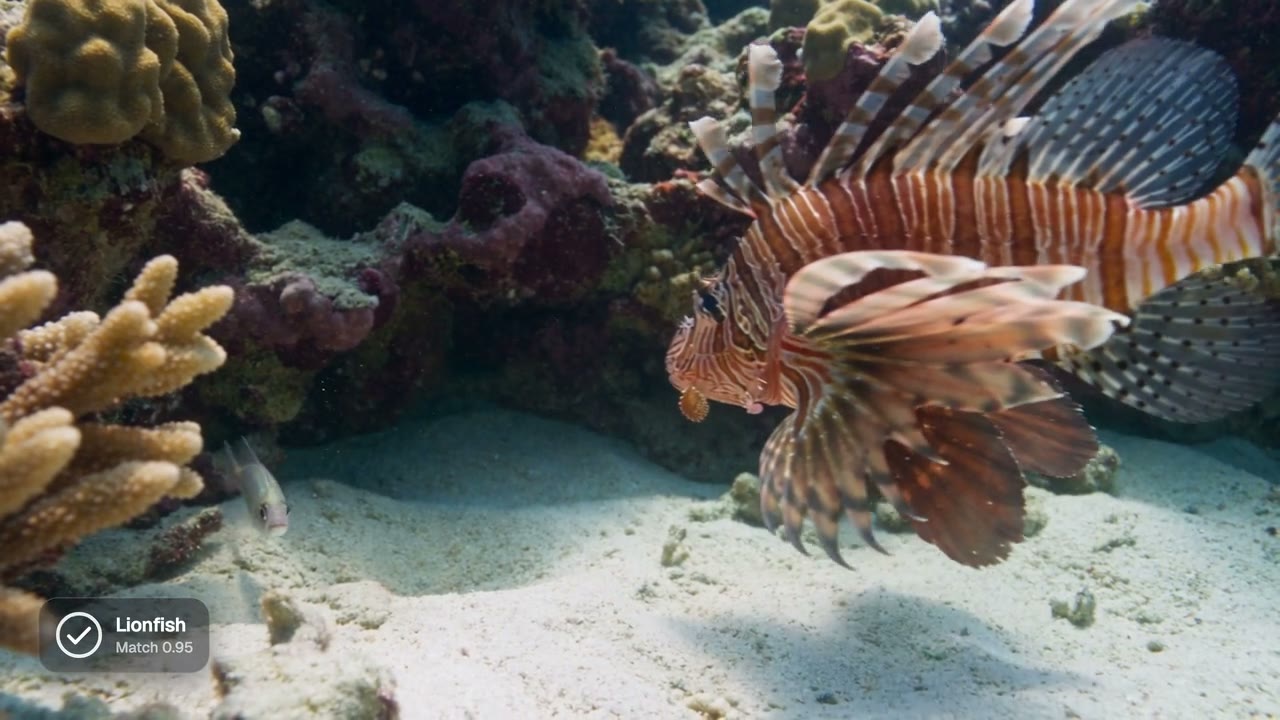
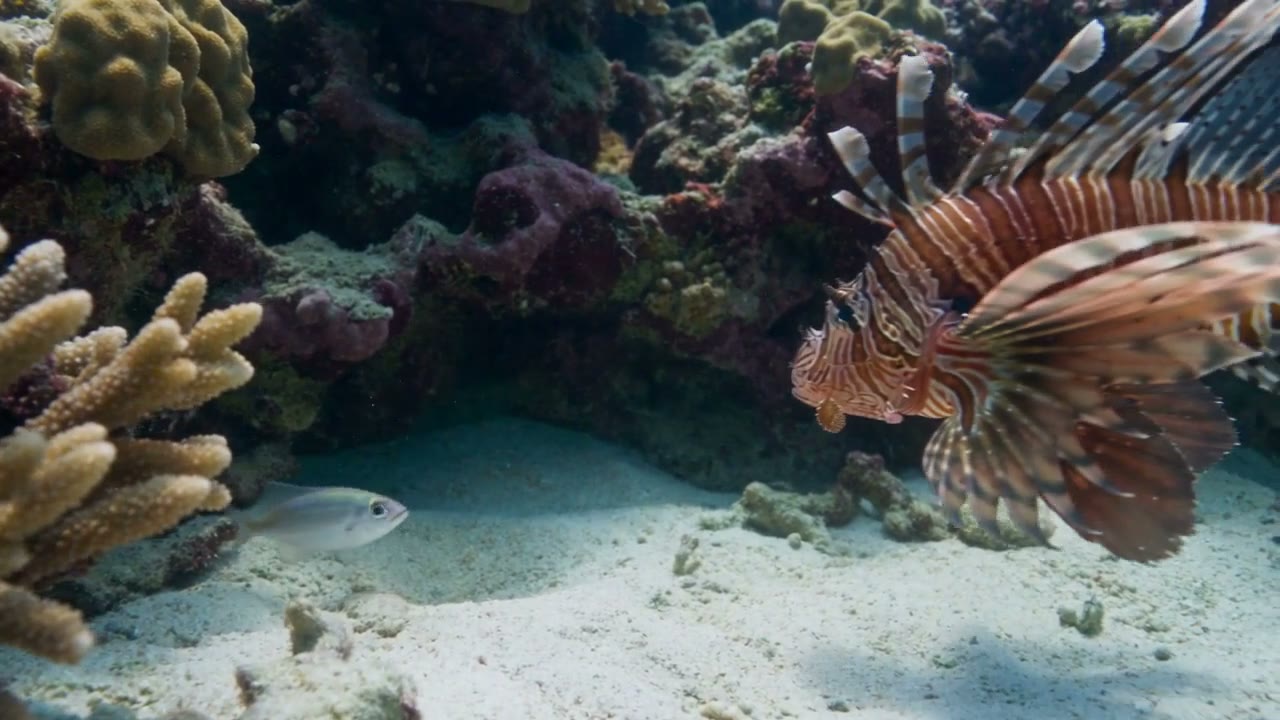
Lionfish, passed
Right fish, fins out, as the script asked.
Vision QC
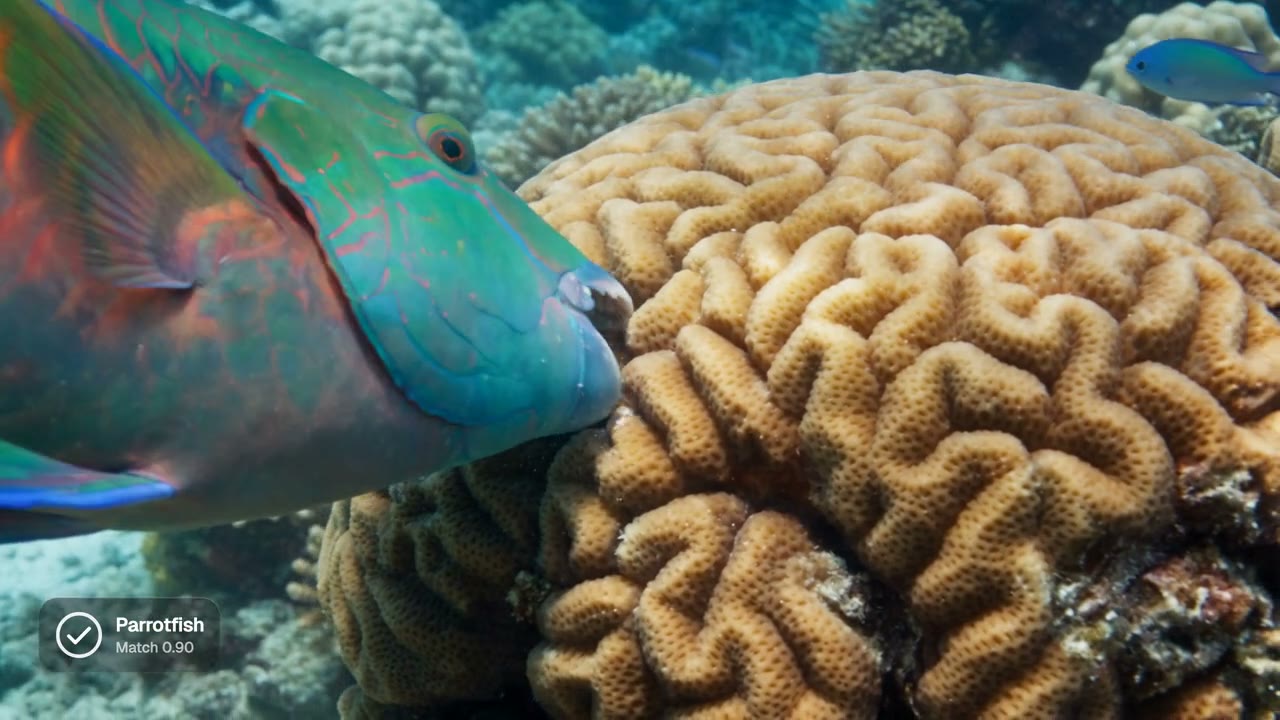
Parrotfish, passed
Biting the coral, the moment the line was about.
Vision QC
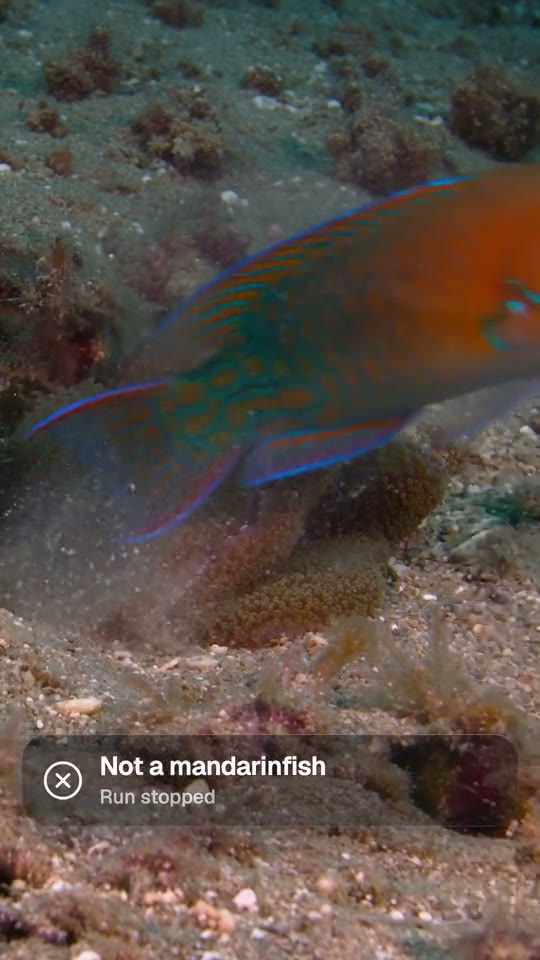
Asked for a mandarinfish
It saw a wrasse and stopped the run. Nothing posted.
Vision QC
From idea to finished video
- Step 01
Put it after the render
Between the video and the upload.
- Step 02
Name the subject
Or leave it blank to use the prompt.
- Step 03
Pick how strict
Frames to check, a confidence floor, fail or warn.
- Step 04
Re-run the bad clip
Lock the rest of the run and render only what failed.
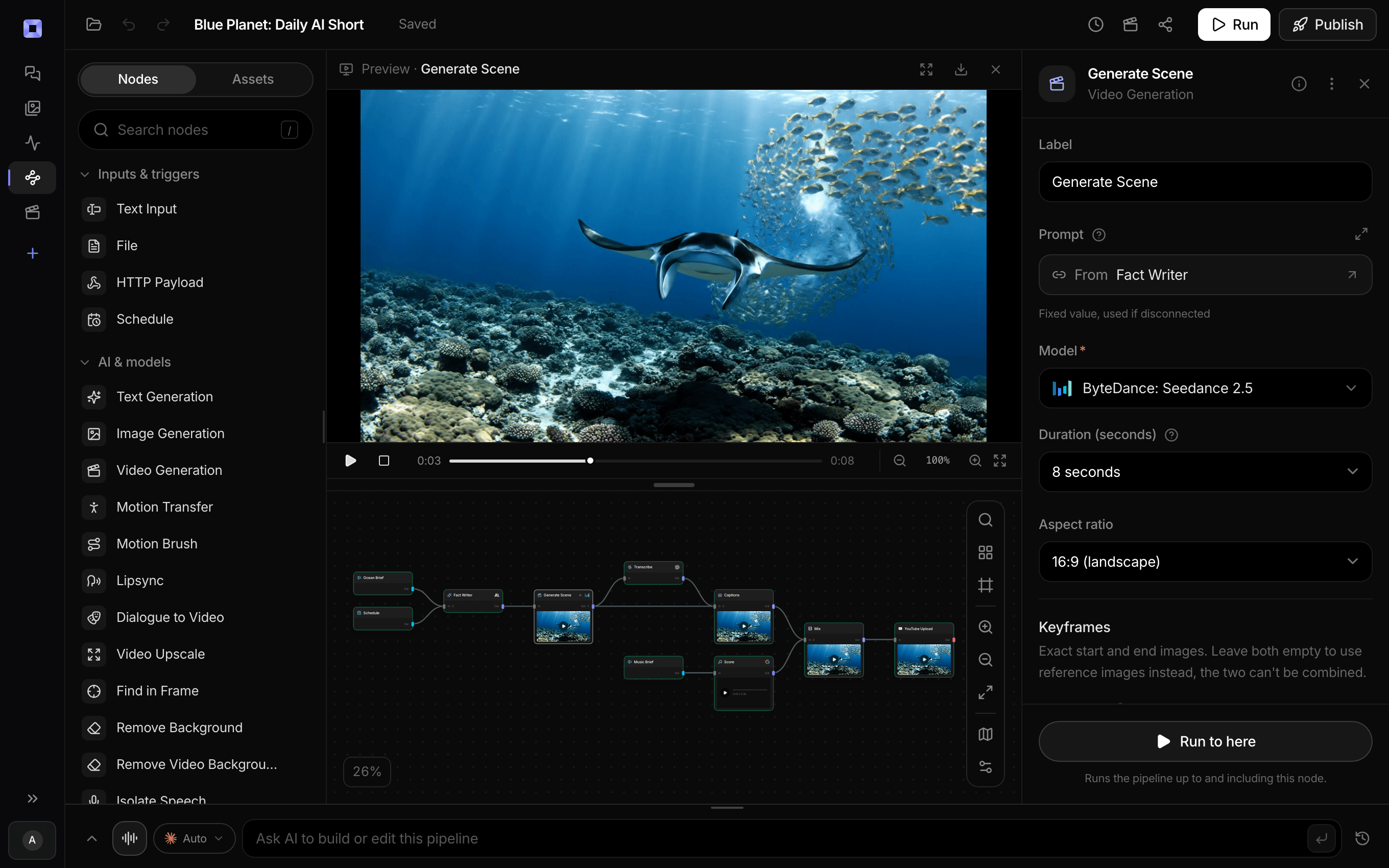
Ask for the pipeline in the composer, or send it from Claude over MCP.
What people build with it
Channels that post themselves
A wrong animal never reaches YouTube or TikTok.
Product shots
Check the product is actually in frame.
Big batches
Catch the misses without watching every clip.
An AI clip you already have
Attach it in chat and say what it should show.
Look-alikes
Near twins judged against a real reference photo.
Scheduled slots
Every run checked, with nobody watching.
AI video quality check, answered
What does it check?
Whether the frames show the subject, and the action if you name one.
Which model judges?
Claude Sonnet 5 by default. Small models fail good footage, so it starts with a strong one.
What happens on a fail?
The run stops before anything posts, with the reason. Or set it to warn and carry on.
Is it for footage I filmed?
It is made for generated clips, where a model can render the wrong subject.
How much does it cost to make a checked clip with Treza?
Treza runs on prepaid credits with no subscription. Each generation is charged at the model's own rate from your balance, and a failed generation costs nothing. A typical video generation settles around $1.06, and credit packs start at $5 and never expire.
Can I call this as an API instead of using the canvas?
Yes. Every pipeline can be published as a versioned HTTP endpoint. Call the typed /invoke endpoint with JSON in and JSON out, or point any OpenAI SDK at the OpenAI-compatible endpoint. Swap a model on a node later and the API your product calls does not change.
Do I need to know how to edit video?
No. Start from a template, change the topic, and run it. If you do want frame-level control, the timeline editor is there with multi-track video and audio, per-clip trims, fades, and volume, but nothing about the automated path requires opening it.
Related tools
AI object detection
Finding where something is in a frame, by name
AI video automation
Scheduled channels, event-triggered videos, and API-driven batches
Faceless video generator
Faceless YouTube and TikTok channels that publish on a schedule
See every tool, compare the models, read what an AI video pipeline is, or earn 30% sharing these tools.
Your first video is one prompt away.
Generate your first video, image, or draft today. Prepaid credits, no subscription.