

AI Character Replacement. Keep your footage, swap in your own character.
Shoot one continuous take and bring a character you own: Wan 2.2 Animate's replace mode puts the character where the person was, in the room you filmed. The Motion Transfer template runs Kling instead, and the character performs your take in the setting of its own picture.
Everything on this page was made on Treza.
Replace mode keeps your scene
Set the Motion Transfer node to Wan 2.2 Animate (replace character in video) and it keeps your original footage, the room and the camera, and puts your character in place of the performer, moving the way they moved.
Kling, when the character brings its own world
The Motion Transfer template runs Kling 3.0 Motion Control, which animates your character picture with the take instead. The picture's background is the video's background in every frame, so the character performs your movement in its own setting, not in your room.
One setting picks the mode
The model is one setting on the node: Kling 3.0 Motion Control in Standard or Pro, Wan 2.2 Animate to animate the character, or Wan 2.2 Animate to replace the character in your video. Open the template's pipeline on the canvas and change it there.
Movement and expression, carried over
Both modes read body movement and facial expression from your clip, so the character walks, turns, reaches, and reacts the way your performer did, on your timing.
About 22 seconds a run at 480p
Wan renders every frame, about a minute per second of 24fps footage at 480p and two at 720p, so one run fits about 22 seconds at 480p or 11 at 720p. A clip longer than that is refused before anything is charged.
Checked for cuts before it runs
Replacement follows one person through one continuous shot. The node reads your clip first, and a clip that cuts between shots is refused in seconds, before the transfer is sent. An Extract Clip node trims it down to the one shot you want.
Your character, drawn or uploaded
Describe the character in the template's text node and an image model draws it full body, facing the camera. Or put a picture you own on the node instead: a mascot, a character from your own game, artwork you made.
A Motion Transfer run, not replace mode
A take filmed on a phone in a living room plays on top, and the character that took the performer's place plays underneath. The living room is gone because this run animated the character's picture, and that picture set the background. Replace mode keeps the room from your footage instead.

The performer, replaced
A filmed take, repeated by a generated character on the background of its own picture.
Motion Transfer
From idea to finished video
- Step 01
Shoot one continuous take
One person, whole or upper body in frame, a steady camera, and no cuts. Your own footage, or footage you have the rights to use.
- Step 02
Make or bring the character
Open the Motion Transfer template and describe the character, or put a picture of one you own on the Motion Transfer node in place of the drawn one. Full body, facing the camera, reads best.
- Step 03
Choose replace or Kling
To keep your footage, set the node's model to Wan 2.2 Animate (replace character in video) and pick 480p, 580p, or 720p. Leave it on Kling and the character performs your take in its picture's setting.
- Step 04
Run it and finish
Kling takes about 5 minutes for 10 seconds; Wan about a minute per second at 480p. Then caption it, cut it into a Sequence with other shots, or post it with the YouTube or TikTok upload node.
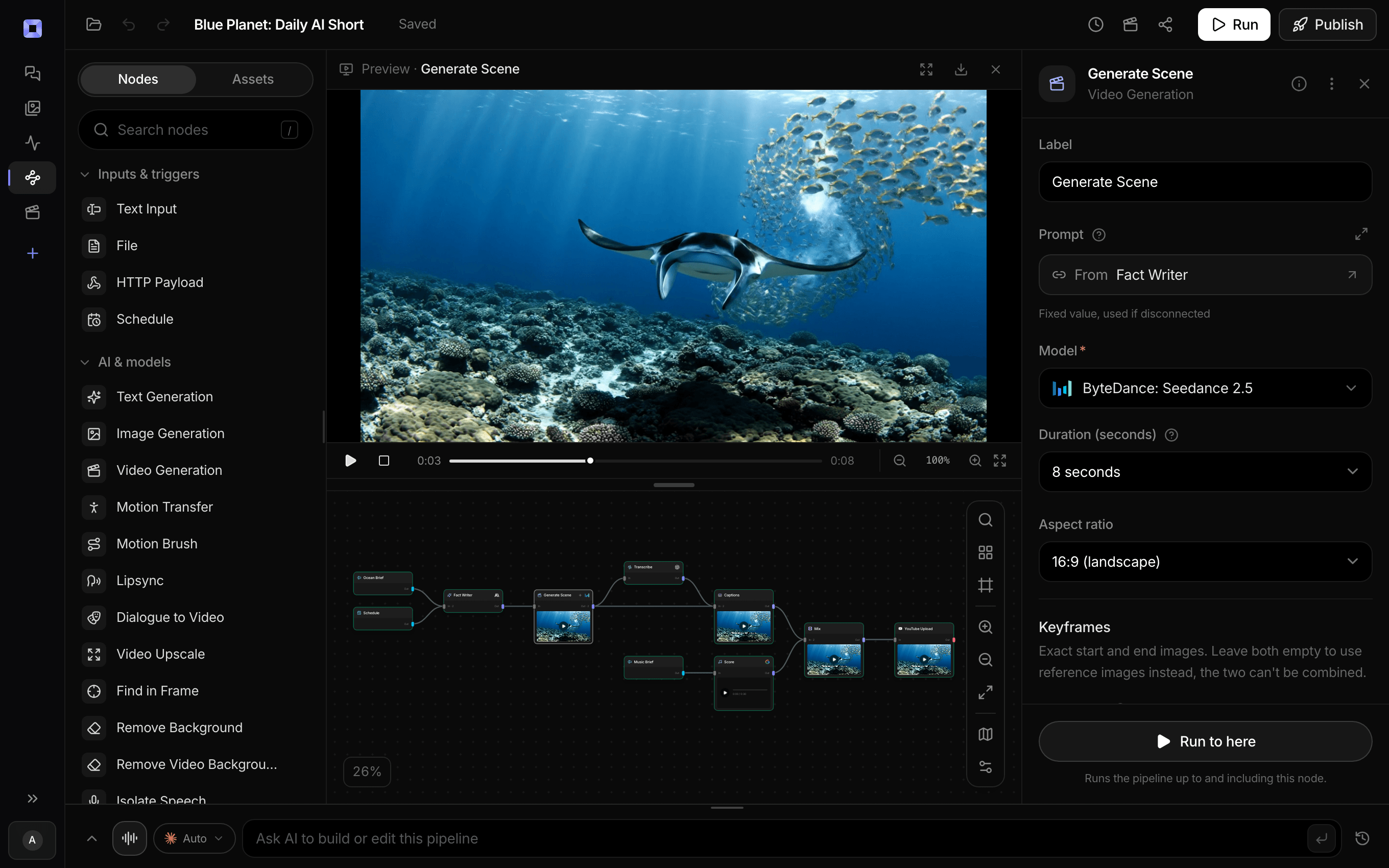
Ask for the pipeline in the composer, or send it from Claude over MCP.
What people build with it
Swap yourself out of your own video
Act the scene in your own room, then replace yourself with a character. The room, the camera, and your timing stay; only who is in the shot changes.
Your game's character in real footage
A studio with a character of its own acts out a move once and puts that character into the footage for a trailer beat, a devlog, or a store video.
A stand-in, replaced later
Shoot the location with a stand-in, then replace the stand-in with the character to see the shot before anyone commits to animating it.
The mascot, on location
Someone walks the shop floor or the office in one take, and the brand's mascot takes their place in the same footage.
A character in a world of its own
When the room should go too, run the template on Kling: the character performs your take against the background of its own picture.

Shoot it once. Recast it with any character you own.
Replace mode is one setting on the Motion Transfer node.
AI character replacement, answered
How do I replace a character in a video with AI?
Give Treza's Motion Transfer node one continuous shot of the person and a picture of the character you own, and set its model to Wan 2.2 Animate in replace mode. It keeps your footage, the room and the camera, and puts your character where the person was, moving the way they moved.
What is the difference between replace mode and the Motion Transfer template?
Replace mode, on Wan 2.2 Animate, keeps your footage and swaps the person for your character. The template runs Kling 3.0 Motion Control, which works the other way round: it animates your character picture with the take, and the picture's background stays in every frame. Switch to replace mode on the canvas when your room has to stay.
How long can the video be?
In replace mode, about 22 seconds at 480p or 11 at 720p in one run, because Wan renders every frame. A longer clip is refused before anything is charged, so trim it with an Extract Clip node first. On Kling, up to 10 seconds with the character picture leading and up to 30 with the video leading.
What footage works best?
One continuous shot of one person, whole or upper body in frame, a steady camera, and unhurried movement. Every model on the node follows one performer through one shot, so a clip that cuts between shots or people breaks at each cut; the node spots the cuts and refuses the clip before it is sent.
Can I replace two people in the same video?
One per pass. The model follows one performer, so with two people in frame it picks one. A second Motion Transfer can run on the first one's output to try the other person, but each pass redraws every frame and carries the first pass's mistakes into the second, so check the first pass on its own before running both.
Whose characters and footage can I use?
A character you made or own, and footage you shot or have the rights to use. Character replacement on Treza is not a face swap or a deepfake tool: do not use it to put a real person into a video they did not agree to, or to replace actors in films or shows.
How much does it cost to make a character replacement video with Treza?
Treza runs on prepaid credits with no subscription. Each generation is charged at the model's own rate from your balance, and a failed generation costs nothing. A typical video generation settles around $1.06, and credit packs start at $5 and never expire.
Can I call this as an API instead of using the canvas?
Yes. Every pipeline can be published as a versioned HTTP endpoint. Call the typed /invoke endpoint with JSON in and JSON out, or point any OpenAI SDK at the OpenAI-compatible endpoint. Swap a model on a node later and the API your product calls does not change.
Do I need to know how to edit video?
No. Start from a template, change the topic, and run it. If you do want frame-level control, the timeline editor is there with multi-track video and audio, per-clip trims, fades, and volume, but nothing about the automated path requires opening it.
Related tools
AI motion transfer
A character that performs your filmed take, or replaces the performer in it
AI mascot animation generator
A brand mascot performing a move someone on the team filmed
Remove object from video
Erasing logos, signs and people from a clip without a mask
Video background remover
Cutouts from video and photos, with new backdrops behind them
See every tool, compare the models, read what an AI video pipeline is, or earn 30% sharing these tools.
Your first video is one prompt away.
Generate your first video, image, or draft today. Prepaid credits, no subscription.