





AI Anime Video Generator. Anime shorts from your story.
Write a story and ask for anime: clean line art, flat colors, painted skies. Each scene is drawn in that look, a narrator reads it in your language, and the captions are burned in.
Everything on this page was made on Treza.
The anime look from one line
Say cel-shaded TV anime, a soft film look, or chibi, and every scene is drawn that way. The style lives in your brief, not in a preset.
Your story, split into scenes
Paste the story and a language model splits it into scenes, writes a picture for each, and keeps the narration in the language you wrote.
One cast, every scene
Describe the characters once, hair, eyes, uniform, and they are drawn the same way from the first scene to the last.
Set it moving
Ask for the animated version and each scene becomes the first frame of a moving clip: hair in the wind, petals falling, a turn to camera.
Your move, an anime character
Film a dance or a gesture and Motion Transfer has an anime character you describe repeat it, frame for frame.
Narrated in Japanese or any language
One narrator reads the story, with 82 voices to choose from and 14 languages on the multilingual model, and captions in the story's own script.
The pieces an anime short is made of
Real runs on Treza: a story written in Japanese and drawn scene by scene, a character moved by a filmed performance, and a serialized fiction short. The look on each came from its brief.
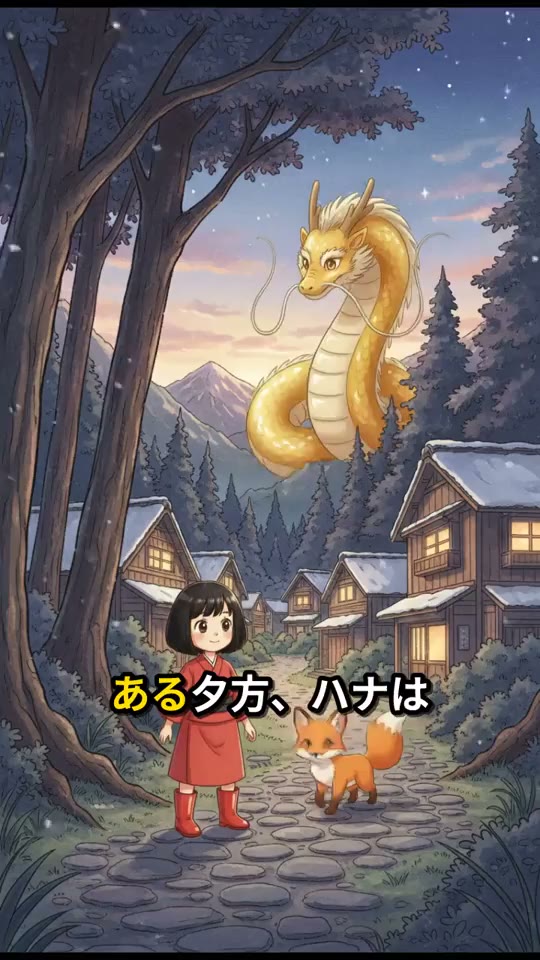
Narrated in Japanese
Written in Japanese, captioned in Japanese.
Animated Cartoon

A move, recast
A filmed take driving a character you describe.
Motion Transfer

A serialized short
One chapter per run, in a look held across episodes.
Seedance 2.5
From idea to finished video
- Step 01
Write the story
The characters, what happens, and how it ends.
- Step 02
Ask for anime
One line on the look, like cel-shaded 90s TV anime, and one on the main character.
- Step 03
See the price, then run it
A narrated storyboard is about $0.78 a minute; the animated version costs more. Both are priced first.
- Step 04
Post it
Download it, or post it to YouTube or TikTok from the same chat.
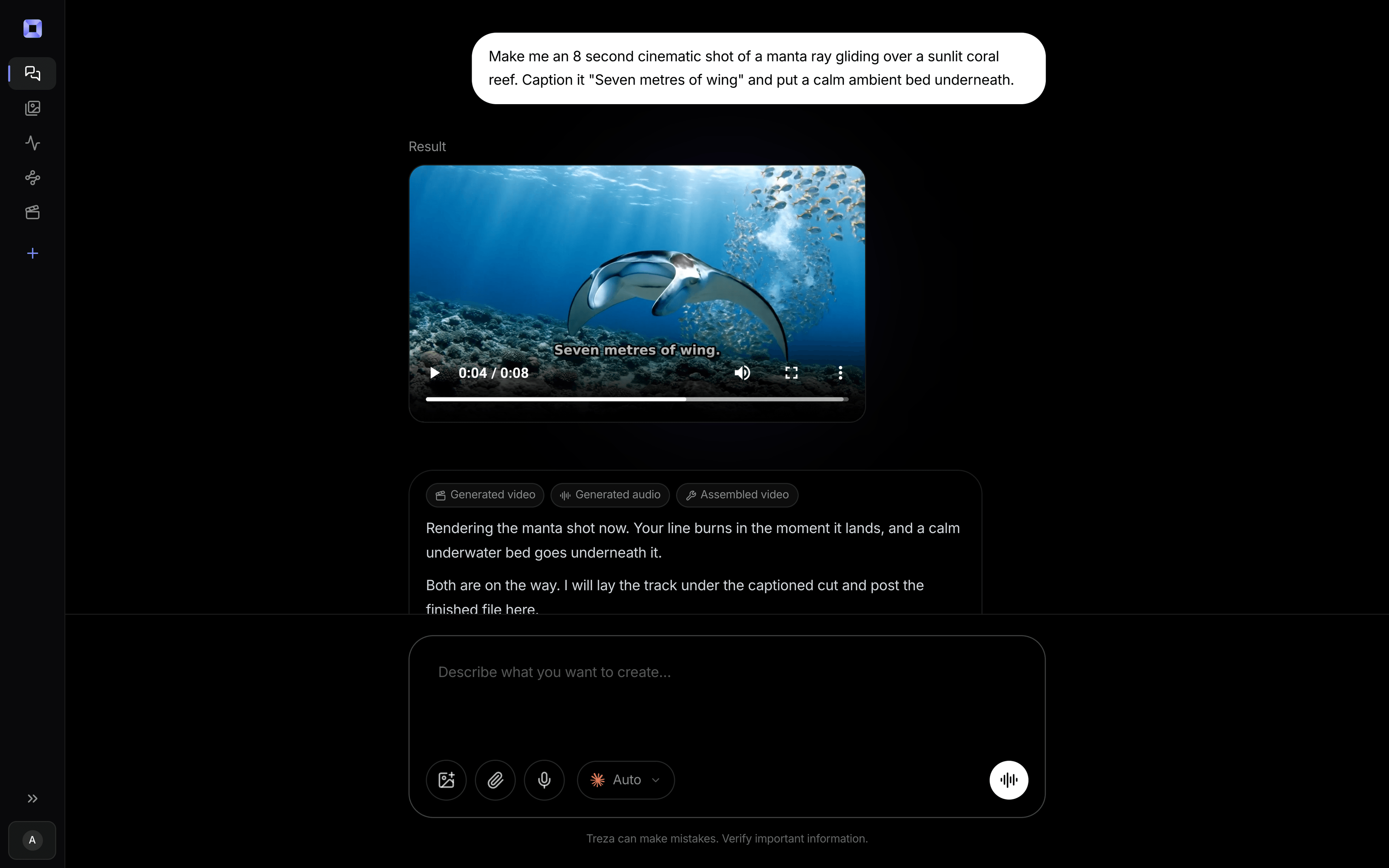
One sentence, in the words you would use out loud.
What people build with it
Anime story Shorts
A short episode in the same style and voice each time, captioned for the feed.
An original anime character
A recurring hero, described once, in a new small story each episode.
Anime dance edits
Your own dance take, performed by an anime character with Motion Transfer.
Light novel and webtoon trailers
A chapter's key scenes drawn in anime style with a narrator over them.
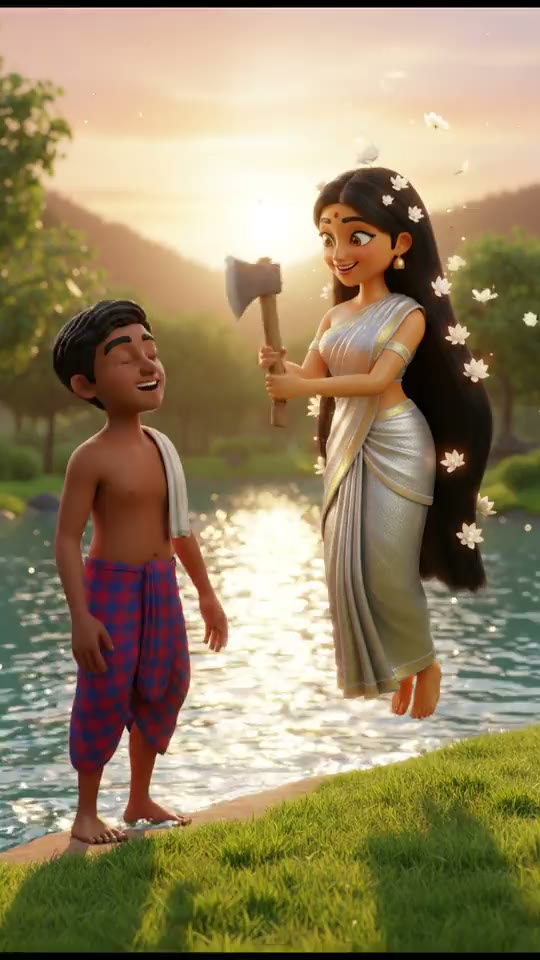

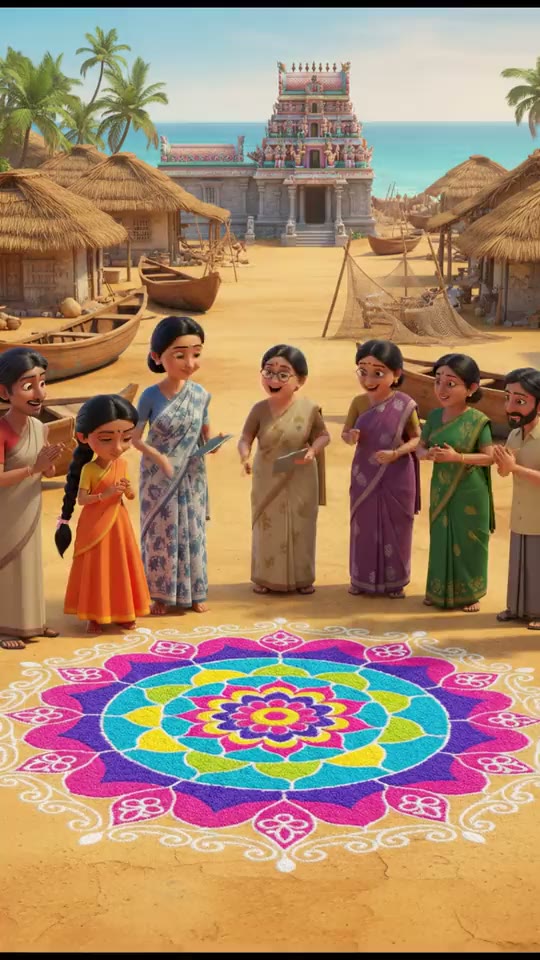

AI anime video generator, answered
What is the best AI anime video generator?
For a narrated anime story, use a tool that writes, draws, animates and voices it in one run; Treza does that and lets you choose the video model. For a single, hand-directed fight scene, a specialist animator still wins.
Can I make videos with existing anime characters?
No. The models decline recognisable characters from anime, films and games. Describe your own; it is also a character nobody else's channel has.
Which model makes the best anime?
In our test, Veo 3.1 Lite held a cel-shaded look on every frame of a 4 second clip. Seedance 2.5 and Kling 3.0 Pro also take a style from the prompt, and chat can render the same prompt on each so you can compare. Compare the models
Can the narration be in Japanese?
Yes. Write the story in Japanese and the narration and captions stay in Japanese. The same goes for English, Korean, Hindi, Spanish and more.
How much does it cost to make an anime video with Treza?
Treza runs on prepaid credits with no subscription. Each generation is charged at the model's own rate from your balance, and a failed generation costs nothing. A typical video generation settles around $1.06, and credit packs start at $5 and never expire.
Can I call this as an API instead of using the canvas?
Yes. Every pipeline can be published as a versioned HTTP endpoint. Call the typed /invoke endpoint with JSON in and JSON out, or point any OpenAI SDK at the OpenAI-compatible endpoint. Swap a model on a node later and the API your product calls does not change.
Do I need to know how to edit video?
No. Start from a template, change the topic, and run it. If you do want frame-level control, the timeline editor is there with multi-track video and audio, per-clip trims, fades, and volume, but nothing about the automated path requires opening it.
Related tools
AI animation generator
Animated stories and Shorts from text, narrated in any language
AI cartoon video generator
Narrated cartoon stories and animated Shorts, in any language
AI motion transfer
A character that performs your filmed take, or replaces the performer in it
See every tool, compare the models, read what an AI video pipeline is, or earn 30% sharing these tools.
Your first video is one prompt away.
Generate your first video, image, or draft today. Prepaid credits, no subscription.