
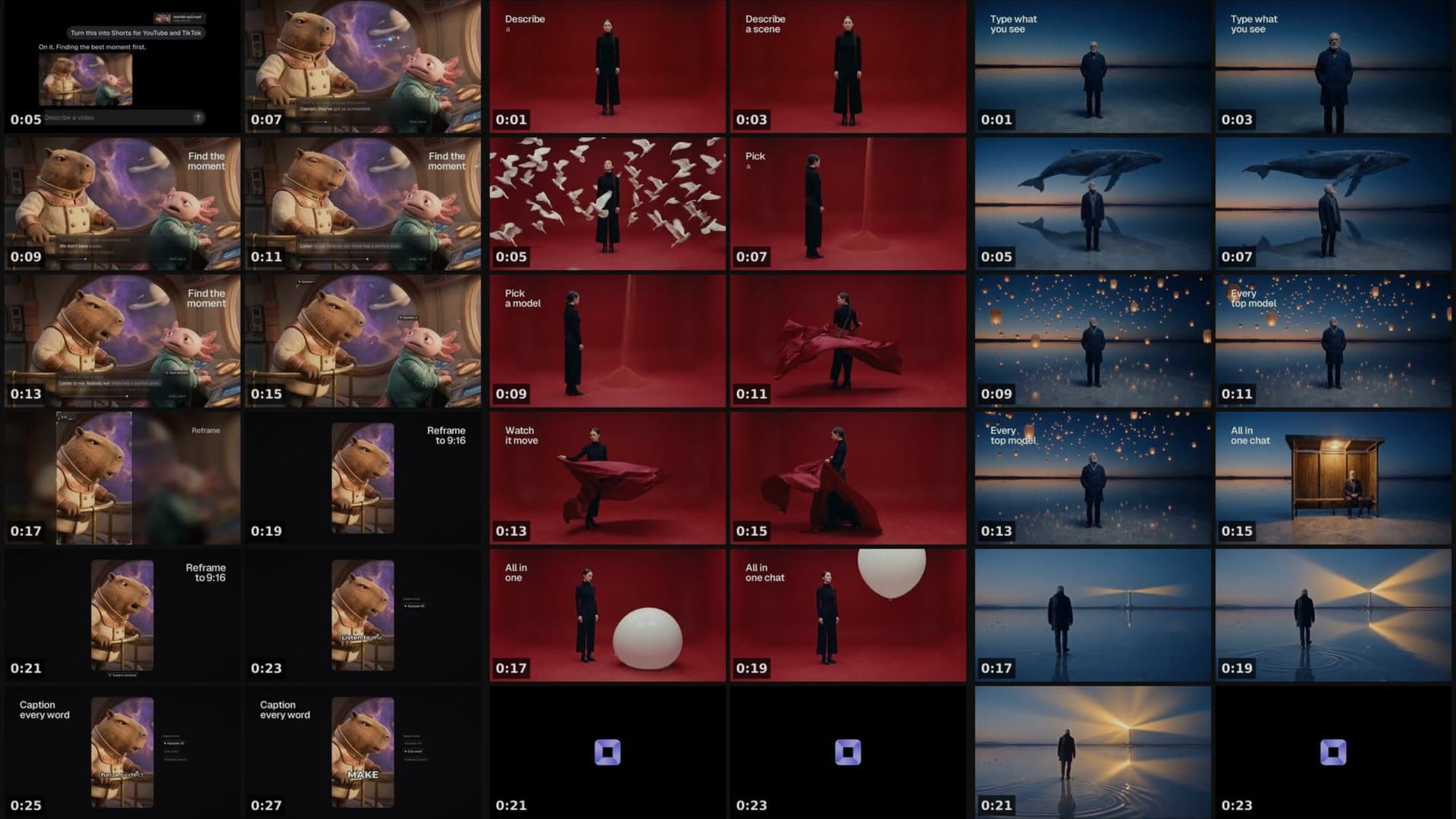
Video Contact Sheet. See every shot of a video on one page.
A grid of frames with timecodes, so you find a moment without watching.
Make a contact sheet of this video, one frame per shot.Open in chatEverything on this page was made on Treza. See pricing
One frame per shot
It finds every hard cut and shows each shot once.
A timecode on each frame
Read the second straight off the sheet.
Or every few seconds
A quick first look at a long source.
Just one stretch
Lay out only the minute you care about.
Long videos, more sheets
Up to 240 frames, a new sheet past 48.
A shot list too
Every shot's start and end, in seconds.
Three videos, three sheets
The sheet is what it made. The box follows the playhead.
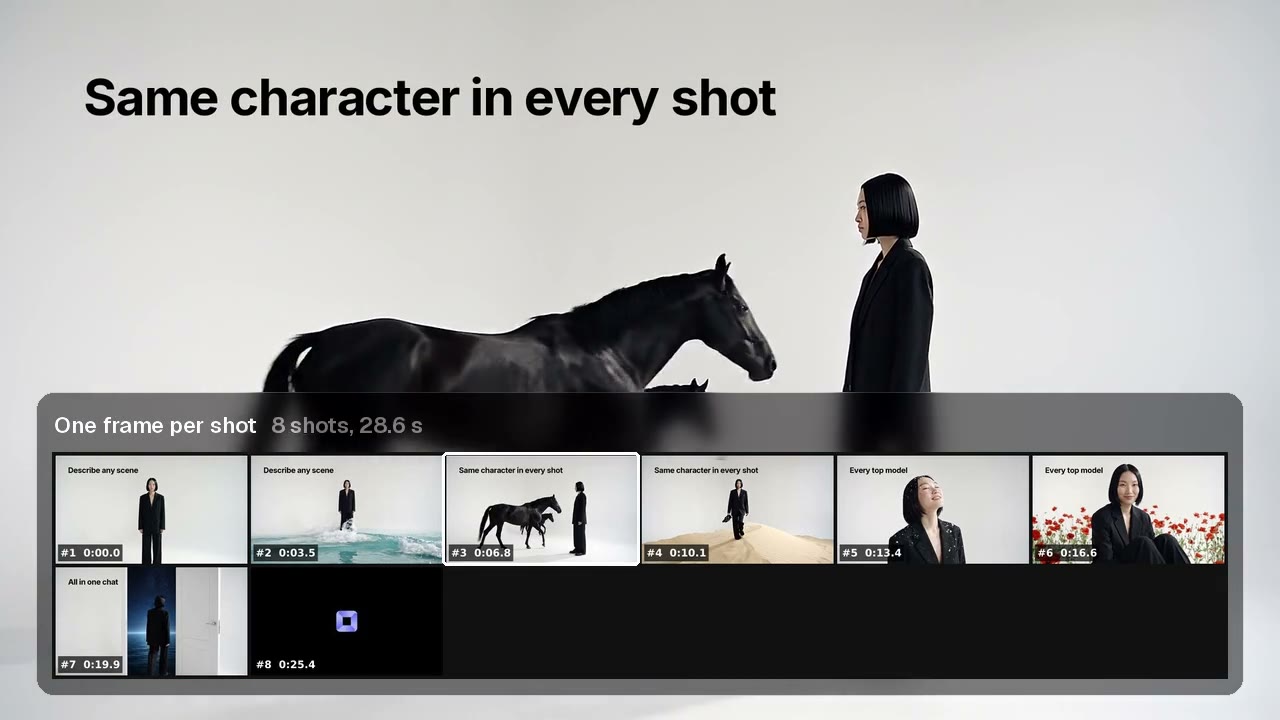
One frame per shot
Eight cuts found, each labelled with where it starts.
Contact Sheet
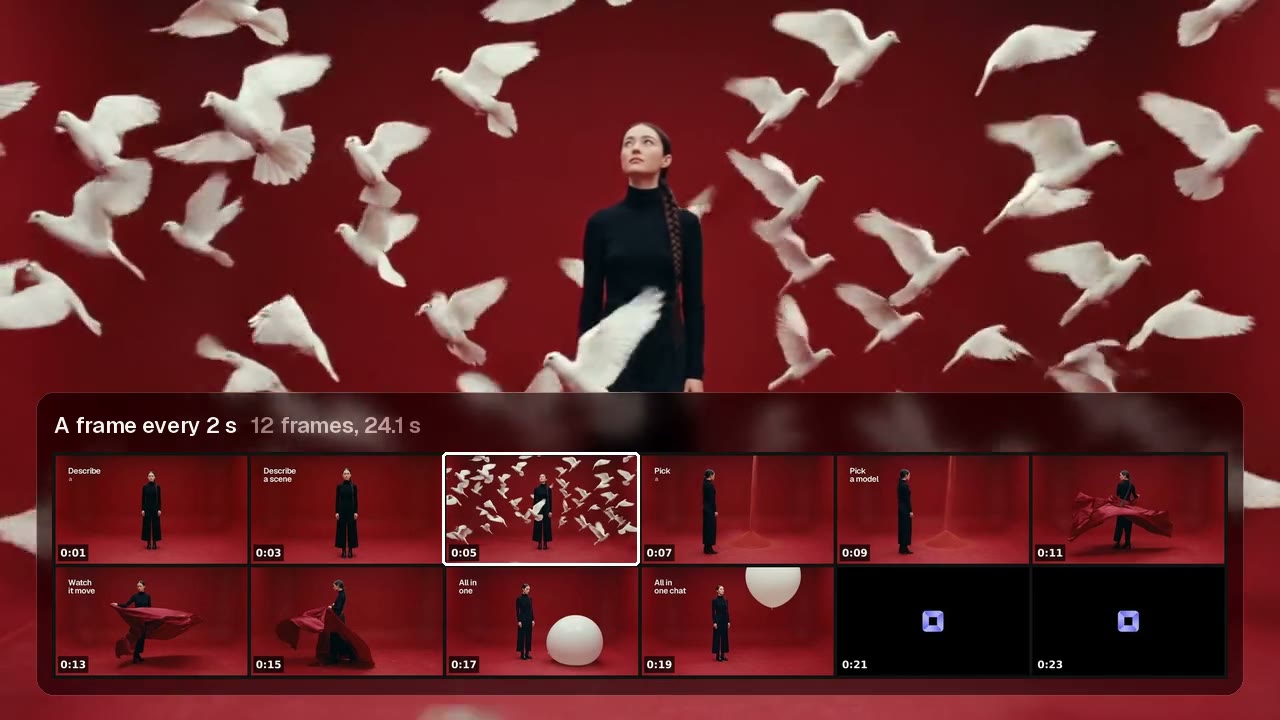
A frame every 2 s
Twelve frames for a 24 second video.
Contact Sheet
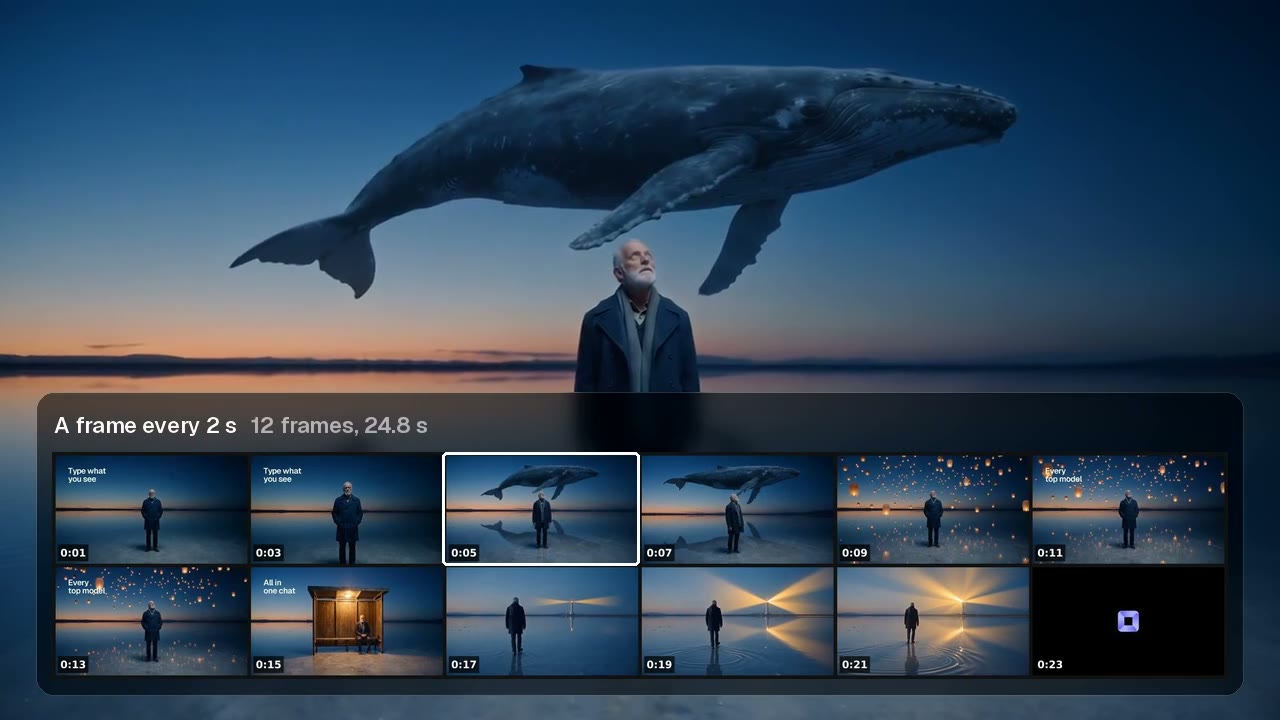
Same grid, any video
Every frame with its timecode.
Contact Sheet
From idea to finished video
- Step 01
Attach the video
In chat, or on the canvas.
- Step 02
Pick the frames
One per shot, or one every few seconds.
- Step 03
Get the sheet
A grid of frames, plus every timecode.
- Step 04
Cut the moment
Extract Clip takes the time straight from it.
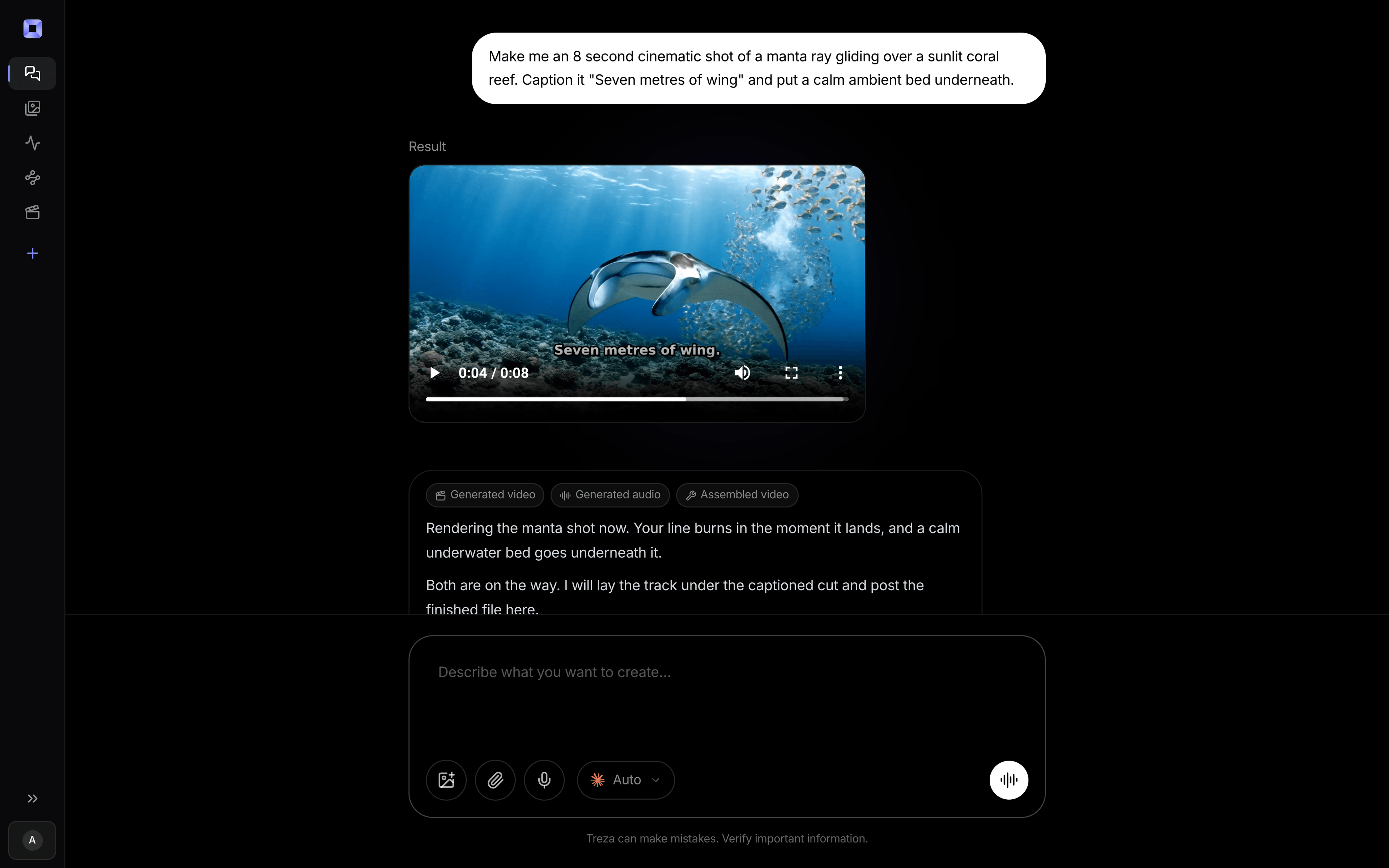
One sentence, in the words you would use out loud.
What people build with it
Finding a moment
Find the minute, then the shot.
Shot lists
Every cut, with where it starts.
Reviewing a cut
See the pacing at a glance.
Picking a thumbnail
Every candidate frame side by side.
Logging footage
One page per file.
Notes for an editor
Point at a frame by its timecode.

Video contact sheet, answered
How does it find the shots?
It reads every frame for hard cuts and shows one frame from the middle of each shot.
What about a long movie?
Lay the whole thing out a frame every few seconds, then make a sheet of just the minute you need.
Can I change the grid?
Yes. Two to twelve frames across, and up to 240 frames over several sheets.
Can AI read the sheet?
Yes. Six across keeps every frame readable for a vision model, which is how Find Scene searches a video.
How much does it cost to make a contact sheet with Treza?
Treza runs on prepaid credits with no subscription. Each generation is charged at the model's own rate from your balance, and a failed generation costs nothing. A typical video generation settles around $1.06, and credit packs start at $5 and never expire.
Can I call this as an API instead of using the canvas?
Yes. Every pipeline can be published as a versioned HTTP endpoint. Call the typed /invoke endpoint with JSON in and JSON out, or point any OpenAI SDK at the OpenAI-compatible endpoint. Swap a model on a node later and the API your product calls does not change.
Do I need to know how to edit video?
No. Start from a template, change the topic, and run it. If you do want frame-level control, the timeline editor is there with multi-track video and audio, per-clip trims, fades, and volume, but nothing about the automated path requires opening it.
Related tools
AI object detection
Finding where something is in a frame, by name
Remove silence from video
Tightening a talking take into a jump cut
AI video transcriber
Transcripts, SRT files, and captions from your recordings
See every tool, compare the models, read what an AI video pipeline is, or earn 30% sharing these tools.
Your first video is one prompt away.
Generate your first video, image, or draft today. Prepaid credits, no subscription.