
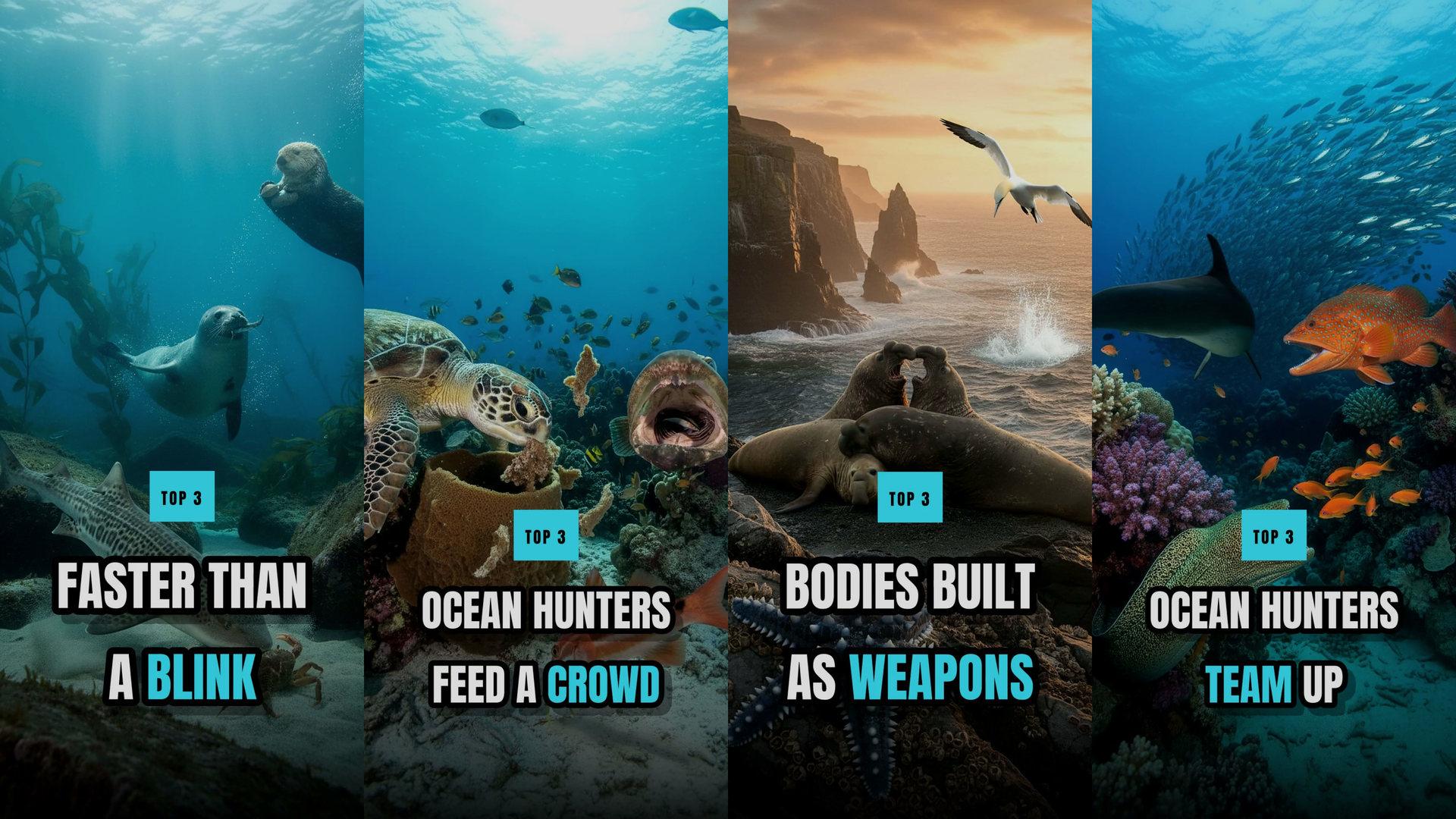
YouTube Shorts Thumbnail. Put your card on the Shorts tile.
Your thumbnail on the first frame, where the Shorts tile looks.
Put a thumbnail on the Shorts tile of this video with the headline OCEAN SPEED.Open in chatEverything on this page was made on Treza. See pricing
Card on frame 0
Your thumbnail becomes the opening frame.
One frame long
Too quick for anyone watching to see.
Fills the frame
Scaled and cropped to fit, never letterboxed.
Same sound, same length
Audio copied untouched, timing unchanged.
1080p for posting
Scales a smaller video up to 1080 if you ask.
TikTok cover too
The TikTok upload points its cover at the card.
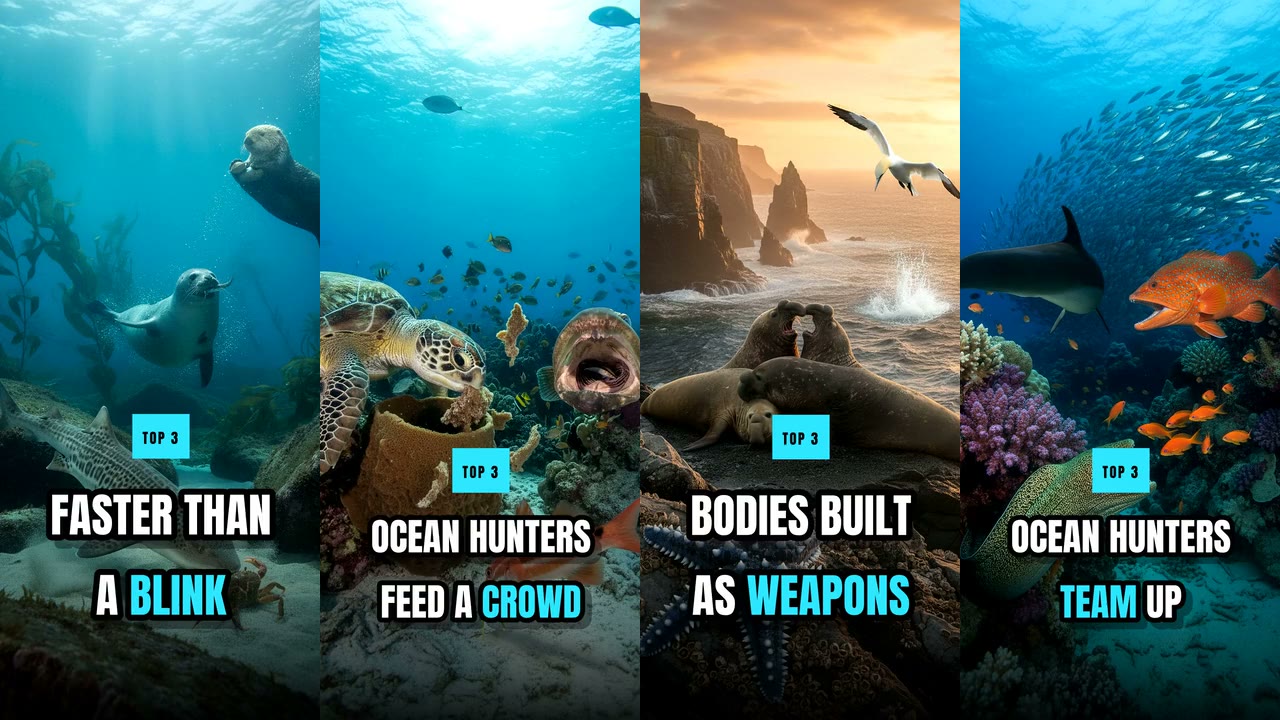
Four Shorts, four tiles
Frame 0 is the card. Frame 1 on is the video.
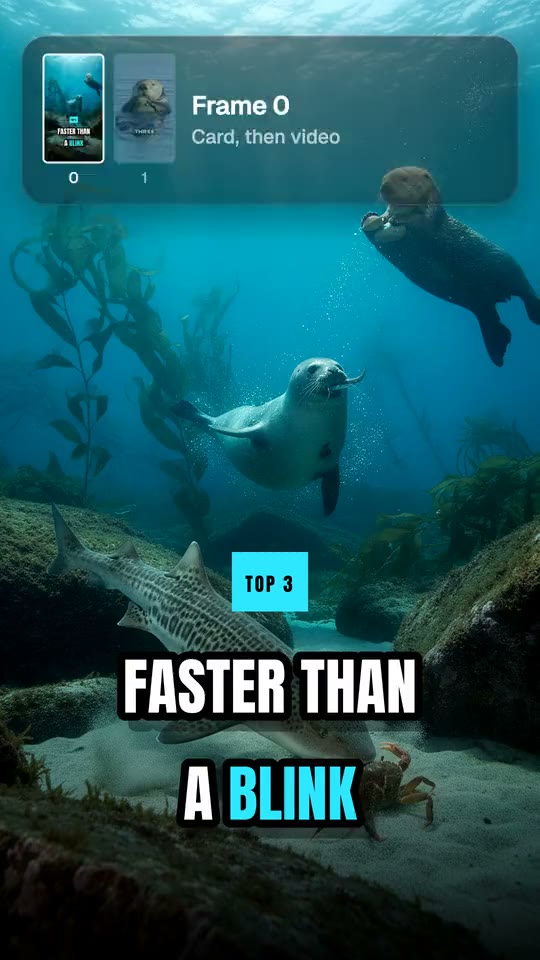
A countdown Short
The headline on the tile, the otter from frame 1.
Cover Frame
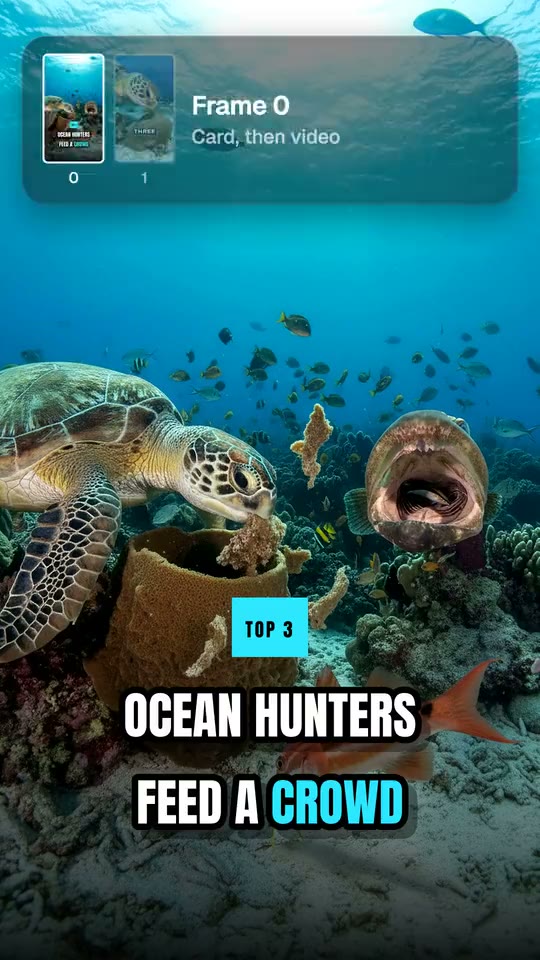
A two-line title
Same card, cropped to fill the frame.
Cover Frame
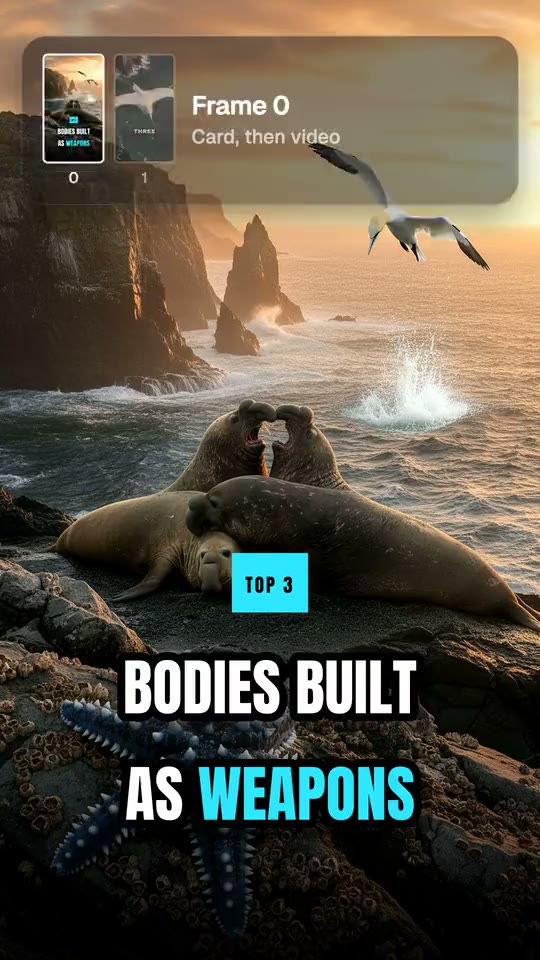
Posted at 1080p
A 720p video scaled up for the upload.
Cover Frame
From idea to finished video
- Step 01
Attach the Short
In chat or on the canvas.
- Step 02
Give it a headline
Or bring a thumbnail you already made.
- Step 03
Get it back
Same video, your card on frame 0.
- Step 04
Post it
To YouTube Shorts or TikTok.
One sentence, in the words you would use out loud.
What people build with it
Faceless channels
Every Short opens on a designed tile.
Daily Shorts
A card on each one, posted on schedule.
Countdown and list videos
Put the headline where people browse.
Podcast clips
A clean title card instead of a mid-word face.
Product Shorts
Lead the tile with the product and the offer.
TikTok reposts
The same card as the TikTok cover.
YouTube Shorts thumbnail, answered
How do I set a custom thumbnail on YouTube Shorts?
Put your card on the first frame: the Shorts tile shows a frame of the video when no vertical thumbnail is set.
Will viewers see the card when the Short plays?
No. It covers a single frame, which goes by too fast to notice.
Why not upload the thumbnail through the API?
YouTube's API cannot set a Short's vertical thumbnail, so the frame is the way onto the tile.
Does it change the sound or the length?
No. The audio is copied as it is and the video keeps its length.
How much does it cost to make a YouTube Shorts thumbnail with Treza?
Treza runs on prepaid credits with no subscription. Each generation is charged at the model's own rate from your balance, and a failed generation costs nothing. A typical video generation settles around $1.06, and credit packs start at $5 and never expire.
Can I call this as an API instead of using the canvas?
Yes. Every pipeline can be published as a versioned HTTP endpoint. Call the typed /invoke endpoint with JSON in and JSON out, or point any OpenAI SDK at the OpenAI-compatible endpoint. Swap a model on a node later and the API your product calls does not change.
Do I need to know how to edit video?
No. Start from a template, change the topic, and run it. If you do want frame-level control, the timeline editor is there with multi-track video and audio, per-clip trims, fades, and volume, but nothing about the automated path requires opening it.
Related tools
AI YouTube thumbnail generator
YouTube thumbnails built from the video's own frames
AI YouTube Shorts generator
Daily YouTube Shorts, made and posted on a schedule
Faceless video generator
Faceless YouTube and TikTok channels that publish on a schedule
Auto zoom video
Talking videos that need a beat of emphasis
See every tool, compare the models, read what an AI video pipeline is, or earn 30% sharing these tools.
Your first video is one prompt away.
Generate your first video, image, or draft today. Prepaid credits, no subscription.