
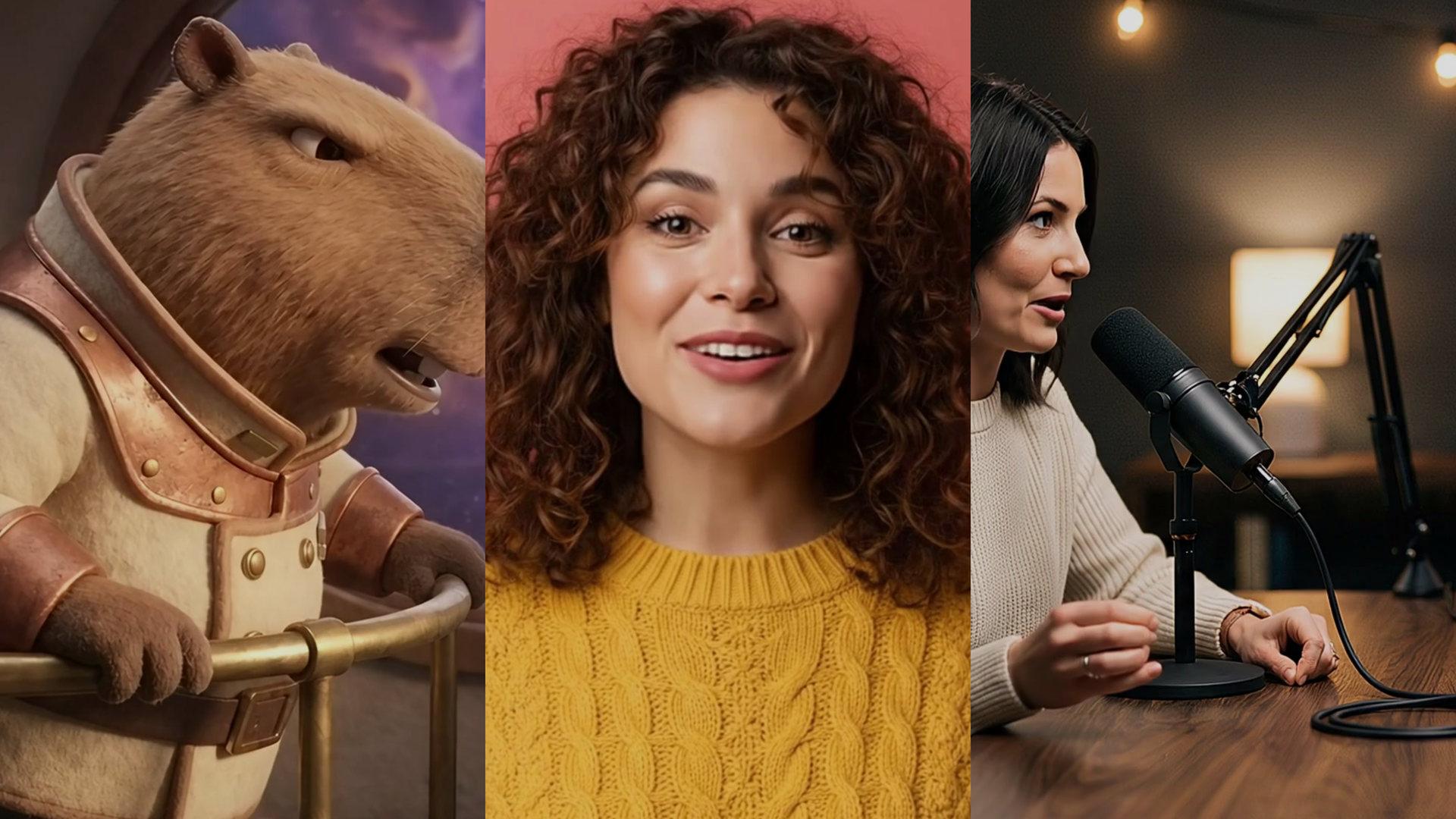
Auto Zoom Video. Punch in on the line that matters.
Snap the framing closer on one line, or across the whole clip.
Punch in on the line "here's the secret" in this video.Open in chatEverything on this page was made on Treza. See pricing
A hard punch-in
Snaps closer like a cut, not a slow push.
On one line
Name the line or the second, and it zooms for that stretch.
Or the whole clip
Tighten the framing from start to end.
Pick the amount
From a touch closer to twice as close.
Pick how long
From a tenth of a second to ten.
Same size, same sound
Scaled back to full size, audio untouched.
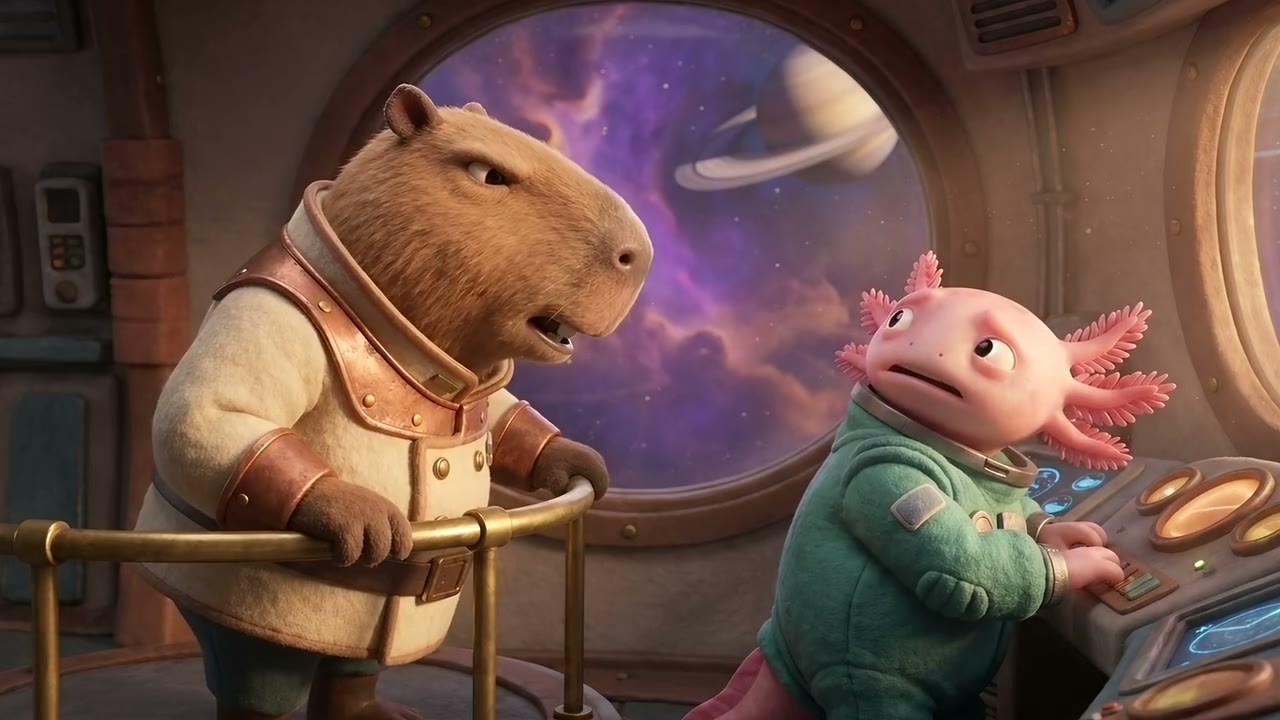
Three takes, three punch-ins
The card shows for as long as the punch-in lasts.
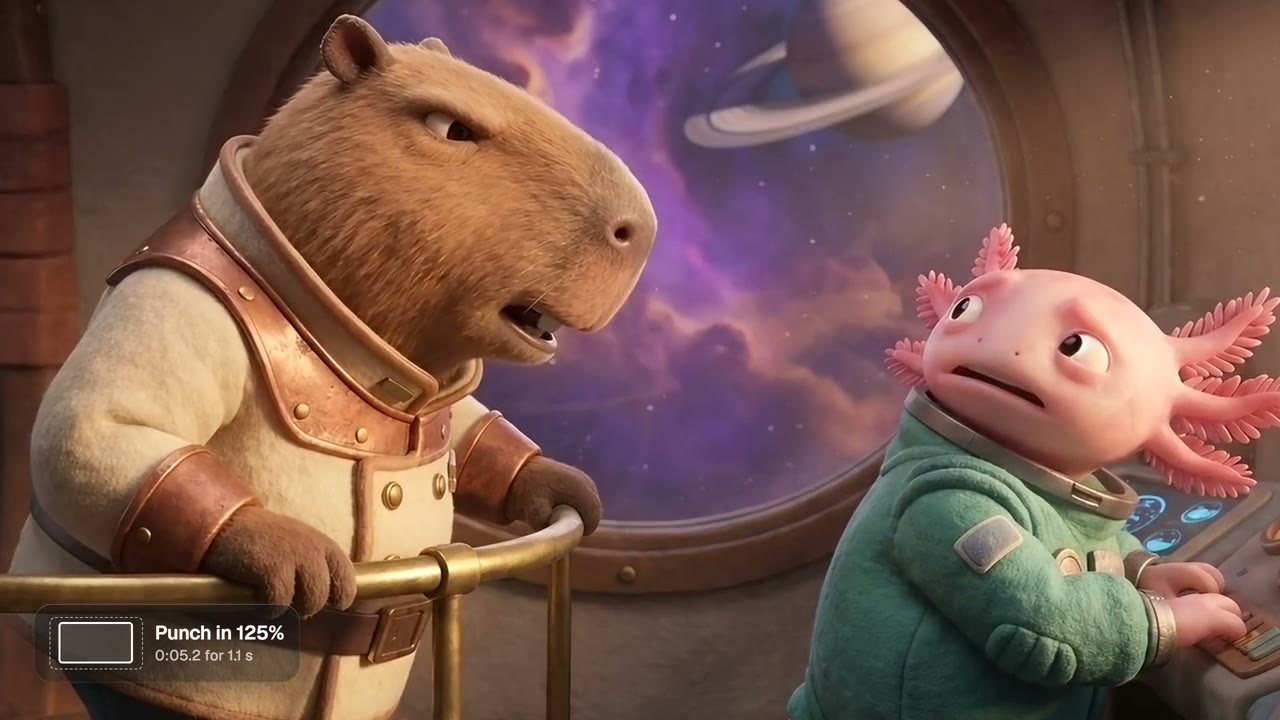
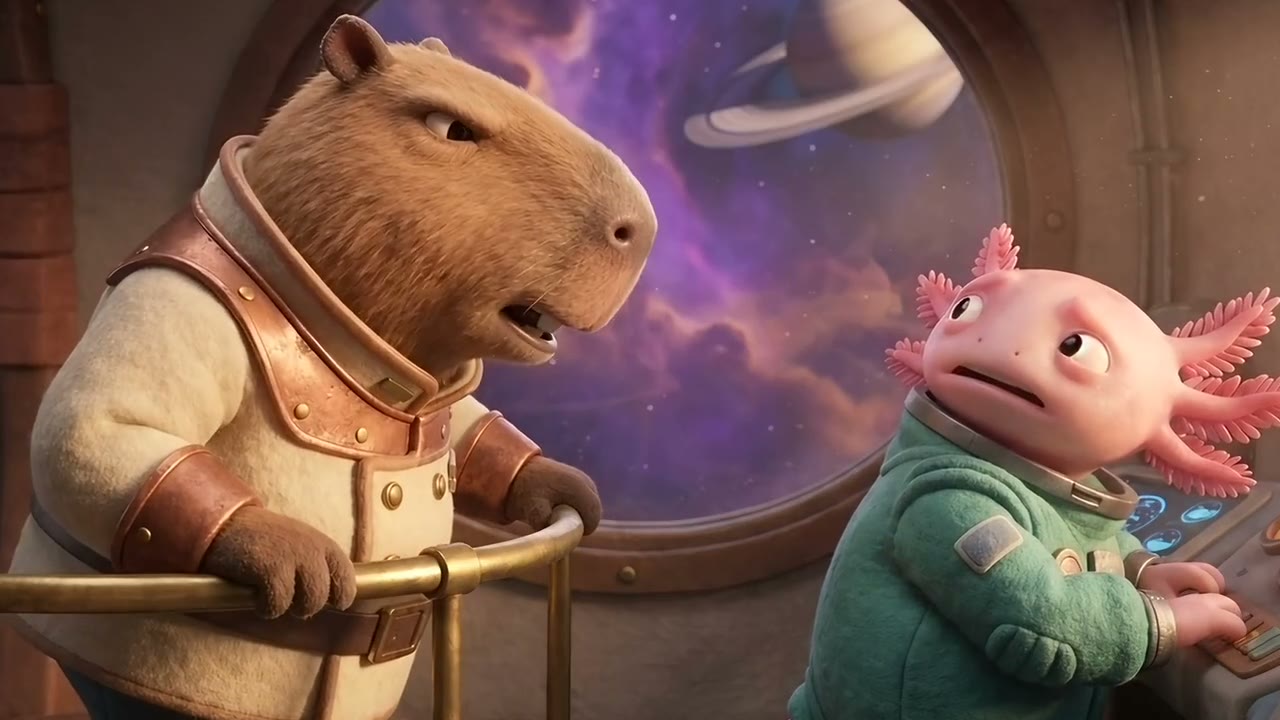
On one line of a scene
125% on "Listen to me." at 0:05.2.
Punch In
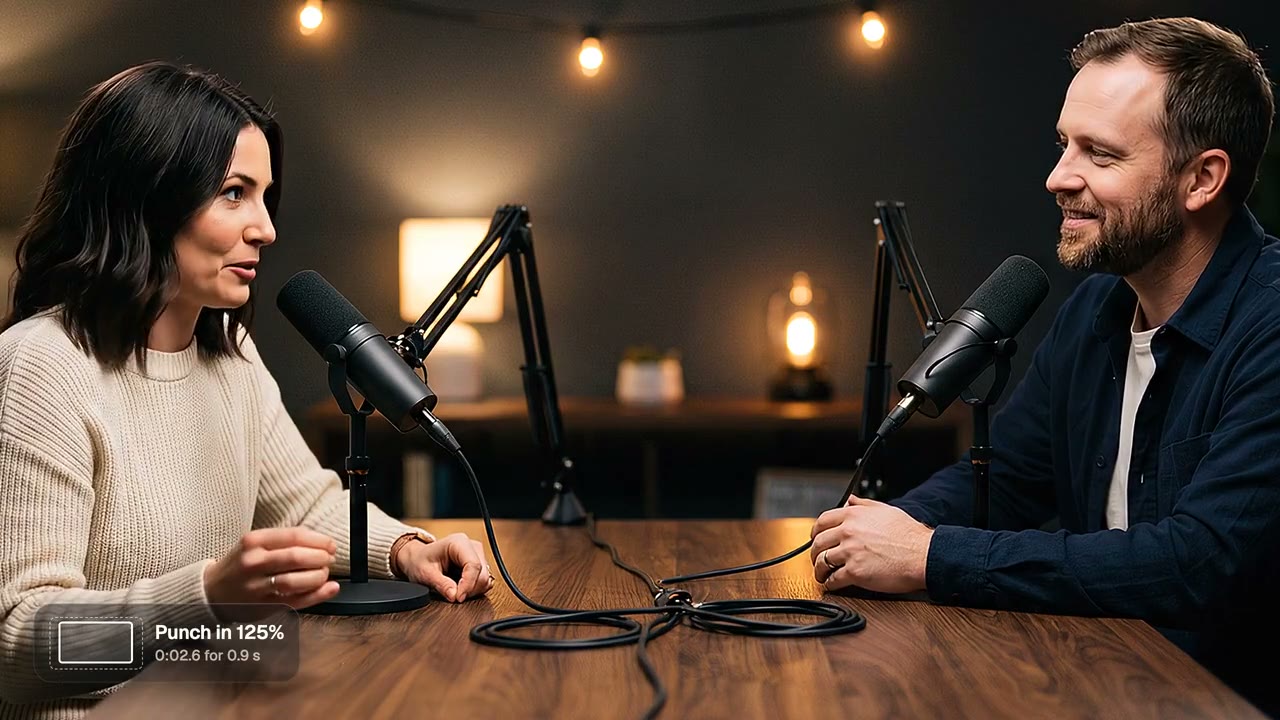
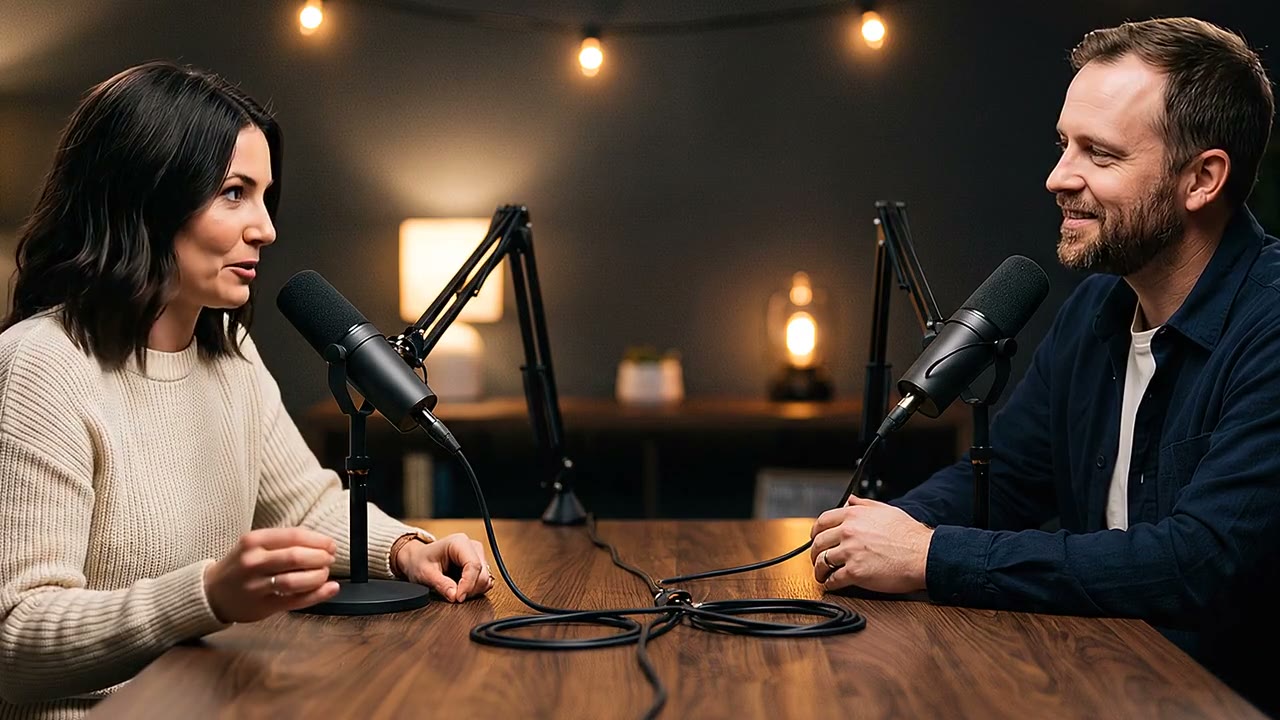
On a podcast line
125% on "perfect plan." at 0:02.6.
Punch In
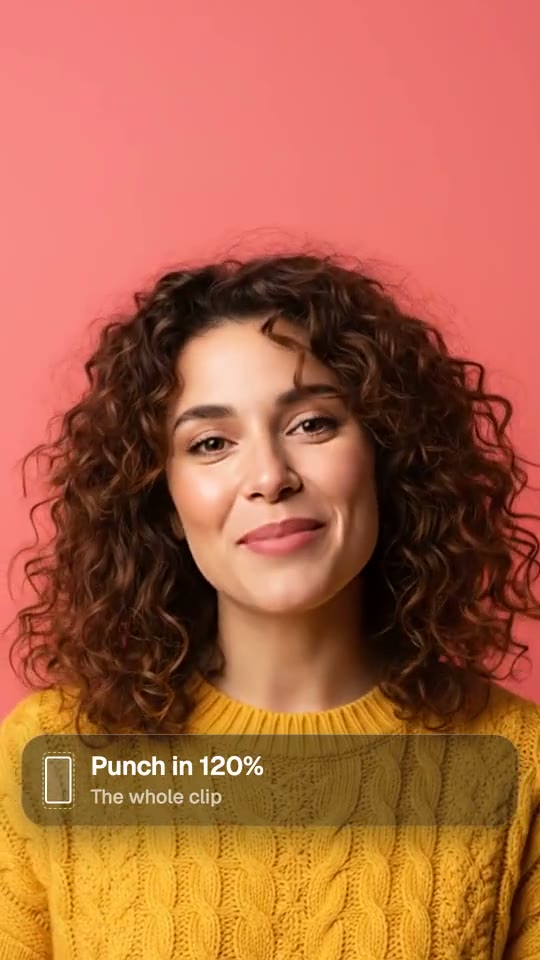
Across a whole take
120% from start to end.
Punch In
Wide or punched in
Same seconds, one node apart.
From idea to finished video
- Step 01
Attach the video
In chat or on the canvas.
- Step 02
Name the line
Or the second it starts, and how close.
- Step 03
Get it back
Same video, punched in on that line.
- Step 04
Post it
Caption it first, or send it straight out.
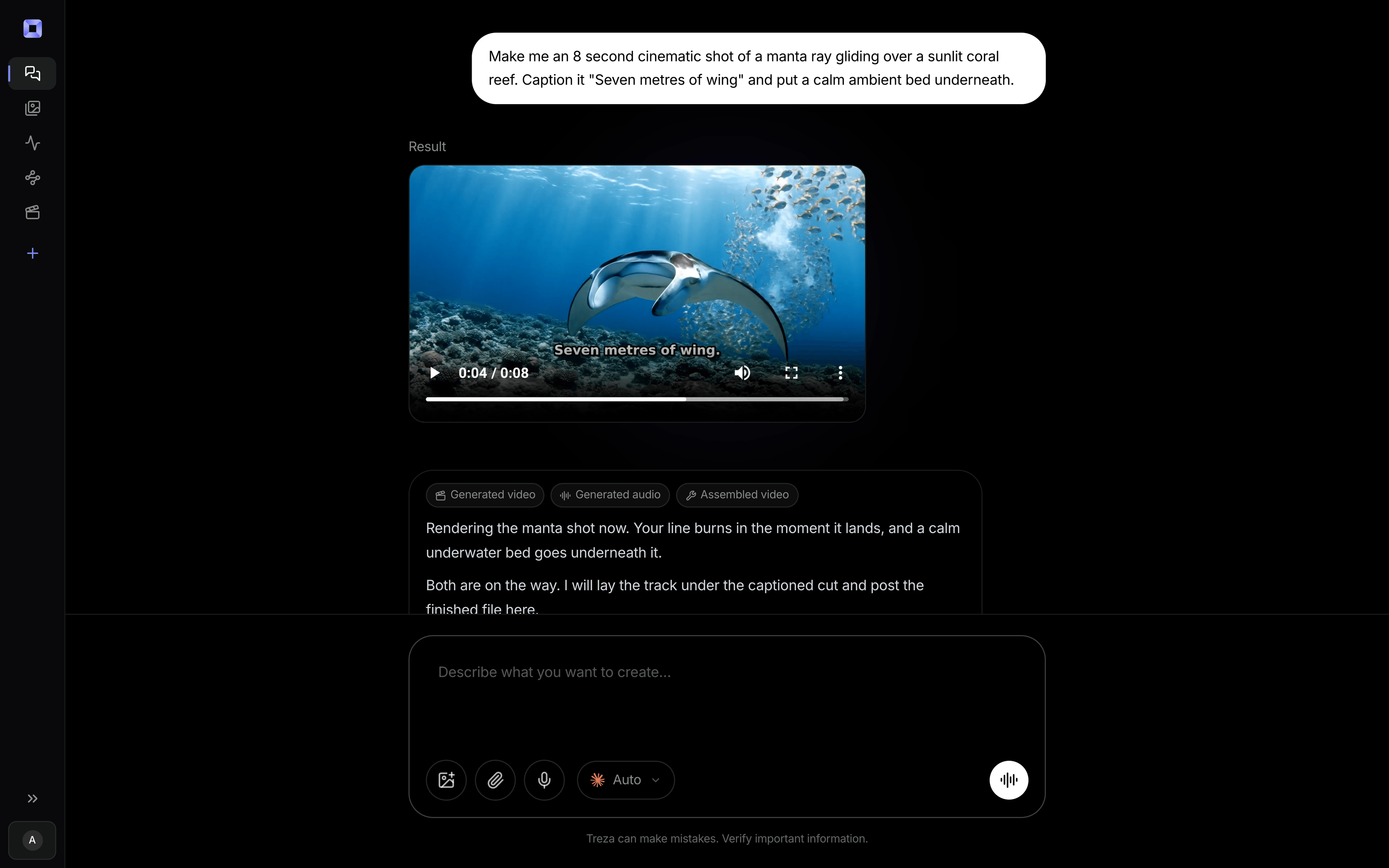
One sentence, in the words you would use out loud.
What people build with it
Talking-head shorts
Hit the key word with a cut in.
Podcast clips
Punch in on the line worth sharing.
Story scenes
Push in on the line that turns it.
Wide takes
Tighten the framing across the whole clip.
Reaction moments
Snap closer on the laugh.
Explainers
Land the main point a little closer.
Auto zoom video, answered
What is an auto zoom punch-in?
A quick zoom on one moment that reads as a cut in, used to stress a line in a talking video.
Can I choose where it zooms?
Yes. Name the line or the second it starts, how close it goes and how long it holds.
Does zooming in lower the quality?
It crops the centre of the frame and scales it back to full size, so a big zoom on a small video looks softer.
Does it change the sound or the length?
No. The audio passes through untouched and the video keeps its length.
How much does it cost to make a punch-in zoom with Treza?
Treza runs on prepaid credits with no subscription. Each generation is charged at the model's own rate from your balance, and a failed generation costs nothing. A typical video generation settles around $1.06, and credit packs start at $5 and never expire.
Can I call this as an API instead of using the canvas?
Yes. Every pipeline can be published as a versioned HTTP endpoint. Call the typed /invoke endpoint with JSON in and JSON out, or point any OpenAI SDK at the OpenAI-compatible endpoint. Swap a model on a node later and the API your product calls does not change.
Do I need to know how to edit video?
No. Start from a template, change the topic, and run it. If you do want frame-level control, the timeline editor is there with multi-track video and audio, per-clip trims, fades, and volume, but nothing about the automated path requires opening it.
Related tools
Remove silence from video
Tightening a talking take into a jump cut
Tape stop rewind effect
Cold opens that jump back to the start
AI video caption generator
Word-timed captions burned into every video
See every tool, compare the models, read what an AI video pipeline is, or earn 30% sharing these tools.
Your first video is one prompt away.
Generate your first video, image, or draft today. Prepaid credits, no subscription.