
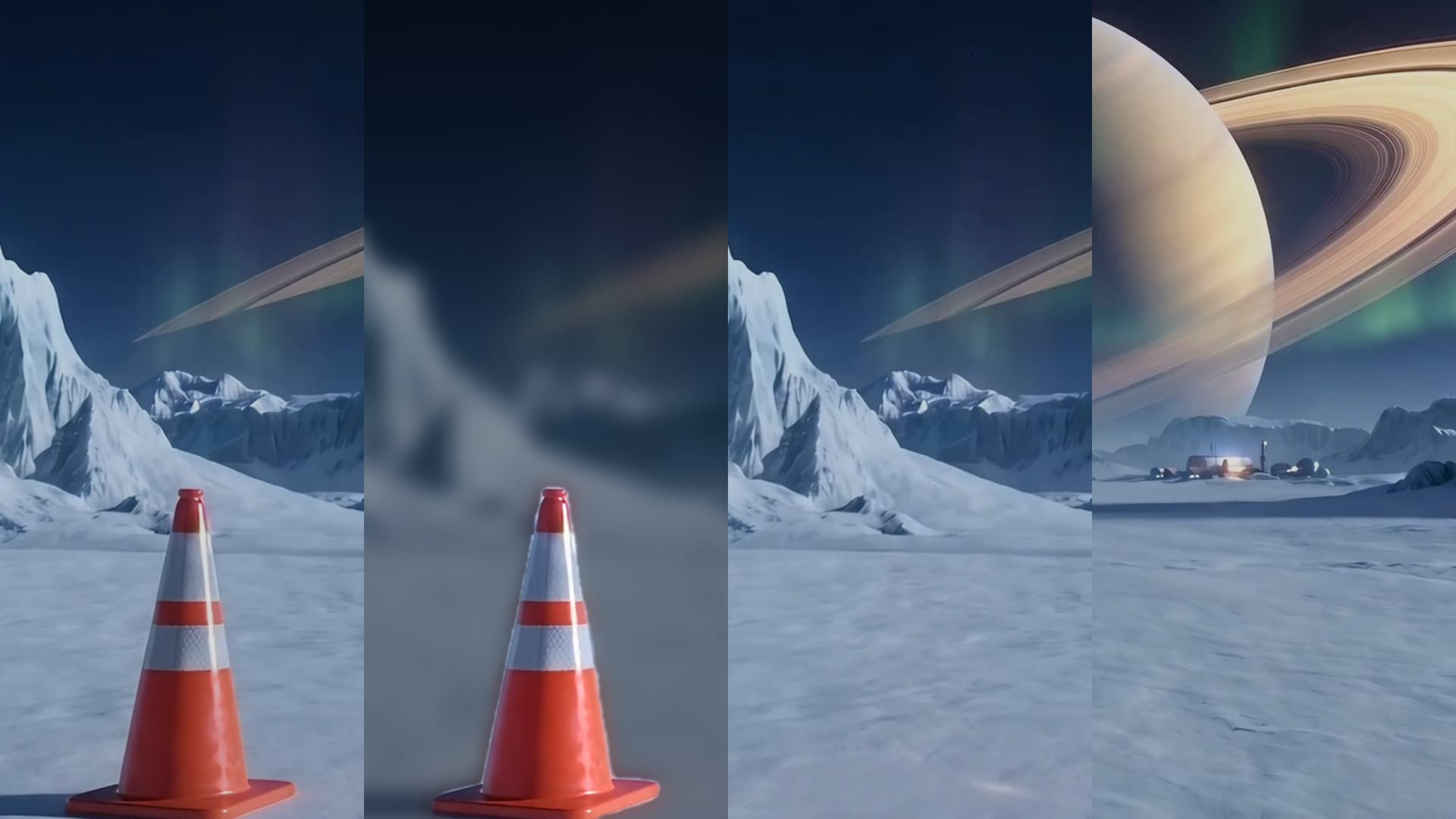
Remove Object from Video. Erase logos, signs, and people.
Say what to take out of a video and Treza finds it, follows it on every frame, and fills the space with what would be behind it. The rest of the picture and the sound stay as they were.
Take the sign out of this video.Open in chatEverything on this page was made on Treza. See pricing
Describe it, don't mask it
Type what goes, like the sign over the gate or the logo on the cup. It is found on a frame of each shot and followed on every frame after.
Logos, signs, text, and people
A brand on a shirt, a street sign, a car in the background, a person walking through the shot.
Filled, not blurred
The space is painted with what would be behind it, never blurred, cropped, or covered with a box.
Only those pixels change
Everything else in the frame and the whole soundtrack stay the source's own, and only the stretches where the object shows are edited.
Checked when it's done
Afterwards it looks for the object again and tells you if any of it is still there, so you know before you post.
Replace it with something
Leave the fill empty for whatever would naturally be there, or say what goes in its place, like open sky.
One shot, start to finish
Found on every frame, one frame painted clean, the shot filled, then checked.
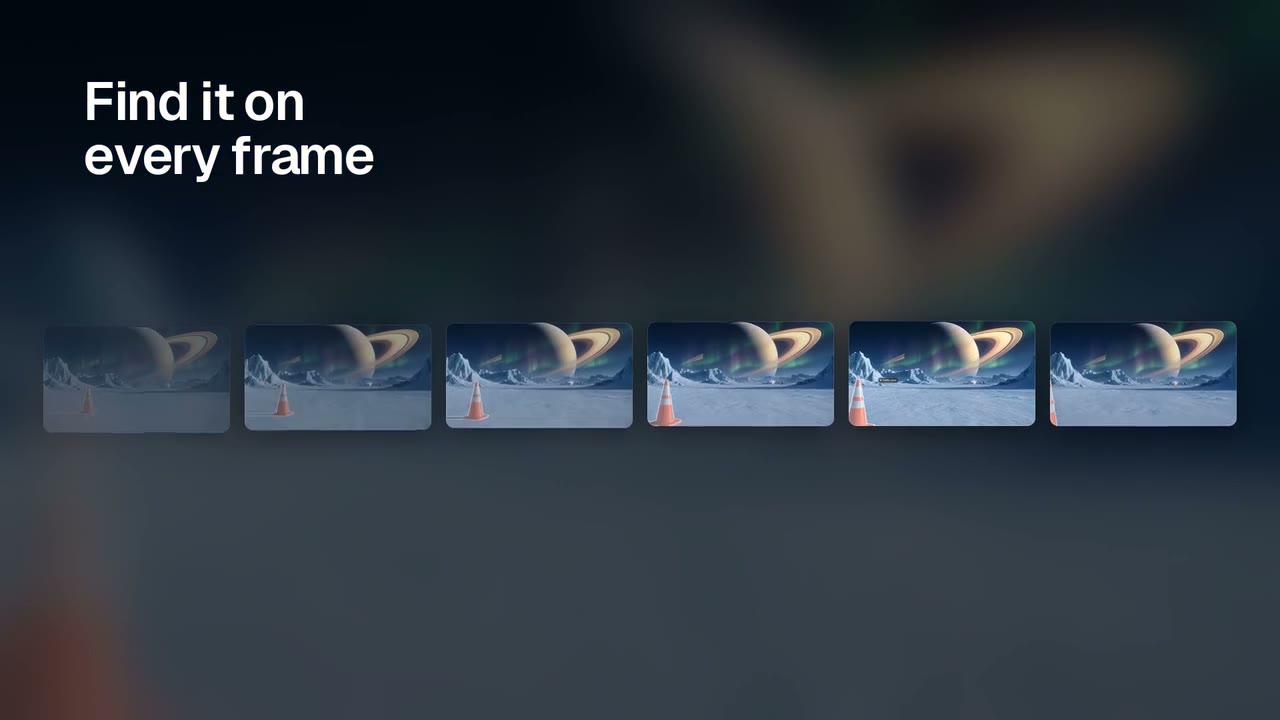
Every step of one removal
The real masks, the clean frame and the check, from one run.
Remove Object
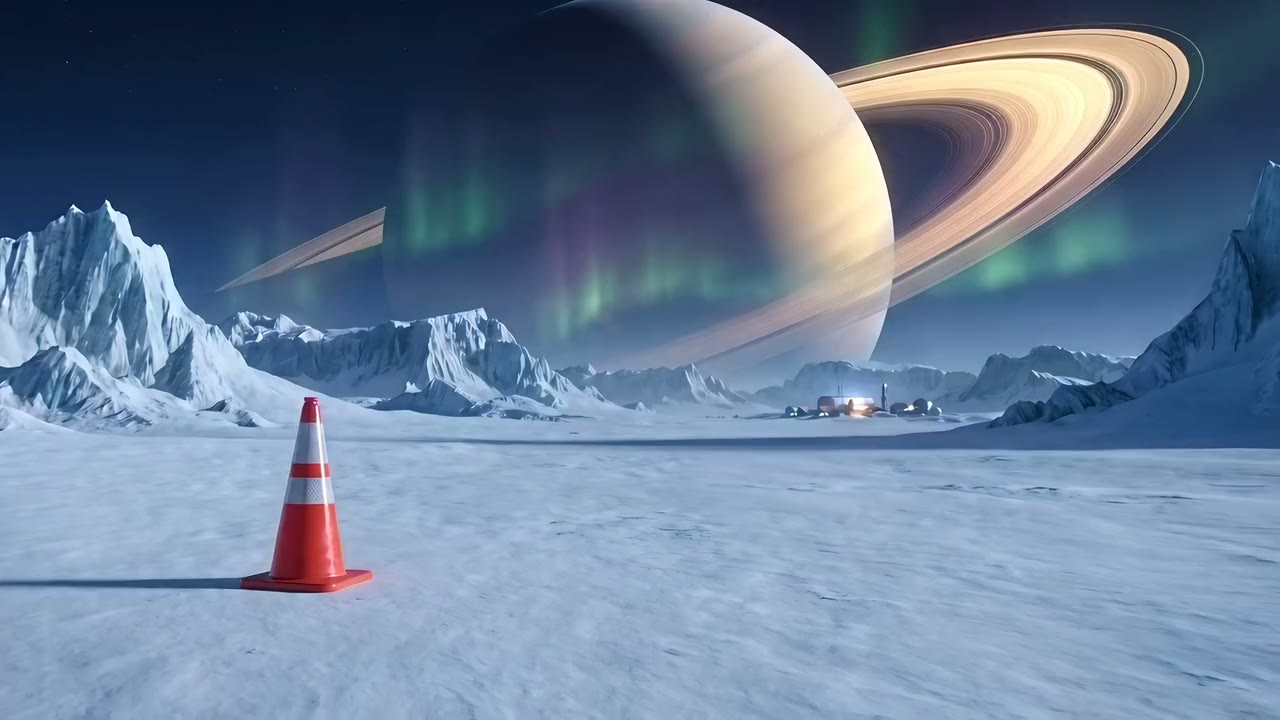
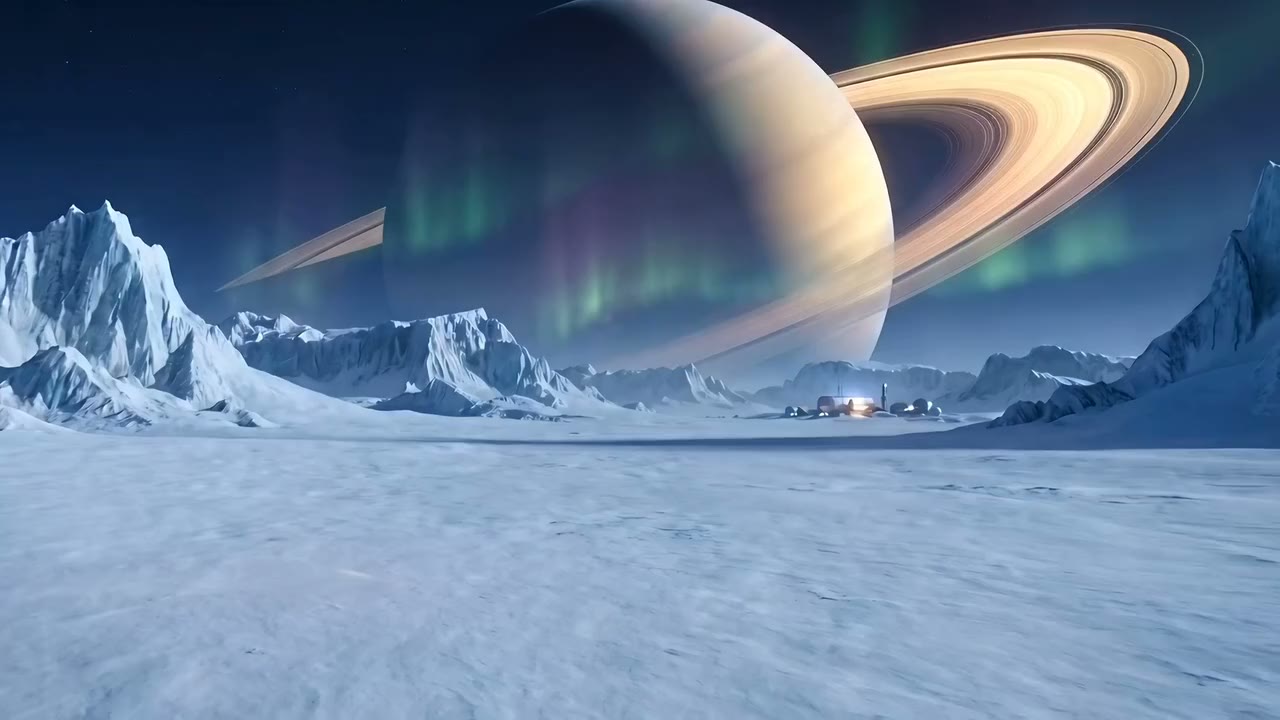
Before and after
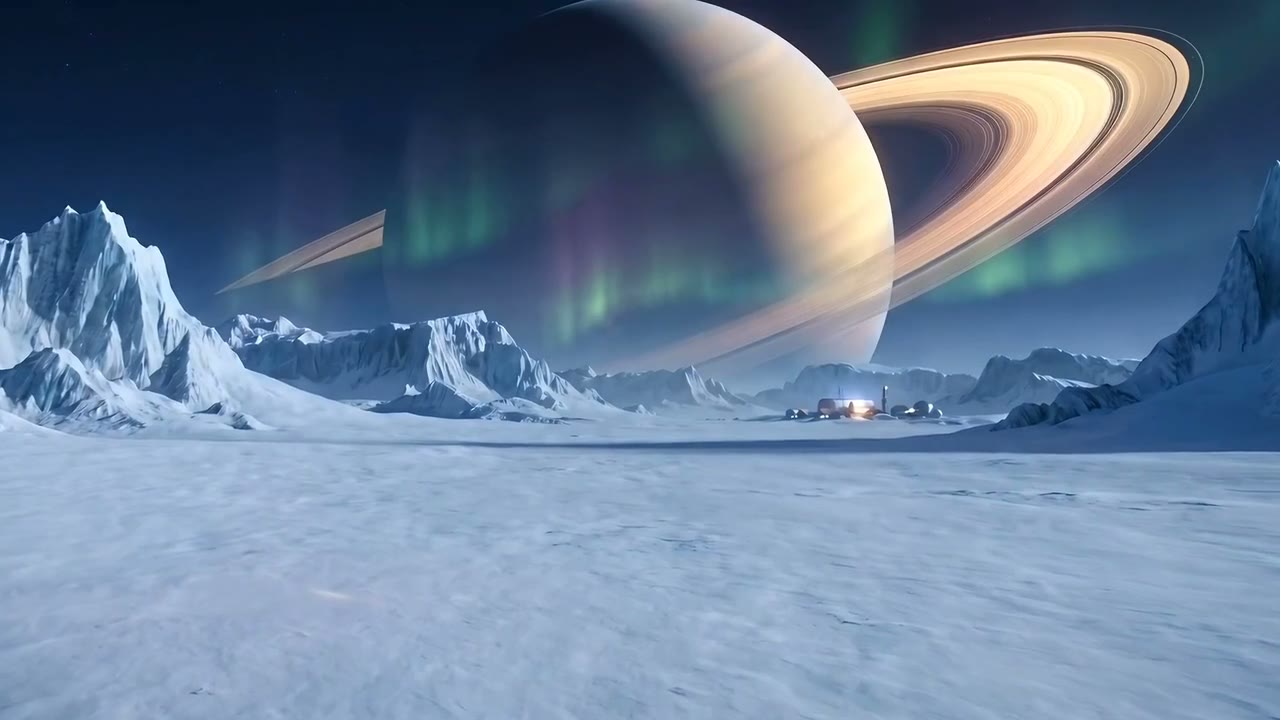
The camera moves and the snow stays clean.
From idea to finished video
- Step 01
Upload the video
Drop it into chat, or use a clip Treza already made for you.
- Step 02
Say what to remove
Describe only what should go. For a long video, say roughly when it appears; up to 60 seconds are edited at a time.
- Step 03
See the price
Finding, cleaning and checking cost a few cents. Shots where the camera moves around the object add $0.168 a second.
- Step 04
Download the clean cut
The same length and sound as the source, with the object gone. A few minutes per clip.
One sentence, in the words you would use out loud.
What people build with it
Remove a logo from a video
Take a brand off a shirt, a mug or a laptop before the clip goes in an ad.
Remove text or a sign
A shop name, a street sign, or a banner you don't have rights to show.
Remove a person from the background
Someone who walked through the shot, gone without a reshoot.
Clean up generated clips
A stray object a video model added, removed instead of paying to render the shot again.
Remove object from video, answered
What is the best way to remove an object from a video?
For a short clip, an AI tool that tracks the object and fills it in is far faster than masking frame by frame in an editor. Treza does that from a description. For a feature film shot with a moving crowd in front of the object, a compositor will still do the cleanest job.
How much does it cost to remove an object?
A few cents to find, clean and check it, plus $0.168 a second for the stretches that need a video model (at least 3 seconds each). Chat shows the price before it runs.
Can it remove a watermark?
Only from footage you own. Removing another creator's or a stock site's watermark breaks their terms, so don't use it for that.
What if part of the object is still there?
The check afterwards says so. Run it again on the original video, not the edited one, and describe everything that should go.
How long can the video be?
Any length, but up to 60 seconds are edited per run. For a longer video, say the start and end of the part where the object appears.
How much does it cost to make an object removal with Treza?
Treza runs on prepaid credits with no subscription. Each generation is charged at the model's own rate from your balance, and a failed generation costs nothing. A typical video generation settles around $1.06, and credit packs start at $5 and never expire.
Can I call this as an API instead of using the canvas?
Yes. Every pipeline can be published as a versioned HTTP endpoint. Call the typed /invoke endpoint with JSON in and JSON out, or point any OpenAI SDK at the OpenAI-compatible endpoint. Swap a model on a node later and the API your product calls does not change.
Do I need to know how to edit video?
No. Start from a template, change the topic, and run it. If you do want frame-level control, the timeline editor is there with multi-track video and audio, per-clip trims, fades, and volume, but nothing about the automated path requires opening it.
Related tools
Video background remover
Cutouts from video and photos, with new backdrops behind them
AI video upscaler
Sharper, higher resolution versions of the clips you keep
Remove background noise from video
Cleaner dialogue and platform-ready loudness on any recording
See every tool, compare the models, read what an AI video pipeline is, or earn 30% sharing these tools.
Your first video is one prompt away.
Generate your first video, image, or draft today. Prepaid credits, no subscription.