
AI Product Animation Generator. Show the product doing what it does.
Show a product in motion: a lid lifting, an umbrella opening, a mechanism at work. Start from your own product photo, or from two photos for the start and the end, and Treza animates the move between them.
Everything on this page was made on Treza.
Start from your product photo
Attach a product photo in chat and the clip opens on it, so the product on screen starts as your product rather than a guess from a description.
Two photos, a start and an end
Attach a second photo of the product in its end state, open, unfolded, or assembled, and the clip ends on it. Veo 3.1, Kling, Seedance, and Wan all take a first and a last frame.
Direct the move in words
Say what moves and how the camera behaves: the lid lifts slowly, the product turns a half circle, a slow push in on the detail.
Or describe it from scratch
With no photo, the Product Demo Video template turns a short brief into one shot prompt and renders it, for a quick concept before a shoot.
Your logo, put on exactly
Generated labels and logos drift. The Overlay node burns your real logo onto the finished clip in the corner you pick, so the brand mark stays exact.
Every placement
Render 16:9 for the product page, 9:16 for Shorts, Reels, and TikTok, or 1:1 for the feed.
Three products, three moves
Each one starts from a product photo. The candle and the box also had a second photo of the end state, so the clip finishes on it; the umbrella opened from its first photo alone.
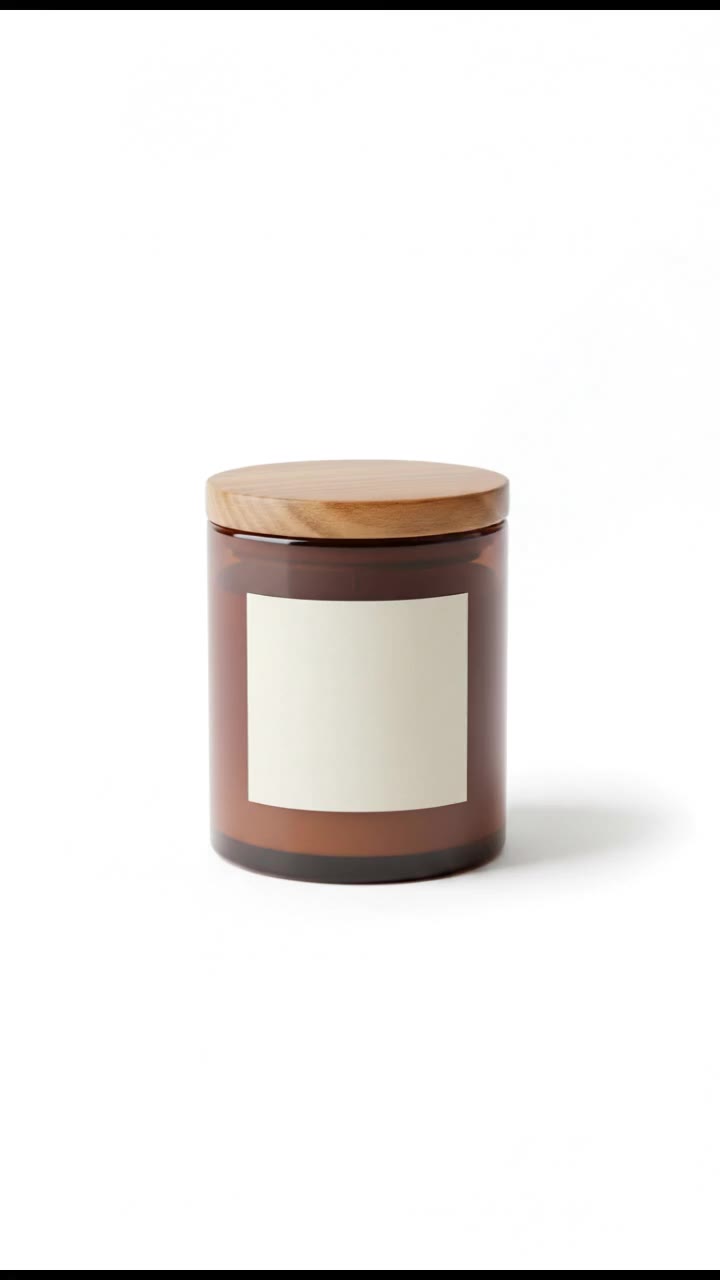
Lid off, candle lit
Two photos, lid on and lid off. The model added the hand.
Veo 3.1 Lite
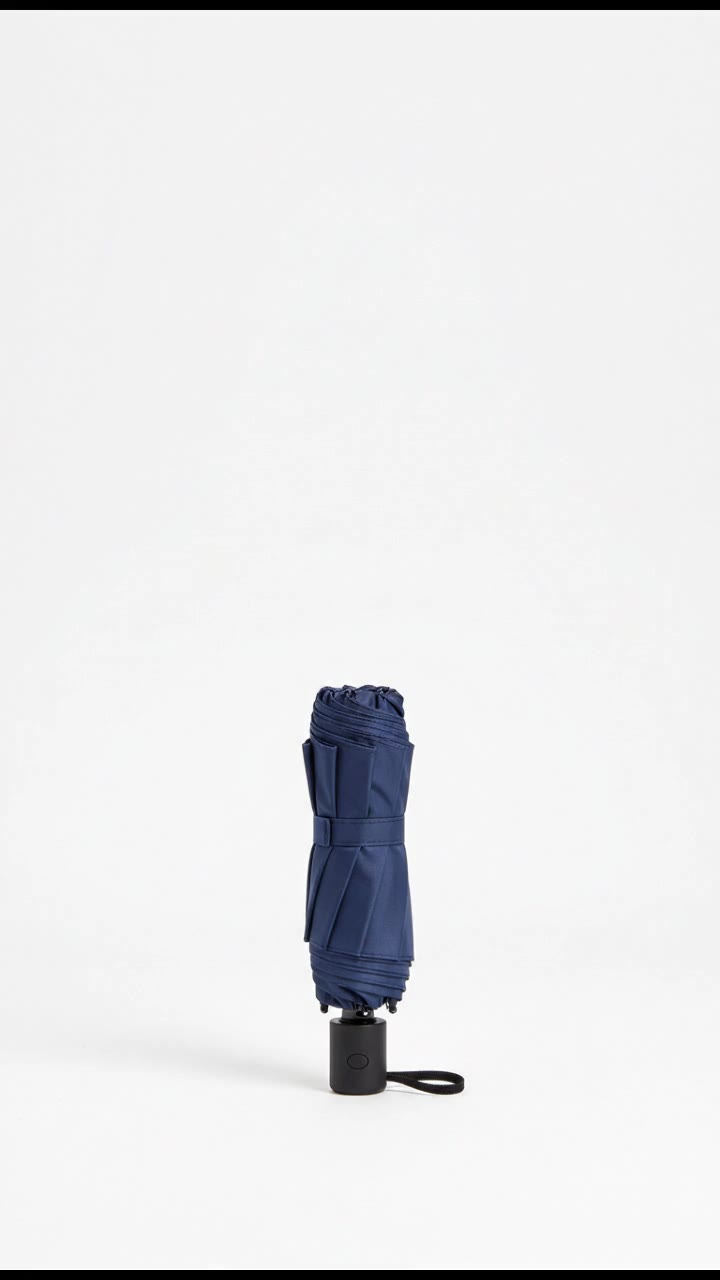
Umbrella springs open
One photo of it closed, and the motion in words.
Veo 3.1 Lite
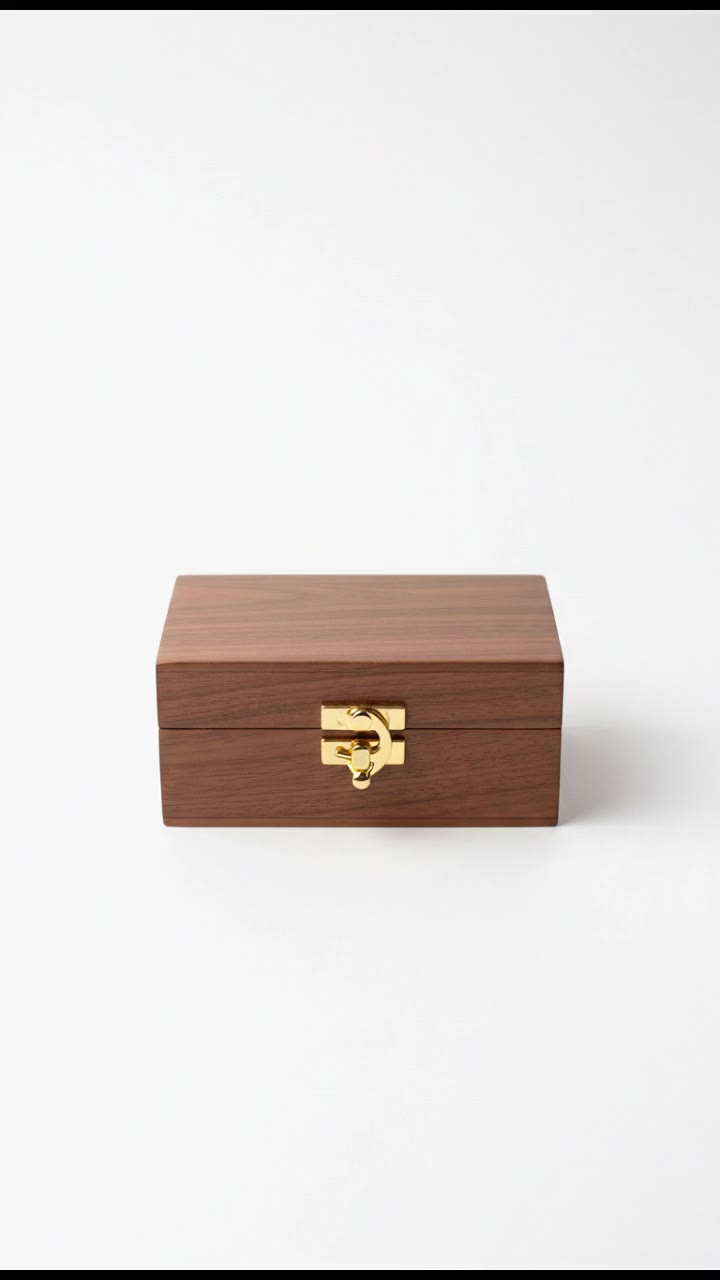
Jewelry box opens
Closed, then open on the ring, from two photos.
Veo 3.1 Lite
From idea to finished video
- Step 01
Bring the product
In the chat, attach a clean product photo, or two: one at the start of the move and one at the end.
- Step 02
Say what moves
Describe the motion in one or two sentences: what opens, turns, or slides, and how the camera should follow it.
- Step 03
Check the price and run
The price is on the button before anything renders. The animation comes back in the chat a few minutes later.
- Step 04
Brand it and reuse it
Put your logo on with Overlay, and run the same pipeline for the next product in the range.
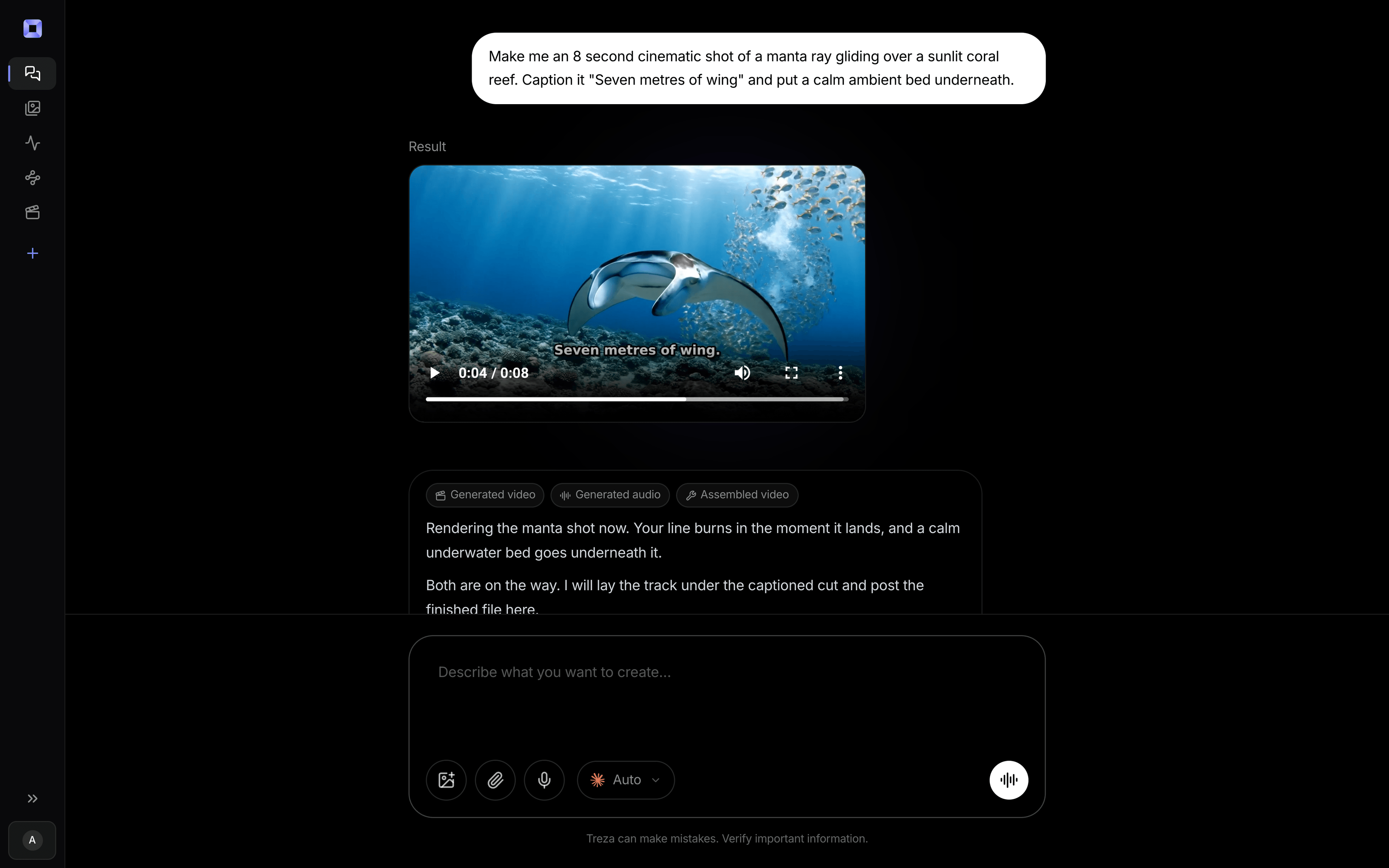
One sentence, in the words you would use out loud.
What people build with it
How it opens or unfolds
Umbrellas, folding chairs, cases, and packaging, shown going from closed to open between two photos of the real product.
A mechanism at work
A dial turning, a pump pressing, a drawer sliding out: the one movement that explains the product without words.
Product page video
A short loop beside the photos on the product page, made from the photos you already have.
Shorts and Reels ads
A vertical clip of the product in motion as the first second of an ad, before the copy.
Launch teasers
A slow reveal of a new product turning into the light, for a launch post or an email header.
Catalog refreshes
The same move for every color or size in the range, from each variant's own photo.
AI product animation, answered
How do I make an AI product animation?
Attach a photo of your product and describe how it should move. On Treza, the video model opens the clip on your photo and animates the motion you describe, and a second photo of the end state makes the clip finish on it. The price is shown before anything renders.
Will the product look exactly like mine?
It starts as your photo, and the shape and color hold well over a short move. Fine print, labels, and small mechanical parts can drift as it moves, so keep the clip short and put your real logo on with the Overlay node.
Can it show the product opening or changing state?
Yes. Give it two photos, the product closed and open, and pass them as the first and last frame. Veo 3.1, Kling, Seedance, and Wan all accept both, and the clip moves from one to the other.
What is the difference from the product video page?
The product video page builds a narrated, captioned demo with several shots. This page is about one move of the product itself, made from your own photos.
Can I use it without a photo?
Yes. The Product Demo Video template writes a shot prompt from a short brief and renders it, which is useful for a concept before you have photos.
How much does it cost to make a product animation with Treza?
Treza runs on prepaid credits with no subscription. Each generation is charged at the model's own rate from your balance, and a failed generation costs nothing. A typical video generation settles around $1.06, and credit packs start at $5 and never expire.
Can I call this as an API instead of using the canvas?
Yes. Every pipeline can be published as a versioned HTTP endpoint. Call the typed /invoke endpoint with JSON in and JSON out, or point any OpenAI SDK at the OpenAI-compatible endpoint. Swap a model on a node later and the API your product calls does not change.
Do I need to know how to edit video?
No. Start from a template, change the topic, and run it. If you do want frame-level control, the timeline editor is there with multi-track video and audio, per-clip trims, fades, and volume, but nothing about the automated path requires opening it.
Related tools
AI product video generator
Product demos and ecommerce video, one pipeline per catalog
AI commercial generator
Promos and video ads for a business, from a brief and a product photo
AI image to video generator
Motion from a photo, poster, or generated key frame
See every tool, compare the models, read what an AI video pipeline is, or earn 30% sharing these tools.
Your first video is one prompt away.
Generate your first video, image, or draft today. Prepaid credits, no subscription.