
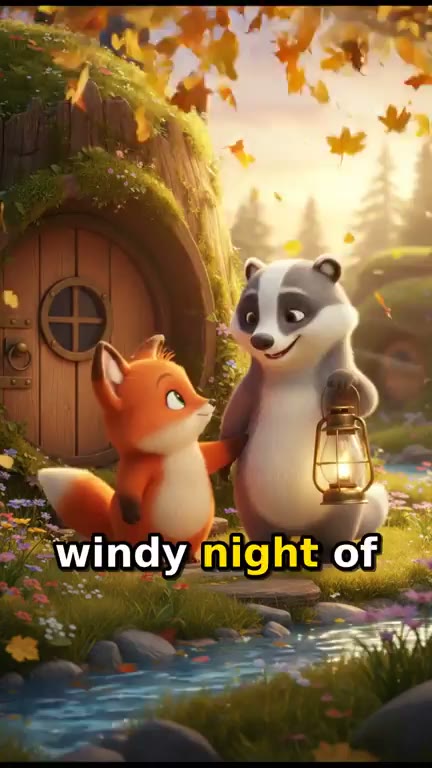
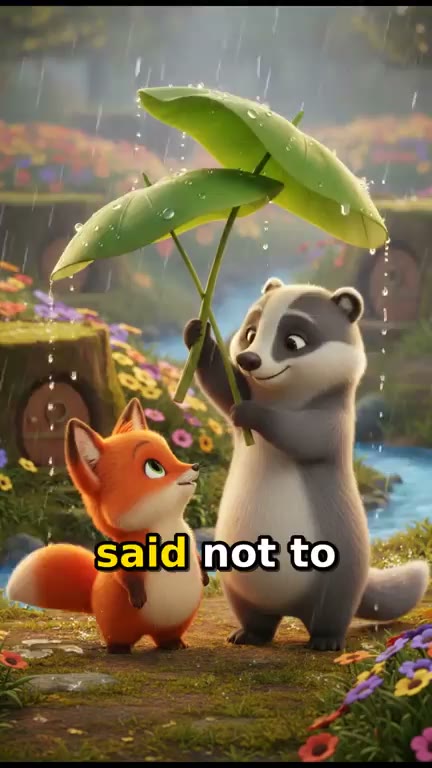
AI 3D Cartoon Video Generator. Soft 3D characters, the same every episode.
Describe your characters and a soft 3D look once, and each episode comes back as up to a minute of 3D-style animation: eight scenes drawn in that look and animated, a narrator, music and captions. Episode one draws your cast on a character sheet, and every later episode is drawn from it.
Everything on this page was made on Treza.
The 3D look, set in one line
Write the look in your series notes, such as bright, soft 3D animation with warm light and rounded shapes, and the writer repeats it in every scene of every episode. With no look given, scenes are drawn in a bright, colorful 3D animated look.
Drawn first, then animated
Each scene is drawn as a picture in that look, then becomes the first frame of an 8 second clip on Veo 3.1 Lite, told to keep every character, colour and the art style exactly as drawn.
One character sheet for the series
Your cast is drawn once, full body on a plain background, and every scene uses that sheet as its reference picture. Later episodes reuse it, so a hedgehog's spines and a badger's stripe stay where they were.
Motion that holds up
The writer keeps each scene to simple action a video model animates well: walking, turning, reaching, laughing. Fast fights and crowds, where animation breaks first, are left out.
Up to a minute, vertical
Eight scenes cut into one 9:16 episode at 720p, sized for YouTube Shorts, TikTok and Reels.
Narrator, music and captions
A warm narrator reads one line per scene in your language, a music bed sits under the voice, and captions follow the words.
Every scene animated, or stills
The standard version animates all eight scenes. The budget version keeps the same 3D pictures, script, voice and captions as stills with a slow camera push. Both prices show before anything renders.
A soft 3D look, held for a whole series
Real output of the Animated Series template, the one this page opens. The series notes asked for a bright, soft 3D animated look with warm golden light and rounded shapes; every scene of both episodes was drawn in it, then animated on Veo 3.1 Lite.
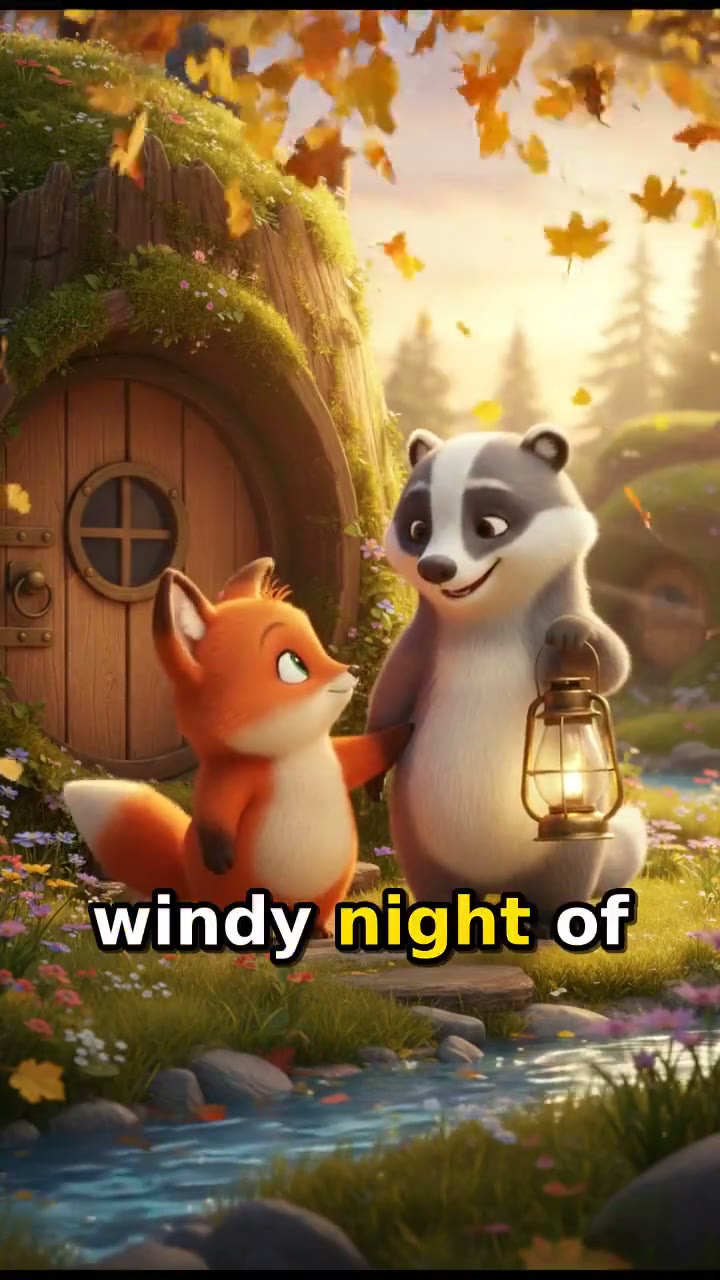
Episode 1, in soft 3D
Warm golden light and rounded shapes across eight animated scenes, with a narrator, music and captions.
Watch episode 1 with soundAnimated Series template
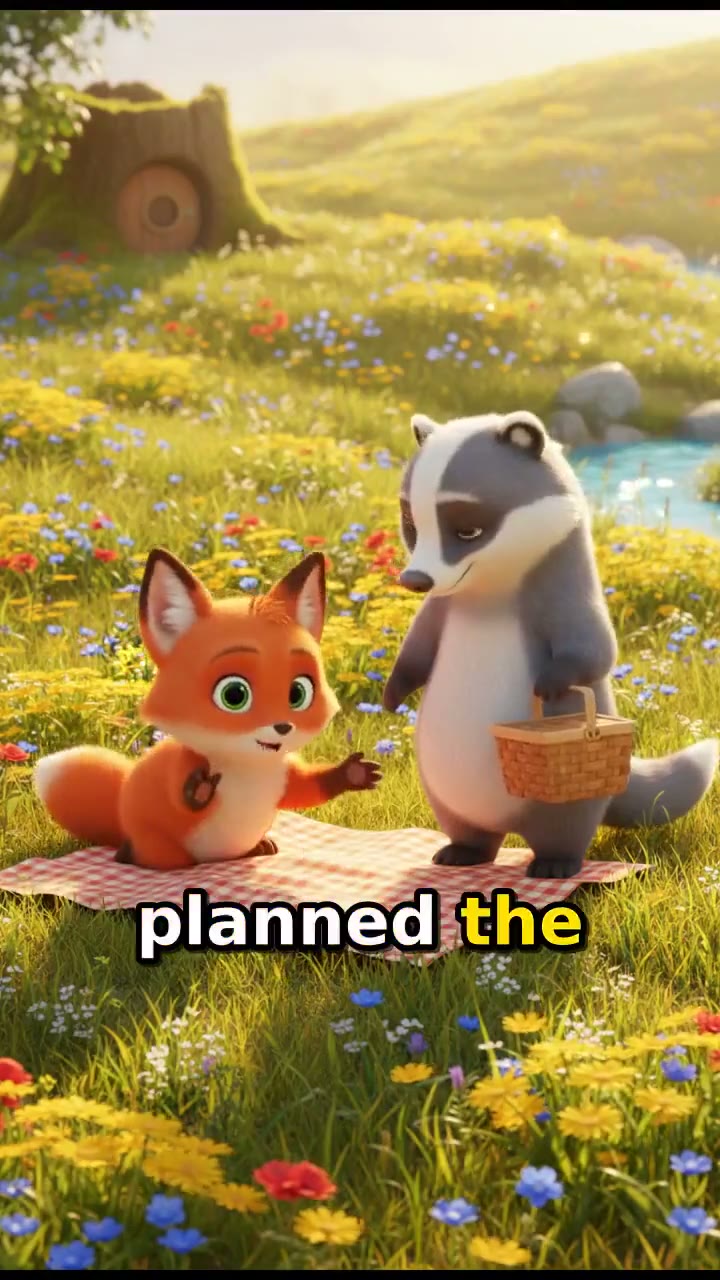
Episode 2, the same 3D cast
Drawn from episode 1's character sheet, so the fox and the badger keep their shapes and colours.
Watch episode 2 with soundAnimated Series template
From idea to finished video
- Step 01
Describe the cast and the look
A short series bible: each character's shape, colours and one detail of their own, the setting, and the look, such as soft 3D animation with warm golden light.
- Step 02
Write episode one
A beginning, a turning point and an ending, in any language. Episode one draws the character sheet.
- Step 03
Check the price and render
Pick animated or stills. Eight scenes are drawn from the sheet in your 3D look, then animated, narrated, scored and captioned.
- Step 04
Reuse the sheet for episode two
Paste the same notes plus a line Character sheet: followed by episode one's link. No new sheet is drawn, so the cast keeps its shapes and colours.
One sentence, in the words you would use out loud.
What people build with it
A 3D cartoon channel for kids
One cast in a soft 3D world with a new story every week, posted as Shorts.
Animal friends series
A hedgehog and a badger, a cat and a goldfish, drawn with the same shapes and colours in every episode.
A channel or school mascot
Your mascot as a soft 3D character, back in every episode with the same look.
Learning shows
One friendly 3D character explaining one idea an episode, like why leaves fall or how bees make honey.
Holiday episodes
Your recurring cast in a winter or festival story, drawn from the same sheet as every other episode.
Soft 3D. Same cast. Next episode.
Describe the look once and every scene keeps it.
AI 3D cartoon video generator, answered
How do I make a 3D cartoon video with AI?
Write short notes on your characters and a soft 3D look, add the story, and run Treza's Animated Series template. It draws your cast on a character sheet, draws eight scenes in that 3D look, animates each one on Veo 3.1 Lite, and adds a narrator, music and captions. An episode runs up to a minute.
Is it real 3D animation?
It is the look of 3D animation, not a 3D scene. Each scene is drawn as a picture in a 3D style, then a video model animates it from that picture. There are no models, rigs or project files to export, only the finished video.
Can I pick a different look?
Yes. The look is one line of your notes: soft 3D, flat 2D, claymation or storybook watercolor. Keep the same line in every episode and the series keeps its look.
Will my characters look the same in every episode?
Episode one draws a character sheet and returns it as a link. Put it in every later episode's notes, on a line that starts Character sheet:, and no new sheet is drawn, so every scene is drawn from the same picture. Small details can still drift between renders, so a simple design with a few strong colours holds best.
Can the characters talk?
Episodes are narrated, one voice over the scenes. For a scene where your characters speak their own lines, the Character Skit starter makes an 8 second 3D cartoon scene with the voices generated with the picture, for about $0.56. AI skit generator
Can I use a famous 3D cartoon character?
No. The image and video models decline recognisable characters from films and shows. Describe your own instead: shape, colours and one detail no one else has. An original cast is also one no other channel has.
Is it suitable for a kids channel?
Children are always drawn as cartoon characters, a real person named in a story is replaced with a fictional one, and the pictures carry no text or logos. An adult should still watch every scene before it is posted, and a children's series should be marked as made for kids in YouTube Studio.
How much does it cost to make a 3D cartoon video with Treza?
Treza runs on prepaid credits with no subscription. Each generation is charged at the model's own rate from your balance, and a failed generation costs nothing. A typical video generation settles around $1.06, and credit packs start at $5 and never expire.
Can I call this as an API instead of using the canvas?
Yes. Every pipeline can be published as a versioned HTTP endpoint. Call the typed /invoke endpoint with JSON in and JSON out, or point any OpenAI SDK at the OpenAI-compatible endpoint. Swap a model on a node later and the API your product calls does not change.
Do I need to know how to edit video?
No. Start from a template, change the topic, and run it. If you do want frame-level control, the timeline editor is there with multi-track video and audio, per-clip trims, fades, and volume, but nothing about the automated path requires opening it.
Related tools
AI cartoon video generator
Narrated cartoon stories and animated Shorts, in any language
AI cartoon series maker
Episodic cartoons with a recurring cast
AI bedtime story video generator
Animated bedtime stories with the same characters every night
AI animation generator
Animated stories and Shorts from text, narrated in any language
See every tool, compare the models, read what an AI video pipeline is, or earn 30% sharing these tools.
Your first video is one prompt away.
Generate your first video, image, or draft today. Prepaid credits, no subscription.