
Caption styles for your own videos
Drop in a clip with someone talking. Pick a style. Get it back with the words burned in, timed to the voice.
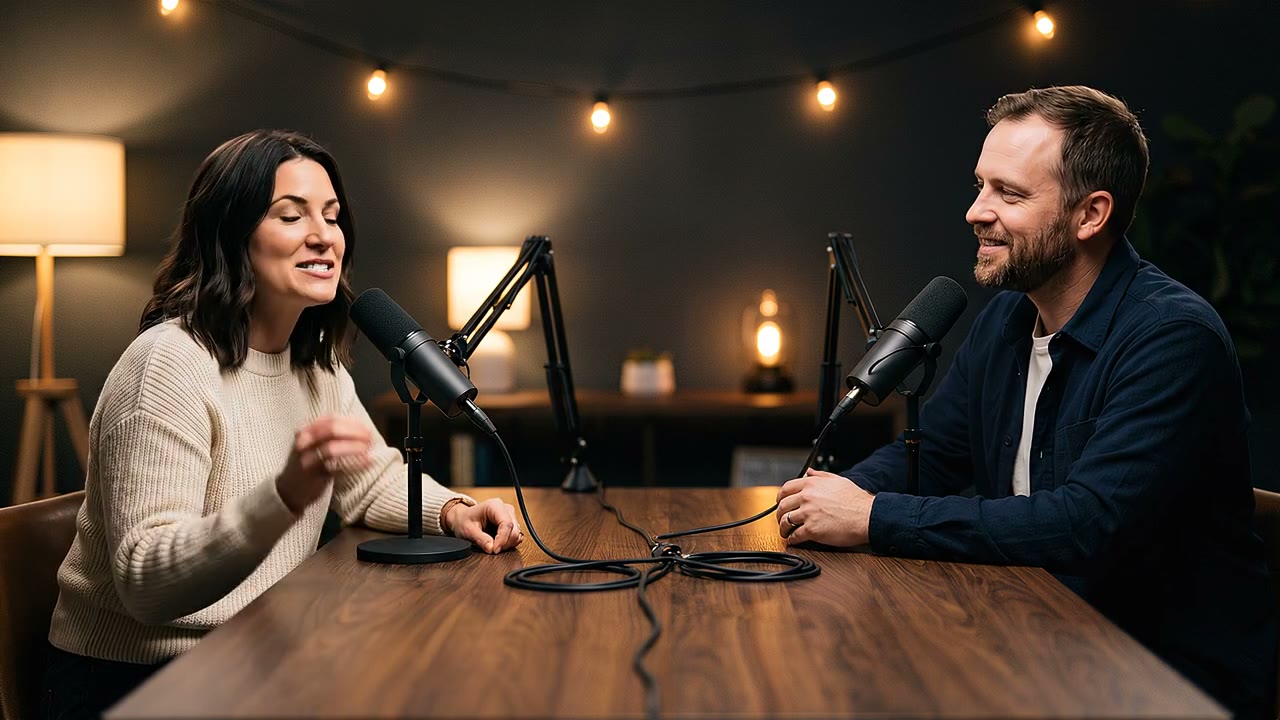
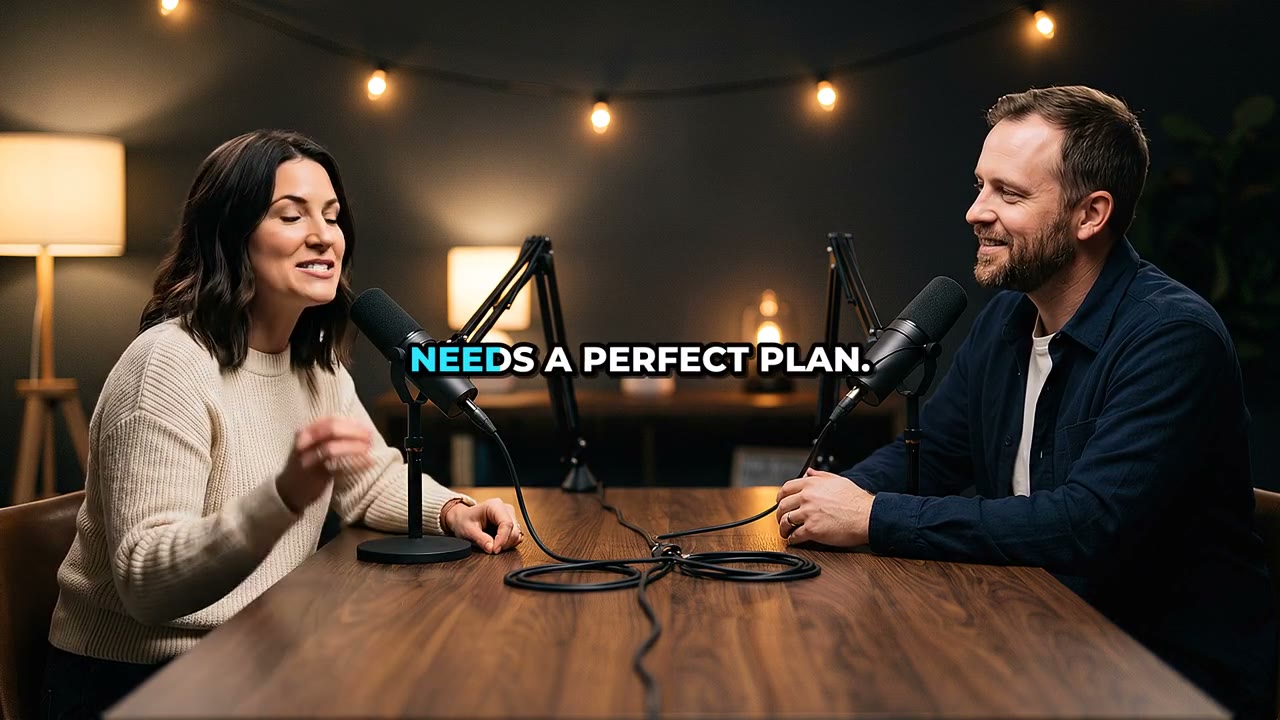
Look
Under a cent a minute, for the transcript. It lands in your chat.
Everything on this page was made on Treza. See pricing
The same styles on other footage
Each one is the Captions node's own output, from the settings the button sends.
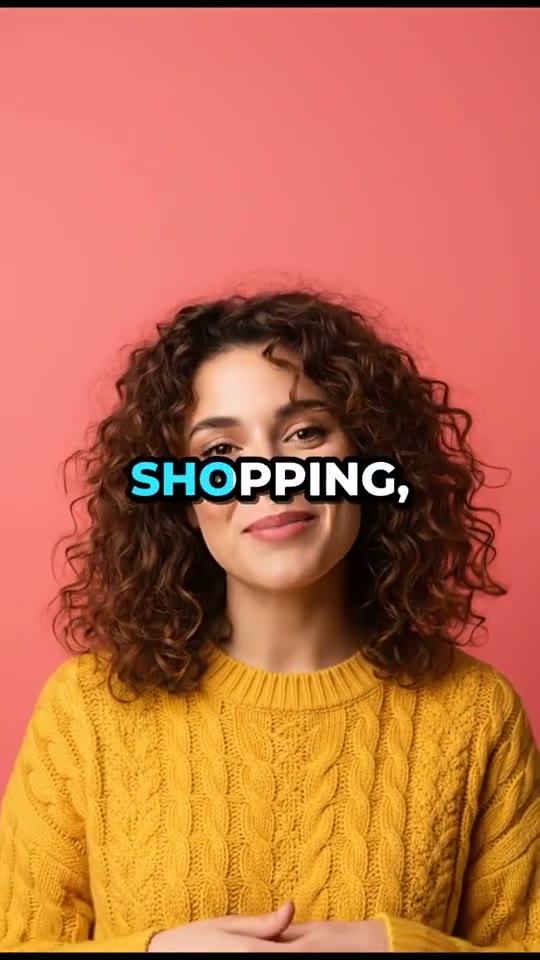
Karaoke on a vertical take
A phone-shaped clip, captioned as shot.
Captions node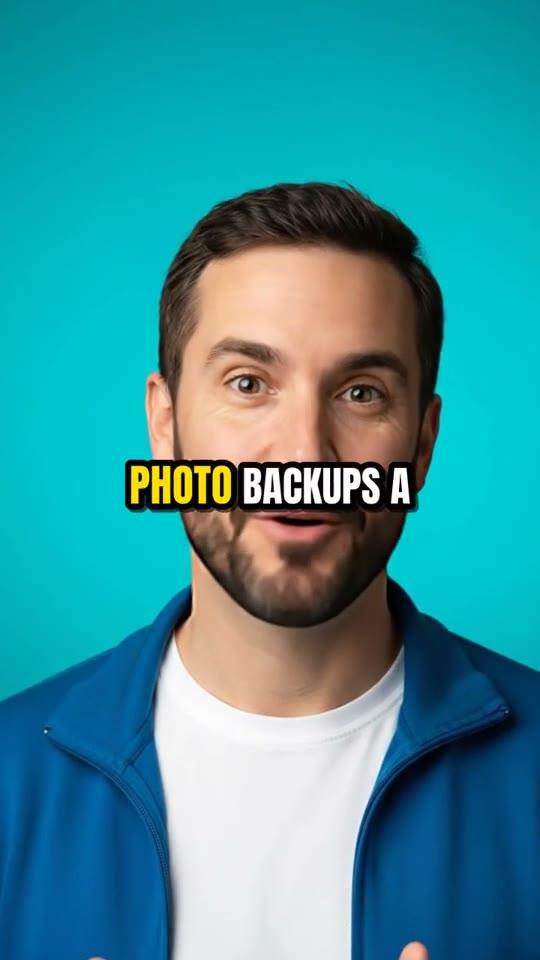
Podcast punch on a presenter
The zoom lands with the words.
Captions node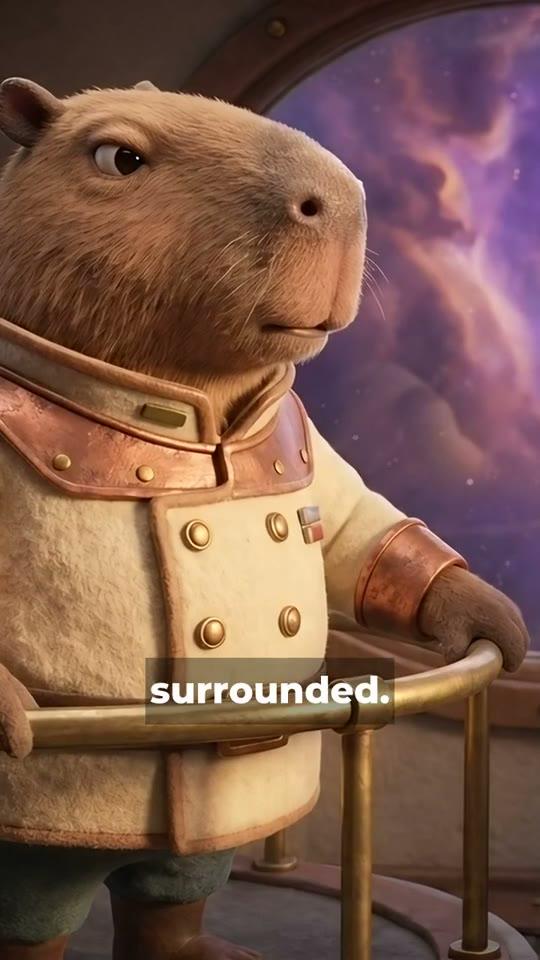
Boxed on a scene
Two voices, one clean line at a time.
Captions nodeHow it works
- 01
Drop in your clip
Any video where someone talks.
- 02
Pick a style
Karaoke, podcast punch, boxed or minimal.
- 03
Get it captioned
The words are heard, timed and burned in. It lands in your chat as an MP4.
What the button sends
Each style is one run of Treza's Captions node with these settings. A transcript stage hears the speech first, then the node burns the words in.
- Karaoke
{"style":"bold","position":"center","size":"large","color":"white","wordsPerCue":4,"highlight":"fill","highlightColor":"cyan","speakerColors":"off","font":"montserrat","uppercase":true,"animation":"pop","punch":"none"}- Podcast punch
{"style":"bold","position":"center","size":"large","color":"white","wordsPerCue":3,"highlight":"color","highlightColor":"yellow","speakerColors":"off","font":"anton","uppercase":true,"animation":"pop","punch":"snap"}- Boxed
{"style":"boxed","position":"lower","size":"medium","color":"white","wordsPerCue":5,"highlight":"none","highlightColor":"yellow","speakerColors":"off","font":"montserrat","uppercase":false,"animation":"none","punch":"none"}- Minimal
{"style":"plain","position":"lower","size":"small","color":"white","wordsPerCue":6,"highlight":"none","highlightColor":"yellow","speakerColors":"off","font":"sans","uppercase":false,"animation":"none","punch":"none"}
Each row is the config of one captions operation in edit_asset. A Transcribe stage on the same clip feeds it the words and their timings. Every other setting stays at the node's default.
Caption styles, answered
How do I add captions to my video?
Drop the clip on this page, pick a style and press the button. Treza transcribes the speech, times every word and burns the captions into the picture.
What does it cost?
Under a cent a minute of speech, for the transcript. Burning the captions in costs nothing on top.
Do the captions follow the words as they are spoken?
Yes. The transcript has a timestamp for every word, so each caption appears as it is said, and Karaoke and Podcast punch light up the word being spoken.
Can I change the position, size or colour?
Yes. Ask in the chat after the first run: the Captions node takes five positions, three sizes, eight colours and five fonts.
What if my clip has no speech?
Captions need someone talking, so a silent clip has nothing to caption. For footage with no voice, ask the chat to write and add a narration first.
Does it work on vertical clips?
Yes. The captions are sized to the frame, so a 9:16 phone clip and a 16:9 one both come back the shape they went in.
Are swear words shown?
They are starred out after the first letter. Ask in the chat to keep them as said.
Your first video is one prompt away.
Generate your first video, image, or draft today. Prepaid credits, no subscription.