
Split screen video from two of your clips
Drop in two clips and get them side by side, stacked, or whole in one frame. Free.
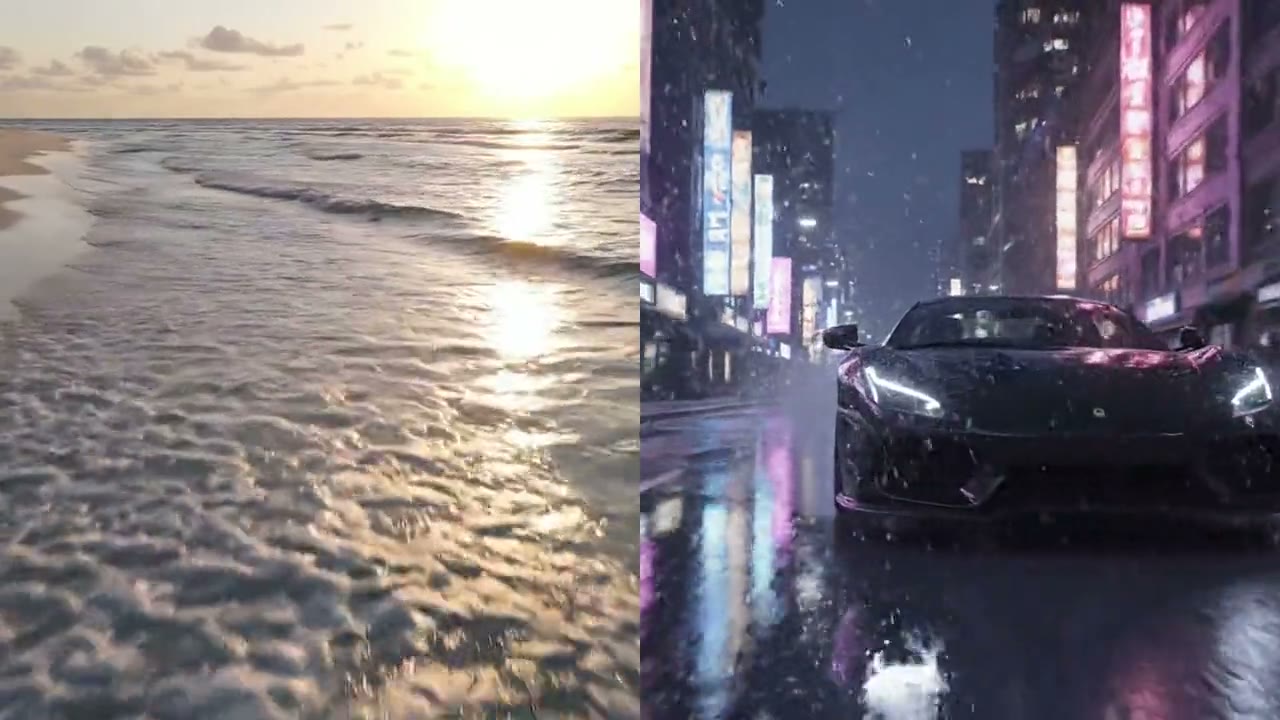
Left
Right
Each up to 25 MB. The sound comes from the left clip.
Look
Free. It lands in your chat.
Everything on this page was made on Treza. See pricing
The same layouts on other footage
Each one is the FFmpeg node's own output, from the same command the button sends.
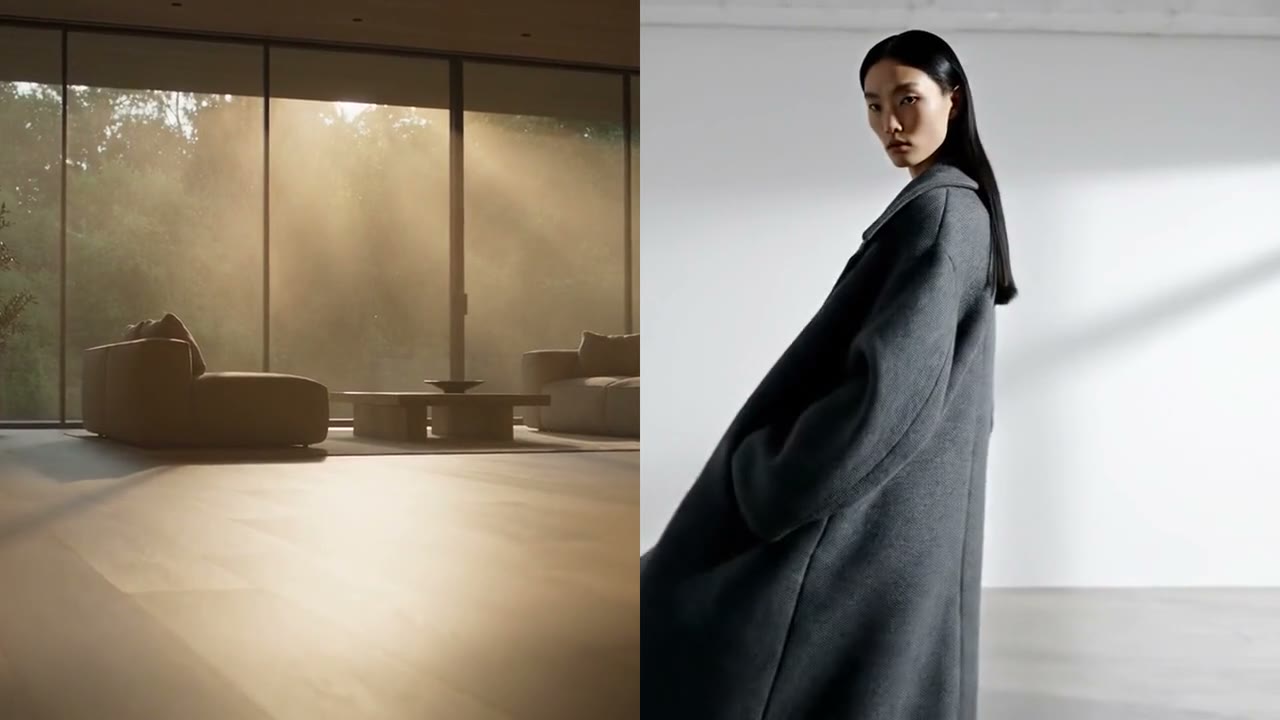
A room and a look
Two shots, one frame, cut down the middle.
FFmpeg node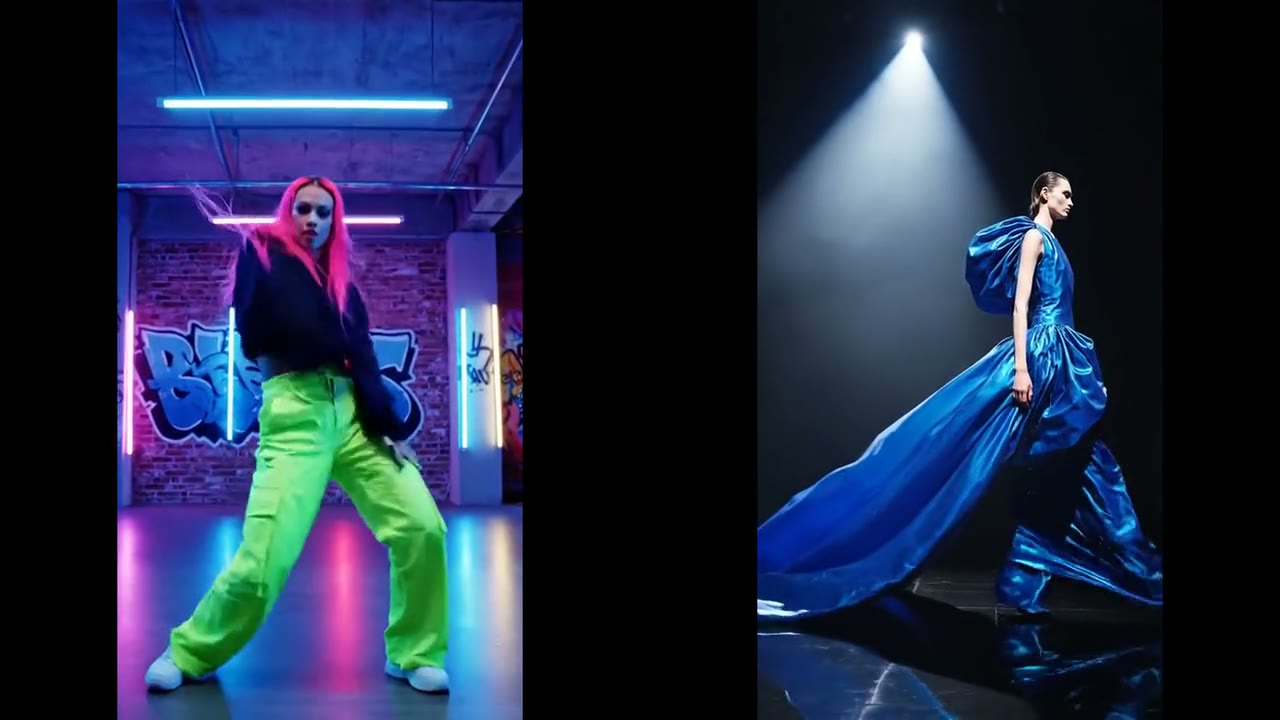
Two vertical clips
Phone clips in full, nothing trimmed.
FFmpeg node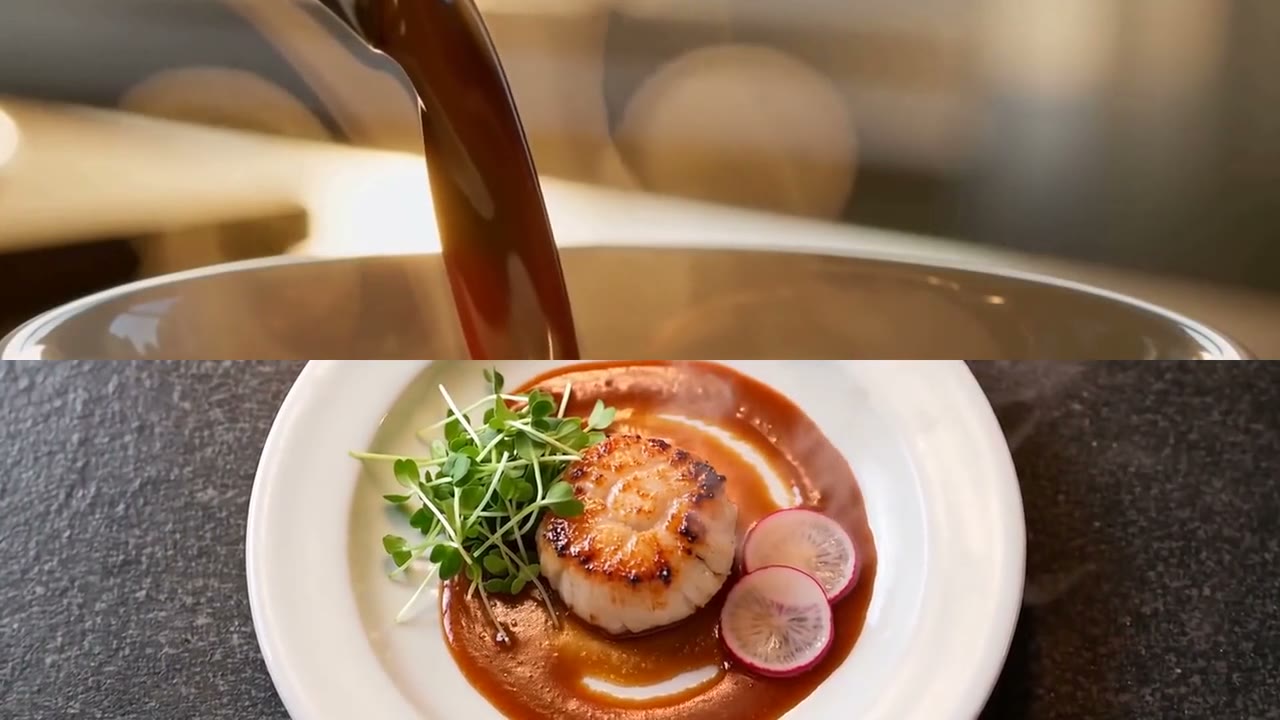
A drink over a dish
Two product shots stacked in wide strips.
FFmpeg nodeHow it works
- 01
Drop in two clips
One for each side. They stay in your browser until you sign in.
- 02
Pick a layout
Side by side, top and bottom, or whole frames.
- 03
Get one video back
It lands in your chat as a 1080p MP4, free.
What the button sends
Each layout is one FFmpeg filter graph run by Treza's FFmpeg node on your two clips: both brought to 30 fps and fitted to a 1920x1080 frame, ending with the shorter clip.
- Side by side
[0:v]setpts=PTS-STARTPTS,fps=30,scale=960:1080:force_original_aspect_ratio=increase,crop=960:1080,setsar=1[a];[1:v]setpts=PTS-STARTPTS,fps=30,scale=960:1080:force_original_aspect_ratio=increase,crop=960:1080,setsar=1[b];[a][b]hstack=inputs=2:shortest=1- Top and bottom
[0:v]setpts=PTS-STARTPTS,fps=30,scale=1920:540:force_original_aspect_ratio=increase,crop=1920:540,setsar=1[a];[1:v]setpts=PTS-STARTPTS,fps=30,scale=1920:540:force_original_aspect_ratio=increase,crop=1920:540,setsar=1[b];[a][b]vstack=inputs=2:shortest=1- Whole frames
[0:v]setpts=PTS-STARTPTS,fps=30,scale=960:1080:force_original_aspect_ratio=decrease,pad=960:1080:(ow-iw)/2:(oh-ih)/2:color=black,setsar=1[a];[1:v]setpts=PTS-STARTPTS,fps=30,scale=960:1080:force_original_aspect_ratio=decrease,pad=960:1080:(ow-iw)/2:(oh-ih)/2:color=black,setsar=1[b];[a][b]hstack=inputs=2:shortest=1
For a video the chain goes into -i {input} -i {input2} -filter_complex "<chain>,format=yuv420p[v]" -map "[v]" -map "0:a?" -c:v libx264 -crf 20 -preset medium -c:a aac -b:a 192k -shortest -movflags +faststart {output}, with {input} the left clip and {input2} the right. The sound is the left clip's.
Split screen video, answered
Is the split screen free?
Yes. It runs on Treza's FFmpeg node, which is free: an account with no credits can run it ten times a day.
Which clip goes where?
The clip in the Left box goes on the left, or on top in Top and bottom. Remove one and drop it in the other box to swap the sides.
What if the clips are different lengths?
The video ends when the shorter clip ends. Trim the longer one first if you want a particular part of it.
What happens to the sound?
The left clip's sound is kept and the right clip's is left out. If the left clip is silent, the result is silent.
Does it work with vertical phone clips?
Yes. Whole frames shows two vertical clips in full, side by side. Side by side and Top and bottom fill their half and trim the edges to fit.
What size is the result?
A 1920x1080 MP4 at 30 frames a second, whatever size the two clips were.
What formats can I upload?
MP4, MOV, WebM and the usual phone formats. Keep each file under 25 MB here; longer footage can be uploaded in chat directly.
Your first video is one prompt away.
Generate your first video, image, or draft today. Prepaid credits, no subscription.