
Cinematic bars. A 2.39:1 frame and your title, free.
Drop in a clip or a picture, type a title, and it comes back letterboxed in your chat. It runs on Treza's FFmpeg node, which costs nothing.
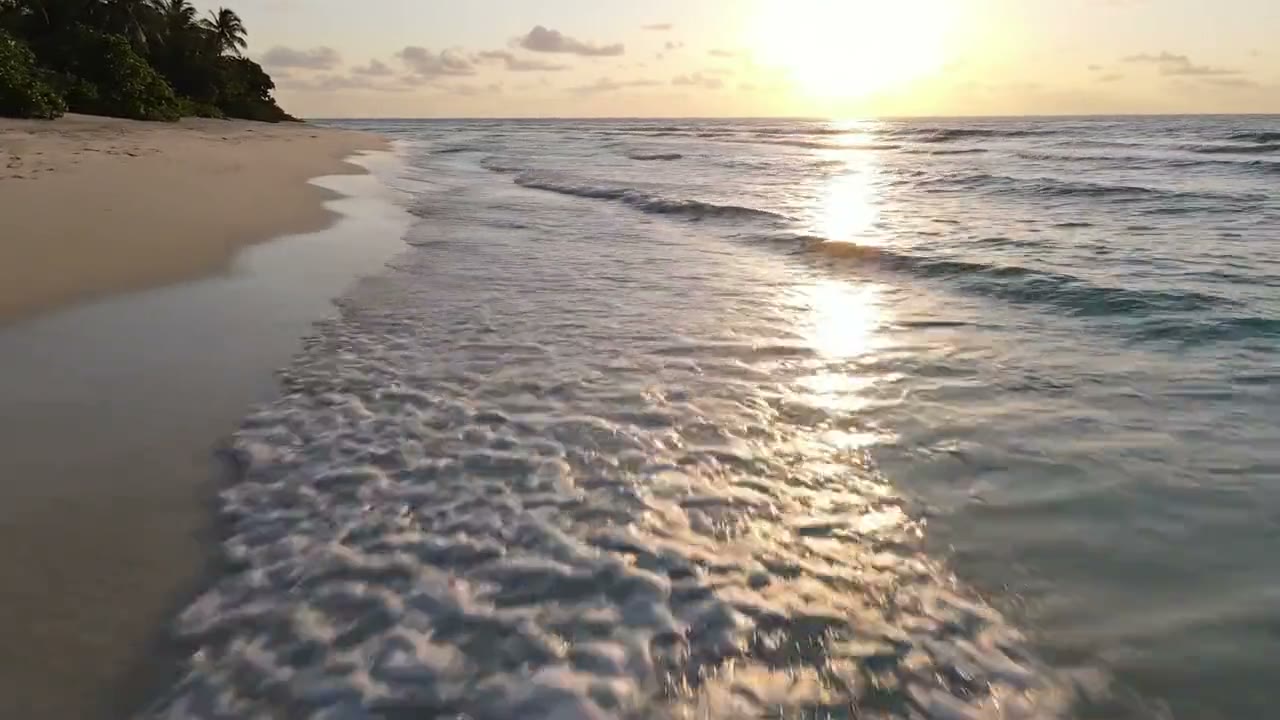
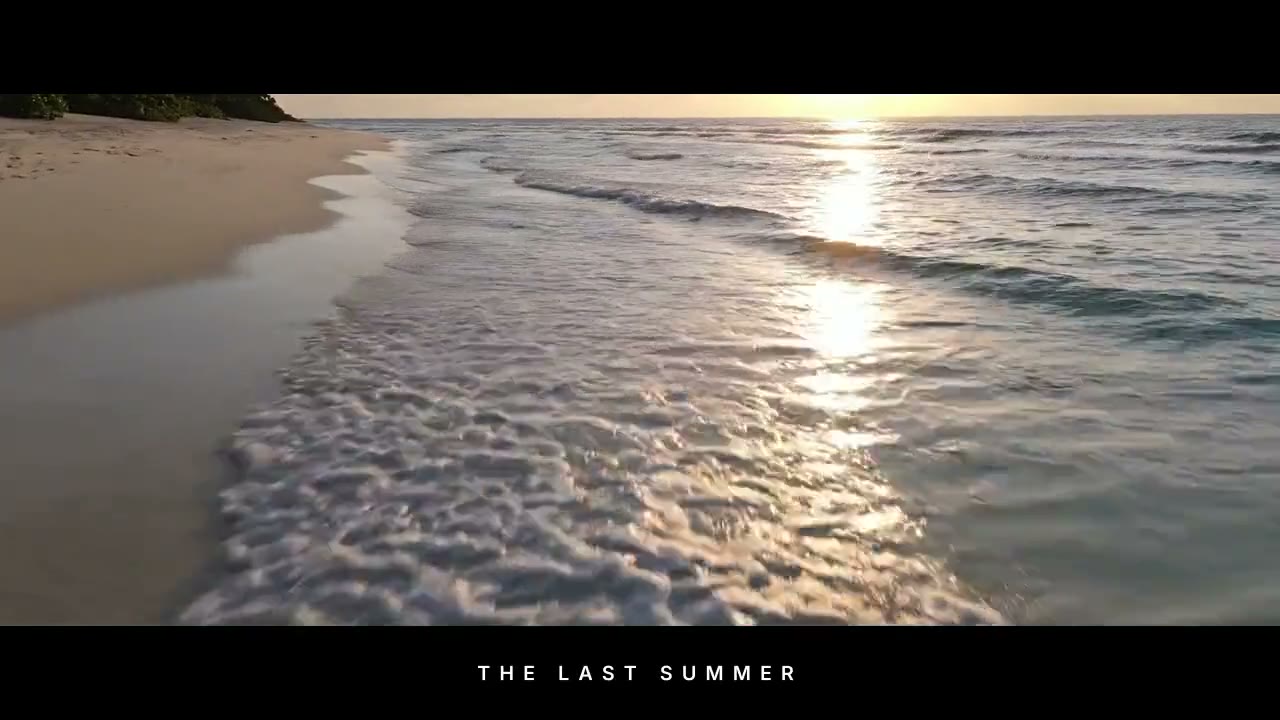
Look
Free. It lands in your chat.
Everything on this page was made on Treza. See pricing
The same bars on other footage
Each one is the FFmpeg node's own output, from the same command the button sends.
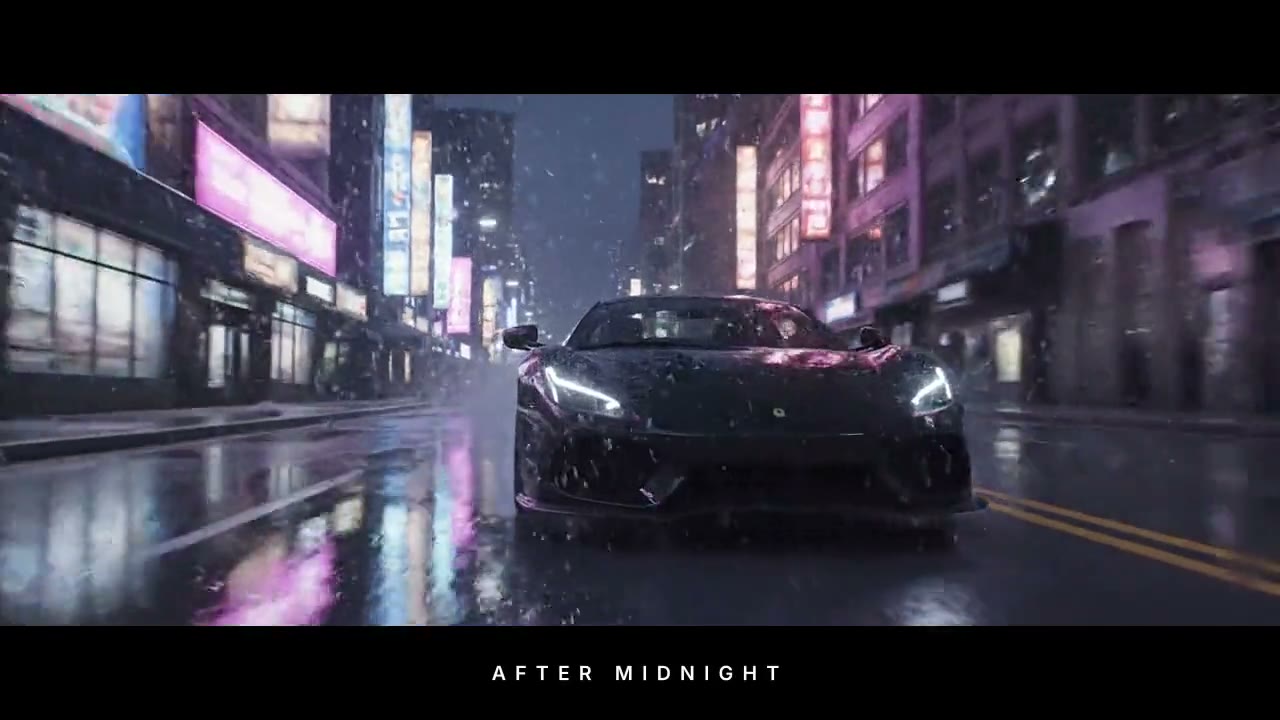
A title in the bars at night
Neon rain framed like a trailer.
FFmpeg node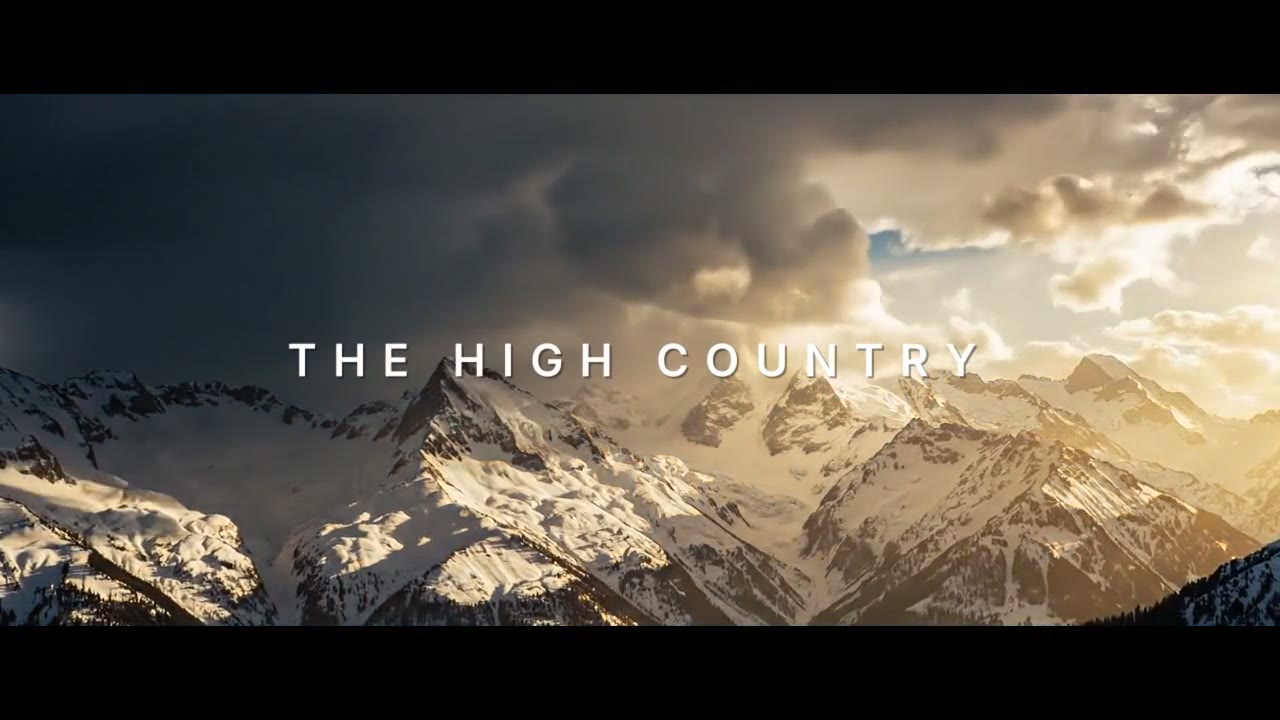
An opening title on the peaks
The name over the first shot, then the view.
FFmpeg node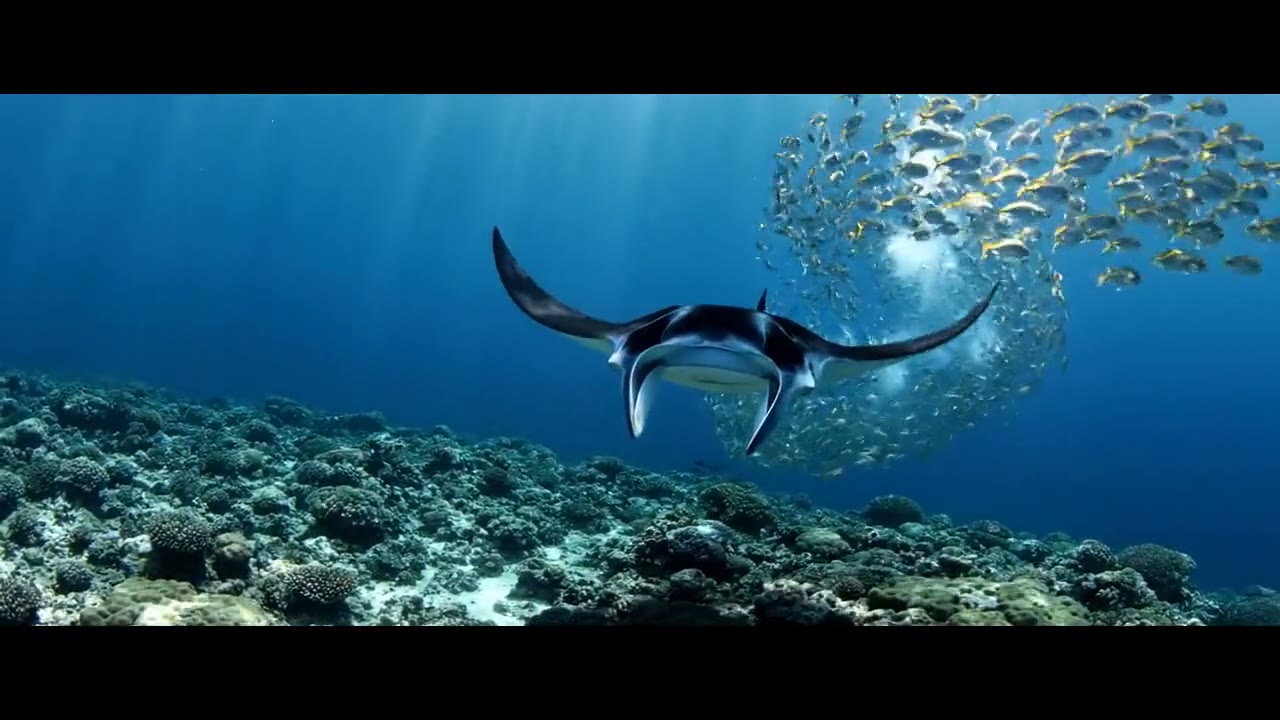
Bars only under water
A reef shot cut to the cinema frame.
FFmpeg nodeHow it works
- 01
Drop in a clip or a picture
Any video or photo from a phone or a camera. No footage? Switch to "Make it for me" and write one line about the shot.
- 02
Pick the bars, type a title
Bars only, a title in the bottom bar, or an opening title over the shot. Every preview here is real output of the command your file gets.
- 03
Sign in and it runs
Google sign-in, then the finished file appears in your chat, usually within a couple of minutes. Free: the FFmpeg node costs nothing.
What the button sends
Each option is one FFmpeg command run by Treza's FFmpeg node on your file: two black boxes for the bars, and your title as an ASS script burned in by the same command.
- Bars only
drawbox=x=0:y='if(gt(ceil((ih-iw/2.39)/4)*2,0),0,-ih)':w=iw:h='max(ceil((ih-iw/2.39)/4)*2,2)':color=black:t=fill,drawbox=x=0:y='if(gt(ceil((ih-iw/2.39)/4)*2,0),ih-ceil((ih-iw/2.39)/4)*2,ih)':w=iw:h='max(ceil((ih-iw/2.39)/4)*2,2)':color=black:t=fill- Title in the bars
drawbox=x=0:y='if(gt(ceil((ih-iw/2.39)/4)*2,0),0,-ih)':w=iw:h='max(ceil((ih-iw/2.39)/4)*2,2)':color=black:t=fill,drawbox=x=0:y='if(gt(ceil((ih-iw/2.39)/4)*2,0),ih-ceil((ih-iw/2.39)/4)*2,ih)':w=iw:h='max(ceil((ih-iw/2.39)/4)*2,2)':color=black:t=fill,ass={subtitles}:fontsdir={fonts}The ASS script in the node's Subtitles field, with your title in it
[Script Info] ScriptType: v4.00+ PlayResX: 1280 PlayResY: 720 ScaledBorderAndShadow: yes WrapStyle: 0 [V4+ Styles] Format: Name, Fontname, Fontsize, PrimaryColour, SecondaryColour, OutlineColour, BackColour, Bold, Italic, Underline, StrikeOut, ScaleX, ScaleY, Spacing, Angle, BorderStyle, Outline, Shadow, Alignment, MarginL, MarginR, MarginV, Encoding Style: Bar,Inter SemiBold,24,&H00FFFFFF,&H00FFFFFF,&H00000000,&H00000000,0,0,0,0,100,100,9,0,1,0,0,2,40,40,35,1 [Events] Format: Layer, Start, End, Style, Name, MarginL, MarginR, MarginV, Effect, Text Dialogue: 0,0:00:00.40,9:59:59.00,Bar,,0,0,0,,{\fad(900,0)}THE LAST SUMMER- Opening title
drawbox=x=0:y='if(gt(ceil((ih-iw/2.39)/4)*2,0),0,-ih)':w=iw:h='max(ceil((ih-iw/2.39)/4)*2,2)':color=black:t=fill,drawbox=x=0:y='if(gt(ceil((ih-iw/2.39)/4)*2,0),ih-ceil((ih-iw/2.39)/4)*2,ih)':w=iw:h='max(ceil((ih-iw/2.39)/4)*2,2)':color=black:t=fill,ass={subtitles}:fontsdir={fonts}The ASS script in the node's Subtitles field, with your title in it
[Script Info]
ScriptType: v4.00+
PlayResX: 1280
PlayResY: 720
ScaledBorderAndShadow: yes
WrapStyle: 0

[V4+ Styles]
Format: Name, Fontname, Fontsize, PrimaryColour, SecondaryColour, OutlineColour, BackColour, Bold, Italic, Underline, StrikeOut, ScaleX, ScaleY, Spacing, Angle, BorderStyle, Outline, Shadow, Alignment, MarginL, MarginR, MarginV, Encoding
Style: Open,Inter SemiBold,54,&H00FFFFFF,&H00FFFFFF,&H00000000,&H90000000,0,0,0,0,100,100,16,0,1,0,2,5,60,60,0,1

[Events]
Format: Layer, Start, End, Style, Name, MarginL, MarginR, MarginV, Effect, Text
Dialogue: 0,0:00:00.30,0:00:03.80,Open,,0,0,0,,{\fad(700,700)\blur0.6}THE LAST SUMMER
For a video the chain goes into -i {input} -vf "<chain>,format=yuv420p" -c:v libx264 -crf 20 -preset medium -c:a aac -b:a 192k -movflags +faststart {output}; a picture comes back as a JPEG. The sound is carried through.
Cinematic bars, answered
Is adding cinematic bars on Treza free?
Yes. It runs on the FFmpeg node, which costs nothing; an account with no credits can run it ten times a day. Having the footage generated instead of uploading it is priced like any clip, about $0.28 for a four second one.
What aspect ratio are cinematic bars?
2.39:1, the scope ratio of most cinema releases. The bars cover the top and bottom of your frame so the picture between them is 2.39 times as wide as it is tall. On a 16:9 clip each bar is about 13 percent of the height.
Does it crop or shrink my video?
No. The frame keeps its size and nothing is scaled: two black boxes are drawn over the top and the bottom, so what sat under them is covered. A clip already wider than 2.39:1 comes back without bars.
Can I write my own title?
Yes. Type it on this page before you run it, up to 48 characters, and it is set in capitals. It goes in as one line of an ASS script that the FFmpeg node burns in with the bars.
Does it work on vertical video and photos?
Yes. A photo comes back as a JPEG with the same bars. On a vertical clip the picture becomes a wide band across the middle with tall bars above and below. A video comes back as an MP4 with its sound unchanged.
What formats and sizes can I upload?
MP4, MOV, WebM and the usual phone formats, and JPEG, PNG or WebP for pictures. Keep a file under 25 MB here; longer footage can be uploaded in chat directly.
Your first video is one prompt away.
Generate your first video, image, or draft today. Prepaid credits, no subscription.