How to Make Analog Horror Videos with AI (2026)
Analog horror is a story told through footage that looks recovered: a home tape, a broadcast that should not exist, a voice that is too calm. This guide makes one with AI: four scenes written as found footage, a narrator generated with each shot, captions, and a VHS tape look laid over the finished short for free.

To make an analog horror video with AI, start Treza's Faceless Horror Short template, rewrite its four scenes as found footage with a calm narrator line in each, and run it. You get a captioned vertical short of about 30 seconds. Then put it through the free VHS look, so the whole thing reads like a recovered tape.
Analog horror works because it looks like evidence: a camcorder someone left running, a narrator who sounds like a recording, and something small that should not be there. That suits AI video, because the format forgives soft detail and rewards restraint.
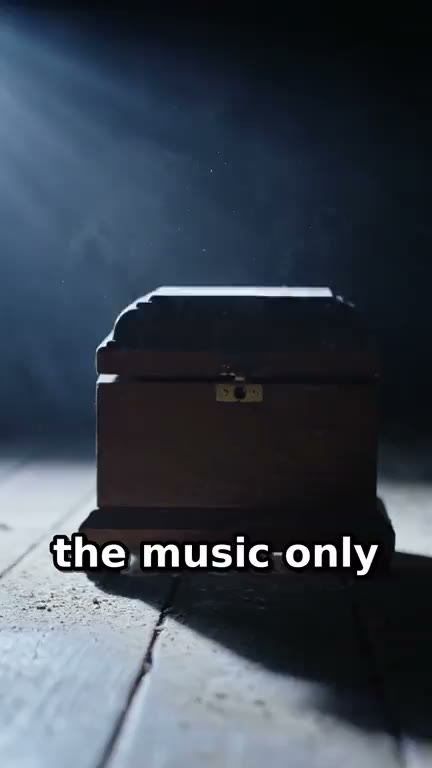
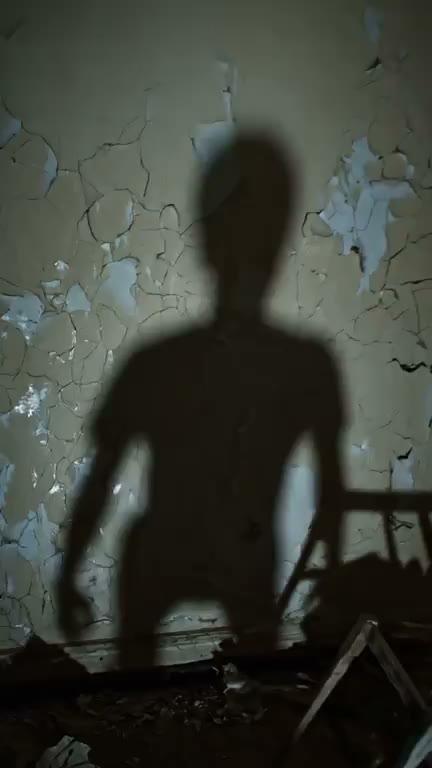
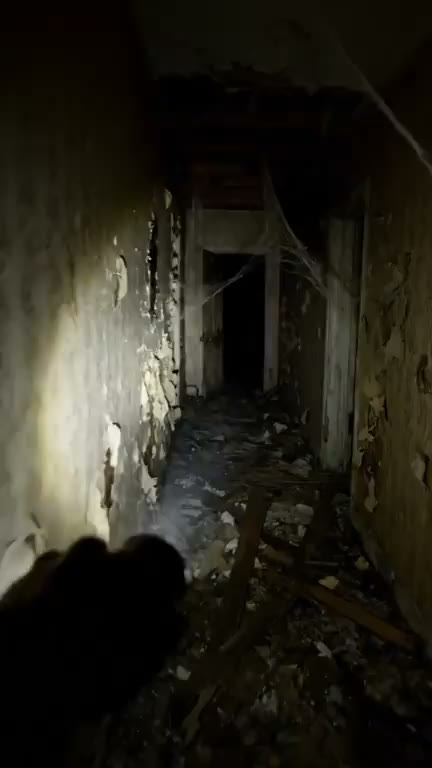
That is the template as it comes, a haunted house story. The rest of this guide turns the same pipeline into analog horror.
What makes it analog horror
Analog horror is narrower than a spooky short with a narrator, and the difference is mostly in the writing:
- The footage is a found object. Home video, a security camera, a local broadcast, a training tape. The viewer should be able to say what device recorded it.
- The camera is dumb. It is handheld by someone who is not a filmmaker, or bolted to a wall. No sweeping cranes, no beautiful lighting.
- The voice is wrong. Flat, polite, procedural. A man reading instructions too slowly is scarier than a scream.
- The scare is small and late. A figure in the back of the frame for two seconds. A door that was closed in the last shot.
- It looks degraded. Soft, smeared colour, grey blacks, grain. That last part is the one you add at the end.
Step 1: Open the horror template
Start the Faceless Horror Short template in chat. It arrives as a finished pipeline: four text nodes, each holding one scene, each wired to a video node. The four clips go into a Sequence node that joins them in order, the joined video is transcribed, and the captions are burned in, bold, in the lower third, four words at a time.
Every clip renders vertical with audio on. That matters for analog horror: there is no separate voiceover step. The video model generates the narrator's line and the room sound with the picture, from what the scene text says. So the voice you want has to be written into each scene.
Run it untouched once and you get the haunted house story above, a good test before you write your own.
Step 2: Write four scenes as found footage
Open the pipeline and replace the text in each of the four scene nodes. The template's own scenes follow a pattern worth keeping: the shot, what is in it, the camera move, the sound, then the narrator's line in quotes with its delivery. Four beats, in order: a setup, an escalation, a scare, and a sting.
Here is a full set you can paste and change. The story is a tape from a lake cabin.
Scene 1, the setup:
Vertical 9:16 shot. Home camcorder footage, handheld, slightly overexposed. A small wooden cabin by a still lake on a grey afternoon, the camera walking slowly toward the porch. Wind and distant birds. Narrator (calm, flat, like reading a report): 'This tape was found inside the cabin in 1994. It has not been edited.'
Scene 2, the escalation:
Vertical 9:16 shot. Home camcorder footage. Inside the cabin, a dim kitchen with one window facing the lake, the camera panning slowly from the sink to the window. A dripping tap. Far out on the water, a small dark shape that was not there before. Narrator (calm, flat): 'The family said the lake was empty that summer.'
Scene 3, the scare:
Vertical 9:16 shot. Home camcorder footage at night, the only light from the camera itself. The same window, the glass fogged. The dark shape is now standing at the edge of the porch, too still. Low electrical hum. Narrator (calm, almost gentle): 'Please do not look at it for longer than you need to.'
Scene 4, the sting:
Vertical 9:16 shot. Home camcorder footage. The camera lies on its side on the wooden floor, still recording, the open front door in frame and the lake black beyond it. Silence, then a single slow knock. Narrator (calm, flat): 'The tape ends here. The knocking does not.'
A few things in those prompts are doing the work:
- "Home camcorder footage" in every scene, word for word, so the four clips agree about what recorded them.
- One small wrong thing per scene. A single detail, not a monster.
- The delivery in brackets. "Calm, flat, like reading a report" gets you the procedural voice the format is known for. Use the same delivery in all four, or the narrator changes between clips.
- Lines short enough to say in one clip. Each clip runs about eight seconds, so one or two short sentences per scene. Long lines get rushed or cut.
Other found objects fit the same four slots: a local broadcast with no one at the news desk, a fixed security camera in black and white, a safety training tape.
Step 3: Run it and check the shots
Run the pipeline. The four clips, the join, the transcript and the captions all happen in one run, and the finished short lands in the chat.
Watch it once with sound and once on mute. The captions come from what the narrator actually said, so they are the quickest check that every line made it through.
What tends to go wrong, and the fix:
- The camera got cinematic. A smooth glide or dramatic lighting breaks the illusion. Say "handheld, amateur, slightly shaky" and remove anything that sounds like a film set.
- The scary thing is too clear. Video models like to show you the monster in full. Push it further away: "a small dark shape far in the background, barely visible".
- On-screen writing comes out garbled. A warning card or a sign generated by the model rarely spells cleanly. Keep words out of the picture and put them in the narrator's mouth instead. The camcorder date stamp in Step 4 is real text and comes out clean.
- The narrator's voice changes between scenes. Make the delivery in brackets identical in all four scenes, and keep the scene descriptions in a similar register.
When one scene misses, change only that scene's text and run again.
Step 4: Put it on tape
The template's output is clean, sharp vertical video. Analog horror should look like it survived a basement. Download the finished short and drop it into the VHS effect page, which runs on Treza's FFmpeg node and costs nothing.
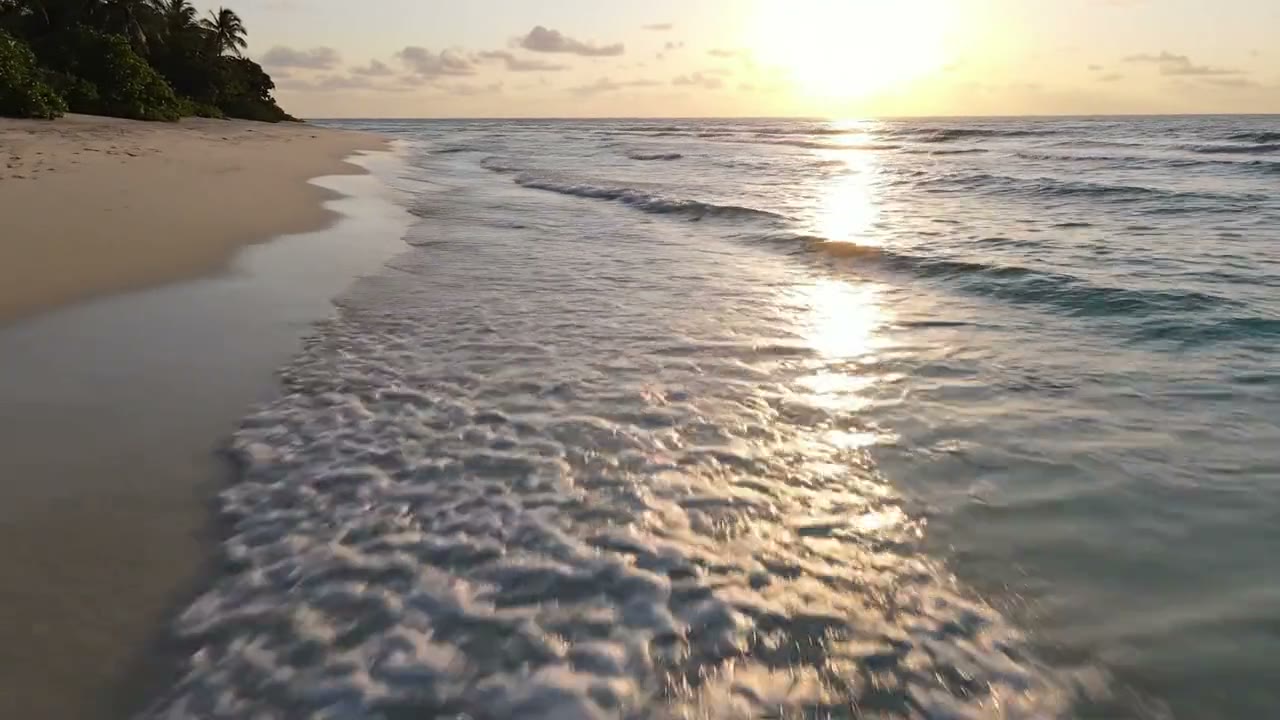
Three tapes are on offer:
- Camcorder: soft, colour smeared sideways, with PLAY in the corner and a date stamp burned in. The date can be changed: once it runs, ask in chat for the date you want, and the same command runs again with it. A stamp from the year your story is set in does a lot of quiet work.
- Rental tape: warm, oversaturated colour bleeding past the edges. Better for a cheerful broadcast that turns.
- Worn copy: a copy of a copy. Washed out, cold, grey blacks and heavy grain. This is the one most analog horror wants.
The tape goes over the whole frame, captions included, so they soften along with everything else; on a small phone screen that reads as part of the tape. It comes back at 720 pixels on the short side, so a vertical short returns at 720 by 1280, and the sound is left unchanged. Keep the file under 25 MB on that page; a longer video can be uploaded in chat directly.
Making it longer
For a slower story, a 60 second version of the template strings eight scenes together the same way. You can also add scenes yourself: put another text and video node pair on the canvas and wire the clip into the Sequence node, which joins up to 12 shots in order.
For a series, keep the device, the narrator's delivery and the tape the same from one short to the next, and change only what was found.
What it costs
The template page lists the Faceless Horror Short at $4.48 a video as of November 2026, or $1.12 for the lighter version, which keeps the four scenes on a cheaper video model with shorter takes. The price is shown before anything runs. The VHS look is free: it runs on the FFmpeg node, and an account with no credits can run it ten times a day.
Where to start
Open the AI horror story video generator, run the template once as it comes, then rewrite the four scenes as your tape. If you would rather build narrated shorts outside the horror format, our guide to making faceless YouTube videos covers the general pipeline, and the AI video generator handles single clips from a prompt.
Frequently Asked Questions
What is analog horror?
Analog horror is horror told through footage that looks old and recovered: camcorder tapes, local broadcasts, security cameras. It relies on a calm, procedural narrator, small wrong details and a degraded VHS look rather than gore.
Can AI make analog horror videos?
Yes. On Treza, the Faceless Horror Short template renders four scenes as vertical clips with a narrator and sound generated in each, joins them, and burns in captions. Write each scene as found footage, then run the finished short through the free VHS look for the tape texture.
How do I get the narrator voice for analog horror?
Write it into each scene. The video model generates the narrator's line with the picture, so put the line in quotes and the delivery in brackets, such as "calm, flat, like reading a report". Use the same delivery in every scene so the voice holds across the four clips.
How do I add a VHS effect to my horror video?
Download the finished short and drop it into the VHS effect page, then pick Camcorder, Rental tape or Worn copy. It runs on the FFmpeg node, which is free, and returns the video at 720 pixels on the short side with the sound unchanged.
How long can an AI analog horror video be?
The template makes about 30 seconds from four clips of roughly eight seconds each. A 60 second version runs eight scenes, and you can add scenes on the canvas up to the Sequence node's limit of 12 shots.
Why does text in my AI horror video look garbled?
Video models rarely spell on-screen words cleanly. Keep words out of the picture and give them to the narrator; the camcorder date stamp from the VHS look is real text and stays readable.