How to Animate a Photo with AI: Make It Move, Talk, Dance or Step Into a Video
A still can come alive in four different ways, and each one is a different tool with different limits. This guide sorts them: the photo moves inside its own scene, it says a line, it copies the moves of another clip, or it steps into a video you shot in place of the person there. What to bring for each, how long a shot can be, what it costs, and what goes wrong.

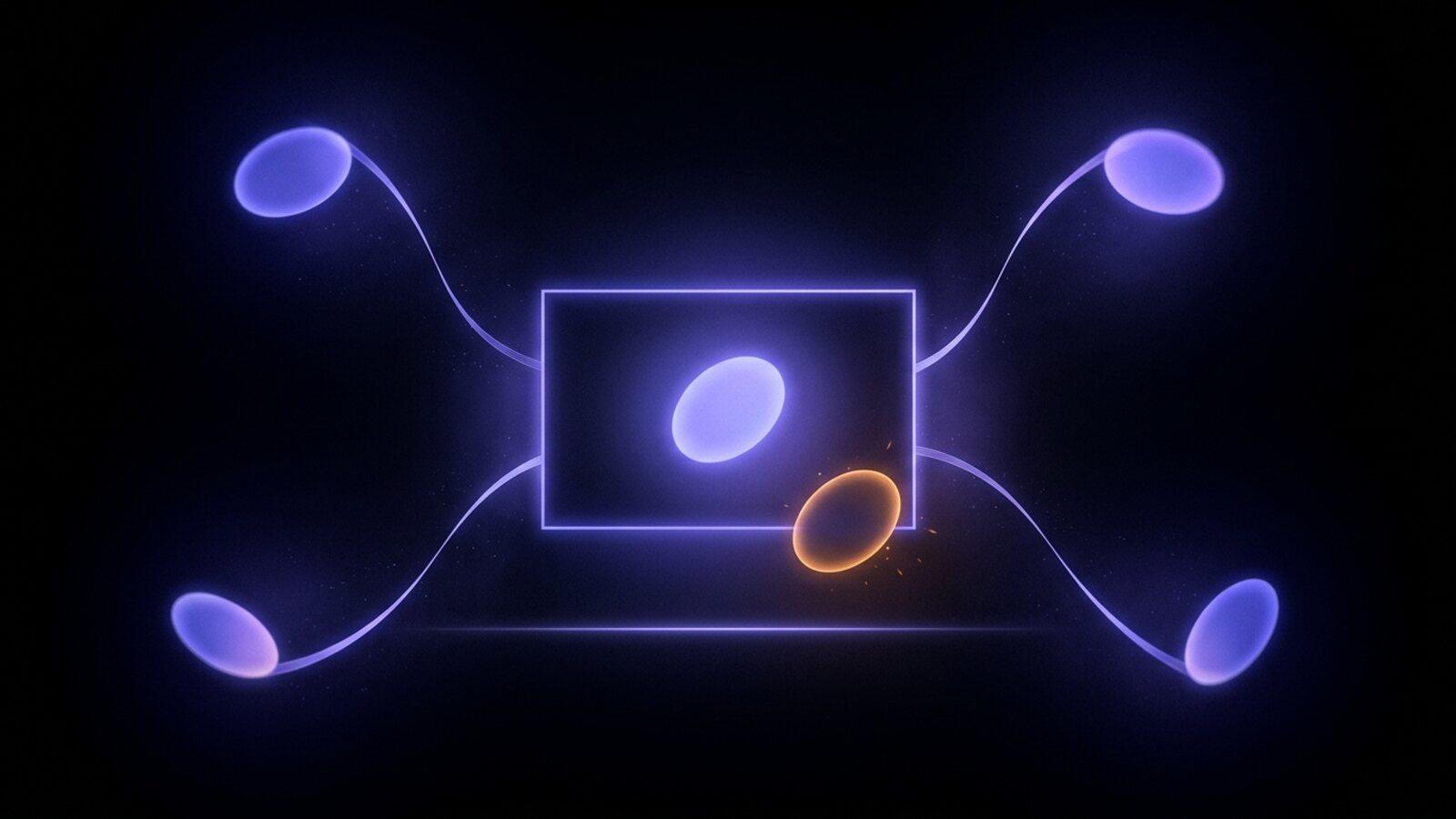
To animate a photo with AI in Treza, attach the picture in chat and say what should happen. There are four ways: the photo becomes a video's first frame and moves in its own scene, it says a line, it copies the moves of a clip you recorded, or it replaces the person in a video you shot.
All four are meant for pictures you have the right to use: your own photo, a photo of someone who agreed to it, your pet, or a character you drew or generated. Not celebrities, public figures or strangers. The AI image to video generator is the place to start if all you want is the first one.
The four ways a photo comes alive
| What you want | What you bring | What you get | How long a shot can be | Roughly what it costs |
|---|---|---|---|---|
| It moves in its own scene | The photo and a sentence on the motion | A clip that opens on your exact photo | 5 to 30 seconds, by model | About $1.06 for a typical clip |
| It says a line | The photo and a recording or typed line | One shot of the photo speaking that line | The line: 1.8 to 30 seconds, up to 60 on some models | About $1.60 to $2.25 for 10 seconds |
| It copies a clip's moves | The photo and a clip of the performance | The photo doing what the clip does | Up to 10 seconds with the picture leading, 30 with the clip leading | About $1.76 for 10 seconds |
| It steps into a video | The photo and the video it goes into | Your video, with the person in it swapped for the photo | About 11 seconds at 720p, 22 at 480p | About $1.68 for 10 seconds at 720p |
Prices are at Treza's credit rates as of November 2026 and move with the model you pick. A failed generation costs nothing.
1. It moves inside its own scene
This is image to video: the photo goes into a video model as the first frame, and the model invents the next few seconds. The clip opens on your exact picture, so the face, the clothes and the room are yours in frame one. Hair moves, the subject turns or smiles, the camera drifts in.
Most of the video models on Treza take a first frame, including Veo 3.1, Seedance 2.5, Kling 3.0 and Wan 3.0. Lengths depend on the model: Wan 3.0 runs anywhere from 2 to 30 seconds, Seedance 2.5 from 4 to 30, and others top out at 8 or 10. Many of them also take a last frame, so you can pin where the clip ends as well as where it starts.


That example is a still we generated rather than a photo, with a first and a last frame. With one photo and no last frame, the model decides where things end up.
The prompt matters more here than anywhere else, because the picture already settles what things look like. Write three lines: what moves, what stays the same, and what the camera does.
Animate this photo. She turns her head toward the window and smiles, and her hair moves a little in the breeze. Keep her face, her clothes and the room exactly as they are in the photo. The camera pushes in slowly and stays at eye level. No text on screen.
For a pet:
Animate this photo of my dog. He tilts his head, his ears lift, and his tail wags behind him. Keep his markings and the sofa exactly as pictured. Static camera.
What goes wrong: the face drifts as the clip goes on, especially when the subject turns far away from the camera and back. Keep the move small, ask for a short clip first, and say "keep the face exactly as in the photo". Photos with a cropped head or a hand across the face give the model less to hold on to. A sharp, front-lit photo with the whole head in frame lasts longest.
2. It says a line
To make a photo talk, Treza uses the Dialogue to Video node: one picture and one line of speech in, one shot out, with the mouth, expression and timing driven by the audio. The line can be your own recording or a voice from the text to speech catalog reading what you typed.
Three models do it, and they differ in a way that matters:
- OmniHuman 1.5, the default, animates the picture to the exact recording, with a full-body performance, and the finished clip plays your own take. Lines up to 60 seconds at 720p, 30 at 1080p.
- Kling Avatar v2 Pro does the same and costs the least. Lines up to 60 seconds.
- Seedance 2.5 builds a scene around the character and follows camera directions, but it re-performs the line in a similar voice with its own timing instead of playing your recording back. It takes around 15 to 20 minutes, so draft there first.
The line has to be at least 1.8 seconds. At Treza's rates, 10 seconds costs about $2.25 on OmniHuman and about $1.60 on Kling Avatar.

The clip above takes the other route to a talking picture: the Talking Head Short template animates a generated portrait into a short clip, then the Lipsync node reshapes the mouth to the voice. Lipsync is the tool when you already have a video and want it to say something new; Dialogue to Video is the one that starts from a still. The AI lip sync generator covers both.
What goes wrong: a mouth that is small in the frame, turned away, or covered (a hand, a mask, a beard over the lip line) gives the model little to move. Crop closer, or use a photo where the face points at the camera. Music under a recorded line confuses the timing, so record the line dry.
3. It copies the moves of another clip
This is Motion Transfer: you bring the picture and a clip of the performance, and the character in the picture repeats the movement and facial expression frame for frame. Record yourself doing the wave, the walk or the dance on your phone, and the character does what you did. The AI motion transfer page has it as a template.
Kling 3.0 Motion Control is the default. On Kling you choose what leads: with the picture leading, the character stays exactly as pictured, for clips up to 10 seconds; with the clip leading, it follows the performance more closely and runs up to 30. Kling keeps the clip's sound by default, so your voice and timing come through. About $1.76 for 10 seconds on Kling Standard; Kling Pro costs a third more.
The clip has to be one continuous shot of one performer, whole or upper body in view. A clip that cuts between shots or between people breaks at every cut, whatever the settings. The picture's background is the video's background in every frame, so a screenshot with a status bar, or a "transparent" PNG with a checkerboard painted in, comes out exactly like that. Fix the picture first; an image edit costs cents.
What goes wrong: fast spins, jumps and arms crossing the body are hard to read, and the model fills the gap with the performer's body instead of the character's. A slower, front-on take of the same move works far better. Stylized characters, mascots and costumes hold together best; a photoreal human face is the hardest thing for the model to track, so expect more takes with a real photo.
4. It steps into a video in place of the person there
The same node has a second mode. Wan 2.2 Animate in replace mode keeps the video you shot and puts the person or character from your picture in place of the performer. The room, the light and the camera stay as recorded; only who is in it changes.
The video has to be yours, or one you have the right to use, and the same rules apply as above: one continuous shot, one performer, whole or upper body in view. Wan renders every frame, about 2 minutes of work per second of footage at 720p and 1 minute at 480p, so one run takes about 11 seconds at 720p or 22 at 480p. A longer clip is refused before anything is charged; trim it first. About $1.68 for 10 seconds at 720p.
What goes wrong: the same things that break Motion Transfer, plus anything that crosses in front of the performer. A table, a second person walking through, or a hand passing over the face all make the swap flicker. Pick the cleanest stretch of footage and cut to it.
Which one to pick
- You have a photo and want it to feel alive for a few seconds: image to video.
- You want it to speak: Dialogue to Video, or Lipsync if the video already exists.
- You want it to do a specific move you can act out: Motion Transfer.
- You want yourself or your character inside a scene you already recorded: replace mode.
In chat you do not have to name the node. Attach the photo, say what should happen, and Treza picks the route. A longer piece can chain several shots on a Sequence node; the AI video generator lists every model these steps can run on. For more on choosing the first frame, see how to preview the first frame before you pay for the video.
When you are ready, start on the AI image to video generator with your photo.
Frequently Asked Questions
How do I animate a photo with AI?
Upload the photo, say what should move, and run it through a video model that takes the photo as its first frame. In Treza you attach the photo in chat and describe the motion; the clip opens on your exact picture and moves from there.
Can I make an old family photo move?
Yes, if it is your family's photo or the people in it agreed. Image to video works on scanned prints. Keep the motion small, a smile, a blink or a head turn, and say that the faces must stay exactly as in the photo, since old photos give the model less detail to keep.
Can I make a photo of my pet talk?
Yes. Dialogue to Video takes any picture with a face and a line of speech. Animal mouths are smaller and shaped differently, so pick a photo where the face points at the camera and the mouth is clearly visible.
Can I put myself into a video with AI?
Yes, with a photo of yourself and a video you recorded or have the right to use. Motion Transfer makes your photo copy the moves in the clip; replace mode puts you into the clip in place of the person there.
Why does the face change during the clip?
The model keeps the first frame exactly and invents everything after it, so the further the subject turns away, the more it has to guess. Use a sharp, front-lit photo, keep the movement small, and say in the prompt that the face stays as in the photo.
Can I animate a photo of a celebrity?
Not as something to post. Use your own photo, a photo of someone who agreed, your pet, or a character you made. A likeness you have no permission for is not yours to put words or moves into.