

FLUX.3 Image API and Pricing, Explained Through a Real Pipeline
FLUX.3 Image is Black Forest Labs' new image model: one model that generates from a prompt or edits and composes from up to 10 references, priced per image by resolution tier. Here is the rate card, the one tier that costs twelve times the default, the endpoint detail that trips up integrations, and how to reach it through a published API endpoint.

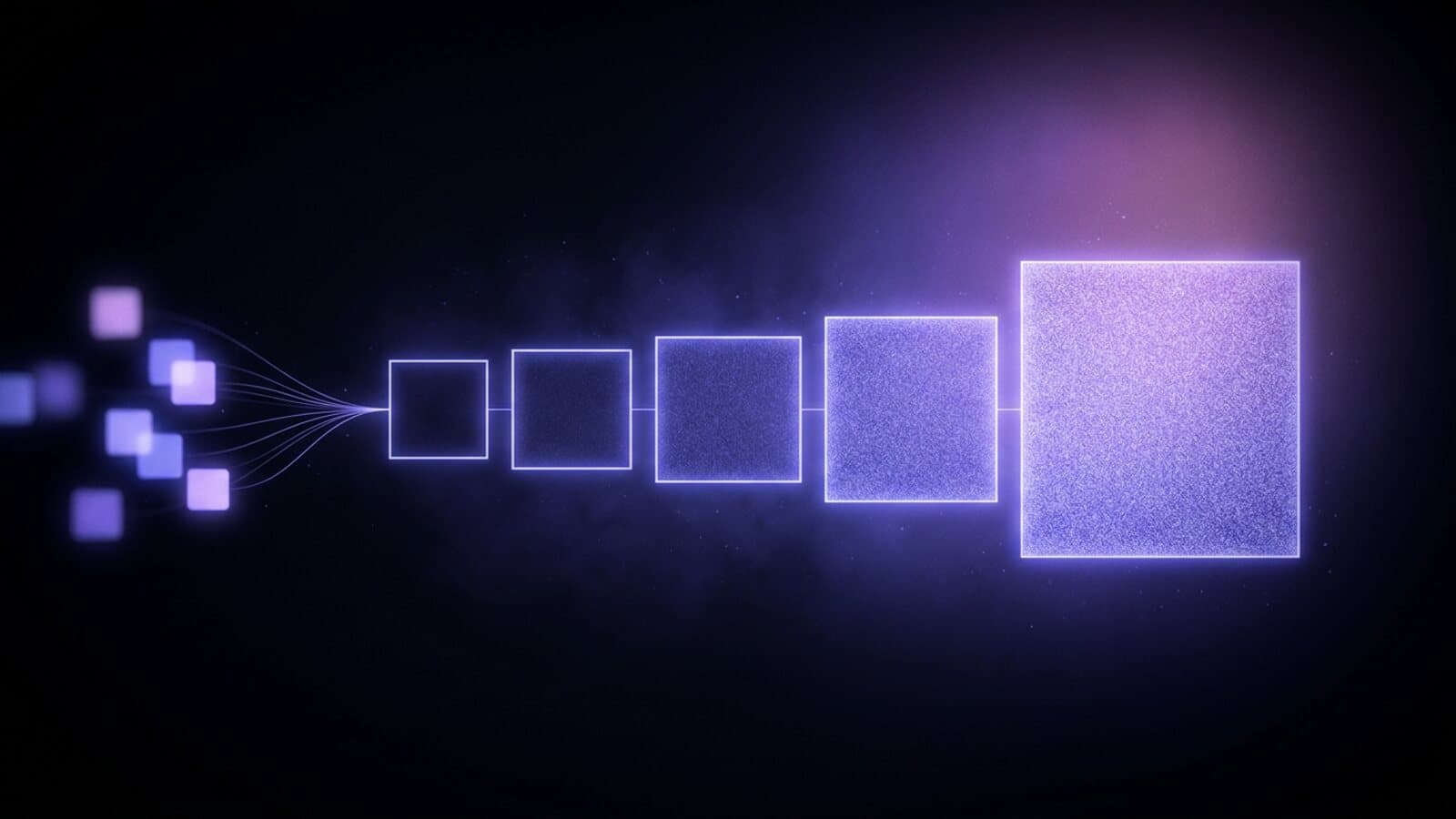
FLUX.3 Image is the new image model from Black Forest Labs, the team behind FLUX.2. It reached OpenRouter on October 2, 2026, and we added it to the Image Generation node and to chat two days later. One model does both jobs people usually split across two: it generates from a prompt alone, and it edits or composes from up to 10 reference images.
The pricing is the simple part, and that is unusual for an image model. FLUX.3 Image lists one price per image at each of five resolution tiers, and references cost nothing extra. This post covers the rate card, which tier to draft on, one endpoint detail that matters if you integrate it yourself, and how to call the model as a published API endpoint.
The spec sheet
| Capability | FLUX.3 Image |
|---|---|
| Resolution tiers | 768, 1K, 1.5K, 2K, 4K |
| Aspect ratios | 15, from 21:9 through 9:21, plus auto |
| Input | Text and image |
| Reference images | Up to 10 per request |
| Images per request | 1 |
The aspect ratio list covers a wide site banner, a 4:5 feed post, a 9:16 Story frame, and a 2:3 poster from the same node without cropping by hand. Auto follows the shape of the reference image, which is the right choice for most edits. The full capability list is on the FLUX.3 Image model page.
What FLUX.3 Image costs per image
These are the listed prices for the model as of October 2026:
| Resolution | Listed price per image |
|---|---|
| 768 | $0.041 |
| 1K | $0.048 |
| 1.5K | $0.07 |
| 2K | $0.10 |
| 4K | $0.607 |
Three things in that table are worth reading closely.
The bottom four tiers sit close together. Going from 768 to 1K adds less than a cent. Going from 1K to 2K roughly doubles the price, from $0.048 to $0.10. None of those steps will change a budget on their own.
4K is a different product. At $0.607 it costs about six times the 2K price and more than twelve times the 1K price. Twenty drafts at 768 list at $0.82 in total. The same twenty at 4K list at $12.14. That one setting is the entire cost story for this model, so treat 4K as a final render for print and large screens, not a default.
References are free. A request with ten reference images lists at the same price as a request with none. Some image models add a charge per reference, so a product-plus-setting-plus-palette composition costs more than a plain prompt. Here it does not, which makes FLUX.3 Image easy to budget for edit-heavy work.
On the node, leaving Resolution on Model default renders a 1024 by 1024 square at the 1K price. Pick a tier explicitly when you want anything else.
Generate and edit in one model
FLUX.3 Image takes image input as well as text, and the same node handles both modes.
With a prompt alone, it generates. With a prompt plus references, it edits or composes. Attach one photo and describe the change, and you get that photo with the change applied. Attach several, a product, a room, a fabric, and describe how they combine, and it builds one image from all of them.
We ran the single-reference case as a probe when we onboarded the model. The reference was a product still of a folded navy linen shirt, and the prompt asked for the same shirt on a white marble counter in a bright studio. The result came back with the shirt intact, same color, same fold, collar and buttons in place, sitting on a marble counter in a new room. That is the edit most product teams want: keep the item, change the set.
Across our three test renders on October 4, 2026, images came back in 23 to 49 seconds. That is a small sample from one day, so read it as a rough expectation and not a benchmark.
Which tier to use for what
The rate card suggests a simple working pattern:
- Draft at 768 or 1K. At four to five cents an image, exploring twenty variations of a prompt costs about a dollar at list price. Iterate here until the composition is right.
- Deliver web and social at 1.5K or 2K. Seven to ten cents an image covers feeds, site headers, and thumbnails.
- Render 4K once, for the winner. Re-run the chosen prompt and references at 4K only when the asset is going to print or a large display.
The same discipline applies when the still feeds a video. A video model that takes a first frame does not need a 4K source, so a 1K or 2K still is the sensible input. The post on setting a first-frame image for AI video generation covers that handoff in detail.
How FLUX.3 Image differs from FLUX.2 Pro
Both are Black Forest Labs models and both are on the node, so the question comes up immediately. The practical differences are in references and billing. FLUX.3 Image takes up to 10 reference images and renders at fixed tiers up to 4K, billed per image by tier. FLUX.2 Pro bills by the megapixels its aspect ratio renders, so its price moves with the shape of the frame.
We are not going to tell you which one looks better, because that depends on your subject and nobody has run your prompt yet. The reliable test is cheap: put the same prompt through both on two nodes and compare the outputs side by side. Seedream 5.0 is worth a third node in that test if you want a model from a different lab in the comparison.
The endpoint detail that trips up integrations
If you call FLUX.3 Image through OpenRouter yourself, note that it runs on the images endpoint only. When we probed it, the chat completions route refused the request, even though several other image models accept that route. An integration written for chat-completions image output needs a second code path for this model.
Inside a Treza pipeline you never see this. The Image Generation node knows which models require the images endpoint and routes the request there. You pick FLUX.3 Image in the model menu and the node handles the rest.
What you actually pay on Treza
FLUX.3 Image through a Treza pipeline is metered from a prepaid credit balance. One credit equals $0.01, packs start at $5, credits never expire, and there is no subscription. A failed generation charges nothing, and that includes a prompt the provider refuses.
The prices in this post are the model's listed rates. The fastest way to learn what your own work costs is to run your real prompt once at the resolution you intend to ship and read the charge.
Calling FLUX.3 Image as an API
Direct access means provider credentials, the images endpoint request shape, error handling, and your own retry logic before you have built anything for your product.
Through a Treza pipeline, FLUX.3 Image is a node on a canvas. Place the Image Generation node, pick the model, set resolution and aspect ratio, wire references into its reference input, and publish the graph as a single versioned endpoint. Your app calls the typed /invoke route with JSON in and JSON out, or points an existing OpenAI SDK at the OpenAI-compatible route. If you later swap the node to a different image model, the endpoint your product calls stays the same.
The same pipeline is reachable from an agent. Treza's hosted MCP server exposes pipelines as tools that Claude and other MCP clients call directly, so an agent can generate the image and hand back the URL as one step of a larger task.
Putting it in a pipeline instead of a single call
A single image is rarely the deliverable. The more useful pattern is FLUX.3 Image as the first node of several.
Compose a key frame from your references, then pass it to a video node as the first frame. Black Forest Labs also makes a video model, and the FLUX.3 Video pricing post covers that half. A fuller AI video pipeline puts a script step ahead of the image and narration, captions, or publishing behind the video, then reruns the whole graph on a schedule or from an API call.
Starting from a blank canvas, the AI image generator page has the image side set up, and the AI video generator page puts a video model behind a single generate action. For a longer walkthrough of image graphs, see how to build an AI image generation pipeline.
Frequently Asked Questions
How much does FLUX.3 Image cost per image?
The listed prices as of October 2026 are $0.041 at 768, $0.048 at 1K, $0.07 at 1.5K, $0.10 at 2K, and $0.607 at 4K. The price depends only on the resolution tier. Aspect ratio and the number of reference images do not change it.
Do reference images cost extra with FLUX.3 Image?
No. The model accepts up to 10 reference images per request and lists no charge for them. An edit or a multi-reference composition is priced the same as a plain text prompt at the same resolution.
What resolution does FLUX.3 Image render by default?
On the Image Generation node, leaving Resolution on Model default renders a 1024 by 1024 square at the 1K price. Choose 768 for the lowest-cost drafts or step up to 1.5K, 2K, or 4K on the node.
Can FLUX.3 Image edit a photo I already have?
Yes. It takes image input as well as text. Attach the photo as a reference, describe the change as the prompt, and set the aspect ratio to auto to keep the original shape. In our onboarding test it moved a folded shirt onto a new set while keeping the shirt itself intact.
Does FLUX.3 Image work through the chat completions API?
Not on OpenRouter as of October 2026. The model runs on the images endpoint, and the chat completions route refused it when we tested. On Treza the Image Generation node routes the request to the right endpoint automatically.
Is FLUX.3 Image free?
Building a pipeline on the canvas costs nothing, but generation spends real provider money and is charged from a prepaid credit balance. There is no subscription, packs start at $5, credits never expire, and a failed generation charges nothing.
Can I call FLUX.3 Image through an API without integrating the provider myself?
Yes. On Treza the model is a node inside a pipeline you publish as a versioned HTTP endpoint, with a typed /invoke route and an OpenAI-compatible route, so your product calls one API whichever image model sits behind the node.