
Pixel art video. Your clip as 8-bit game graphics, free.
Drop in a clip or a picture, pick a style, and it comes back in big square pixels and a handful of colours in your chat. It runs on Treza's FFmpeg node, which costs nothing.
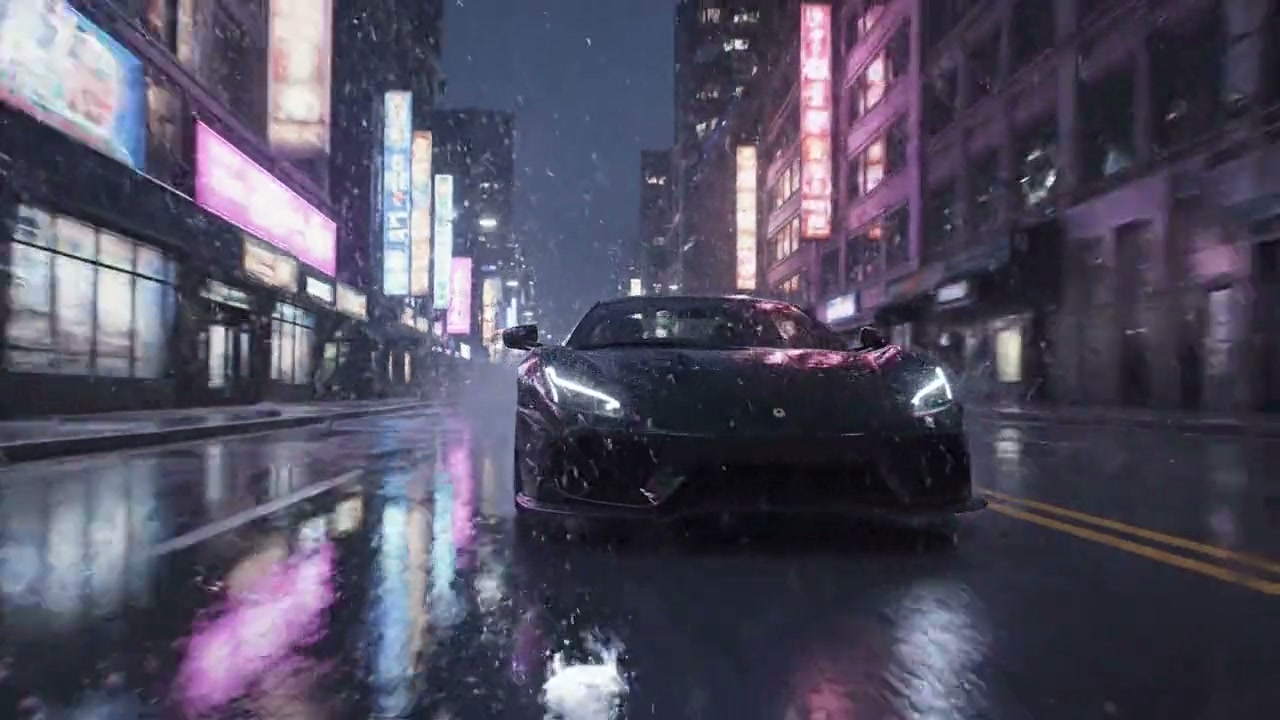
Look
Free. It lands in your chat.
Everything on this page was made on Treza. See pricing
The same styles on other footage
Each one is the FFmpeg node's own output, from the same command the button sends.
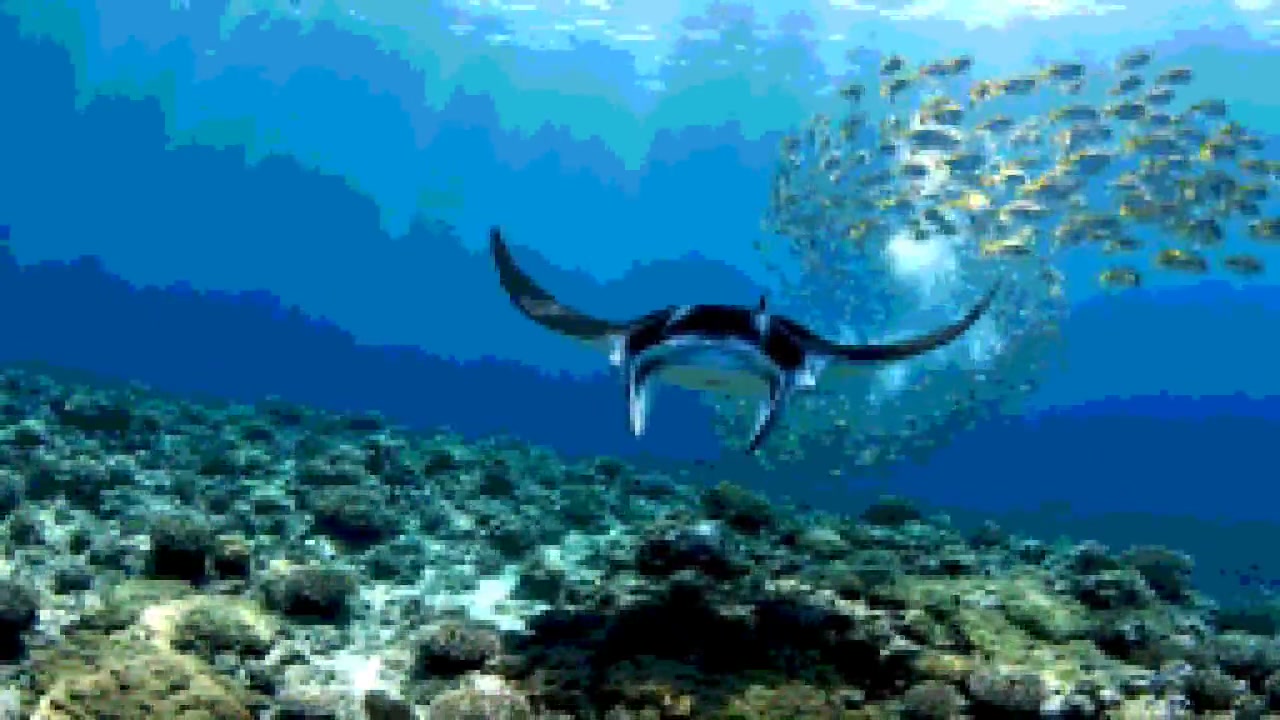
16-bit underwater
A reef level, ready to play.
FFmpeg node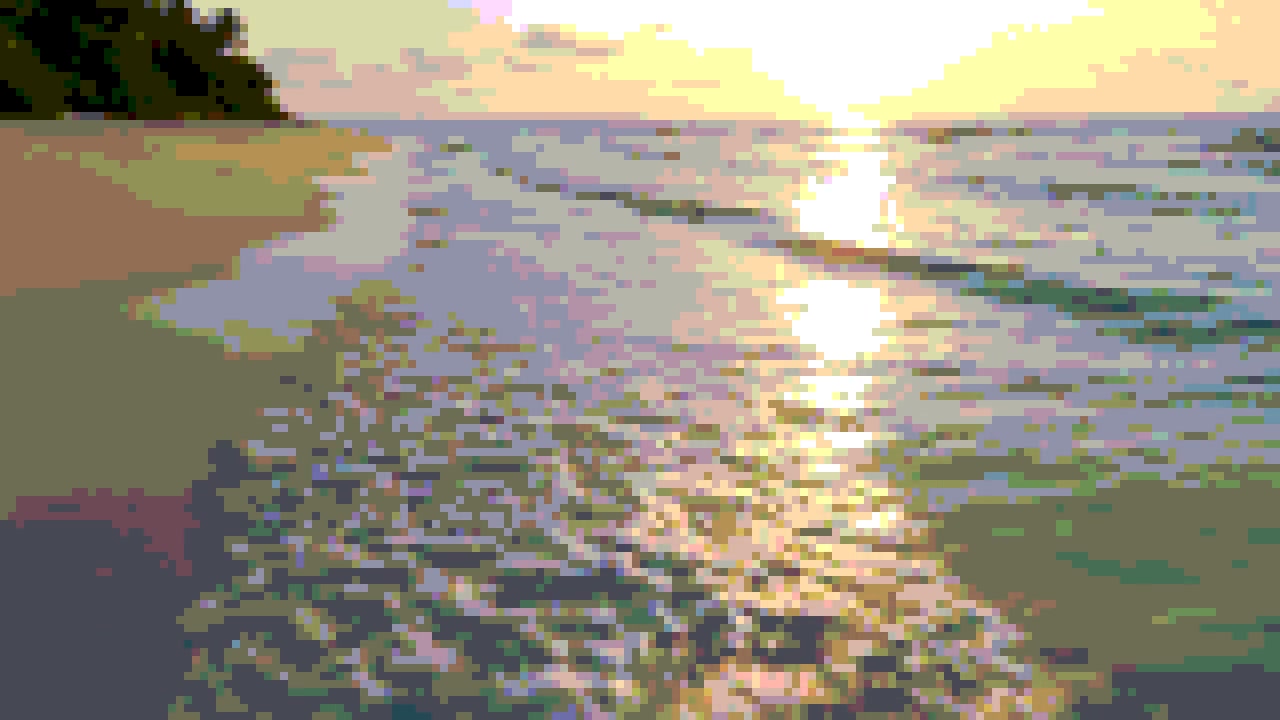
8-bit on a beach
Sunset in 256 colours.
FFmpeg node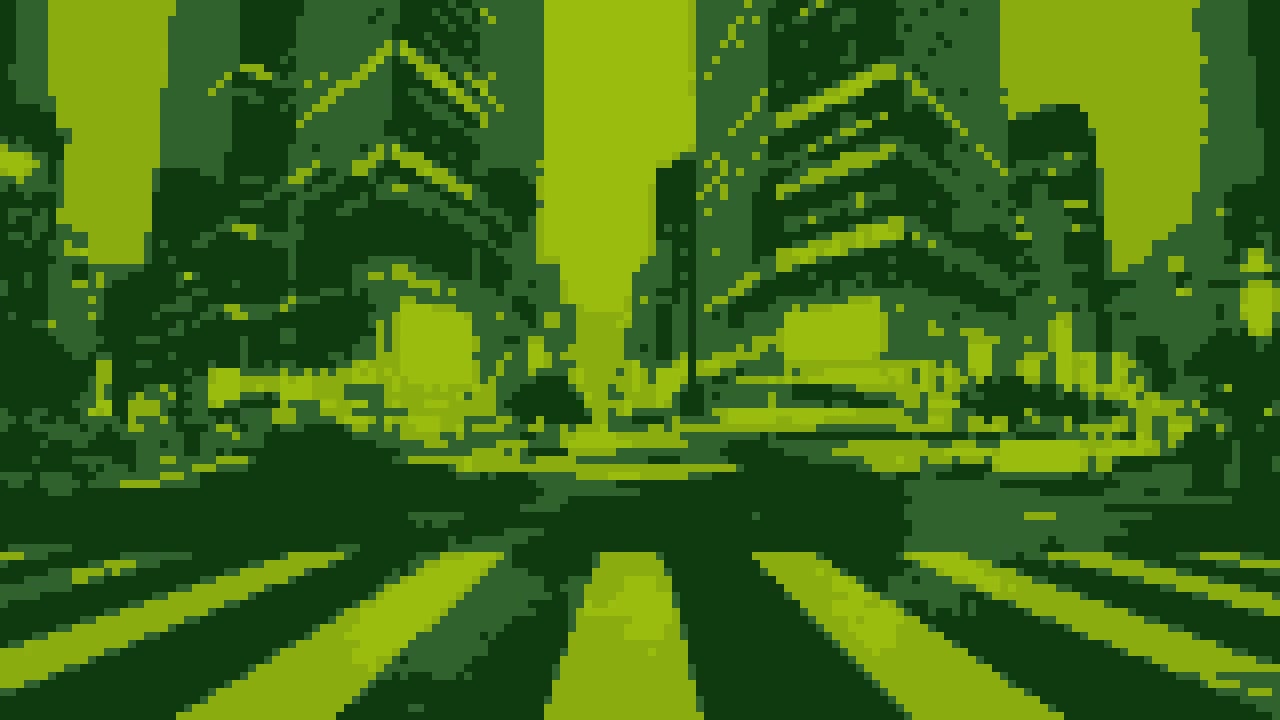
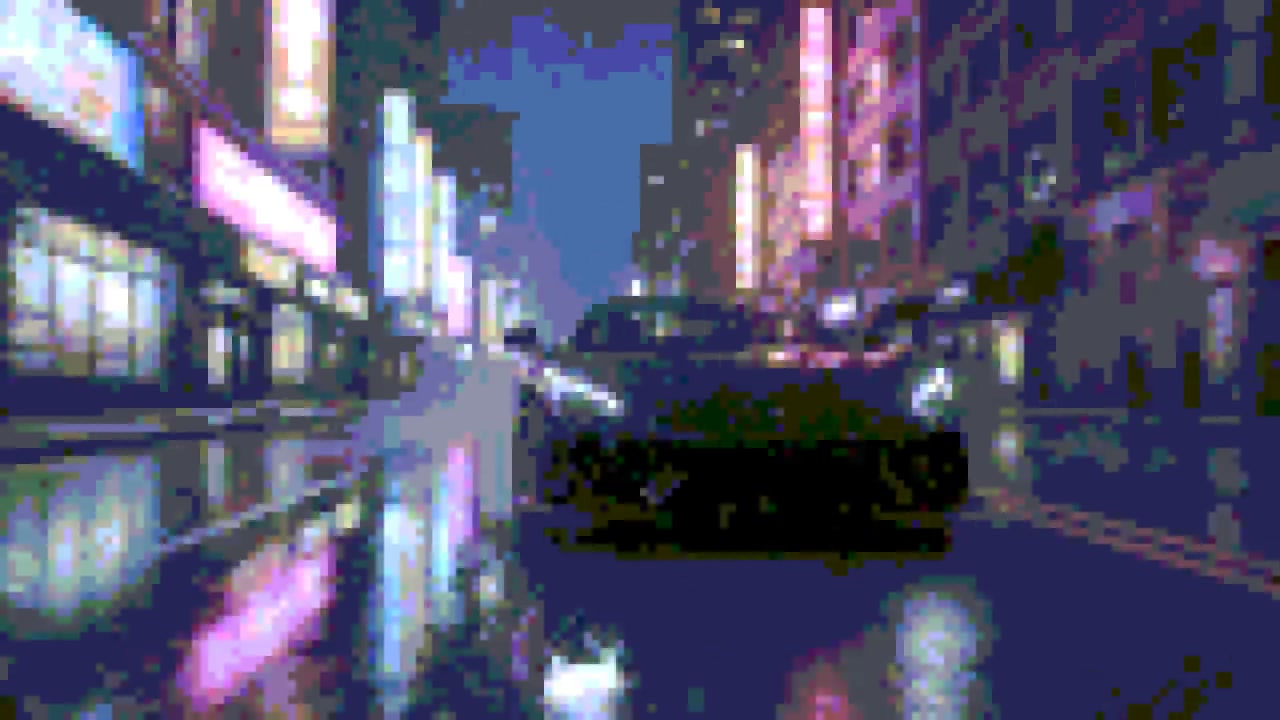
Handheld green on a city street
Towers and traffic in four greens.
FFmpeg nodeHow it works
- 01
Drop in a clip or a picture
Any video or photo from a phone or a camera. No footage? Switch to "Make it for me" and write one line about the shot.
- 02
Pick a style
8-bit, 16-bit or handheld green. Every preview on this page is real output of the command your file gets.
- 03
Sign in and it runs
Google sign-in, then the finished file appears in your chat, usually within a couple of minutes. Free: the FFmpeg node costs nothing.
What the button sends
Each style is one FFmpeg filter chain, run by Treza's FFmpeg node on your file: the frame shrunk to a few rows, its colours cut to a few levels, then blown back up with hard square edges.
- 8-bit
eq=saturation=1.4:contrast=1.1:gamma=1.15,scale='if(gte(iw,ih),-2,90)':'if(gte(iw,ih),90,-2)':flags=area,lutrgb=r='round(val*7/255)*255/7':g='round(val*7/255)*255/7':b='round(val*3/255)*255/3',scale=iw*8:ih*8:flags=neighbor- 16-bit
eq=saturation=1.35:contrast=1.08:gamma=1.08,scale='if(gte(iw,ih),-2,144)':'if(gte(iw,ih),144,-2)':flags=area,lutrgb=r='round(val*7/255)*255/7':g='round(val*7/255)*255/7':b='round(val*7/255)*255/7',scale=iw*5:ih*5:flags=neighbor- Handheld green
hue=s=0,eq=contrast=1.3:gamma=1.15,scale='if(gte(iw,ih),-2,90)':'if(gte(iw,ih),90,-2)':flags=area,lutrgb=r='if(lt(val,64),15,if(lt(val,128),48,if(lt(val,192),139,155)))':g='if(lt(val,64),56,if(lt(val,128),98,if(lt(val,192),172,188)))':b='if(lt(val,64),15,if(lt(val,128),48,15))',scale=iw*8:ih*8:flags=neighbor
For a video the chain goes into -i {input} -vf "<chain>,format=yuv420p" -c:v libx264 -crf 20 -preset medium -c:a aac -b:a 192k -movflags +faststart {output}; a picture comes back as a JPEG. The sound is carried through.
Pixel art video, answered
Is turning a video into pixel art free on Treza?
Yes. It runs on the FFmpeg node, which costs nothing; an account with no credits can run it ten times a day. Having the footage generated instead of uploading it is priced like any clip, about $0.28 for a four second one.
How does it turn a video into pixel art?
It shrinks every frame to a few rows of pixels, cuts the colours down to a few levels, then blows the frame back up with hard edges, so each pixel becomes a square block. Nothing is redrawn: the shapes and the motion are your clip's own.
What is the difference between the three styles?
8-bit is 90 pixels on the short side with 256 colours: big blocks, flat colour. 16-bit is 144 pixels with 512 colours, so faces and small things stay easier to read. Handheld green takes the colour out and maps the frame to four shades of green.
Does it keep the sound?
Yes. A video comes back as an MP4 at the same length with its sound carried through unchanged. A picture gets the same style and comes back as a JPEG.
What size does it come back at?
720 pixels on the short side, so a 1080p or 4K clip comes back at 720p and a vertical phone clip at 720 by 1280. Every block is a whole number of pixels, so the edges stay sharp.
What footage looks best as pixel art?
Bright shots with big, simple shapes and strong colour: neon, sunsets, water, landscapes, a person against a plain background. Very dark shots lose detail once the colours are cut, so 16-bit suits them better than 8-bit.
What formats and sizes can I upload?
MP4, MOV, WebM and the usual phone formats, and JPEG, PNG or WebP for pictures. Keep a file under 25 MB here; longer footage can be uploaded in chat directly.
Your first video is one prompt away.
Generate your first video, image, or draft today. Prepaid credits, no subscription.