
Video color grading. Six film looks on your footage, free.
Drop in a clip or a picture, pick a look, and the graded file lands in your chat. The grade runs on Treza's FFmpeg node, which costs nothing.
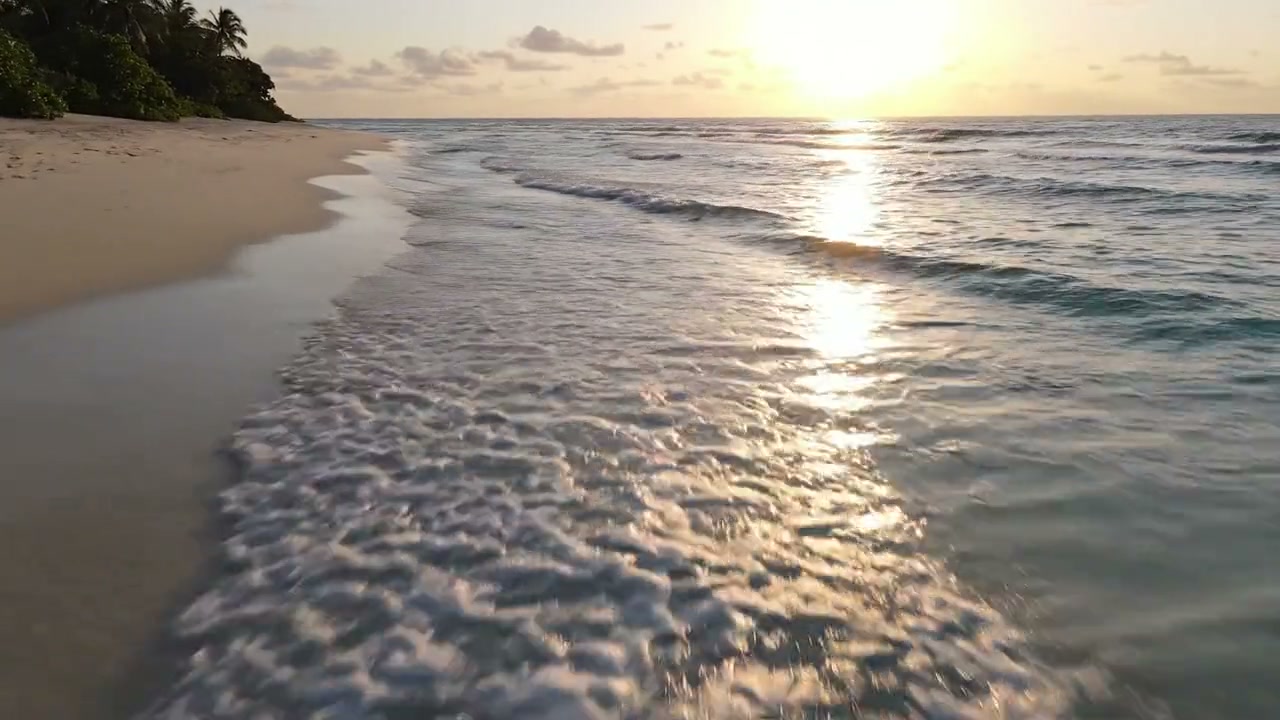
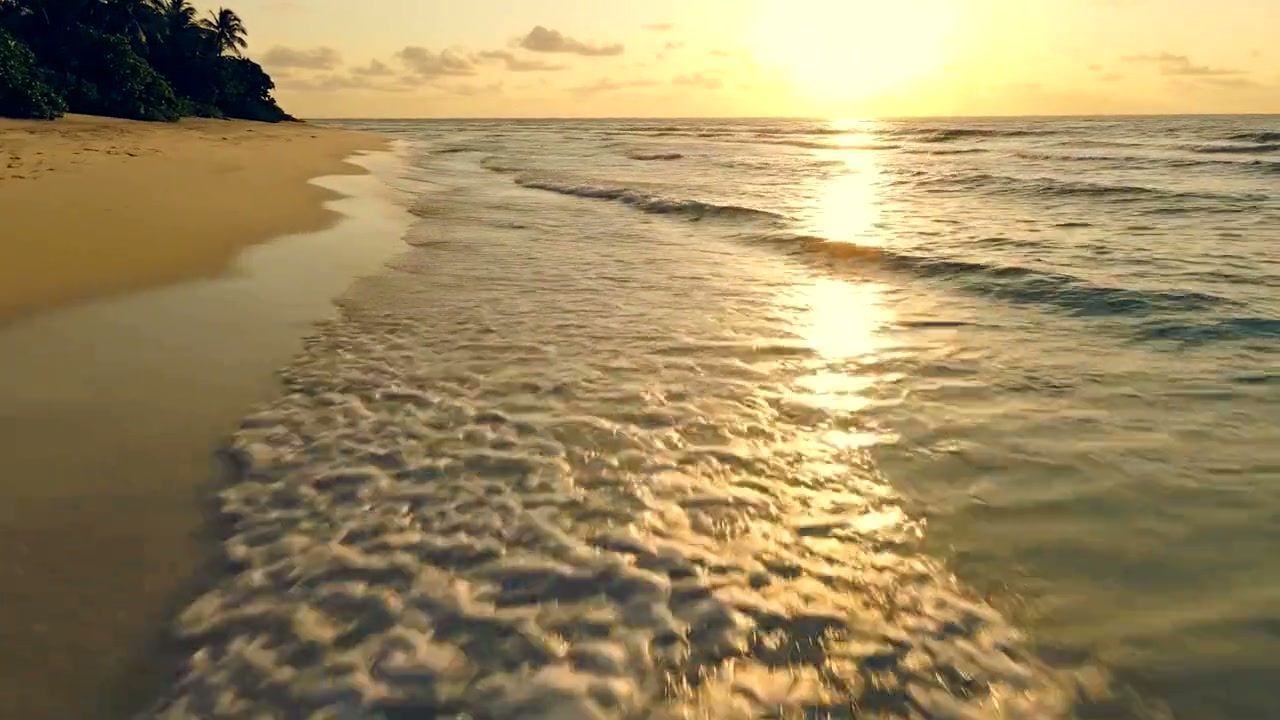
Look
Free. It lands in your chat.
Everything on this page was made on Treza. See pricing
The same looks on other footage
Each one is the FFmpeg node's own output, from the same command the button sends.
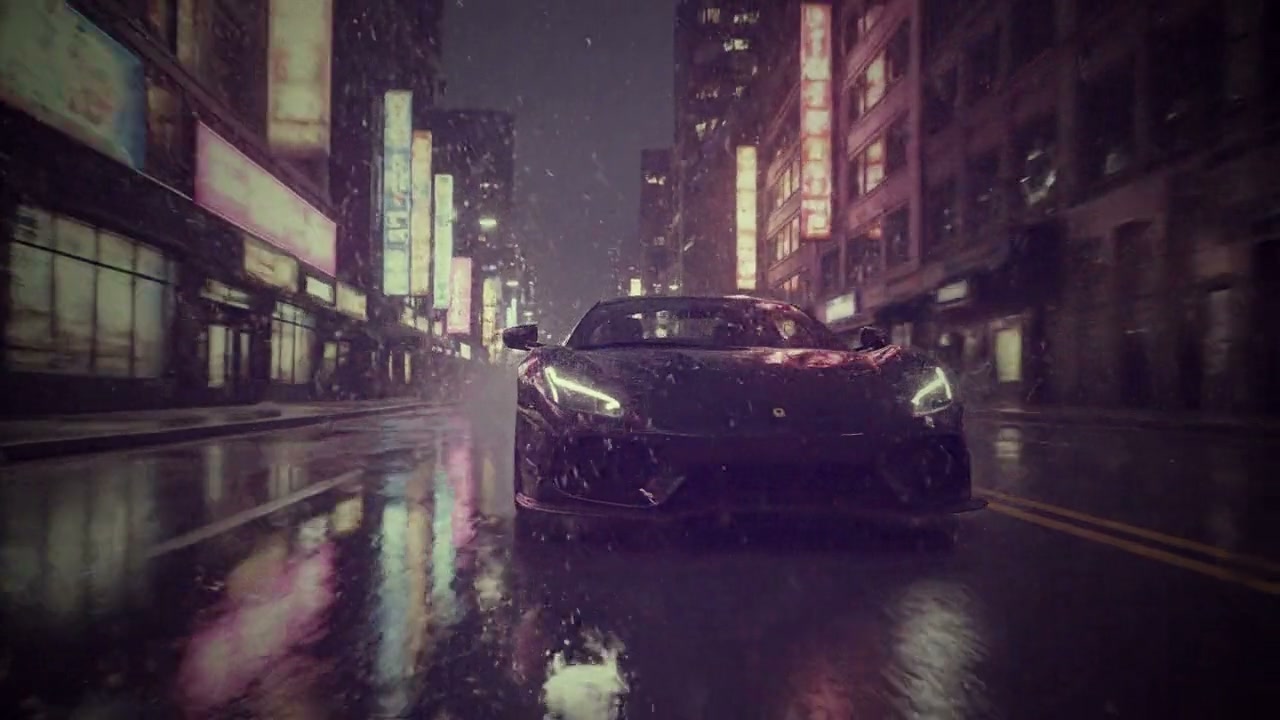
Vintage film on a night drive
Neon held back to a faded print, grain over the rain.
FFmpeg node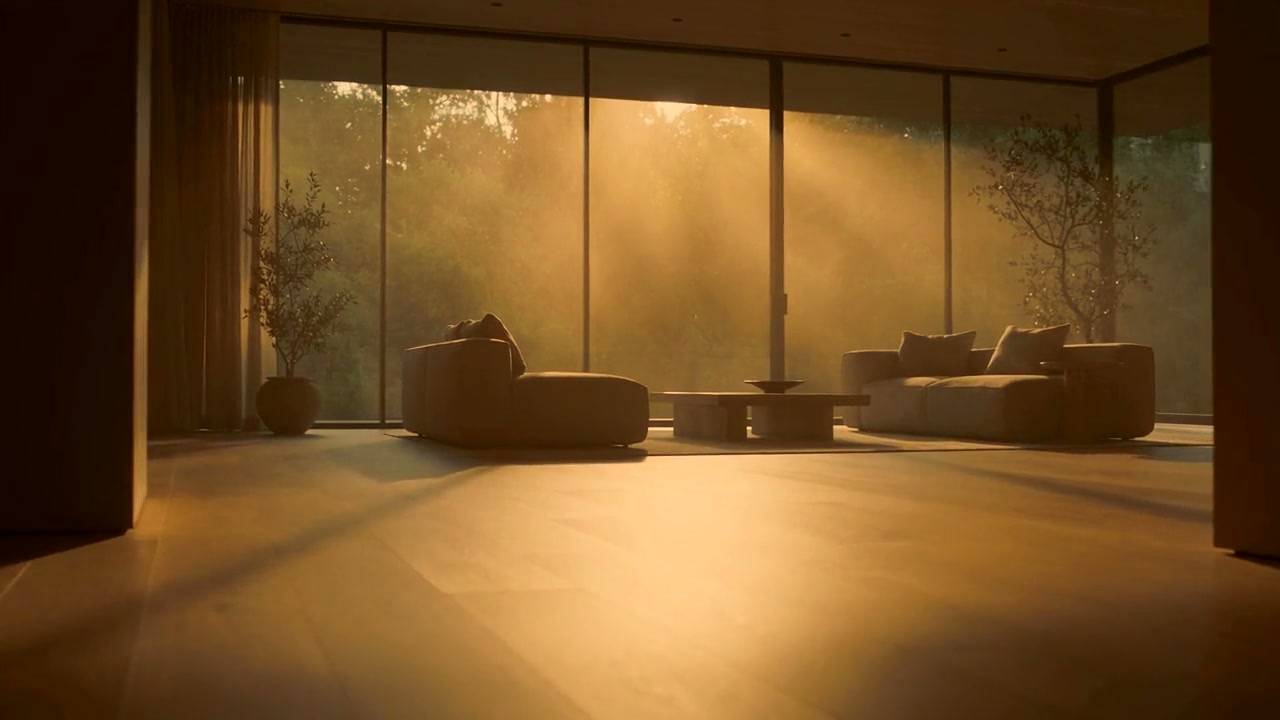
Golden hour indoors
Window light turned to late afternoon.
FFmpeg node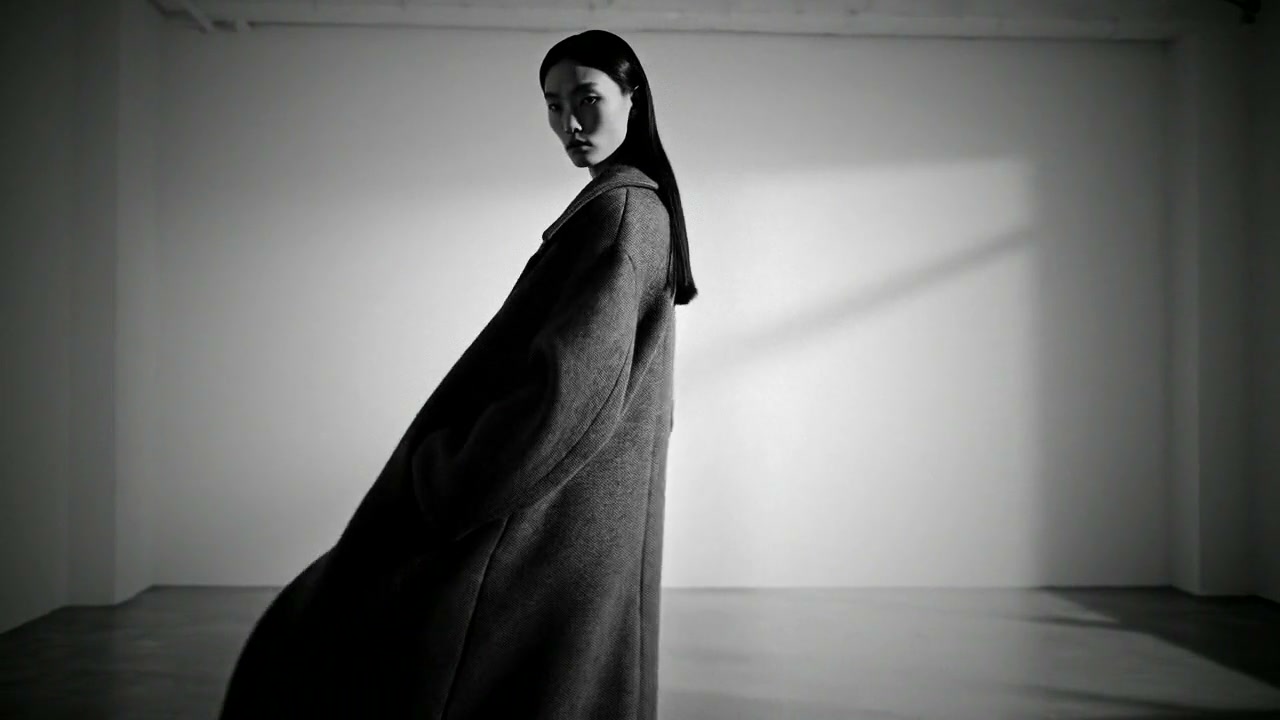
Noir in the studio
A white room with the colour gone and the contrast up.
FFmpeg nodeHow it works
- 01
Drop in a clip or a picture
Any video or photo from a phone or a camera. No footage? Switch to "Make it for me" and write one line about the shot.
- 02
Pick a look
Six grades on the same shot, so they compare. Every preview on this page is real output of the command your file gets.
- 03
Sign in and it runs
Google sign-in, then the graded file appears in your chat, usually within a couple of minutes. Free: the FFmpeg node costs nothing.
What the button sends
Each look is one FFmpeg filter chain, run by Treza's FFmpeg node on your file. No LUT file, nothing to install, the same result every time.
- Teal and orange
colorbalance=rs=-0.10:gs=-0.03:bs=0.12:rm=0.03:gm=0:bm=-0.03:rh=0.12:gh=0.03:bh=-0.14,eq=contrast=1.06:saturation=1.12- Golden hour
colortemperature=temperature=4300:mix=0.85,colorbalance=rs=0.04:bs=-0.06:rh=0.06:gh=0.03:bh=-0.08,eq=saturation=1.1:gamma=1.04:contrast=1.03- Vintage film
curves=preset=vintage,eq=contrast=0.96:brightness=0.01:saturation=0.88,noise=alls=9:allf=t+u,vignette=angle=PI/4.5- Moody matte
curves=all='0/0.10 0.3/0.31 0.7/0.71 1/0.90',colortemperature=temperature=7600:mix=0.6,eq=saturation=0.72- Bleach bypass
eq=saturation=0.5:contrast=1.25,noise=alls=5:allf=t- Noir
hue=s=0,curves=preset=strong_contrast,noise=alls=7:allf=t,vignette=angle=PI/4
For a video the chain goes into -i {input} -vf "<chain>,format=yuv420p" -c:v libx264 -crf 20 -preset medium -c:a aac -b:a 192k -movflags +faststart {output}; a picture comes back as a JPEG. The sound is carried through.
Video color grading, answered
Is video color grading on Treza free?
Yes. The grade runs on the FFmpeg node, which costs nothing; an account with no credits can run it ten times a day. Having the footage generated instead of uploading it is priced like any clip, about $0.28 for a four second one.
What is a teal and orange grade?
A grade that pushes shadows toward teal and skin tones and highlights toward orange. The two colours sit opposite each other on the wheel, so people separate from backgrounds. It has been the default look of action films since the mid 2000s.
Does it work on photos as well as video?
Yes. A picture gets the same look and comes back as a JPEG. A video comes back as an MP4 with its sound unchanged.
Can I use my own LUT instead of these looks?
Yes, in chat: attach the clip and the .cube file together and ask for the LUT to be applied. The FFmpeg node loads a LUT on its second input with lut3d.
How is this different from a LUT in Premiere or DaVinci Resolve?
Each look here is a fixed FFmpeg filter chain (curves, colour balance, colour temperature, grain, a vignette) rather than a .cube file, so it gives the same result on every clip and needs nothing installed. For one clip from a phone it is faster. For matching shots across a whole edit, a colourist in Resolve still does more.
What formats and sizes can I upload?
MP4, MOV, WebM and the usual phone formats, and JPEG, PNG or WebP for pictures. Keep a file under 200 MB here; longer footage can be uploaded in chat directly.
Your first video is one prompt away.
Generate your first video, image, or draft today. Prepaid credits, no subscription.