
Lip Sync and Motion Transfer for Generated Characters
Two nodes turn a generated character into a performer. Lipsync reshapes the mouth of a clip to match a voice line, and Motion Transfer copies a recorded performance onto a character image. Here is how each is wired, what the models cost, where the limits sit, and why neither one is an avatar.

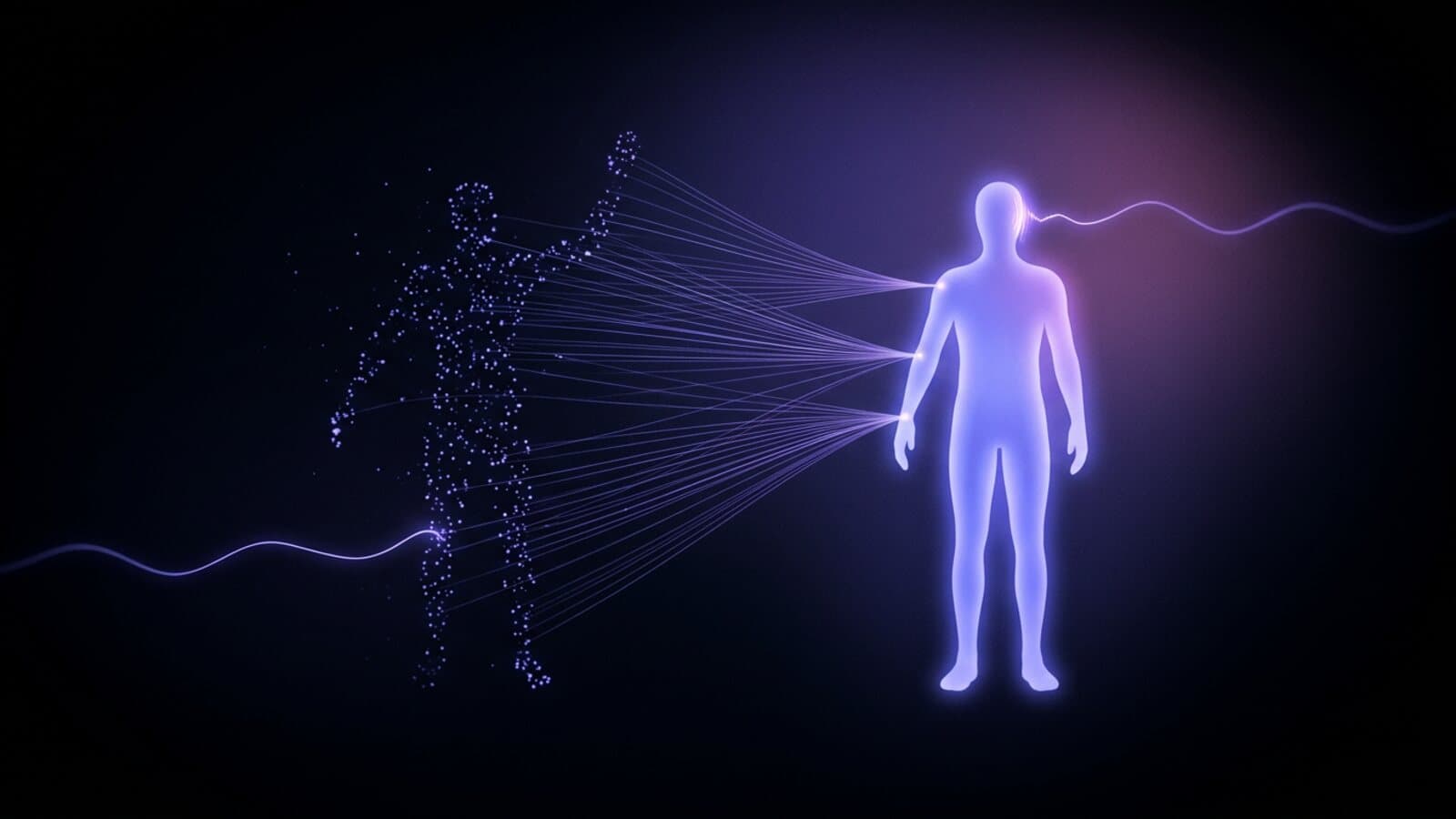
A generated character can look right in a still and fall apart the moment it has to say a particular line or move the way a scene needs. Prompt a video model for "she says the product name and waves" and the mouth drifts off the words.
Treza has two nodes for this gap. Lipsync takes a video and an audio track and reshapes the speaker's mouth to match the audio. Motion Transfer takes a character image and a recorded performance and makes the character act out that performance. Both run on the canvas like any other node, and both work on characters you generate.
This post covers how each one is wired, which models sit behind them, what they cost, and where the limits are. Every parameter and price below is read off Treza's live node catalog as of September 2026.
What these nodes are, and what they are not
Treza has no presenter avatars and no voice cloning. There is no library of stock presenters, and no way to upload a sample of your voice and have it read a script. If your format is a stock presenter reading to camera, an avatar tool is the better fit.
What Treza does have is a way to direct characters you generate yourself. You design the character with an image model, pick a voice from 82 built-in text to speech voices, and these two nodes make that character perform.
| Lipsync | Motion Transfer | |
|---|---|---|
| Inputs | A video and an audio track | A character image and a recorded performance video |
| What it changes | The mouth, to match the audio | The whole body and face, to match the performance |
| Models | VEED Lipsync, Sync v3 | Kling 3.0 Motion Control (Standard, Pro), Wan 2.2 Animate |
| Billing | Per minute of output, rounded up | Per second of output |
| Typical job | A character says a written line | A character acts out a clip you recorded |
Lip sync: making a character say a line
The Lipsync node has two required inputs, a video and an audio track. The usual audio source is a Text to Speech node, so the chain from written line to spoken line stays on the canvas. The Talking Head Short template is the full graph:
- A language model node writes one spoken line from a brief, sized to fit the clip.
- A Text to Speech node reads the line in the voice you pick.
- An Image Generation node renders a 9:16 portrait of a presenter who does not exist, mouth closed, facing the camera.
- A Video Generation node animates that portrait into a silent 8 second clip on Veo 3.1 Fast, using the portrait as the first frame.
- The Lipsync node takes the clip and the voice, and reshapes the mouth to the words.
- A Transcribe node times the line, checked against the written script, and a Captions node burns it in.
The first frame step keeps the face consistent: the face the Lipsync node reshapes is the portrait you approved. The first frame technique post covers checking that still before you pay for the video.
Two models, two jobs
VEED Lipsync is the default: fast, inexpensive, right for one speaker saying a short line.
Sync v3 costs more and handles multiple speakers and emotion. It also decides what happens when audio and video lengths differ: cut off at the shorter one, loop the video, bounce it, hold it in silence, or retime it to fit. Looping or retiming covers a long line without rendering a longer video.
Two things we learned running it
Write to the full length of the clip. The template trims the video to the audio, so a 6 second line over an 8 second clip gives a 6 second result, and the last two seconds were paid for and discarded. The template's line writer aims for about seven seconds for this reason.
Plan for 720p on vertical output. VEED returns 720 by 1280 even when the clip was rendered larger. When a channel needs 1080p, add a Video Upscale node after Lipsync; the ByteDance video upscaler page covers that step.
Motion transfer: making a character act out your performance
Lip sync fixes the mouth. Motion Transfer handles everything else. Record yourself on a phone doing the scene, wire the clip in as the motion reference and a character image in as the character, and the model transfers your movement and expressions onto the character.
The Performance Transfer template is that graph: a File node holding your clip, a character description, an Image Generation node that renders the character as a full-body still, and the Motion Transfer node.
Kling 3.0 Motion Control
Kling is the default, in Standard and Pro tiers. It has one setting that matters more than any other, called Character source of truth:
- Image keeps the character exactly as pictured and takes a motion clip up to 10 seconds.
- Video follows the performance more closely and takes a motion clip up to 30 seconds.
Kling keeps the original sound of your recording by default, so if you perform the line while recording, your own voice comes through on the character. A clip over the mode's limit is refused before anything is sent.
Wan 2.2 Animate
Wan has two modes. Animate character works like Kling. Replace character in video swaps the character into your original footage, so the room, light, and camera move are the ones you shot and only the performer changes.
Wan renders at 480p, 580p, or 720p, and it processes every frame of the source clip, so render time and price both grow with clip length and frame rate. The node checks before submitting: a job that will not finish in the run's time is refused up front with the longest clip that fits, or a suggestion to drop to 480p.
Record one continuous shot
Every motion model here follows one performer through one continuous shot. Across a hard cut it loses track, and the character lands on the wrong person. The node scans for cuts before sending anything, names them, and gives the longest uncut range to trim to with an Extract Clip node. Nothing is charged for that refusal. So record one person, whole or upper body visible, steady camera, no edits.
What it costs
On Treza these nodes are metered from a prepaid credit balance like every other node. One credit equals $0.01, credit packs start at $5, credits never expire, and there is no subscription. A failed generation charges nothing, and a run settles at actual provider cost plus markup.
The provider rates in the catalog:
| Model | How it bills | Example |
|---|---|---|
| VEED Lipsync | $0.40 per minute, whole minutes rounded up, one minute minimum | An 8 second line is billed as one minute: $0.40 |
| Sync v3 | $8.00 per minute, same rounding | An 8 second line: $8.00 |
| Kling 3.0 Motion Control Standard | 12.6 cents per second of output | A 10 second performance: $1.26 |
| Kling 3.0 Motion Control Pro | 16.8 cents per second of output | A 10 second performance: $1.68 |
| Wan 2.2 Animate | Per frame rendered, by resolution | Scales with clip length, frame rate, and resolution |
Two consequences follow. Lip sync is priced by the started minute, so several lines for one character cost less synced as one longer clip than as several short ones. And Kling's output runs the length of your motion clip, so trimming the recording is the most direct way to cut the bill. Sync v3 at twenty times VEED's rate earns its price on multi-speaker scenes and emotional delivery, not on one character saying one line.
Chaining the two, and running them as a pipeline
The two nodes compose: wire Motion Transfer's video into Lipsync with a Text to Speech voice, and the character acts out your performance and then speaks the line. Turn off Keep original sound on Kling when the voice comes from the Lipsync step.
Both run as async jobs measured in minutes, a fit for background runs. On a Treza AI video pipeline the whole graph, from the character still through the voice, the performance, the sync, and the captions, can be published as one versioned endpoint that your application calls with JSON in and JSON out. The AI voiceover generator covers the voice side of that graph, and the image to video generator covers animating a still when the character does not need a recorded performance at all.
Start with the still. Open the AI video generator, generate the character once, then load the Talking Head Short or Performance Transfer template and wire it in.
Frequently Asked Questions
Does Treza have AI avatars?
No. Treza has no presenter avatars and no stock presenter library. Its Lipsync and Motion Transfer nodes make characters you generate yourself speak a line or act out a recorded performance.
Can Treza clone my voice?
No. Voices come from 82 built-in text to speech voices. Two options come close without cloning: Kling Motion Control can keep the original sound of your recorded performance, so your own voice comes through on the character, and the Lipsync node accepts any audio track, including one you recorded.
How much does AI lip sync cost on Treza?
VEED Lipsync is $0.40 per minute of output and Sync v3 is $8.00 per minute, both billed in whole minutes rounded up with a one minute minimum, as of September 2026. A single 8 second line on VEED is billed as one minute. Charges come from a prepaid credit balance, and a failed generation charges nothing.
How long can a motion transfer clip be?
On Kling 3.0 Motion Control, up to 10 seconds when Character source of truth is set to Image and up to 30 seconds when it is set to Video. On Wan 2.2 Animate it depends on frame rate and resolution, and the node tells you the longest clip that fits before submitting.
Can I use lip sync and motion transfer together?
Yes. Wire the Motion Transfer node's video output into the Lipsync node's video input, and wire a Text to Speech node into its audio input. The character acts out your performance and then speaks the line. Turn off Keep original sound on Kling if the voice should come only from the Lipsync step.