AI Construction Timelapse Prompts That Hold One Fixed Camera
Ten prompts for AI construction timelapses, sorted by what is being built: a house, a cabin, a pool, a treehouse, a garden, a room and four more. Each has the three lines that keep a timelapse believable: the empty start, the stages in order, and a camera that never moves. Plus how to end the build on your own photo or render.

A good AI construction timelapse prompt has three lines: the empty site it starts from, the stages in the order they get built, and one camera that never moves. Paste any prompt below into Treza's AI timelapse video generator and it plans the stages, draws them from one fixed camera, and animates the work between them.
The method behind them is in how to make an AI construction timelapse video. This page is the part you copy.


How to use these prompts
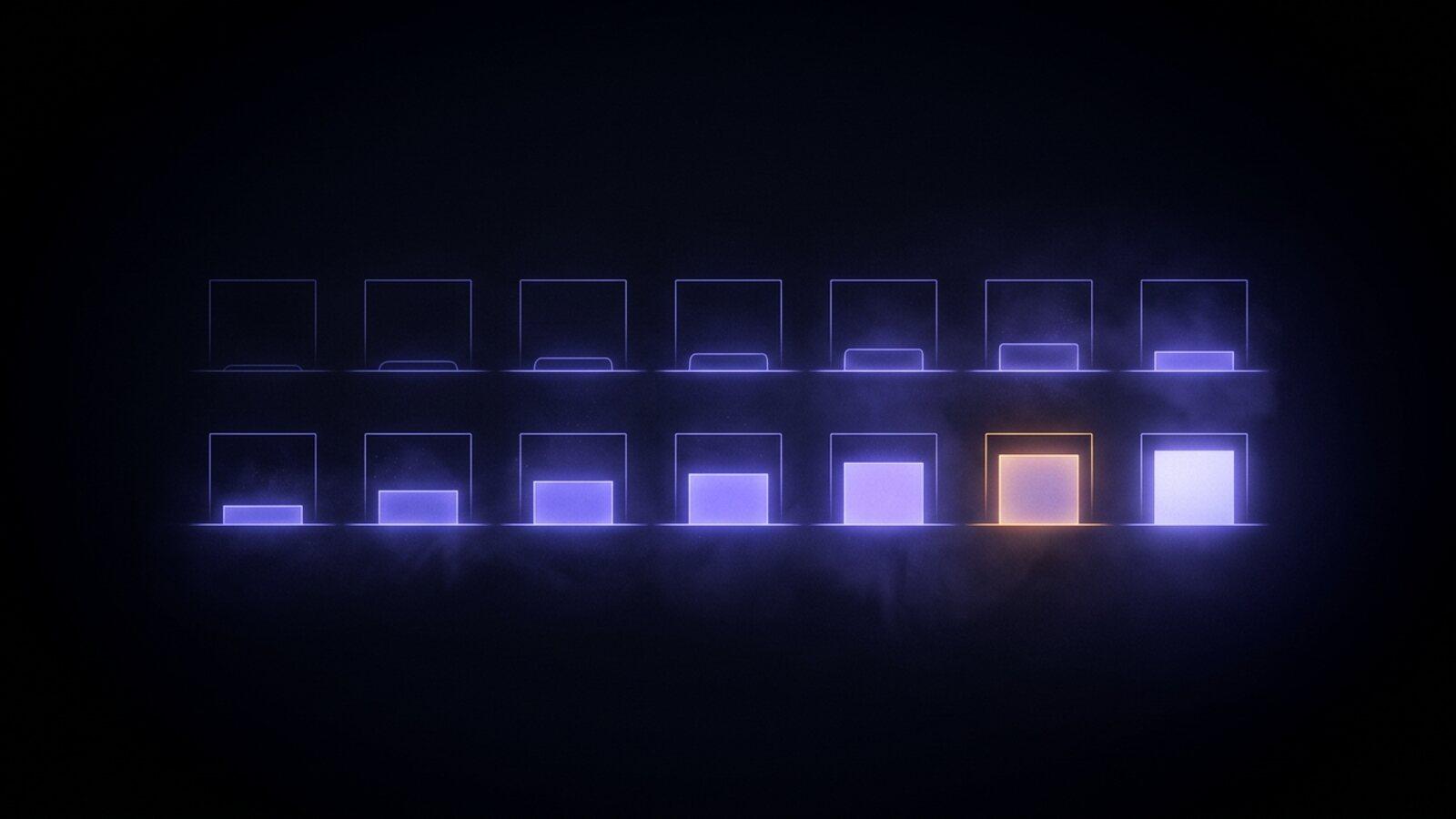
Open the Build Timelapse template in chat, paste a prompt into the "What gets built" box and run it. A language model plans the finished build and five earlier stages. Nano Banana Pro draws the finished build first, and every earlier stage is an edit of that one still that keeps the camera and the footprint where they are. Each neighbouring pair goes to Veo 3.1 as a first and a last frame, and the five clips are joined with short crossfades into a vertical 1080p timelapse of about 30 seconds. The clips are silent, so one music bed can run under the whole build.
One sentence is enough for the template to plan a build. The three lines give you control over the parts that usually go wrong:
- The start. What the ground looks like before anyone arrives. An edit keeps whatever you do not name, which is how a finished lawn ends up on the empty lot.
- The stages. Five steps in order, the last one just before finished. Name the build's distinctive shape (a flat roof, a round window) and the plan repeats it in every stage that shows the structure.
- The camera. Where it stands and how much of the frame the build fills. The template keeps it locked off; your line sets height and distance.
Ten prompts by what is being built
Paste each one whole, then swap in your own setting, materials and colours.
1. A modern family house
Start: an untouched grassy lot on a quiet street, orange survey stakes marking out a rectangle.
Stages: excavation and a poured concrete foundation; a two-storey timber frame with a flat roof; roof on and walls wrapped, scaffolding up; white render and large windows going in, the yard still bare earth; finished, with a lawn, a path and lights on inside.
Camera: one fixed camera across the street at head height, the house centred and filling the middle half of the frame. The camera never moves.
2. A log cabin by a lake
Start: a clearing of pine needles and rocks beside a still lake, nothing built.
Stages: stone piers set into the ground; the first rounds of logs notched and stacked; full log walls with gable ends and a ridge beam; a green metal roof and a stone chimney; finished, with a porch, smoke from the chimney and one warm window.
Camera: fixed on the far side of the clearing, slightly above the cabin, the lake behind it, the cabin centred in the lower half of the frame. The camera never moves.
3. A backyard swimming pool
Start: a flat back lawn with a wooden fence and a small patio, no pool.
Stages: the outline marked on the grass and an excavator digging; steel rebar lining the hole; a grey sprayed concrete shell, empty; tiles and coping stones laid, still dry; finished and filled with clear blue water, loungers on the deck.
Camera: high and fixed, looking down from an upstairs window at the whole yard, the pool centred. The camera never moves.
4. A treehouse in an old oak
Start: a single wide old oak in a meadow, nothing in its branches.
Stages: support beams bolted to the trunk; a platform deck across the lower branches; walls framed with a pointed roof; wood siding, a round window and a rope ladder; finished, with a railing, string lights and a slide.
Camera: fixed at ground level about twenty metres away, the whole tree in frame, the platform at the centre. The camera never moves.
5. A raised vegetable garden
Start: a bare backyard of packed dirt and weeds against a wooden fence.
Stages: weeds cleared and the ground levelled; timber raised beds built in a grid with gravel paths; the beds filled with dark soil; seedlings planted in rows; finished, every bed full and green, tomato cages and a small shed.
Camera: fixed high in one corner of the yard, looking down the length of the beds. The camera never moves.
6. A room in an empty attic
Start: a bare attic with exposed rafters, a plank floor and one small window at the far end.
Stages: insulation packed between the rafters; boards on the walls and sloped ceiling; a skylight cut in and the walls painted white; a wood floor laid and built-in shelves; finished, a bed, a desk under the skylight and a lamp on.
Camera: fixed in the doorway at chest height, facing the far window, which stays centred. The camera never moves.
7. A timber barn
Start: a flat green pasture with a fence line and hills behind, nothing built.
Stages: a gravel pad and concrete footings; tall timber posts and beams standing on them; the trusses of a steep gable roof; red board siding going up, the doors not hung; finished, with sliding doors, a weathervane and hay bales outside.
Camera: fixed at the pasture gate at head height, the barn centred with sky on both sides. The camera never moves.
8. A shipping container home
Start: a dry hillside plot with scrub and a dirt track, nothing on it.
Stages: concrete piers poured in two rows; two steel containers craned onto the piers side by side; openings cut for windows and a door, a third container stacked on top; glass in and the steel painted dark grey; finished, with a timber deck, a staircase and lights on inside.
Camera: fixed further down the hill looking up, the containers centred and filling the middle third of the frame. The camera never moves.
9. A footbridge over a stream
Start: a shallow stream between two grassy banks, no crossing.
Stages: stone abutments built on both banks; two steel beams laid across the gap; timber planks fixed along the beams; railings going up on both sides; finished, with a gravel path leading to each end.
Camera: fixed downstream on the bank, looking along the water, the bridge spanning the middle of the frame. The camera never moves.
10. A tiny house on a trailer
Start: an empty flatbed trailer parked on a gravel yard.
Stages: a timber floor fixed to the trailer bed; walls framed with door and window openings; a curved metal roof on top; cedar siding and the windows in; finished, with a porch step, a window box and lights on inside.
Camera: fixed at head height, side on to the trailer, the house centred and filling the middle half of the frame. The camera never moves.
End the build on your own photo or render
The template draws its own finished building. To land on a real one, there are two ways.
Your picture as the finished stage. Run the template once with a prompt that describes your picture closely, then open the pipeline on the canvas. Drop your photo or render into a File node and wire it where the Finished build node's image went: into each stage edit's reference and into the last clip's last frame. Keep it vertical, since the clips are 9:16, and rerun the stages and clips so they work backwards from it.
A renovation from one photo. For a building that already stands, use the photo as the first frame, an edited renovation of it as the last, and render the clip between them. The image to video generator covers first frames on their own.
Either way, use a building that is yours or one you designed, never a real, named building shown going up in a way it never did.
What goes wrong, and the fix
- The roof changes shape between stages. Name the shape in the stages line. If one stage still comes back wrong, open the pipeline on the canvas and rerun only that stage node.
- The finished lawn shows up on the empty site. Make the start line specific, so every edit knows what the site looked like before work began.
- Garbled lettering on a wrap or a truck. The template asks for no text, signs, logos or brand names anywhere, so leave them out of your prompt too. If letters still appear, rerun that still.
- A clip morphs instead of building. Rerun that one clip node, or move it to another video model that takes a first and a last frame. The other clips stay as they are.
What it costs
The checkout shows the price before anything runs. As of November 2026 the standard version, five animated clips on Veo 3.1, is $9.64, and the stills version, the six stages as stills with a slow camera push, is $1.24. Stills cost cents each, so check the stages before you spend on clips.
When a prompt is ready, run it on the AI timelapse video generator. Any clip can also swap to another model from the AI video generator lineup, on the same stills.
Frequently Asked Questions
What should an AI construction timelapse prompt include?
Three things: what the site looks like before work starts, the stages in the order they get built, and a camera that never moves, with where it stands and how much of the frame the build fills.
Do I have to describe every stage myself?
No. One sentence about what gets built and where is enough for the Build Timelapse template, which plans the stages on its own. Writing them yourself keeps your order and fixes the building's shape across all of them.
Can the timelapse end on a photo of my own house?
Yes, on the canvas. Put your photo in a File node and wire it in place of the generated finished build, so every earlier stage is edited backwards from it. For a house that already stands, use the photo as the first frame and an edited renovation as the last.
Can I put my company name or logo on the building?
Not as generated lettering. The template keeps text, signs and logos out of every stage because generated letters come back garbled, so keep the building itself unbranded.
How long is the finished video?
About 30 seconds: five 6 second clips joined with short crossfades, vertical 1080p and silent, ready for one music bed under the whole build.