
Black and white video. Your clip in grey, in one click, free.
Drop in a clip, pick a style, and it comes back black and white in your chat. It runs on Treza's FFmpeg node, which costs nothing.
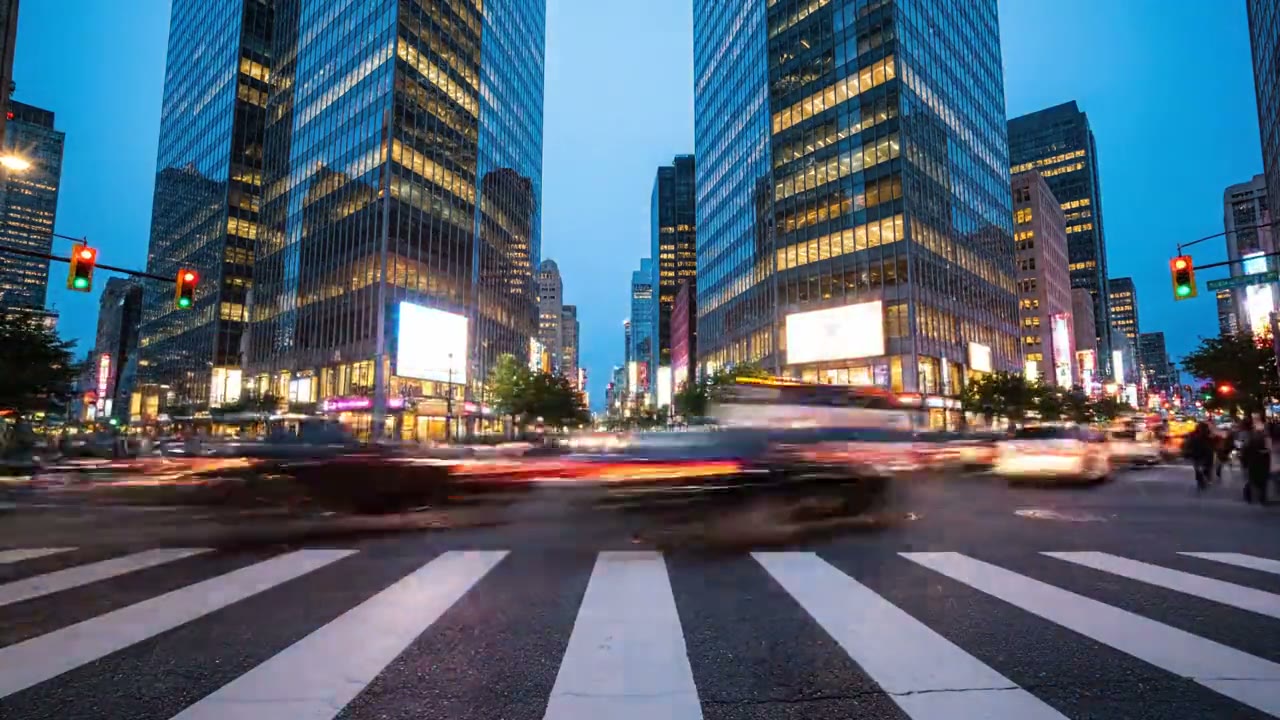
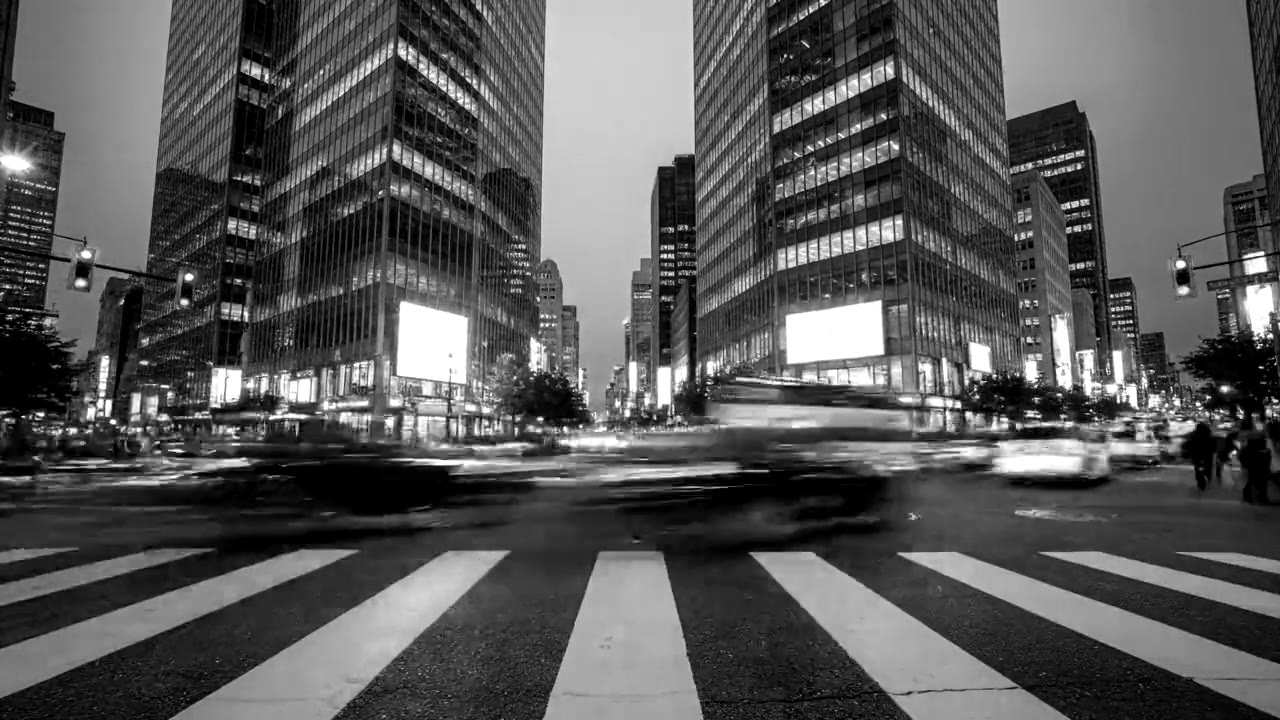
Look
Free. It lands in your chat.
Everything on this page was made on Treza. See pricing
The same styles on other footage
Each one is the FFmpeg node's own output, from the same command the button sends.
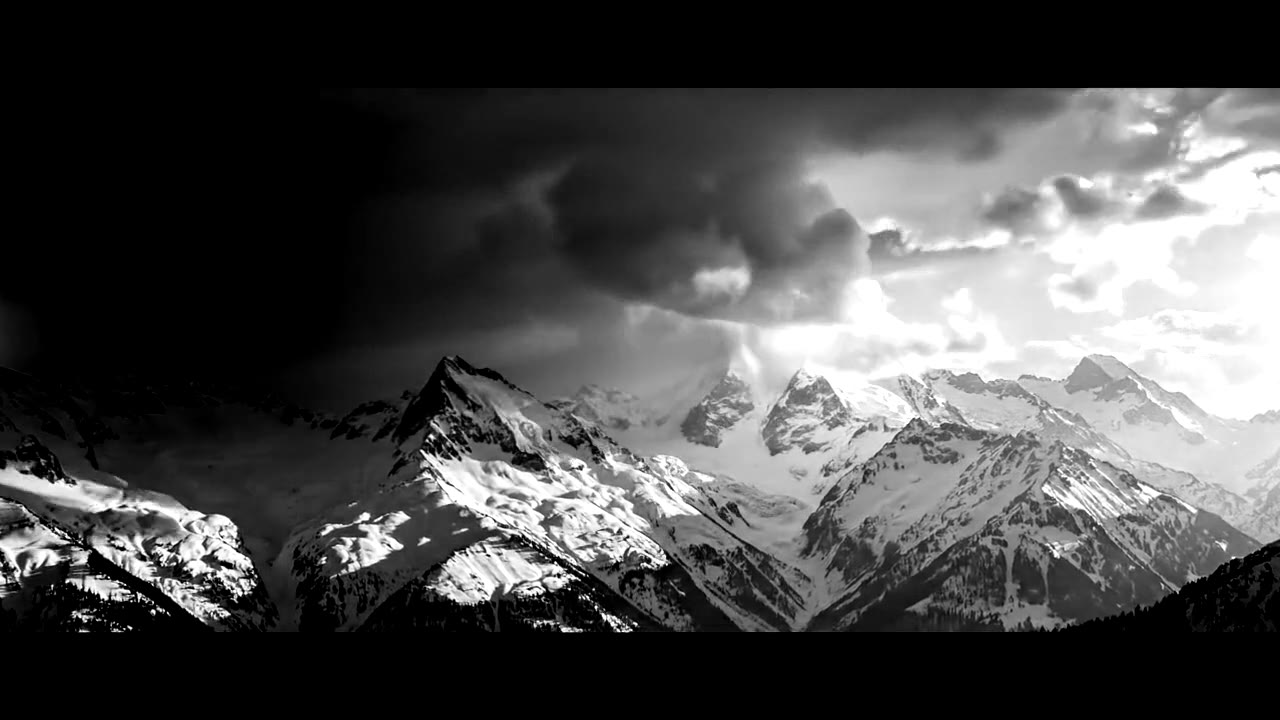
High contrast on a landscape
Snow and storm cloud, nothing else.
FFmpeg node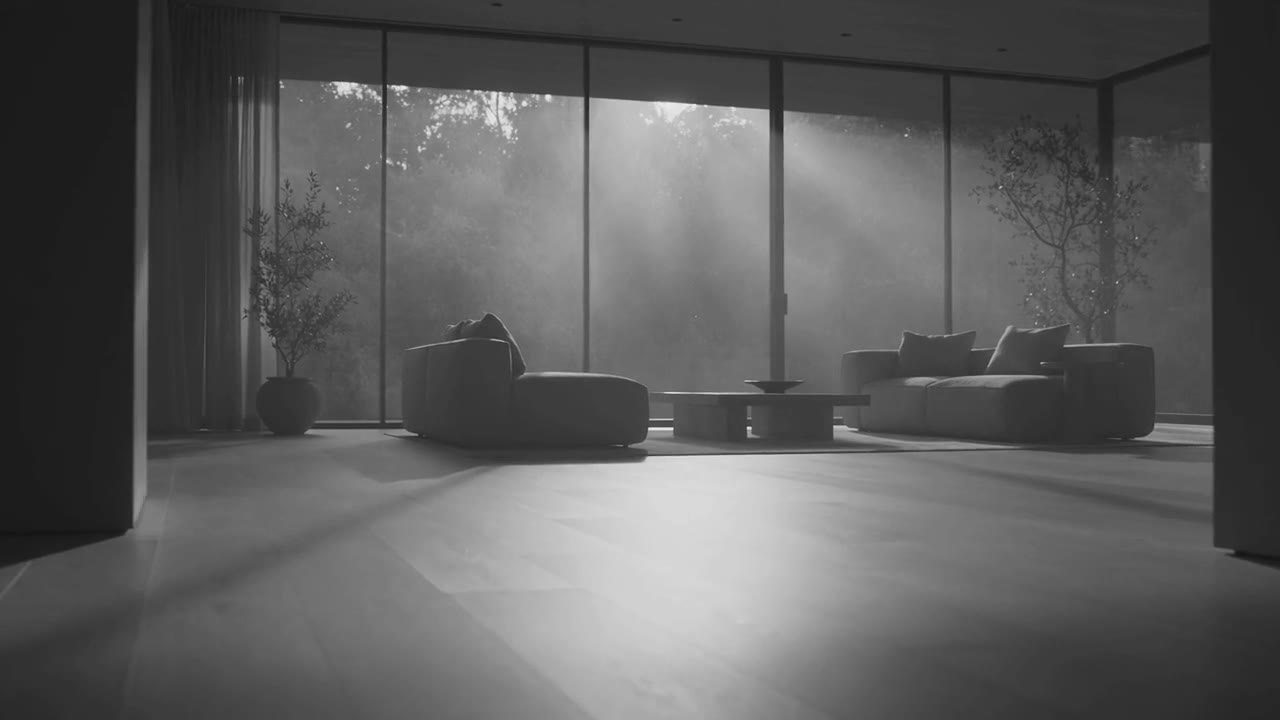
Soft matte in a room
Window light, calm and still.
FFmpeg node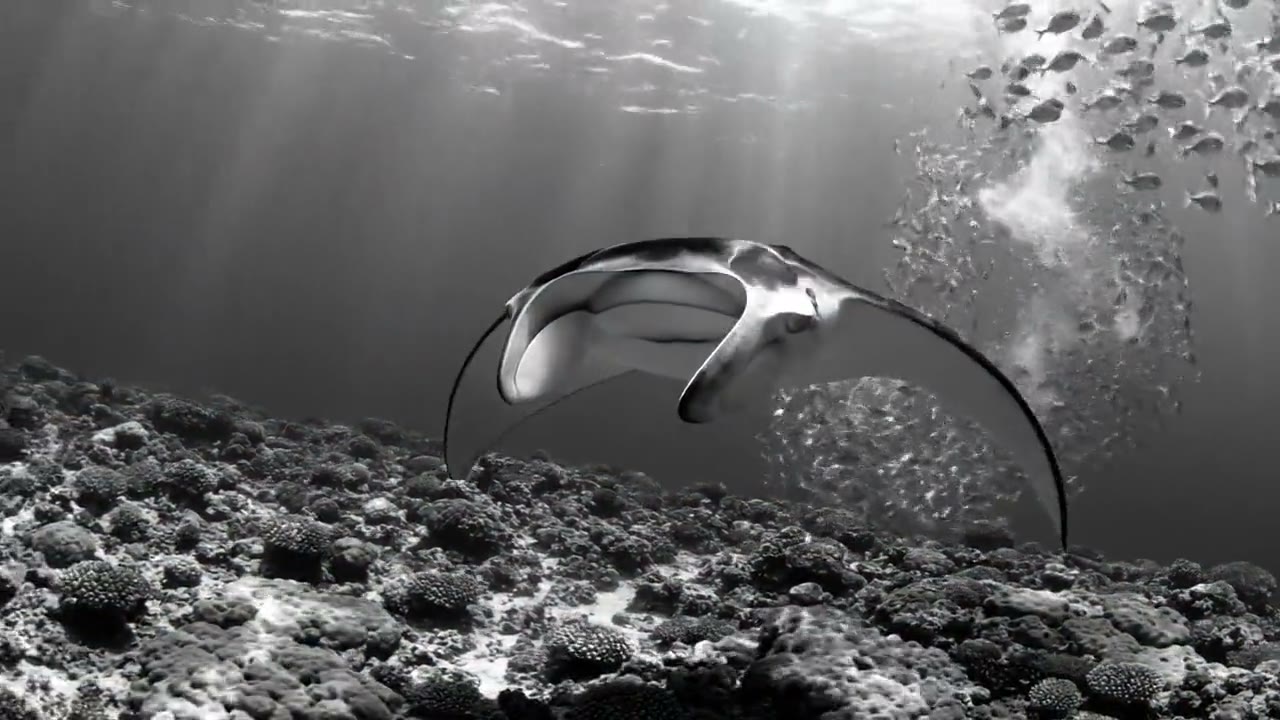
Fade to grey underwater
The blue drains out mid shot.
FFmpeg nodeHow it works
- 01
Drop in a clip
Any video from a phone or a camera. No footage? Switch to "Make it for me" and write one line about the shot.
- 02
Pick a style
Classic, high contrast, soft matte or fade to grey. Every preview on this page is real output of the command your clip gets.
- 03
Sign in and it runs
Google sign-in, then the finished clip appears in your chat, usually within a couple of minutes. Free: the FFmpeg node costs nothing.
What the button sends
Each option is one FFmpeg filter chain, run by Treza's FFmpeg node on your file: hue takes the colour out, at once or over a second and a half, and on three of them eq or curves shapes the greys.
- Classic
hue=s=0,eq=contrast=1.15- High contrast
hue=s=0,eq=contrast=1.45:brightness=-0.03- Soft matte
hue=s=0,curves=all='0/0.08 0.5/0.48 1/0.92'- Fade to grey
hue=s='max(0,1-max(0,t-2)/1.5)'
For a video the chain goes into -i {input} -vf "<chain>,format=yuv420p" -c:v libx264 -crf 20 -preset medium -c:a aac -b:a 192k -movflags +faststart {output}. The sound is carried through.
Black and white video, answered
Is it free to make a video black and white on Treza?
Yes. It runs on the FFmpeg node, which costs nothing; an account with no credits can run it ten times a day. Having the footage generated instead of uploading it is priced like any clip, about $0.28 for a four second one.
What is the difference between the four styles?
Classic takes the colour out and adds a little contrast back, so the frame does not go flat. High contrast pushes the blacks and whites further apart. Soft matte lifts the blacks to charcoal and holds the whites back. Fade to grey plays in colour for two seconds, then drains to grey over a second and a half.
Why add contrast when the colour comes out?
Colour does a lot of the work of telling things apart in a frame. Take it away and nothing else changes, and a shot often looks dull and grey rather than black and white, so Classic lifts the contrast by 15 percent.
Does it keep the sound?
Yes. The clip comes back as an MP4 at its own size and length, with its sound carried through unchanged.
What footage suits black and white?
Shots with strong light and shape: streets, faces lit from the side, weather, architecture, water. Fade to grey works best on a shot with a lot of colour, so the change is easy to see.
What formats and sizes can I upload?
MP4, MOV, WebM and the usual phone formats. Keep a file under 25 MB here; longer footage can be uploaded in chat directly.
Your first video is one prompt away.
Generate your first video, image, or draft today. Prepaid credits, no subscription.