
Speed ramp. Fast, then slow motion, on your own clip, free.
Drop in a clip, pick a ramp, and it comes back retimed in your chat. It runs on Treza's FFmpeg node, which costs nothing.
Look
Free. It lands in your chat.
Everything on this page was made on Treza. See pricing
The same ramps on other footage
Each one is the FFmpeg node's own output, from the same command the button sends.

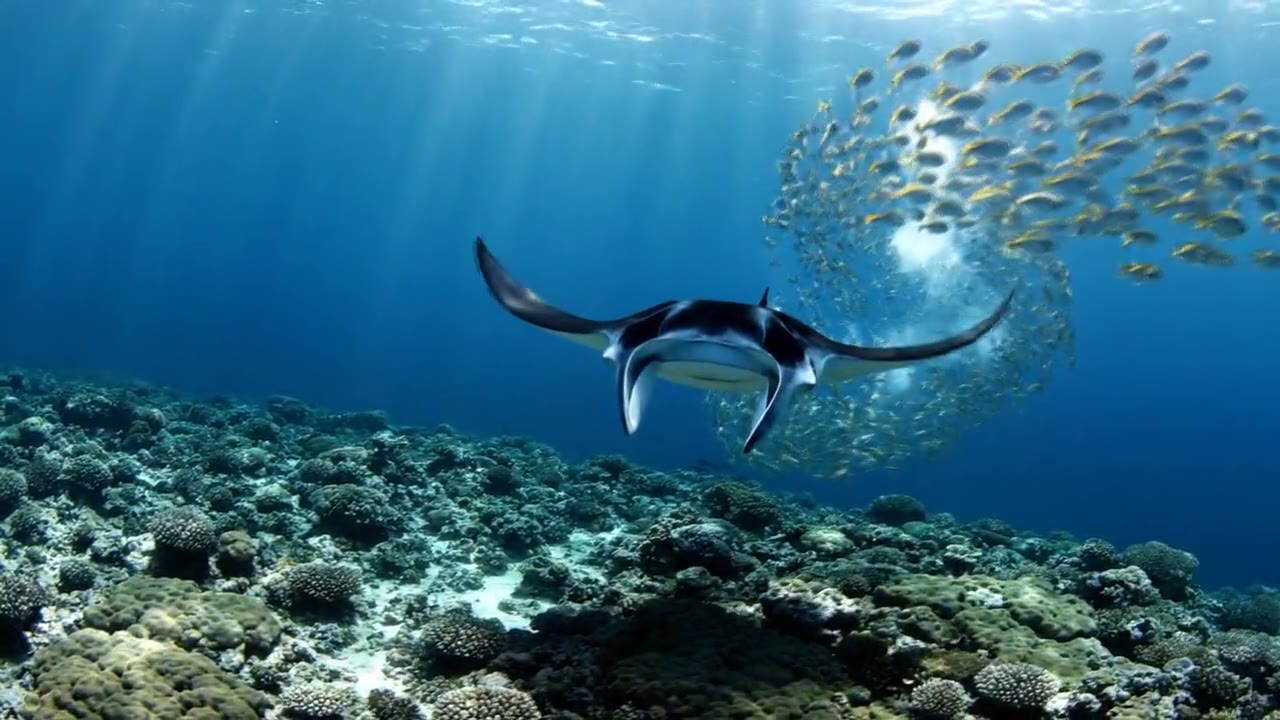
Speed ramp on a drive
The rush, the hang, the rush.
FFmpeg node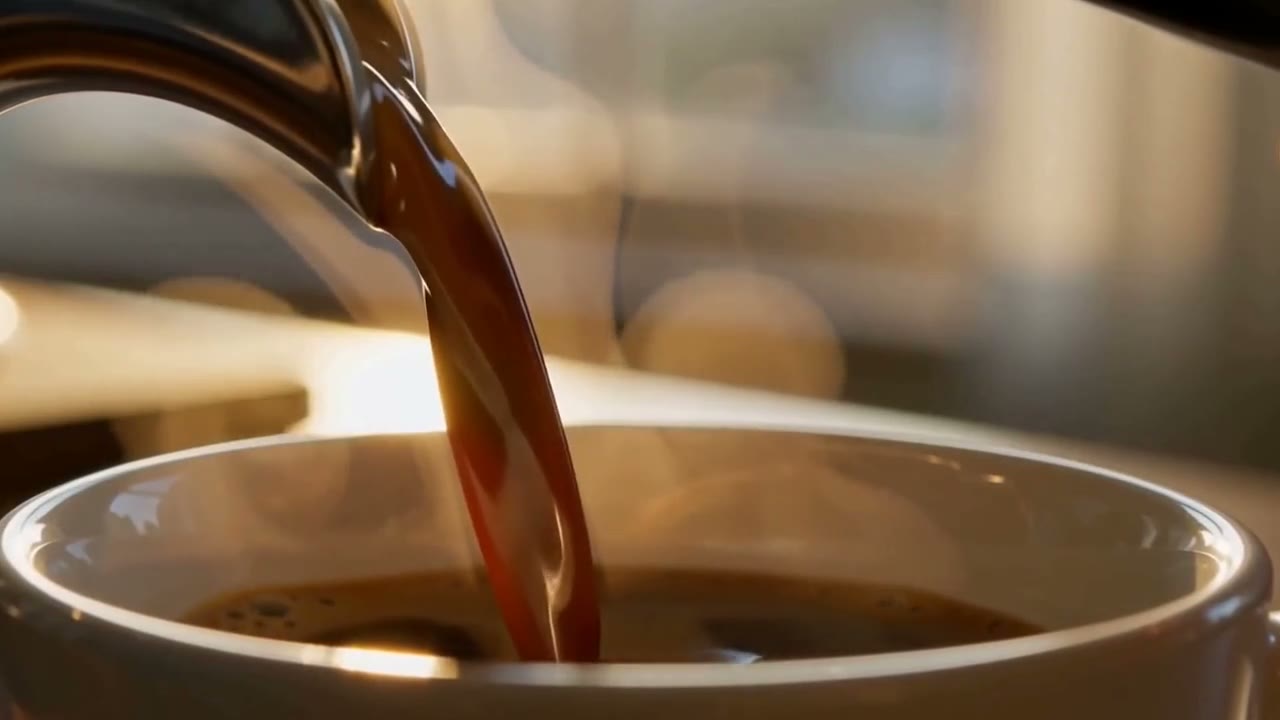
Ramp to slow motion on a pour
Real time, then every drop.
FFmpeg node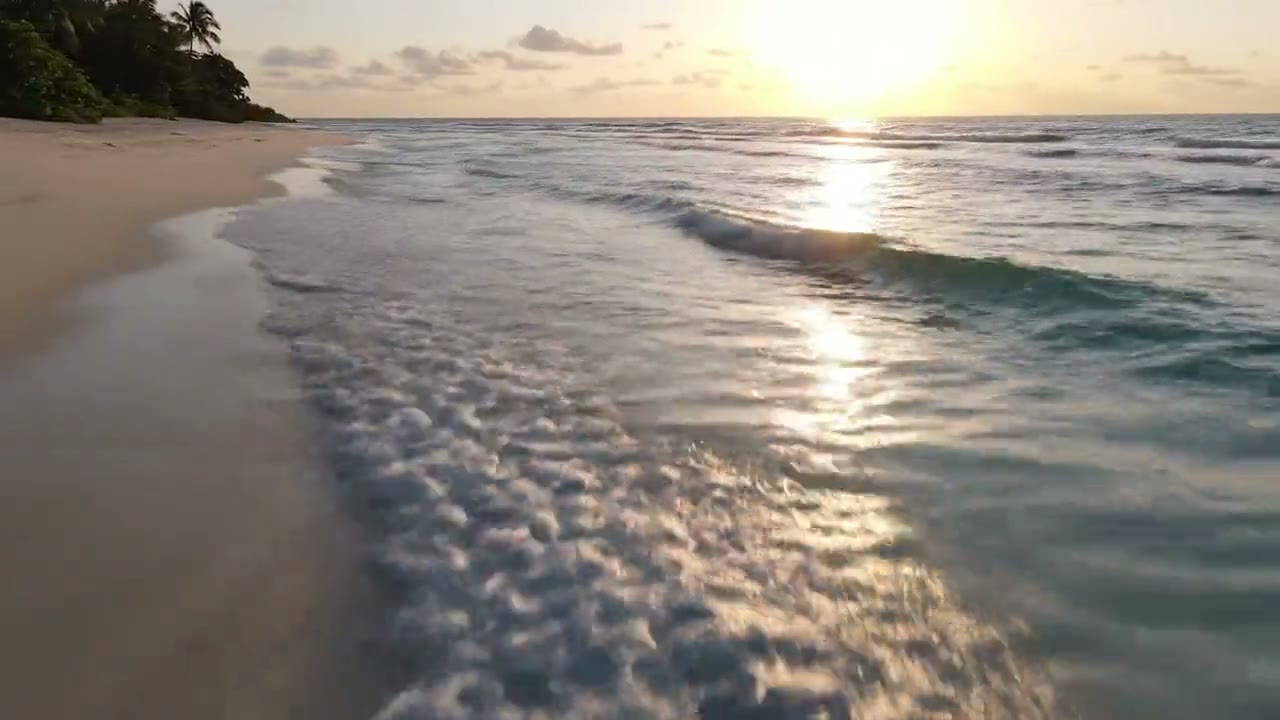
Double speed on the tide
Six seconds of waves in three.
FFmpeg nodeHow it works
- 01
Drop in a clip
Any video from a phone or a camera. No footage? Switch to "Make it for me" and write one line about the shot.
- 02
Pick a ramp
Speed ramp, ramp to slow motion or double speed. Every clip on this page is real output of the command your file gets.
- 03
Sign in and it runs
Google sign-in, then the retimed clip appears in your chat, usually within a couple of minutes. Free: the FFmpeg node costs nothing.
What the button sends
Each option is one FFmpeg filter chain, run by Treza's FFmpeg node on your file: a setpts curve that sets the speed second by second, blended to an even 30 frames a second.
- Speed ramp
setpts=PTS-STARTPTS,setpts='(if(lt(T,1.6),0.5*T,if(lt(T,2.2),0.8+0.5*(T-1.6)+1.25*(T-1.6)*(T-1.6),if(lt(T,3.8),1.55+2*(T-2.2),if(lt(T,4.4),4.75+2*(T-3.8)-1.25*(T-3.8)*(T-3.8),5.5+0.5*(T-4.4))))))/TB',framerate=fps=30Sound: left out (-an)
- Ramp to slow motion
setpts=PTS-STARTPTS,setpts='(if(lt(T,2),1*T,if(lt(T,2.6),2+1*(T-2)+0.8333*(T-2)*(T-2),2.9+2*(T-2.6))))/TB',framerate=fps=30Sound: left out (-an)
- Double speed
setpts=PTS-STARTPTS,setpts=PTS/2,framerate=fps=30Sound:
-af "atempo=2.0"
For a video the chain goes into -i {input} -vf "<chain>,format=yuv420p" -c:v libx264 -crf 20 -preset medium <sound> -movflags +faststart {output}. <sound> is the row's sound setting.
Speed ramp, answered
Is the speed ramp on Treza free?
Yes. It runs on the FFmpeg node, which costs nothing; an account with no credits can run it ten times a day. Having the footage generated instead of uploading it is priced like any clip, about $0.28 for a four second one.
What is a speed ramp?
A change of speed inside one shot, eased rather than cut: the clip runs fast, glides into slow motion for the moment that matters, then picks up again. It is the move behind most sports, car and travel edits.
Where in my clip does the slow motion land?
The speed ramp plays the first 1.6 seconds of your clip at double speed, eases into half speed by 2.2 seconds, holds it until 3.8 seconds, and is back at double speed by 4.4. Trim your clip so the moment lands between 2 and 4 seconds. Ramp to slow motion runs in real time for 2 seconds, then stays at half speed to the end.
What happens to the sound?
Double speed keeps it, sped up to match with its pitch unchanged. The two ramps leave it out, because sound stretched and squeezed inside one clip does not hold up; add music to the result in chat.
Will the slow motion look choppy?
Each slow part is blended to an even 30 frames a second, so it glides instead of stuttering. Footage shot at 60 frames a second or more slows the most smoothly, because there are more real frames to spread out.
What formats and sizes can I upload?
MP4, MOV, WebM and the usual phone formats. The result comes back as an MP4 at your clip's own size. Keep a file under 25 MB here; longer footage can be uploaded in chat directly.
Your first video is one prompt away.
Generate your first video, image, or draft today. Prepaid credits, no subscription.