Riverflow 2.5 API and Pricing, Explained Through a Real Pipeline
Riverflow 2.5 is Sourceful's two-tier image family: Pro for quality-sensitive finals at up to 4K with ten references, Fast for volume at 1K or 2K with four. OpenRouter lists 13 cents a Pro image and under 2 cents a Fast one, and both tiers billed more in our tests. Here is what three renders actually cost and took, what came back, which tier belongs in chat, and how to reach the model through a published API endpoint.

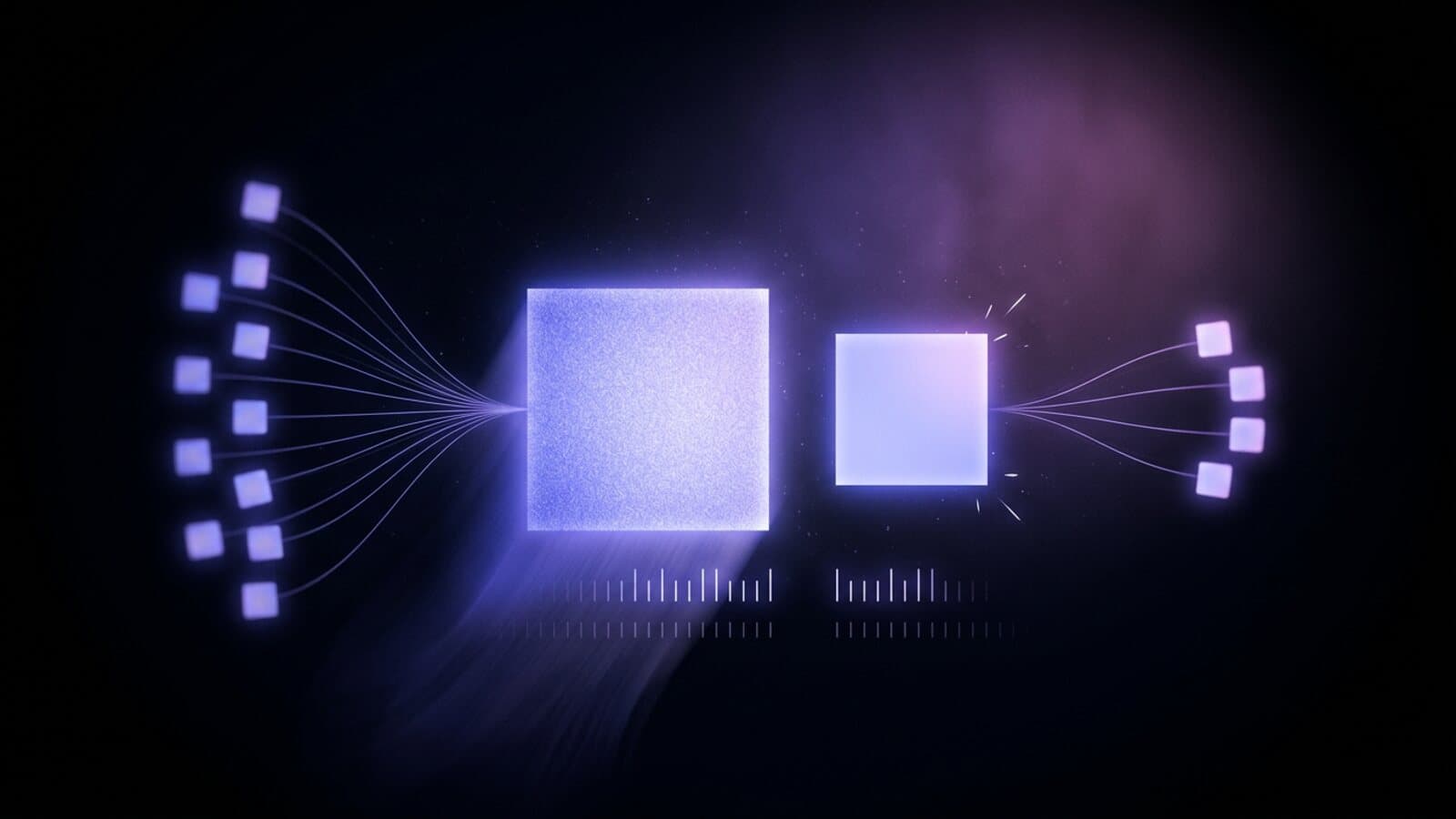
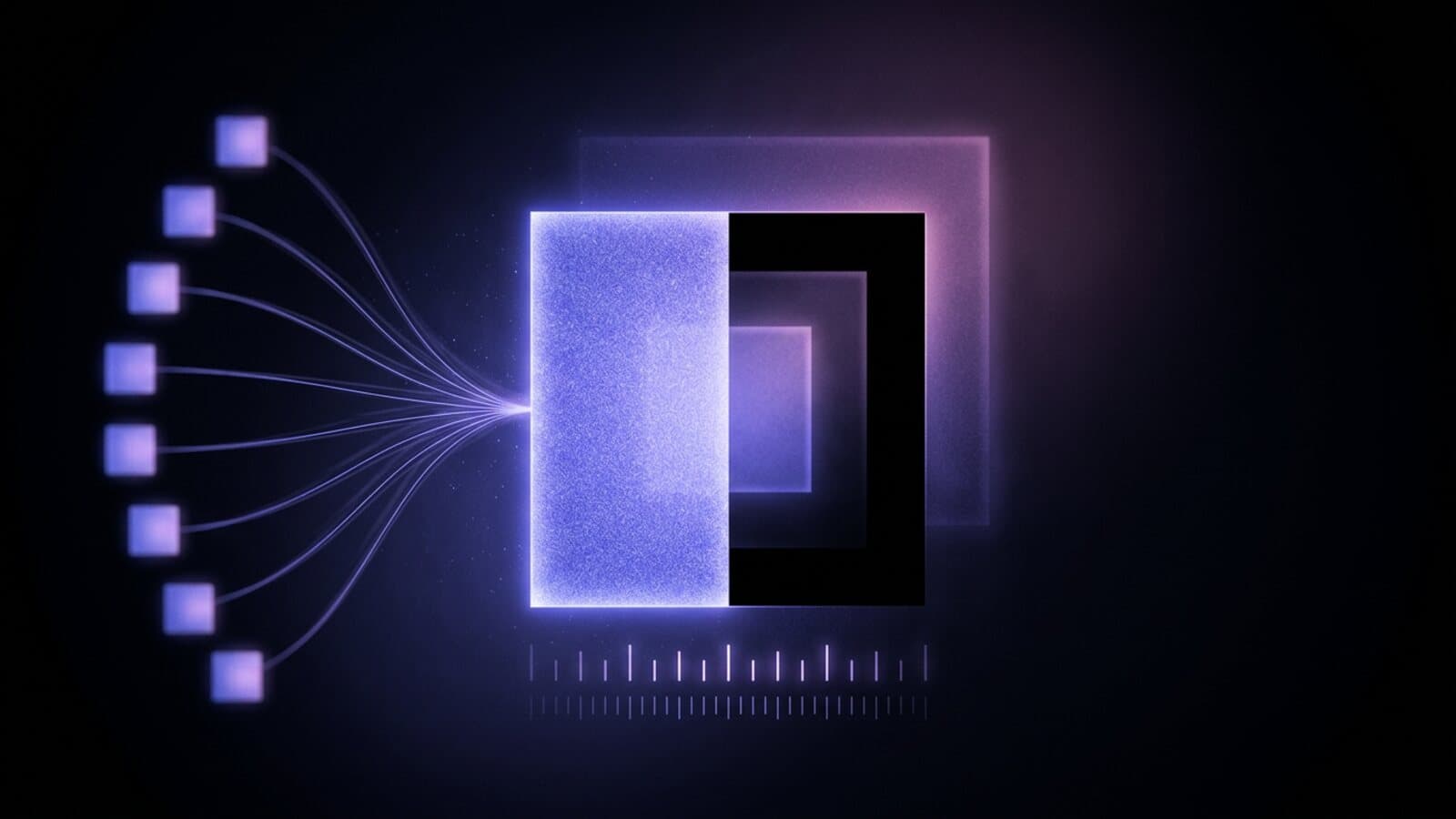
Riverflow 2.5 is Sourceful's unified text-to-image and image-to-image family, and it comes in two tiers that share one prompt. Riverflow 2.5 Pro is the control tier: 1K, 2K or 4K, up to ten reference images, PNG output. Riverflow 2.5 Fast is the volume tier: 1K or 2K, up to four references, JPEG only, back in under half a minute. Both sit in the Image Generation node on Treza, and Fast is also available in chat. Full details are on the Riverflow 2.5 model page.
The pricing question needs a real answer. OpenRouter lists a clean per-image rate for each tier, and in our tests both tiers billed above it, Pro by almost double. This post covers the spec sheet, what three probes billed and how long they took, what came back, where each tier fits, and how to call the model as a published API endpoint.
The spec sheet
| Capability | Riverflow 2.5 Pro | Riverflow 2.5 Fast |
|---|---|---|
| Input | Text and image | Text and image |
| Resolution | 1K, 2K or 4K | 1K or 2K |
| Aspect ratios | 8, from 9:16 to 21:9, plus auto | Same 8, plus auto |
| Reference images | Up to 10 | Up to 4 |
| Output formats | PNG, JPEG, WebP | JPEG |
| Background | Transparent or opaque | Opaque |
| Batch per node | 1 to 4 images, each charged separately | Same |
The eight ratios are 1:1, 4:3, 3:4, 3:2, 2:3, 16:9, 9:16 and 21:9: a square thumbnail, a vertical story frame and an ultrawide header from one node. The list does not include 4:5 or 5:4; those two feed ratios arrived with Riverflow 2.6 Pro at the end of October.
One model covers both directions on each tier. A prompt alone generates. A prompt plus reference images edits or composes on the same node, with the change written as the prompt: the same folded shirt on a marble counter, this label on these three bottle shapes. The reference ceiling is the clearest line between the tiers: ten on Pro, four on Fast.
What Riverflow 2.5 costs per image
As of October 2026 OpenRouter lists Riverflow 2.5 per image by tier and resolution:
| Resolution | Pro, listed | Fast, listed |
|---|---|---|
| 1K | $0.13 | $0.019 |
| 2K | $0.15 | $0.021 |
| 4K | $0.17 | Not offered |
What the model actually bills is the reason this post exists. Our three probes on October 14, 2026, all at 1K and 1:1, over the same chat completions route the Treza node uses:
| Probe | Tier | Billed | Wall time |
|---|---|---|---|
| Text to image | Pro | $0.247 | 123 seconds |
| Text to image | Fast | $0.0305 | 23 seconds |
| Edit with one reference | Fast | $0.0593 | 46 seconds |
Every render billed above its list price: Pro at almost twice the 13 cent listing, Fast at about 1.6 times its 1.9 cent listing. The provider reports each image as 4,175 output image tokens whichever tier renders it; the difference is the rate per token. The Fast edit with one reference billed nearly double the plain Fast render and took twice as long, so a reference is not free on this family. Three renders is not a benchmark, but all three landed on the same side of the list, and Riverflow 2.6 Pro, probed two weeks later, did the same. Model a budget on the measured numbers, not the rate card.
The wall times are the other half of the decision. Twenty-three seconds is a normal image render. Two minutes is not, and it is why Riverflow 2.5 Pro is a canvas model on Treza rather than a chat one: it sits in the Image Generation node's model picker, where a long render does not hold up a conversation turn. Riverflow 2.5 Fast is in chat as well as on the canvas.
What came back
The Fast text prompt asked for a ceramic cup of coffee on a sunlit wooden cafe table, steam rising, shallow depth of field, natural light. The render is a cream glazed cup with a toasted rim on a scuffed plank table, steam lit by a hard shaft of sun, and the cafe window and chairs behind it dissolved into bokeh. Everything the prompt named is there.
The Fast edit took a product still of a folded navy linen shirt and asked for the same shirt on a white marble counter in a bright studio. The model kept the shirt, its collar, buttons, chest pocket and weave, laid it on grey-veined marble, and built a plain white studio wall behind it. The product survived and the set changed, for six cents.
The Pro text prompt was the same coffee brief. The render is a different cup, speckled stoneware with an unglazed foot, and a fuller scene around it: a chalkboard menu at the left edge with the word "coffee" legible on it, a small glass bottle of wildflowers at the right, and sunlight through the window across the grain of the table. Pro spent its extra two minutes on scene detail and lettering rather than on the cup. For a brief that calls for a set, that is the tier to pay for; for a brief that calls for the object, Fast already had it.
Transparent output only works on one route
Riverflow 2.5 Pro can return a transparent background with a real alpha channel, but only on OpenRouter's images endpoint. Over chat completions, which is how most image models run, the background and output format settings are dropped. On October 14, 2026 a transparent PNG asked for over chat came back as an opaque WebP with a checkerboard drawn into the pixels, while the same request on the images endpoint returned an RGBA PNG with real alpha at the same price.
On the Treza node you do not have to know this. Pick Transparent in the Image Generation node's Background setting and the node routes that step to the images endpoint, which honours it. Leave the setting alone and the step runs over chat completions as usual. Riverflow 2.5 Fast is left out, since it outputs JPEG only, which has no alpha channel. If a cutout is the deliverable, that alone decides the tier.
Where the two tiers sit in the price band
Per image at 1K as of October 2026, listed where the provider publishes a rate and measured where we probed it:
| Model | Per image at 1K |
|---|---|
| Riverflow 2.5 Pro (measured) | $0.247 |
| Riverflow 2.6 Pro (measured) | $0.152 |
| FLUX 3 Image | $0.048 |
| Seedream 5.0 Pro | $0.045 |
| Nano Banana 2.1 (measured) | $0.036 |
| Recraft V4.1 | $0.035 |
| Riverflow 2.5 Fast (measured) | $0.0305 |
The two tiers bracket the band. Fast lands at the cheap end next to Recraft and Nano Banana 2.1, where drafting ten variants of a product still costs thirty cents. Pro is the most expensive image at 1K on this list, and its sibling complicates the case for it: Riverflow 2.6 Pro rendered the same brief in 87 seconds for about 15 cents, with the same 4K ceiling, ten references and transparent output, plus two feed ratios. As of November 2026, the reason to pick 2.5 Pro over 2.6 Pro is a pipeline already tuned to it. For a new product line, draft on 2.5 Fast and finish on 2.6 Pro. For a thumbnail nobody will inspect at 4K, Seedream 5.0 does the job for a few cents, in chat.
What you actually pay on Treza
Riverflow 2.5 through a Treza pipeline is metered from a prepaid credit balance. One credit equals $0.01, packs start at $5, credits never expire, and there is no subscription. A failed generation charges nothing, and that includes a prompt the provider refuses. Building a pipeline on the canvas costs nothing either; only generation spends.
Before a run starts, the platform estimates the media cost of the graph and refuses to start one your balance cannot cover. For Riverflow 2.5 the estimate follows the measured cost rather than the list price. Fast is quoted at 3.1 cents at 1K and 3.4 cents at 2K, plus 2.9 cents per reference image. Pro is quoted at 25 cents at 1K, 29 cents at 2K and 33 cents at 4K. On either tier a node with the resolution left unset is quoted at the 2K rate. The charge settles on what the provider billed.
Calling Riverflow 2.5 as an API
Through a Treza pipeline, Riverflow 2.5 is a node on a canvas. Place the Image Generation node, pick Pro or Fast, set the resolution and ratio, wire references in if you have them, and publish the graph as a single versioned endpoint. Your app calls the typed /invoke route with JSON in and JSON out, or points an existing OpenAI SDK at the OpenAI-compatible route. The tier is a setting on the node, so swapping it later does not change the route your product calls.
The same pipeline is reachable from an agent. Treza's hosted MCP server exposes pipelines as tools that Claude and other MCP clients call directly, so an agent can render the product still and hand back the URL as one step of a larger task.
Putting it in a pipeline instead of a single call
A single image is rarely the deliverable. The pattern that suits this family is a draft-then-final line: a File node with the product shots, an Image Generation node on Riverflow 2.5 Fast with the shots wired in as references and the batch set to four, a second Image Generation node on a Pro tier at 4K for the keeper, and a product video behind it with the still as the first frame. A fuller AI video pipeline puts a script step ahead of the image and narration, captions and publishing behind the video, then reruns the whole graph on a schedule or from an API call.
The AI image generator page has the image side set up, the AI video generator page puts a video model behind a single generate action, and how to build an AI image generation pipeline walks through image graphs in more depth.
Frequently Asked Questions
How much does Riverflow 2.5 cost per image?
OpenRouter lists Riverflow 2.5 Pro at 13, 15 and 17 cents per image at 1K, 2K and 4K, and Riverflow 2.5 Fast at 1.9 and 2.1 cents at 1K and 2K, as of October 2026. Our tests on October 14, 2026 billed more: $0.247 for a 1K Pro image, $0.0305 for a 1K Fast image, and $0.0593 for a Fast edit with one reference. Treza quotes the measured amounts before a run, and a failed generation costs nothing.
What is the difference between Riverflow 2.5 Pro and Fast?
Pro renders at 1K, 2K or 4K, takes up to ten reference images, outputs PNG, JPEG or WebP, and can return a transparent background. Fast renders at 1K or 2K, takes up to four references, and outputs JPEG only. In our tests Fast came back in 23 seconds for about 3 cents and Pro in about two minutes for about 25 cents.
Can Riverflow 2.5 return a transparent background?
Pro can, with a real alpha channel, but only on OpenRouter's images endpoint; over chat completions the background setting is dropped and a checkerboard gets painted into an opaque image instead. On the Treza node, pick Transparent in the Background setting and the step is routed to the images endpoint automatically. Fast cannot, because it outputs JPEG, which has no alpha channel.
Can Riverflow 2.5 edit an image I already have?
Yes, on either tier. Attach the image as a reference on the Image Generation node and write the change as the prompt. In our probe, Riverflow 2.5 Fast kept a folded navy linen shirt intact and moved it from its original still onto a white marble counter in a bright studio, in 46 seconds for $0.0593.
Can I use Riverflow 2.5 in Treza chat?
Riverflow 2.5 Fast, yes: ask for it by name and the image comes back in the conversation in under half a minute. Riverflow 2.5 Pro runs on the canvas, in the Image Generation node, where a two-minute render does not hold up a chat turn.