Krea 2 API and Pricing, Explained Through a Real Pipeline
Krea 2 is Krea's image model in three sizes: Large for a rawer, textured look, Medium for consistent everyday work, and Medium Turbo for fast iteration. OpenRouter lists no per-image price for any of them, so we measured: 6, 3 and 1.5 cents a 1K image, in 34, 27 and 17 seconds. Here is what each size rendered, what moves the bill, the one quirk around reference images, and how to reach the model through a published API endpoint.

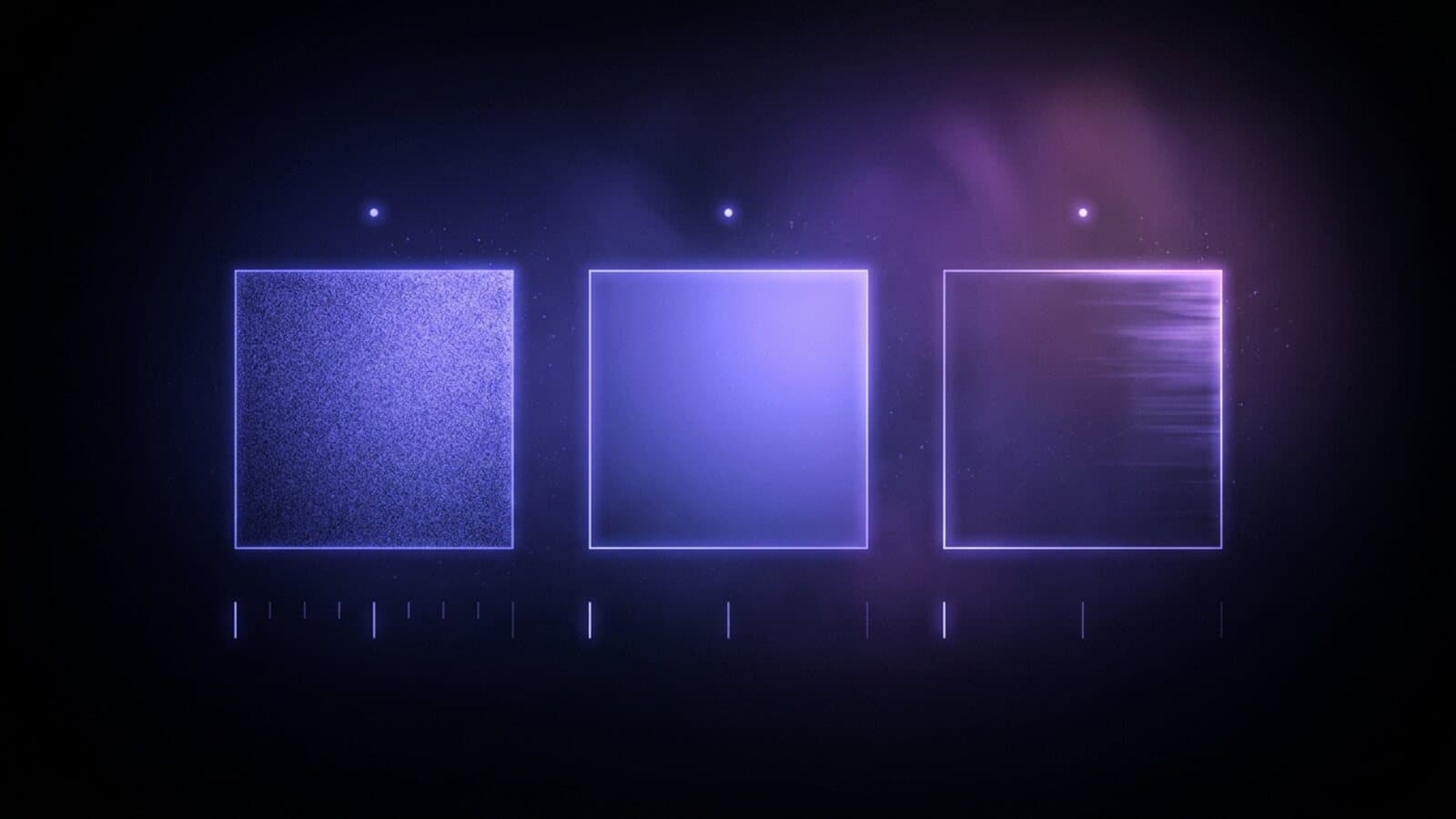
Krea 2 is Krea's own image model, and it ships as three sizes rather than one: Krea 2 Large, Krea 2 Medium and Krea 2 Medium Turbo. Krea describes Large as more than twice the size of Medium, with lighter post-training that gives its images a rawer, more textured character. Medium is the balanced, cost-efficient starting point, tuned for stable, consistent results. Medium Turbo is distilled from Medium for speed, built for rapid iteration and graphic design exploration. We put all three on the Image Generation node and on a model page on October 14, 2026, after probing each one through the same path the node uses.
The pricing question is different from most model posts here: OpenRouter lists no per-image price for Krea 2 in any size. So the numbers below are what three renders billed and how long they took, which is what you need to budget anyway. This post covers the spec sheet, the measured cost per size, what came back, the quirk around reference images, and how to call Krea 2 as a published API endpoint.
The spec sheet
| Capability | Krea 2 |
|---|---|
| Sizes | Large, Medium, Medium Turbo |
| Input | Text, plus one reference image |
| Resolution | 1K only |
| Aspect ratios | 7: 1:1, 4:3, 3:2, 16:9, 4:5, 2:3, 9:16 |
| Seed | Yes |
| Batch per node | 1 to 4 images, each charged separately |
The resolution is fixed: 1K is the only size Krea 2 renders, and a square came back at 1024 by 1024 pixels in every one of our tests. There is no 2K or 4K tier to pay more for, which keeps the bill flat, but a print-size still is not this model's job. The seven ratios cover feed, portrait and widescreen shapes, including 4:5 for a social post and 9:16 for a vertical first frame. The seed is a real control: fix it, change one word of the prompt, and you get a controlled variation of an image you liked.
All three sizes share the same sheet. The only differences are the character of the output, the speed and the price.
What Krea 2 costs per image
As of October 2026 OpenRouter listed no price for Krea 2 Large, Medium or Medium Turbo. Our three probes on October 14, 2026, one per size, all from the same prompt at 1K and 1:1:
| Size | Billed per image | Wall time |
|---|---|---|
| Krea 2 Large | $0.06 | 34 seconds |
| Krea 2 Medium | $0.03 | 27 seconds |
| Krea 2 Medium Turbo | $0.015 | 17 seconds |
Each step down halves the price, and the provider reports every image as the same 4,175 output image tokens whichever size renders it. Three renders is not a benchmark, but there is no list price to measure them against, and the credit estimator on Treza quotes exactly these three amounts. If Krea publishes a rate card later, these are the numbers to compare it to.
Wall times line up the same way, and all three are short enough that Krea 2 runs in Treza chat as well as on the canvas. In chat, asking for Krea 2 by name without a size gets Medium.
What came back
The prompt was the one we use on every image model: a ceramic cup of coffee on a sunlit wooden cafe table, steam rising, shallow depth of field, natural light. Same words, three sizes.
Large rendered a speckled cream stoneware cup with a brown rim, a rosette of latte art, a thin plume of steam, and a cafe behind it that falls away into bokeh: window frames, a potted plant, warm lights. Hard sunlight rakes across the wooden table and the frame has a soft, slightly grainy, film-like quality. It looks like a photograph someone took rather than a render.
Medium gave a plainer cup: cream, unspeckled, black coffee with a ring of crema instead of latte art. The steam is a single clean curl, the table is pale oak with the grain in focus, and the room behind is a warm blur. It is the most conventional of the three, which is what Medium is tuned for.
Medium Turbo went tighter and rougher. The cup fills the frame, speckled again, with dark coffee and a thick, swirling mass of steam across the top half of the image. The light is harder, the shadow under the cup is heavy, and the wood grain reads coarse. It is the most dramatic of the three and the one that most looks like a quick draft, which for 1.5 cents is the right trade.
The practical read: Large when the image is the deliverable and texture matters, Medium for a batch of consistent product or editorial stills, Medium Turbo for finding the direction before you spend on the final.
The reference image quirk
Each Krea 2 size takes one reference image on the node. Here is what happened when we probed it. Krea runs under a zero data retention policy and fetches nothing itself, so a reference handed over as a URL is refused: every request carrying one came back with a 422, Zero data retention requires external asset inputs to be data URIs. The Treza executor now inlines a reference for any Krea model as a base64 data URI, which is the form Krea accepts. We have not published a measured cost for a reference edit on Krea 2, so this post makes no claim about one. If you need a reference-driven edit with a number attached, Riverflow 2.6 Pro takes up to ten references and we measured it.
One routing detail is handled for you. Krea 2 only answers on OpenRouter's images endpoint; the chat completions route most image models run over refuses it. The Image Generation node sends Krea 2 steps to the images endpoint automatically.
Where it sits in the price band
Per image at 1K as of October 2026, listed where the provider publishes a rate and measured where we probed it:
| Model | Per image at 1K |
|---|---|
| Riverflow 2.6 Pro (measured) | $0.152 |
| Krea 2 Large (measured) | $0.06 |
| FLUX 3 Image | $0.048 |
| Seedream 5.0 Pro | $0.045 |
| Nano Banana 2.1 (measured) | $0.036 |
| Recraft V4.1 | $0.035 |
| Riverflow 2.5 Fast (measured) | $0.0305 |
| Krea 2 Medium (measured) | $0.03 |
| Krea 2 Medium Turbo (measured) | $0.015 |
| Muse Image (measured) | $0.01 |
| FLUX 3 Image Klein | $0.009 |
The three sizes span most of the band on their own. Large costs more than a Seedream 5.0 image and renders only at 1K, so the case for it is the look: the grain and texture a cleaner model irons out. Medium lands in a crowd of capable models at the same price. Medium Turbo is one of the cheapest ways on the platform to see a dozen directions, with only Muse Image and FLUX 3 Image Klein under it.
What you actually pay on Treza
Krea 2 through a Treza pipeline is metered from a prepaid credit balance. One credit equals $0.01, packs start at $5, credits never expire, and there is no subscription. A failed generation charges nothing, including a prompt the provider refuses. Building a pipeline on the canvas costs nothing either; only generation spends.
Before a run starts, the platform estimates the media cost of the graph and refuses to start one your balance cannot cover. For Krea 2 the estimate is the measured amount for the size you picked: 6 cents on Large, 3 on Medium, 1.5 on Medium Turbo, times the number of images on the node. The charge settles on what the provider billed.
Calling Krea 2 as an API
Through a Treza pipeline, Krea 2 is a node on a canvas. Place the Image Generation node, pick the size, set the aspect ratio and seed, and publish the graph as a single versioned endpoint. Your app calls the typed /invoke route with JSON in and JSON out, or points an existing OpenAI SDK at the OpenAI-compatible route. Tune on Medium Turbo, switch the node to Large for production, and the endpoint your product calls stays the same.
The same pipeline is reachable from an agent. Treza's hosted MCP server exposes pipelines as tools that Claude and other MCP clients call directly, so an agent can render a still on Krea 2 and hand back the URL as one step of a larger task.
Putting it in a pipeline instead of a single call
A single image is rarely the deliverable. The pattern that suits Krea 2 is exploration then commitment: an Image Generation node on Medium Turbo renders a batch of prompt variations for a cent and a half each, you pick one, and a second node on Large renders the final with the seed fixed. The still then feeds a thumbnail, a product video with the image as its first frame, or a shot in a longer sequence. A fuller AI video pipeline puts a script step ahead of the image and narration, captions and publishing behind the video, then reruns the graph on a schedule or from an API call.
The AI image generator page has the image side set up, the AI video generator page puts a video model behind a single generate action, and how to build an AI image generation pipeline walks through image graphs in more depth.
Frequently Asked Questions
How much does Krea 2 cost per image?
OpenRouter lists no per-image price for Krea 2 as of October 2026. Our tests on October 14, 2026 billed $0.06 for a 1K image on Krea 2 Large, $0.03 on Medium and $0.015 on Medium Turbo. Treza quotes those amounts before a run, and a failed generation costs nothing.
Which Krea 2 size should I use?
Medium Turbo to explore quickly, Medium for consistent everyday images, and Large when you want a rawer, more textured look. In our tests they took 17, 27 and 34 seconds per image and cost 1.5, 3 and 6 cents.
What resolution does Krea 2 render?
1K, which is the only resolution it offers in every size. A square came back at 1024 by 1024 pixels in our tests. Choose one of seven aspect ratios on the node, from 9:16 to 16:9.
Can Krea 2 edit an image I already have?
The node has one reference image slot for each Krea 2 size, and because Krea fetches nothing itself under its zero data retention policy, Treza sends the reference inline as a data URI rather than a URL. We have not published a measured reference edit on Krea 2, so we make no claim about the result or its price here.
Can I use Krea 2 in Treza chat?
Yes. All three sizes run in chat, and asking for Krea 2 without naming a size gets Medium. They also sit in the Image Generation node's model picker on the canvas, inside pipelines published as API endpoints and MCP tools.