How to Write a Faceless YouTube Script with AI
The script is the only stage of a faceless video where thinking happens. This guide covers the shot-list structure, the words-per-scene cap that keeps narration inside its footage, format templates, and the prompt settings that stop a scheduled channel from writing the same video twice.

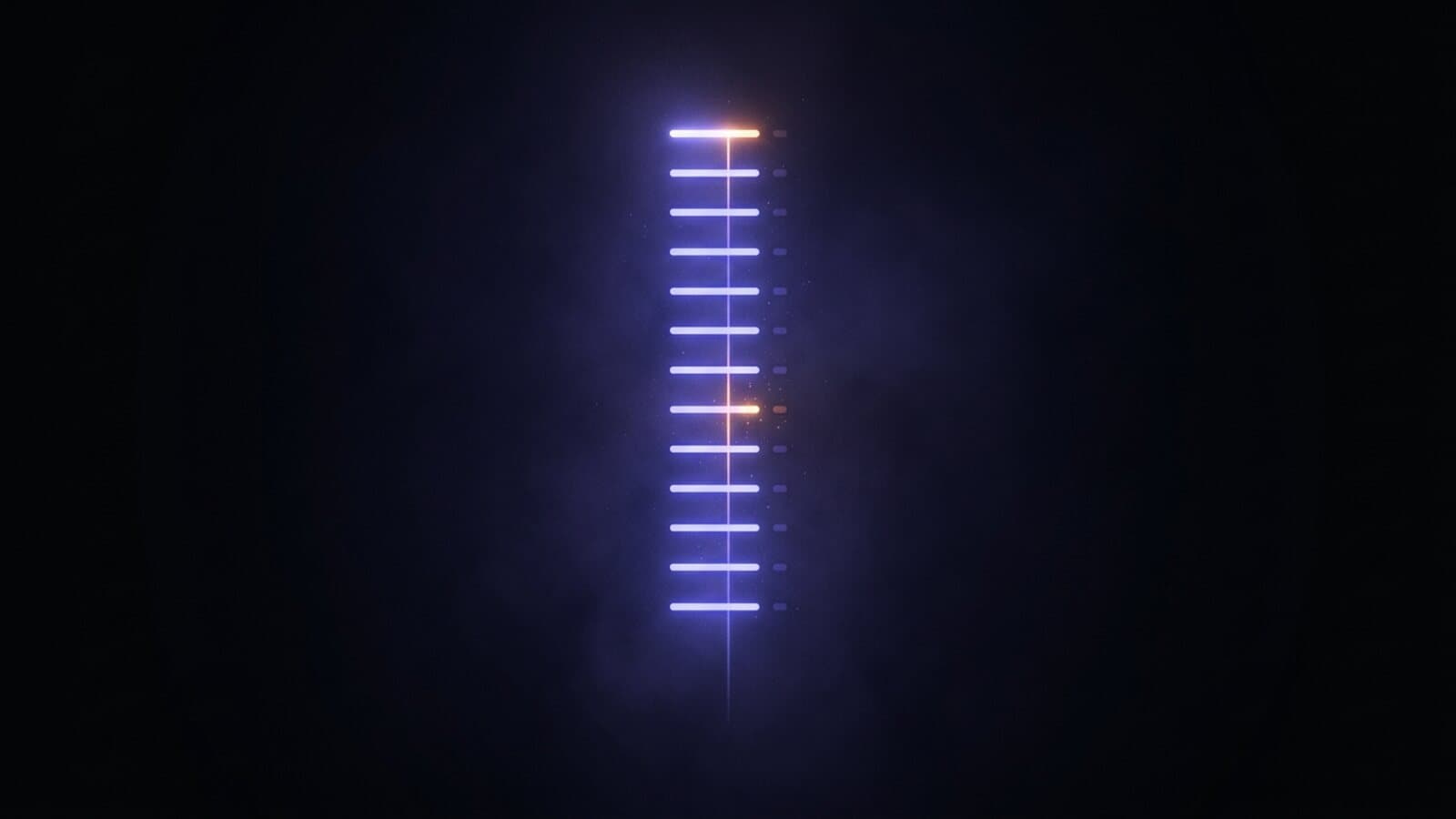
A faceless YouTube script is not an essay with a voice over it. It is a shot list: a numbered set of scenes where each scene says what the viewer sees and what the narrator says over it. Write it in that shape and every stage after it becomes mechanical, because each scene is already a generation prompt, a narration line, and a cut point.
That is good news for anyone starting a channel, because it means the script is the one stage worth real attention, and it is also the stage a language model handles best once you have told it the shape you want. This guide covers that shape, the rule that keeps narration inside its footage, templates for the three formats that carry most faceless channels, and the settings that stop a scheduled channel writing the same video twice. If you are still setting the channel up, start with our guide on how to create a faceless YouTube channel. If you would rather watch a script turn into a finished video first, the faceless video generator runs the whole chain from a single prompt.
The shape: two columns per scene
Every scene in a faceless script has exactly two fields.
- Shot. What the camera sees, written as a camera would see it. Subject, setting, motion, light. This text goes to the video model close to verbatim, so it is a prompt, not a description of a mood.
- Narration. The words the voice says while that shot is on screen. Nothing else. No stage directions, no bracketed notes, no speaker labels, because every character in this field gets read aloud.
Ask a model for a hook scene, a fixed number of body scenes, and a closing scene in that format and you get something you can pour straight into a pipeline. Fixing the scene count matters more than it looks: it makes the runtime predictable, it tells you what the run costs before you start, and it makes video fifty structurally identical to video five.
The one rule: cap the words per scene
Here is the rule that saves more reruns than anything else. A scene's narration has to fit inside that scene's clip.
Narration runs around two to three words per second at a normal pace, so a ten-second shot carries twenty to thirty words. If the model writes forty, the voice is still talking when the picture cuts, and you find out at the stitching stage, after you have paid for the footage. So put the cap in the prompt itself: give the model a maximum word count per scene rather than a target video length, and let the length fall out of the scene count.
The cap does something useful to the writing too. A twenty-five word ceiling forces one idea per scene, which is exactly the rhythm faceless formats want. One scene, one beat, one picture.
Three prompt rules that stop reruns
Three more instructions belong in the system prompt from the first video.
- Describe shots as a camera sees them. "Slow push in on a bioluminescent jellyfish drifting in black water, cold blue light from below" generates. "A sense of mystery about the deep ocean" does not.
- Keep proper nouns out of shot descriptions. Video models frequently refuse or drift on named people, characters, and brands. Names belong in the narration, where they are just words being read, not in the picture prompt.
- Ban text in frame. Models render on-screen lettering unevenly, and you are burning in your own captions later anyway. Asking for none avoids a class of unusable shot.
None of these are restrictions on what your channel can be about. They are restrictions on where a given fact lives in the script, and they cost nothing once they are in the system prompt.
Templates by format
Most faceless channels run one of three script shapes. Pick one and keep it.
Explainer. Hook scene that states the question, three to five body scenes that each answer one part of it in order, closing scene that lands the point. The body scenes carry the information, so they get the full word cap. The hook gets half of it.
Countdown. Hook scene that names the list and the number, then one scene per item counting down, then a closing scene. Every item is independently writable, so the model never has to hold an argument together across the whole video. The risk is sameness, which you fix by asking for a different sentence pattern per item rather than a template with a swapped noun.
Story. Hook scene with the inciting detail, body scenes that advance one event each, closing scene that resolves or deliberately does not. Stories are the format where the word cap fights you hardest, because a plot beat wants more words than a shot can hold. The fix is more scenes, not longer ones.
The system prompt is the channel
Here is the part most people skip. The per-video prompt is the topic. The system prompt is the channel.
Everything true of every video goes in the system prompt: the format template, the scene count, the word cap, the register of the narration, the shot rules above, and the angle that makes this channel different from the other channel in the same niche. Everything that changes per video goes in the user prompt, which is usually one line. Your channel's identity then lives in one editable field instead of being re-improvised every time you sit down.
This is also what makes the stage schedulable. In a pipeline the script node is a language model node sitting in front of everything else, and its settings are worth knowing:
- Model and fallback. Open-weight models plus hosted Claude and OpenAI, with a fallback model that takes over if the primary keeps failing after retries.
- Temperature. Defaults to 0.7. Countdown and story formats tolerate more, a factual explainer usually wants less.
- Max tokens. Defaults to 1024, enough for a short script and not for a long one. Raise it before concluding the model cannot count scenes.
- Reasoning. Off by default, with low, medium, and high available. Off is right for most script nodes, since writing to a fixed template is a prompt-driven job rather than one that weighs data.
- Avoid recent repeats. Off by default, and the setting that matters most on a scheduled channel. Turn it on and the node feeds its own recent outputs back into the prompt and tells the model not to repeat them, over a window configurable up to fifty runs.
If you want the script back as structured data rather than prose, ask for JSON in the prompt and put a JSON Parse node after it. That gives you a scene array you can fan out into one generation per scene, which is the AI video pipeline shape that the rest of the stages expect.
What goes wrong
The common failure is not bad writing, it is a script that reads well and generates badly: narration that overruns its shots, shot descriptions written as feelings, and a body section where every scene opens with the same three words. All three are prompt problems rather than model problems, and all three are fixed in the system prompt once rather than per video. Read your first script out loud with a stopwatch before you generate anything and you will catch every one of them in ninety seconds.
Then move on, because this is the stage that stops being work. Once the template holds, the next video is one new line in the user prompt.
From script to video
With the shot list in hand, the rest is assembly. Each shot description goes to a video model on its own, so a weak scene is a one-shot rerun rather than a whole-video rerun, and the AI video generator catalog lists which model does which durations and aspect ratios. The narration lines go to one voice you keep for the life of the channel, which is the AI voiceover generator stage. Then the shots get stitched with the narration over them, captions come off the narration with word-level timestamps, and the metadata gets written from the transcript. We walk that sequence with the actual settings in how to make faceless YouTube videos with AI, and the voice half of it in best AI voice for faceless YouTube videos.
Frequently Asked Questions
How do I write a faceless YouTube script with AI?
Give a language model your format template rather than your topic. Ask for a numbered scene list where every scene has a shot description and a narration line, fix the number of body scenes, and cap the words per scene so narration fits inside its clip. The topic is one line of the prompt. The template, the register, and the shot rules live in the system prompt so they apply to every video the channel ever makes.
How long should a faceless YouTube video script be?
Work in words per scene, not minutes. Narration runs about two to three words per second, so a ten-second shot holds twenty to thirty words. Multiply by your scene count and you know the runtime before you generate a frame. A six-scene short and a twelve-scene explainer are the same job at different scene counts.
Is there a voice over script generator I can use?
Any capable language model is one, provided you give it the shot-list structure instead of asking for a script. In a pipeline the script node and the voice node are wired together directly, so a topic becomes a script becomes narration in one run, and you can rerun just the script node when a line does not read well.
Can I use AI-written scripts on a monetized channel?
Yes. The YouTube Partner Program thresholds are the same regardless of who wrote the script: as of September 2026, 1,000 subscribers plus either 4,000 public watch hours in twelve months or 10 million Shorts views in 90 days. The July 15, 2025 inauthentic content policy targets mass-produced, repetitious content with nothing added, so the script prompt is exactly where you add the point of view that keeps a channel clear of it.
How do I stop a scheduled channel from writing the same script twice?
Turn on the script node's avoid recent repeats setting and set the window, which is configurable up to fifty runs. The node feeds its own outputs from recent runs back into the prompt and instructs the model not to repeat them. Without it, a daily pipeline pointed at one niche converges on its favorite few topics within a fortnight.
What makes a faceless script sound like a channel rather than a template?
The system prompt, and specifically the angle rather than the niche. Two space channels on the same countdown template sound different because one narrates in plain declaratives about scale and the other opens every video with an unresolved question. Write that difference down once, put it above the template, and every video inherits it.