
Veo 3.1 vs Sora 2: Which AI Video Model Should You Use?
Veo 3.1 and Sora 2 are the two AI video models everyone is comparing. Here's how they differ on quality, motion, duration, and cost, and how to build so you can use whichever one wins each job.

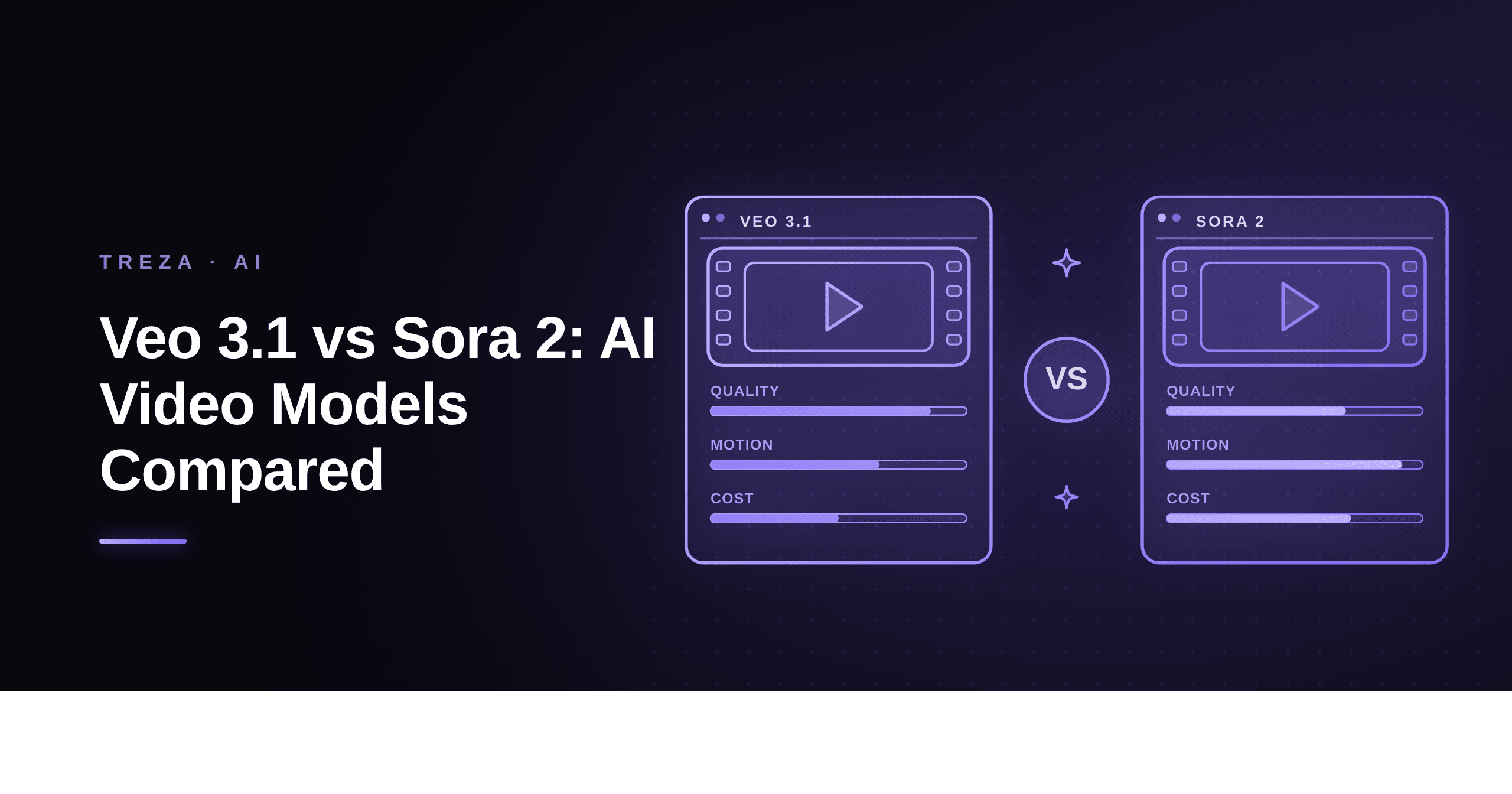
If you are adding AI video to a product in 2026, the choice usually comes down to two models: Google's Veo 3.1 and OpenAI's Sora 2. Both generate high-quality clips from a text prompt. They are good at different things. Here is how to choose. (Veo 3.1 is one of the models in Treza's AI video generator. Sora 2 is not: OpenAI has signalled it is winding the model down, so we do not carry it. This comparison is here because the question is still worth answering, not because we sell both sides of it.)
Update, August 2026: ByteDance's Seedance 2.5 now undercuts both models on price and clip length. See our Seedance 2.5 vs Veo 3.1 vs Sora 2 comparison for the three-way version of this breakdown.
The short version
- Veo 3.1 is the safer pick for photoreal, controllable output: product shots, lifestyle scenes, explainers, and anything where you need a specific duration and aspect ratio.
- Sora 2 is stronger for expressive, stylized, and physically complex scenes where motion and creativity matter more than exact control.
- Veo 3.1 Fast exists for iteration: lower cost and latency while you dial in a prompt, then switch to full Veo 3.1 or Sora 2 for the final render.
Quality and realism
Veo 3.1 tends to produce cleaner, more photoreal frames with fewer artifacts on everyday subjects like people, products, and interiors. It is the model to reach for when the video needs to look like it came from a camera.
Sora 2 shines on the harder stuff: dynamic camera moves, crowds, fluid simulation, and stylized looks. When a scene involves a lot of motion or imagination, Sora 2 often feels more alive, at the cost of occasional physical inconsistencies.
Motion and physics
This is the clearest split. Sora 2 handles complex, multi-object motion and dramatic camera work with more confidence. Veo 3.1 is steadier and more predictable, which is exactly what you want for a slow dolly-in on a product.
Duration, aspect ratio, and control
For production workflows, control matters as much as quality. Veo 3.1 gives you reliable duration and aspect-ratio control, which makes it easy to produce a 16:9 hero cut and a 9:16 vertical version of the same concept. If your pipeline needs to output specific formats on demand, this predictability is worth a lot.
Cost and latency
Exact prices move, so treat rates as directional: Veo 3.1 Fast is the cheapest and quickest, full Veo 3.1 sits in the middle, and Sora 2 is typically the premium option for its more ambitious output. A common pattern is to iterate on Fast and render the final on the premium model, so you only pay top rates for keepers.
You don't have to choose just one
Here is the part most comparisons miss: you do not have to standardize on a single model. The right model depends on the shot. A pipeline lets you keep the model as a swappable node, so a product explainer renders on Veo 3.1 and a stylized brand film renders on a model chosen for motion, from the same workflow.
With Treza, the video model is one node in a pipeline. You can:
- Draft on Veo 3.1 Fast, then swap to Veo 3.1 or Seedance 2.5 for the final render, with no code change.
- Set a fallback model so a rate-limited request retries on the other provider instead of failing.
- Route different briefs to different models automatically based on style.
Bottom line
Pick Veo 3.1 when you need photoreal, controllable, format-specific video. Sora 2 was the pick for expressive, high-motion, stylized scenes, though its wind-down makes it a poor thing to build on now; Seedance 2.5 and Kling 3.0 Pro are where that work is going. Either way, build so the choice is a setting, not a rewrite.
Want to try the Veo side? Start free and put it in a pipeline next to Seedance 2.5 or Kling 3.0 Pro, which is the swap most teams are actually weighing in 2026.